
How to Build with Claude Better Than 99% of People
I have built 20+ AI agents and 15 systems with Claude. Here are 5 tips to build with Claude better than 99% of people. Each one is a real build.

I am the kind of man who listens to a ten-minute pitch and asks one question.
So what?
I have used ChatGPT since the day it launched, so what?
I worked with 16 different clients around the globe for 7000+ hours.
Startups to enterprises. Every kind of client you can name.
I love building with AI. Right now, that means Claude. Best tool I have, the best community, a team that ships upgrades every week, so what?
I have built 20+ AI agents for clients, most of them in Western Europe. Some run inside liquor brands and products you buy every week. I cannot name them. NDAs. One of them runs mock interviews for 500,000+ people.
I have used Claude Code every day for months; I even built my other agents with it, too. Openclaw. Hermes. I wired them together through Claude Code, so what?
In five weeks, we built 15 systems together with it.
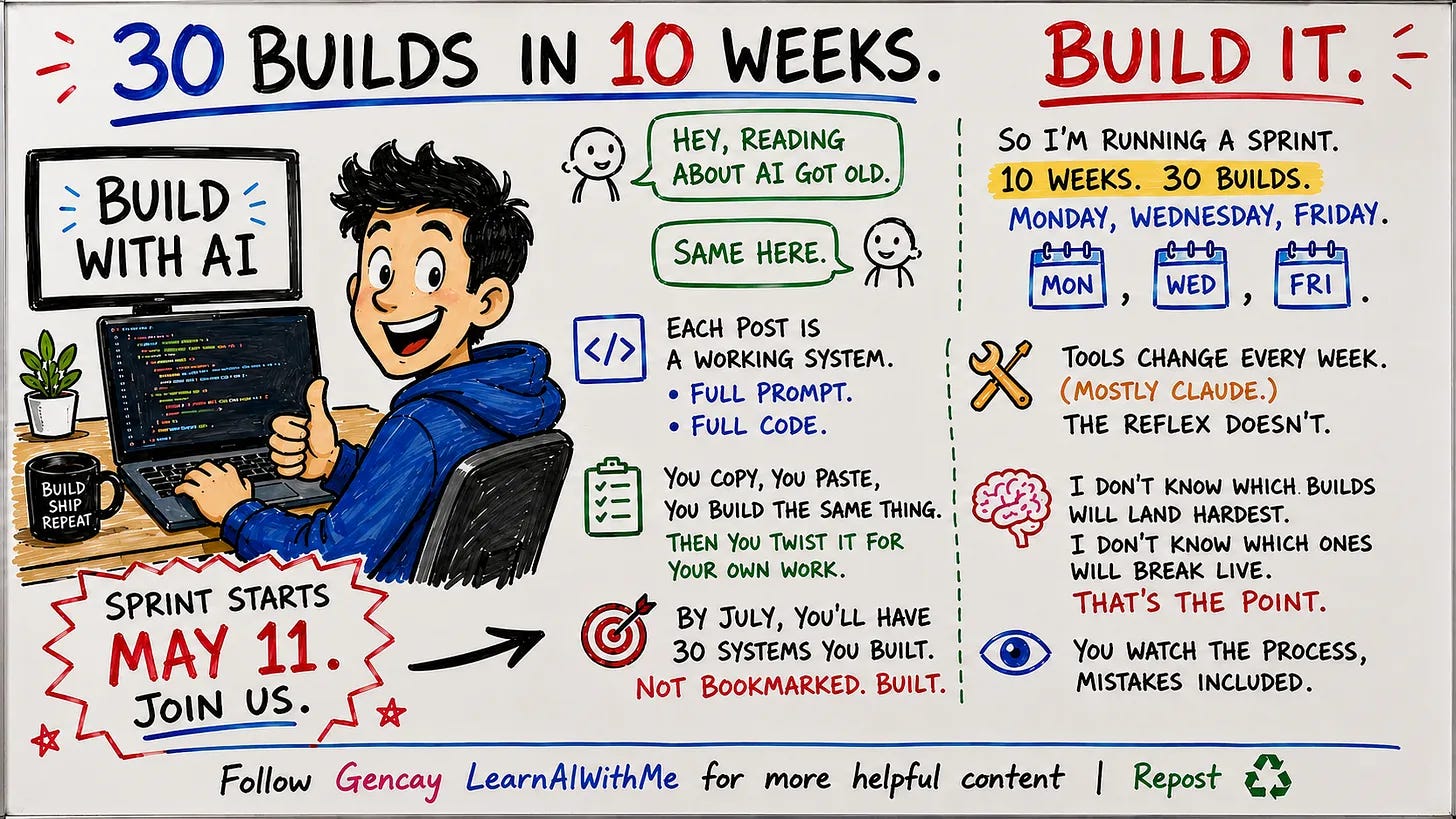
One every Monday, Wednesday, Friday.
You can see them here.
So I know this thing a bit more than most people.
Now I want to hand you a few tips.
Take one of them, and the people around you start calling you the AI person. (They first called me this when I was working as a data scientist four years ago.)
Apply all of them, and you can change your job. (I did.)
Or skip the job and build your own. (Hopefully.)
Let’s start.
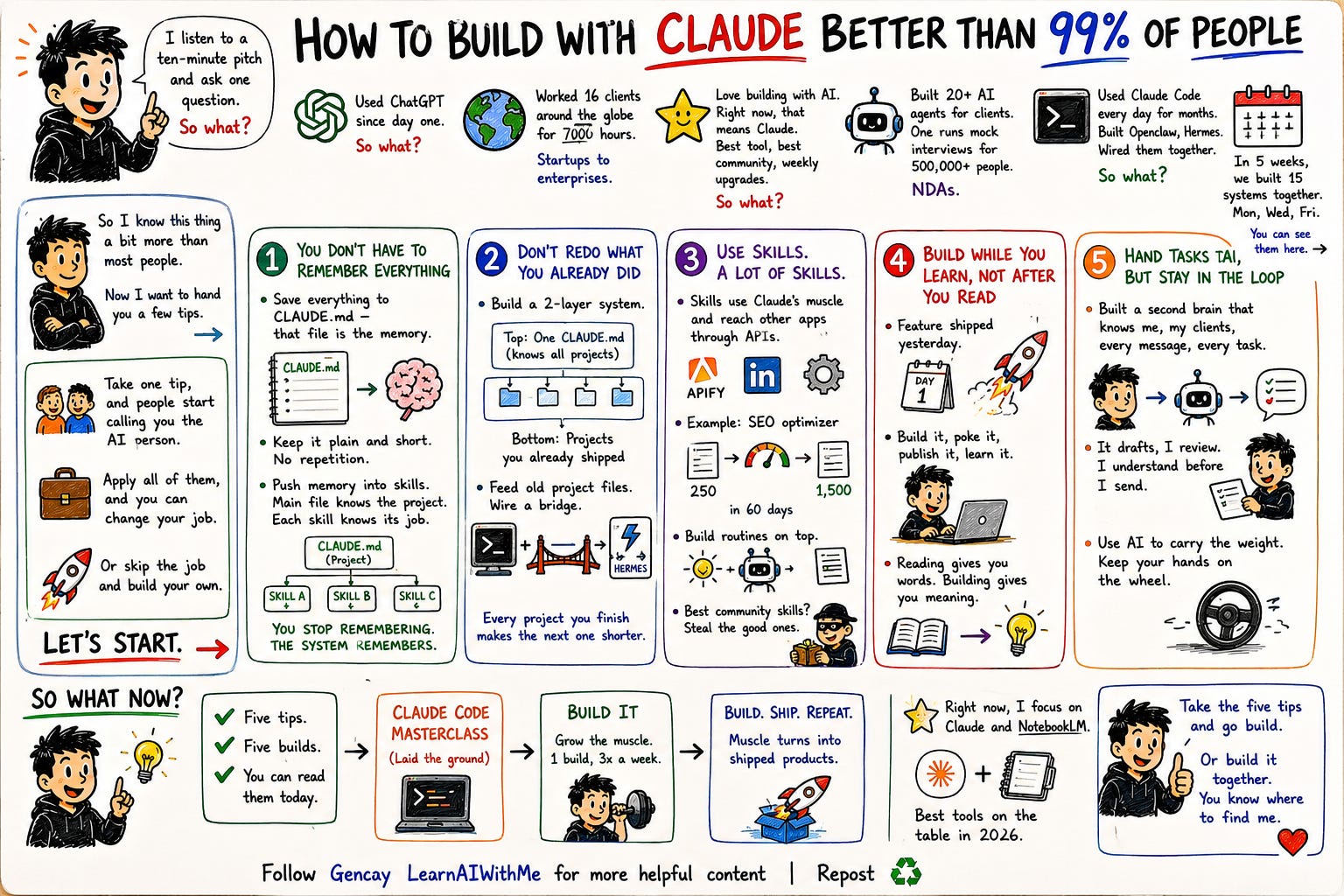
1. You don’t have to remember everything (Claude Does It)
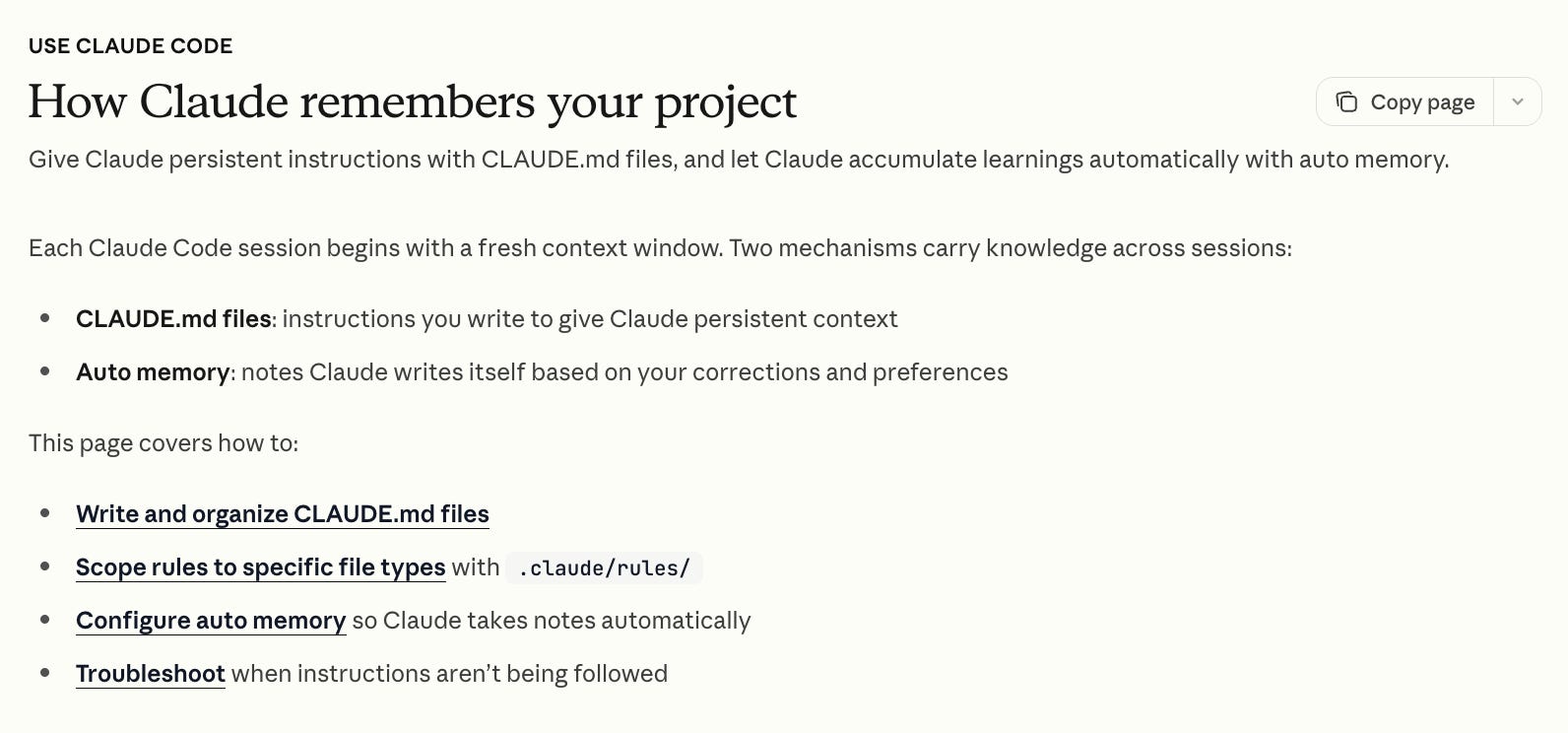
When you build with Claude, you do not need to hold it all in your head.
Save everything to CLAUDE.md while you brainstorm.
That file is the memory.
We built an entire SaaS off one CLAUDE.md.
One rule matters most.
Keep the CLAUDE.md plain and short.
Do not repeat yourself. Repetition burns your tokens faster and buys you nothing.
If the project gets big, push memory into skills. Each skill carries its own context. Now you have layers. The main file knows the project. Each skill knows its own job.
You stop remembering. The system remembers for you.
How?
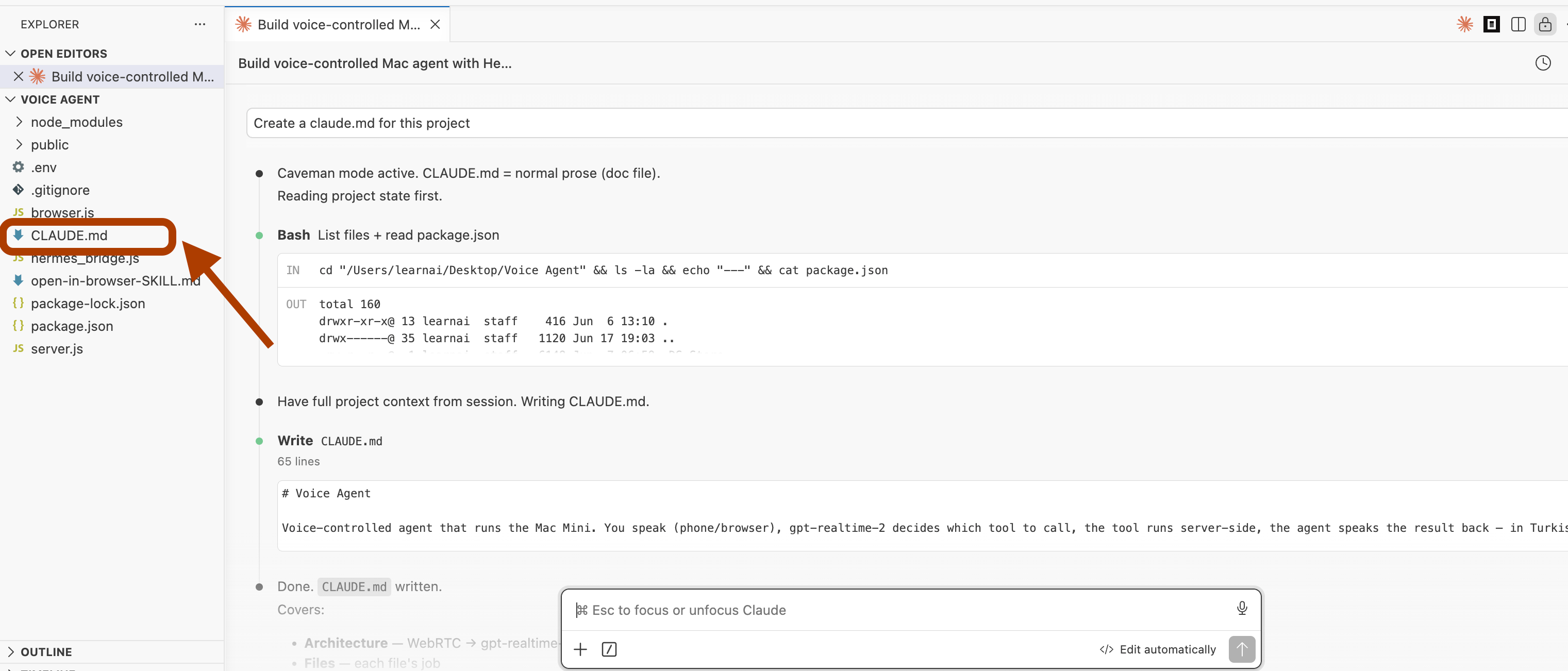
Paste this in your Claude Code project.
/initThis will trigger your project to create an MD file.
You also use this simple prompt.
Create a claude.md for this projectAfter a few minutes, you’ll see a tiny file appear. That file contains the brain of your project.
2. Don't Redo What You Built with Claude Before

Say you build a job hunter that runs on voice, like I did here.
Next time you need voice control, you do not start over. You point the new project at the old one.
Hi Claude,

I want to add voice control to this project.
Please refer to this project: /Users/learnai/Desktop/Voice Agent

Go there, check the Claude.md file, analyze the code, and
implement the same voice control setup in this project.
Better, build a two-layer system.
The top layer is one CLAUDE.md that knows all your projects.
The bottom layer stores the projects you already shipped.
How?
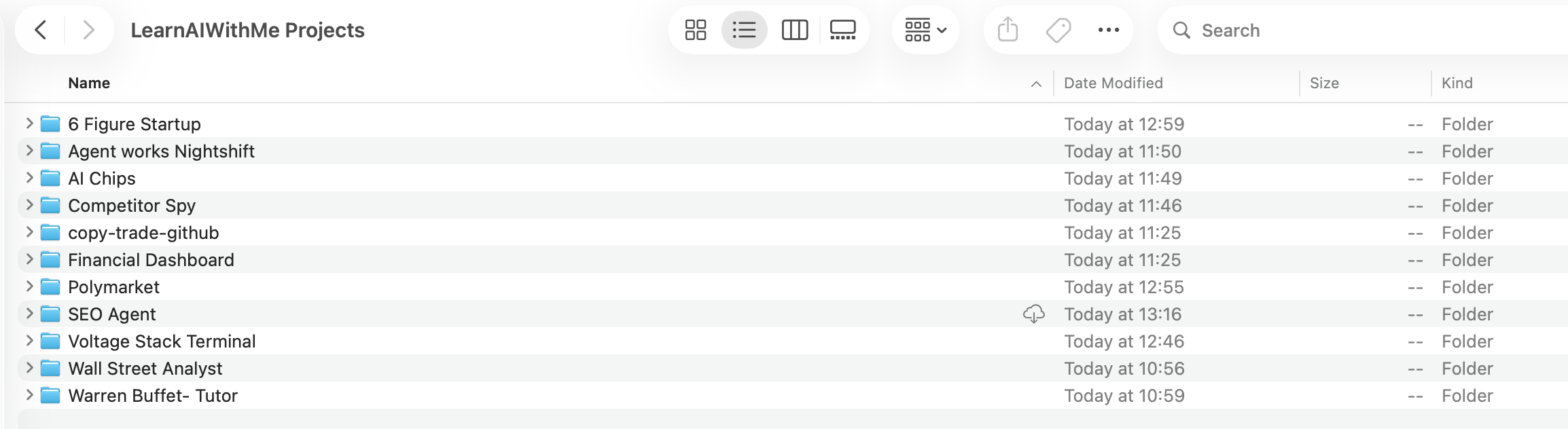
Keep every project folder under one parent folder. Mine is LearnAIWithMe Projects.
I share a Google Drive folder for each project in the build it series.
So if you have been following along, you probably have all the folders below already. One or two of them will go live in the next few days.
Open this project in Claude Code, like this.
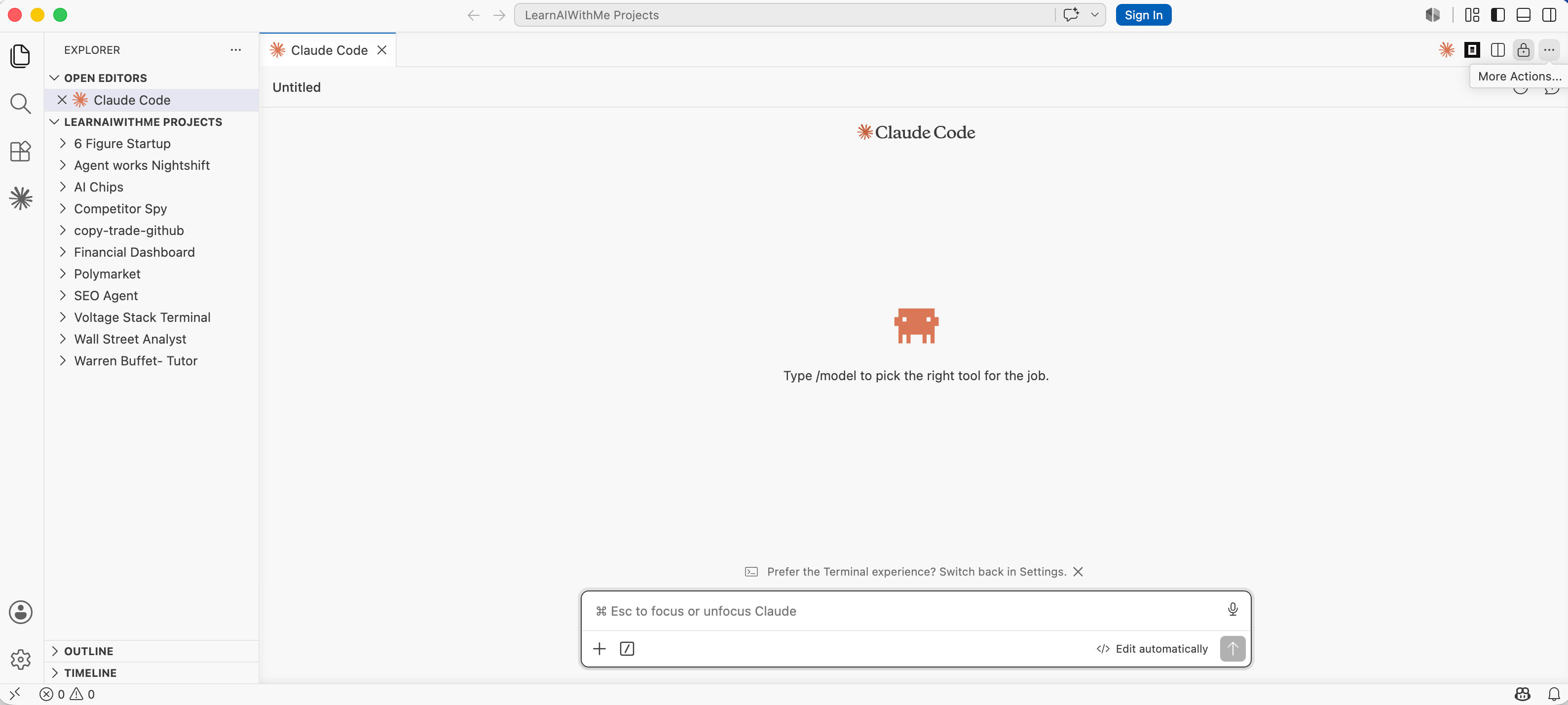
And paste this prompt.
Go through each project in this directory and check their .md files.
Then create one Claude.md file in this directory.
This Claude.md should be Layer 1: one short sentence for each project, explaining what
that project does.
Later, when I want to recreate something new from these projects,
you can go deeper into the related project files as Layer 2.
So for now, only create the high-level project map.
Done.
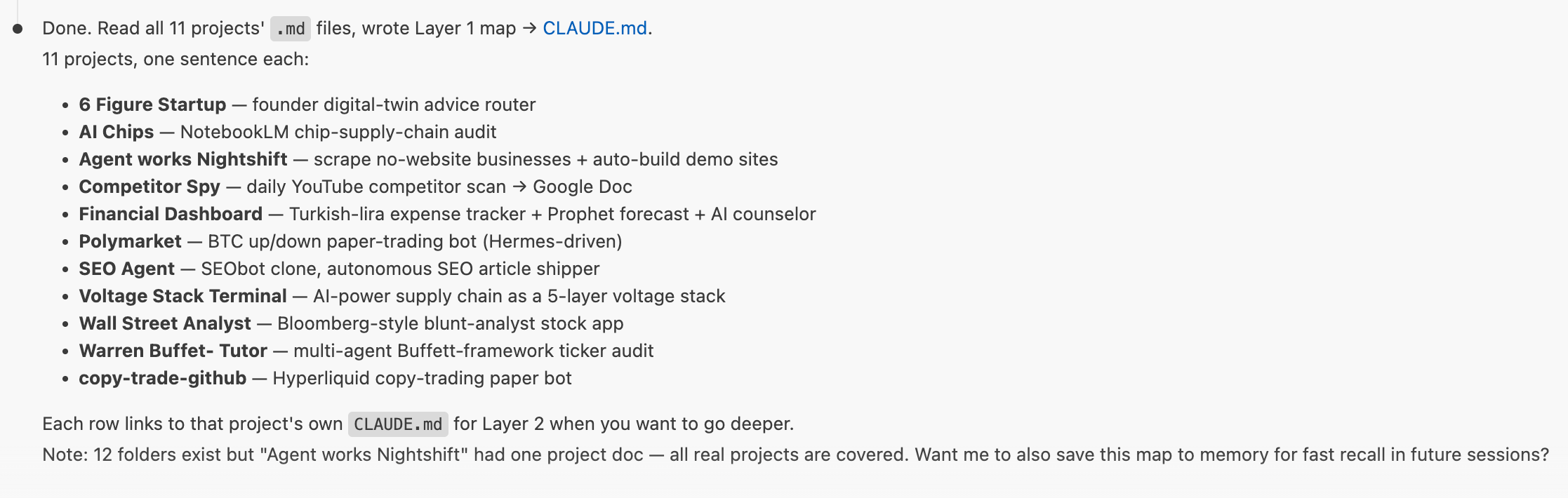
Here is how it paid off.
I built a trading bot with Claude Code.
Later, I wanted it to run on Hermes, faster and always on. I did not rebuild it.
I fed Claude my old project files and wired a bridge between Claude Code and Hermes.
The new build inherited everything the old one knew.
Every project you finish makes the next one shorter.
3. Use Claude Skills. A Lot of Them.
A skill is packed with knowledge.
It uses Claude’s muscle and reaches other apps through their APIs.
I built one with Apify that pulls any LinkedIn profile while I write a LinkedIn post, so I have someone real to model the tone on.
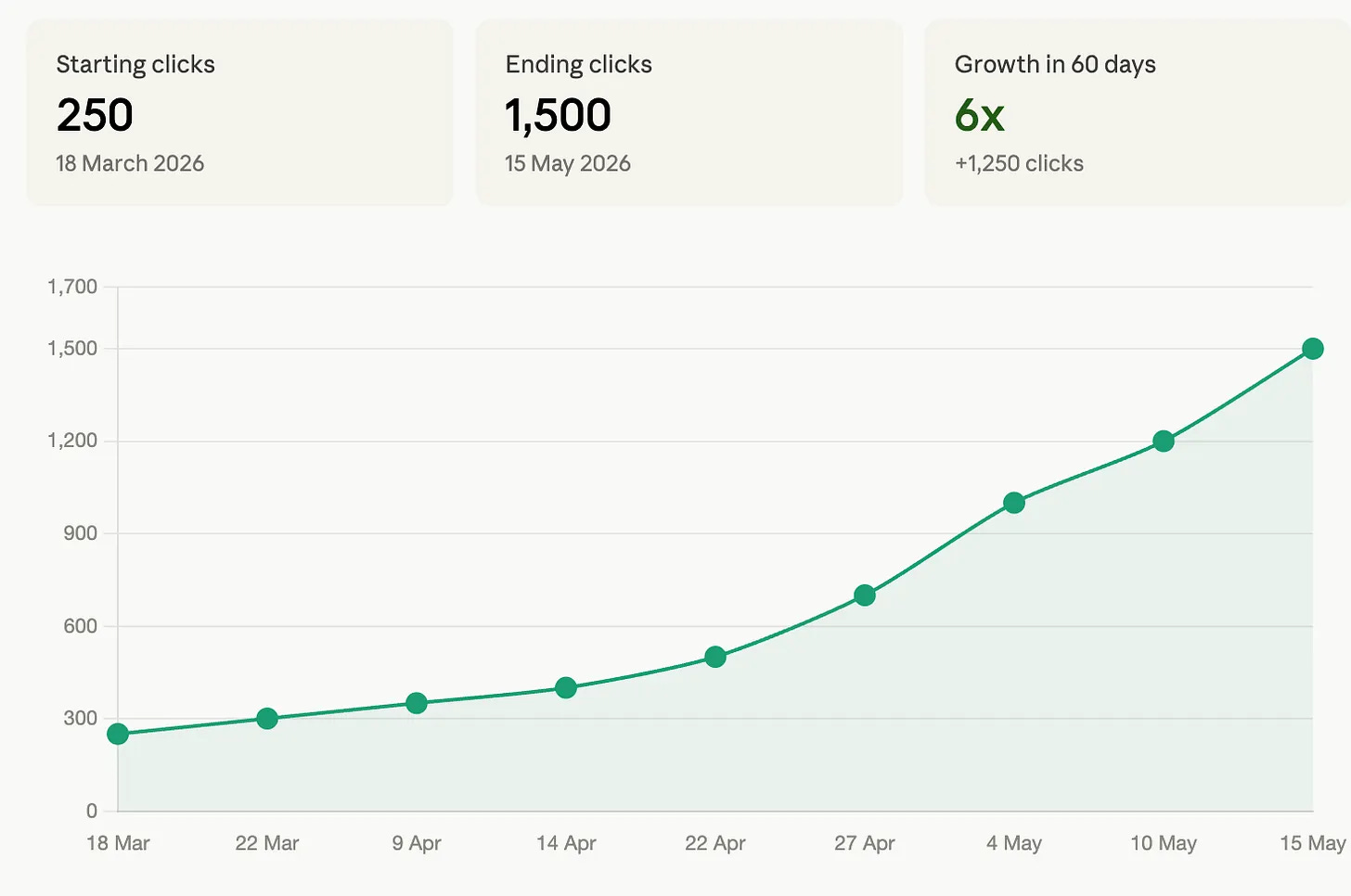
The one I run almost every day is my SEO optimizer. It scores a draft, rewrites it, scores it again. 250 clicks to 1,500 in 60 days. One skill.
Pick the skill to fit the task.
For collecting data, Apify does the heavy lifting.
For everything else, find the API key, hand it to Claude, describe the job, step back.
Then build a routine on top.
I run one that chases AI news for me every morning.
I run another that spies on five competitors and files the report before I wake up.
You do not have to write every skill yourself.
The best community skills are already out there.
Steal the good ones.
How to create a skill?
You can just tell Claude to build a skill or you can use this command too.
/skill-creator Yes, that simple.
4. Build with Claude While You Learn, Not After
Most people write like they spent a thousand hours on the thing.
I catch myself reading them, thinking this person is a master.
Then I check the date.
The feature shipped yesterday.
I do the same thing. When I built managed agents, the feature was one day old.
I spent the whole morning poking at it.
By the time I published, I actually knew it.
Reading gives you the words. Building gives you the meaning.
So do not just read about a new feature. Build something with it.
That is the only way the knowledge sticks.
5. Hand Tasks to Claude, But Stay in the Loop
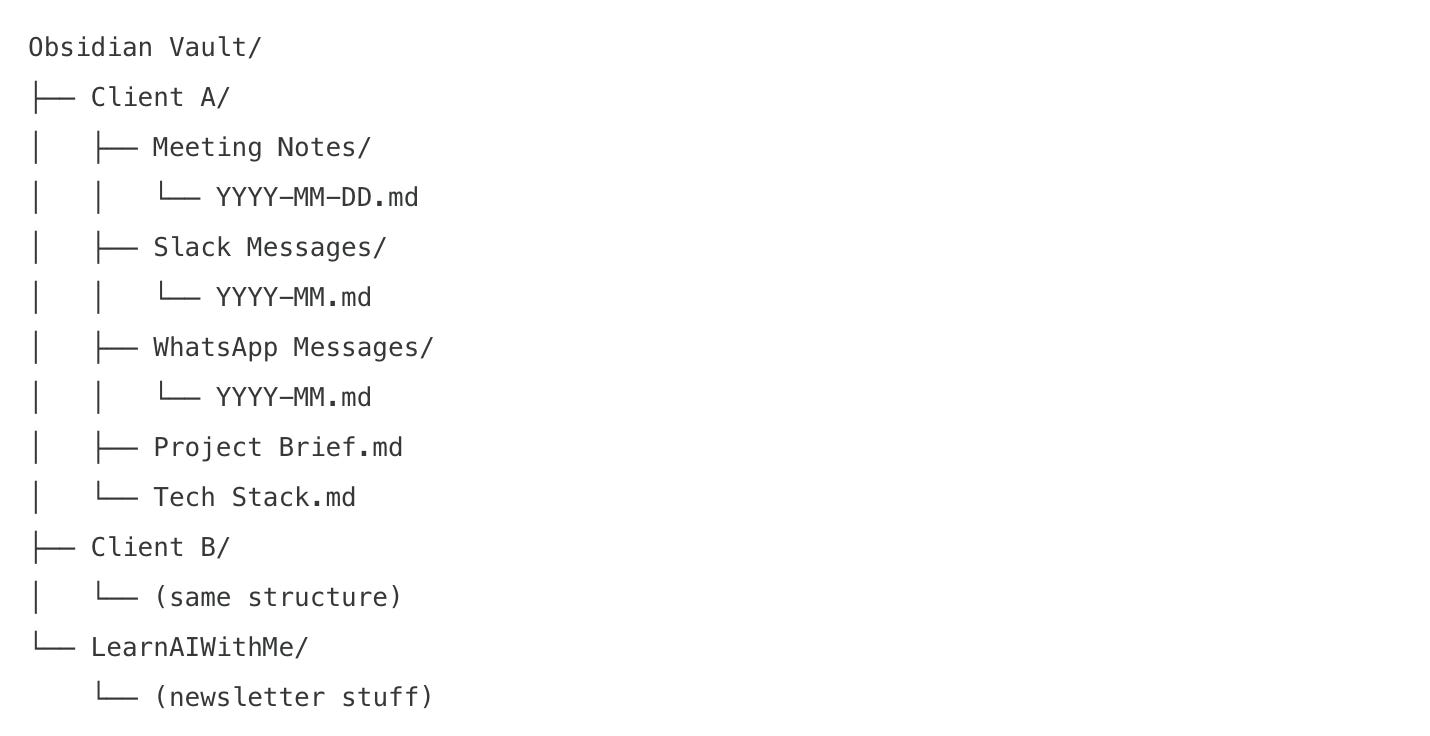
I have worked 7000+ hours on Upwork. There was a stretch where I worked 70 hours a week.
I know burnout.
I know what it feels like to stare at a client message at 3:30 in the afternoon and not understand my own native logic anymore.
You wake at 5:30. By mid-afternoon, the brain is gone.
A client is frustrated about a thing you already explained twice.
That is the wall.
So I built a second brain.
It knows me, my clients, every message we trade, every open task.
It still does not send anything for me.
I read what it drafts. I try to understand the problem myself before the message goes out.
Full automation was never the goal.
I have turned down high-paying jobs because I did not believe in the work.
A bot that replies for me would be the same mistake, faster.
Use AI to carry the weight. Keep your hands on the wheel.
So what now?
That is the system. Five tips, every one of them a build you can read today.
Here is how it fits together on my side.
Build It is where you grow the muscle. One build, three times a week.
Build. Ship. Repeat. is where the muscle turns into shipped products.
Before both, the Claude Code MasterClass laid the ground.
Right now, I focus on Claude and NotebookLM. Not because they are trendy. Because they are the best tools on the table in 2026.
If you read this and think you can take it from here, good. That was the point. Take the five tips and go build.
If you would rather build it together, you know where to find me.
Very nice , where should a beginner start ?