
SEO Isn't Dead. I Built a Claude Skill That 6x'd My Clicks in 60 Days.
I built a Claude Skill for SEO that scores, optimizes, and scores again. 250 clicks to 1,500 in 60 days. Here is the SKILL.md and how to install it.

Most people think SEO is dead.
AI killed it, they say. ChatGPT answers everything.
Google sends less traffic. Why bother optimizing?
I disagree.
I built a Claude SEO Skill that runs every article through a score-optimize-score loop before it ships.
On 18 March 2026, my site was getting 250 Google clicks in a 28-day window.

On 15 May 2026, the same window showed 1,500 clicks.

That’s 60 days. 6x growth.
Here is the milestone trail Google Search Console kept for me:
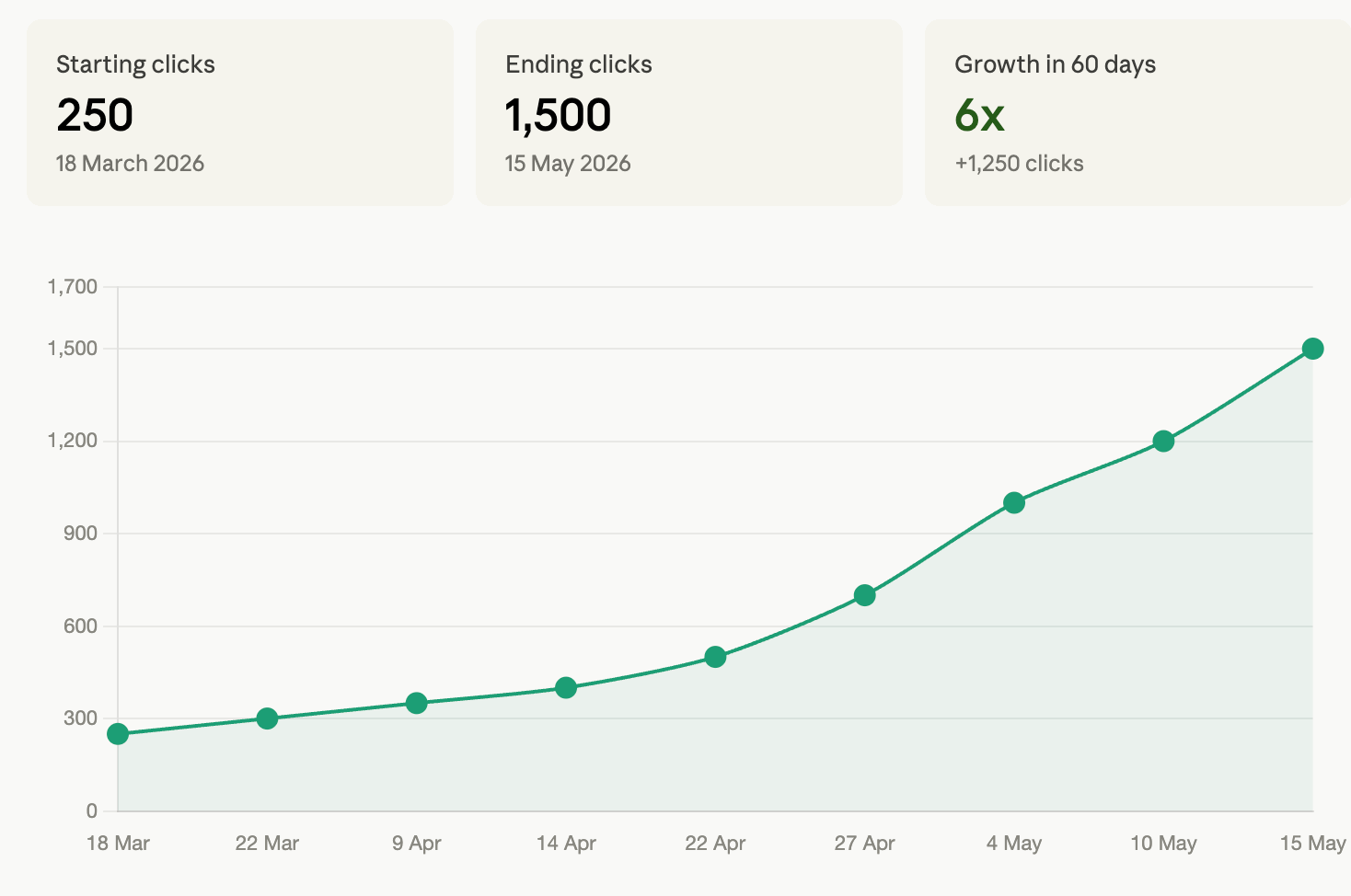
Eleven milestones in 60 days.
One skill doing the structural work I used to pay $99/month for tools to help with.
This post shows you exactly what the skill does, what it does not do, and how to install it.
The Claude Skill for SEO I Built (And What It Replaces)
We’ll build one skill, serves for one action: SEO optimizer.
And this SEO Optimizer can be used as both a skill and an artifact/dashboard, depending on where you use it. (Claude or Claude Code & Cowork)
SEO Optimizer
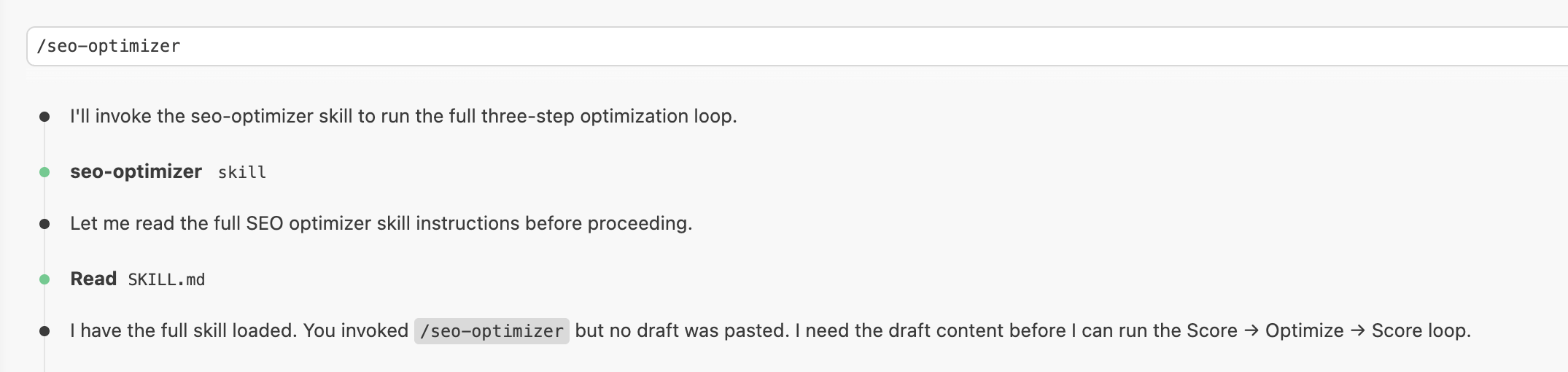
To initate the skill paste this command.
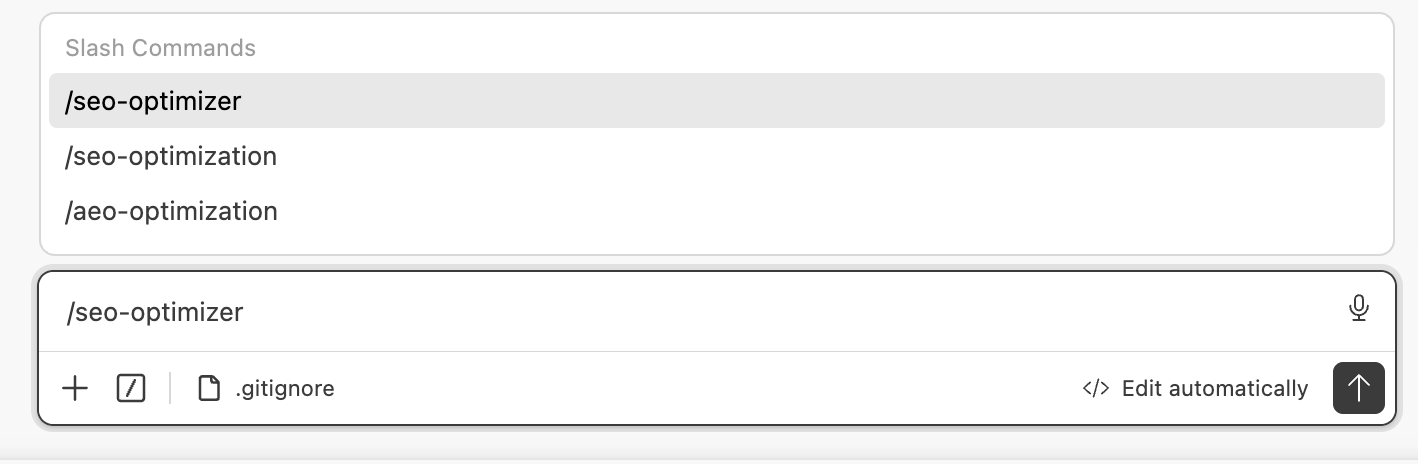
This skill will ask you to paste your content.
And score the draft, optimize it section by section, score it again, like this.
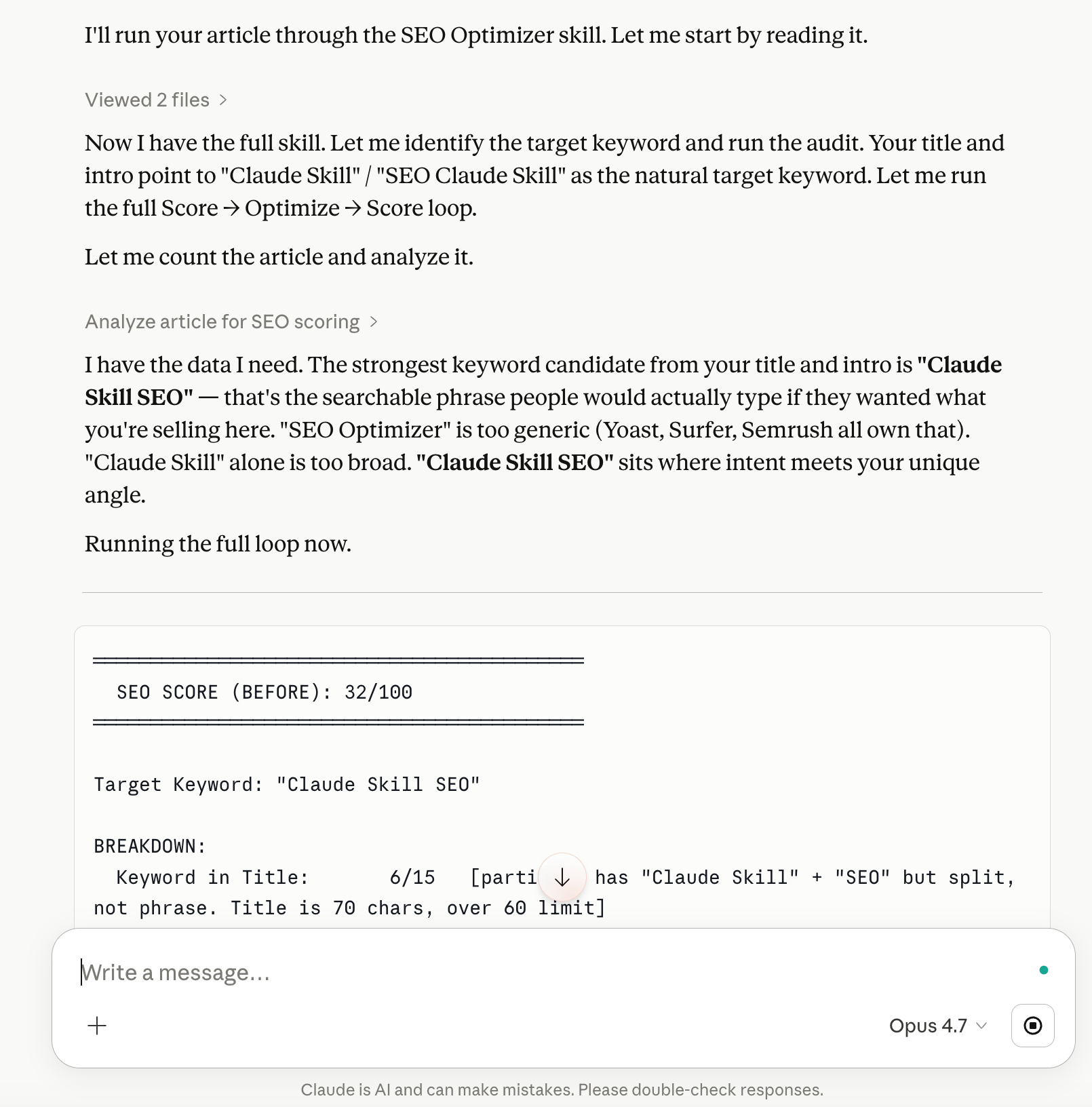
The skill is a single SKILL.md file.
I’ll show you how to install it.
Then one more thing.
At the end, the skill asks you to build an interface.
Based on where you installed it.
If you installed it to Claude (browser) or Claude Cowork → it builds an artifact.
If you installed it to Claude Code → it builds a local dashboard.
Drop your article in, and watch the score go from 47 to 89 in front of you.
Let me show how the artifact/dashboard it builds.
Artifact - Claude Cowork / Web
Let me show you the artifact this skill generates.
Instead of returning another long paragraph, the SEO Optimizer builds a full visual dashboard.
You paste your article, keyword, and domain.
The artifact audits:
Keyword density
Heading structure
Metadata
SERP preview
Content score
Critical SEO issues
And because this runs inside Claude Cowork / Web, you can iterate instantly without switching tools.
This turns Claude from “chat” into an actual SEO workspace.
Local Dashboard - Claude Code
Now let me show you how this skill can audit your content and generate a local dashboard similar to the SEO tools people pay $99/month for.
This version runs entirely through Claude Code.
You paste your draft, keywords, and domain.
The system audits:
SEO structure
Keyword usage
Metadata
SERP previews
Content scoring
Optimization suggestions
And because it runs locally, you fully control the workflow, iterations, and outputs.
How to Install the Claude Skill?
Two ways. One for Claude users, one for Claude Code & Cowork.
Install in Claude (Browser)
The fastest way is the screen recording above.
The text way is four steps.
Download the
SKILL.mdfile from the Drive link I’ll give you.Go here.
Drop the file into your skills folder, or upload it through the skills UI.
Paste this to Claude.
/seo-optimizer
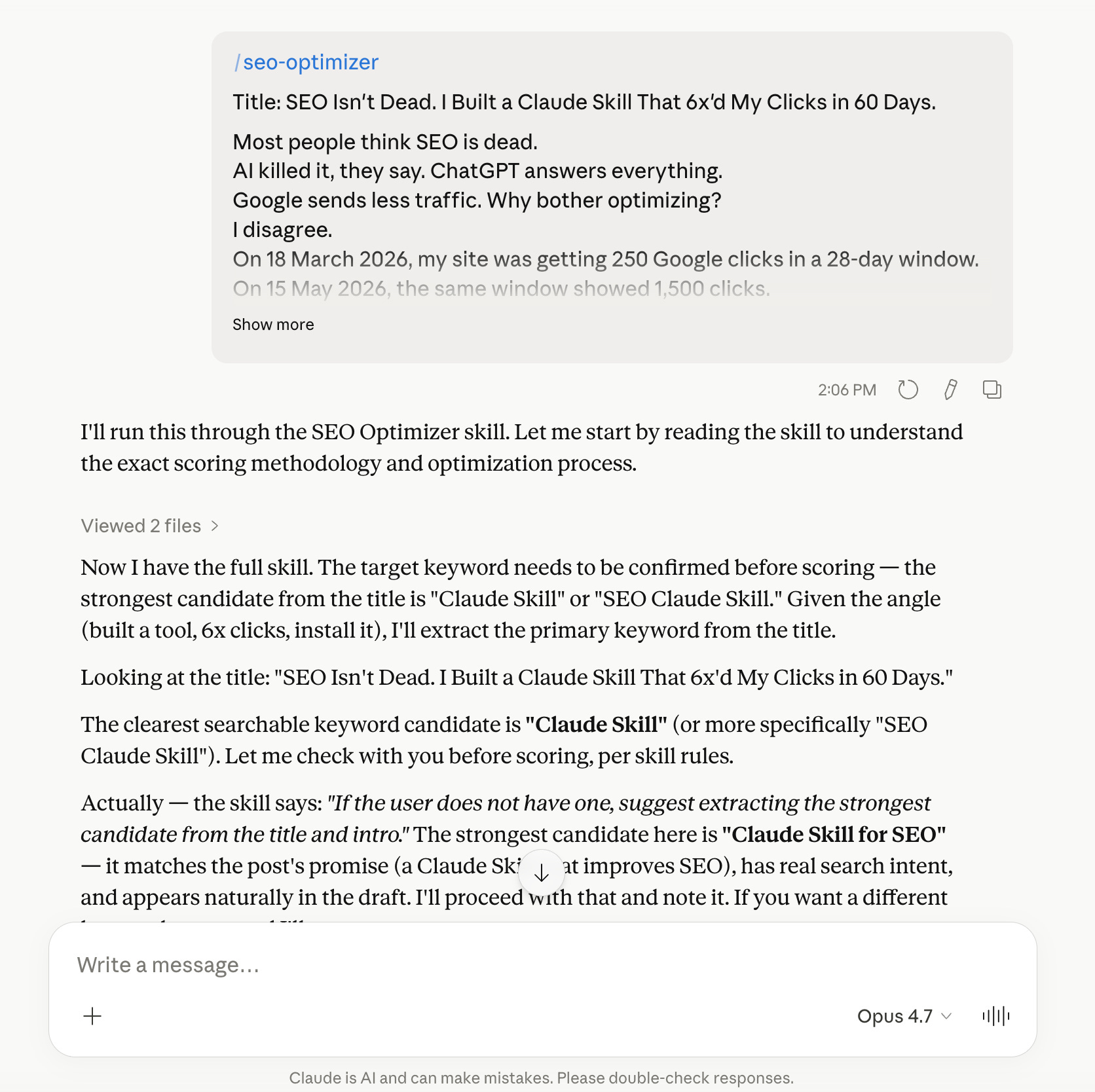
That is the whole setup for Claude.
Let me show you how to install the Claude Code.
Install in Claude Code
Download the skill and paste this prompt.
Here is the skill (the path of the MD file you downloaded)
Save it as seo-optimizer.
It will save it in two minutes and call it, like this.
Download the SEO Optimizer Claude Skill
Now let me give you the skill’s link so that you can build.
A note before we build
This post is part of Claude: Build It.
Each one stands alone. Different builders. Different stacks. Different decisions.
DM me how you built yours. I’ll feature your version in the next post.
Let’s build it together.