
I Built 5 Apify Agents with Claude Cowork. One Finds Cheap Flights. One Stalks Social Media.
Connect Apify to Claude Cowork and build 5 zero-code scrapers: LinkedIn, flights, Airbnb, leads, career intel. Full skills included.


Apify has 23,000+ scrapers sitting in a store. Flights, LinkedIn, Airbnb, job boards, social media. You name it, someone built a scraper for it.
Claude Cowork connects to all of them through its Connectors panel. Web scraping with zero code.
One connector. One prompt. The data comes to you.
I built 5 agents this week. One plans my entire trip. One finds anyone’s social media accounts from a username. One scrapes LinkedIn profiles and writes in their style. One scans Glassdoor, Indeed, and Upwork for career intel. One finds 500 leads and saves them to Notion.
Each one took under 5 minutes to set up.
I’ll show you how I connected Apify to Claude Cowork, and the 5 agents I built with it.
But first, let me introduce you to Apify.
What is Apify?
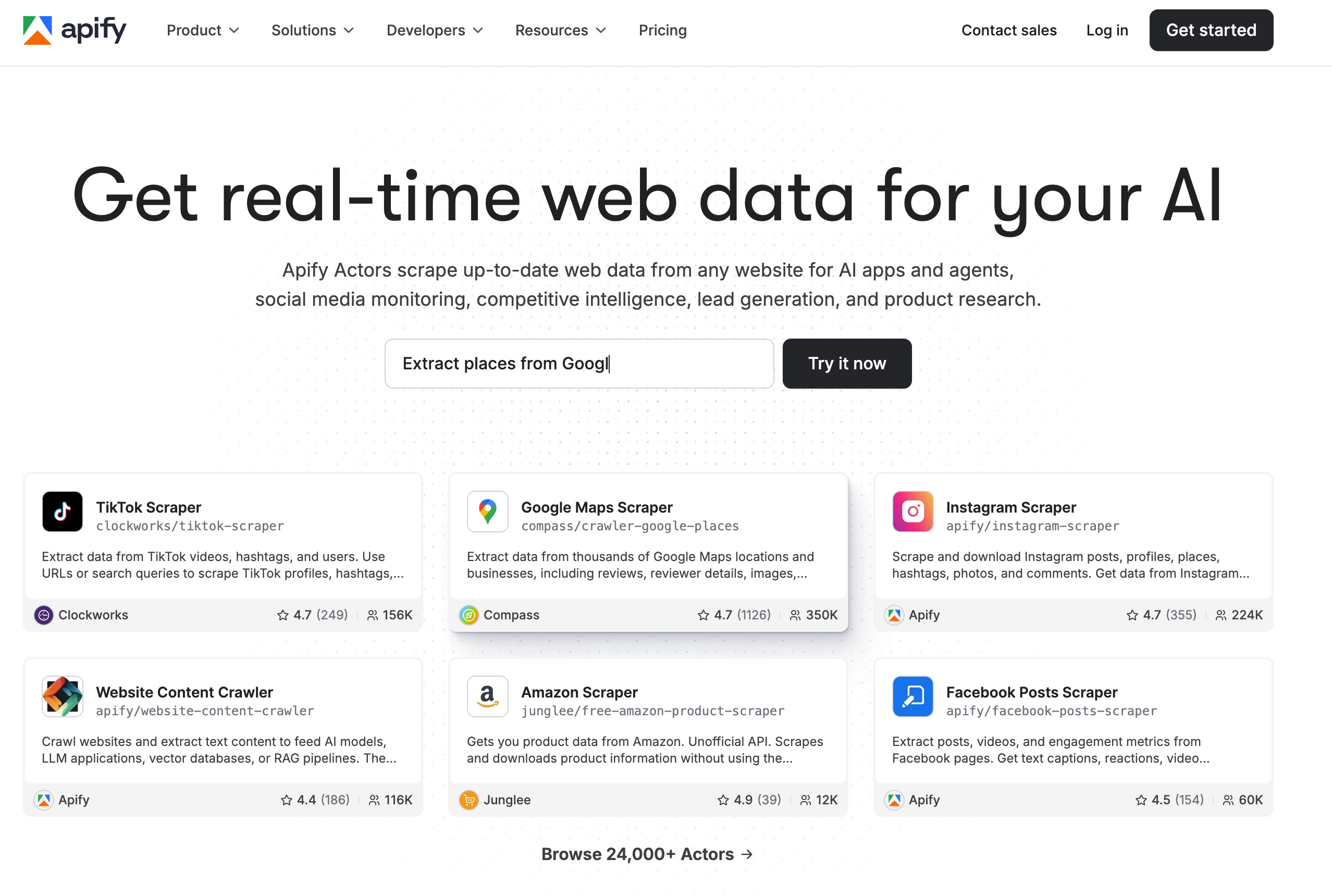
Apify is a web scraping platform with 24,000+ ready-made scrapers.
They call them actors. LinkedIn actor, Airbnb actor, Google Flights actor, and Indeed actor.
Each one scrapes a specific platform and returns structured data. You pick an actor, give it inputs, and get results. No code.
How to Get Your Apify API Token (Free)
Before connecting, you need a free Apify account and an API token.
Go to apify.com and sign up.
The free plan gives you $5 in monthly credits, which is enough for everything we are building today, and you don’t need to add your card or anything; they just give free credit.
After signing up, go to console.apify.com/settings/integrations.
You will see the API & Integrations page.
Your Personal API token is already created. Click the copy button next to it.
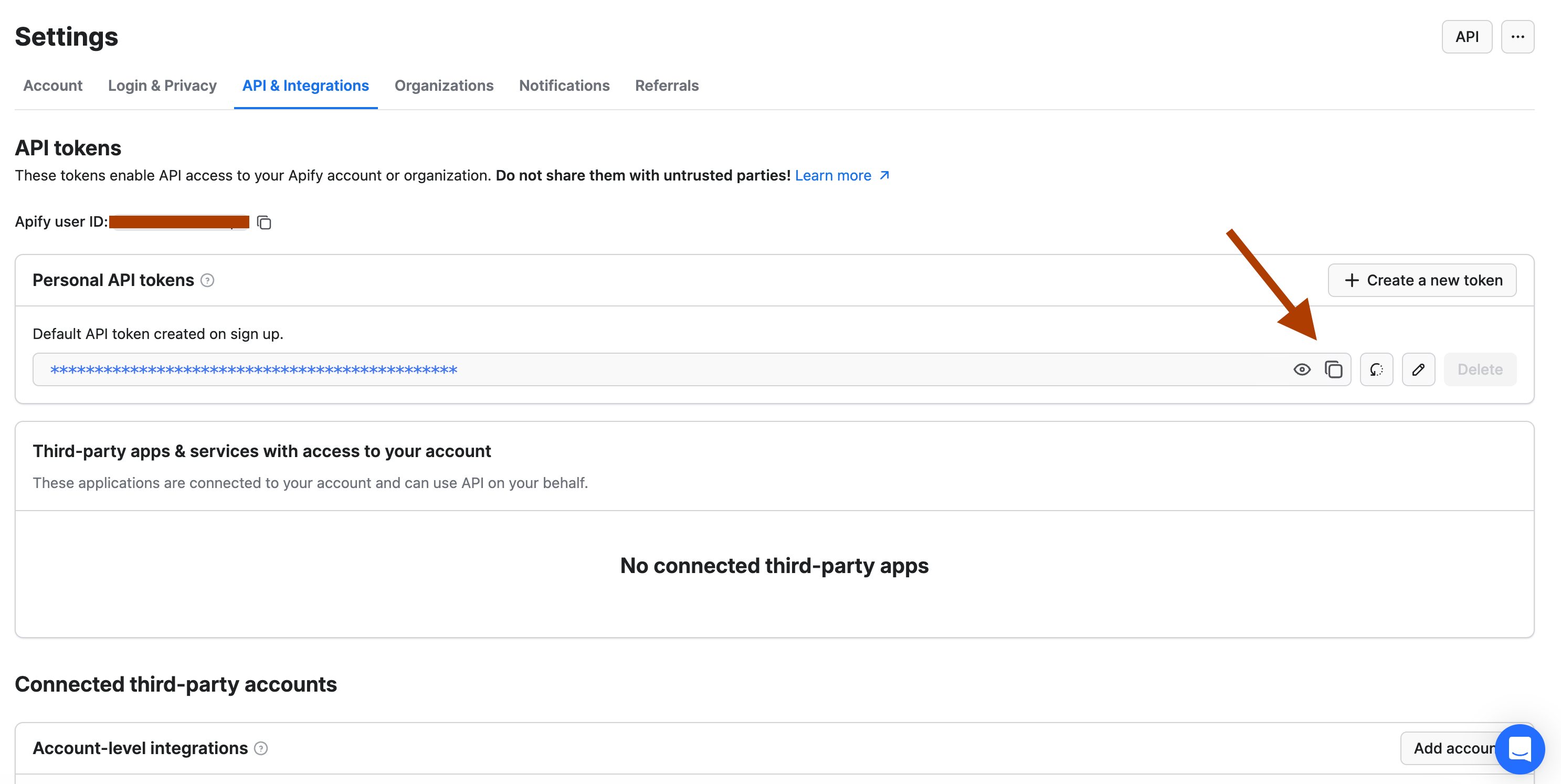
That is your key to all scrapers. Keep it safe, do not share it with anyone.
Now let me show you how to connect it with Claude Cowork.
Connect Apify to Claude Cowork (Step-by-Step)
Open your Claude desktop app. You will connect Apify through the Connectors panel in Settings. Once connected, every agent we build from here will use this connection.
I also recorded a short video showing the exact steps.(above)
Here are the steps you must follow;
Step 1: Open your Claude desktop app and go to Settings.
Step 2: Click on Connectors in the left sidebar.
Step 3: Find the Apify MCP Server and click on it.
Step 4: Toggle it to "Enabled" and paste your Apify API token.
Step 5: Click Save.
Let me show you what we are building with them.
5 Apify Agents We’ll Build in Claude Cowork

Apify is like a candy shop for builders.
There are 24K+ scrapers on the platform. Yes, there are many options. For example, for LinkedIn alone, you can find dozens of scrapers.
This gives you flexibility. If one actor doesn’t work, you can switch to another.
In this one, we’ll build 5 different agents.
LinkedIn Style Cloner → Scrape any LinkedIn profile and write content in their voice.
Lead Finder → Find 500 people in any industry and save them to Notion.
Social Media Stalker → Type a username, find every account they have.
Trip Planner → Cheapest flights + best Airbnb listings in one prompt.
Career Spy → Scan Glassdoor, Indeed, and Upwork for salary data, job listings, and freelance rates.
And turn each of them into a Claude Cowork skill, save them.
I’ll give you each of these skills and explain to you step by step how to build them.
Let’s start with the LinkedIn Style cloner, which can help you clone the voice of your favorites.