
How I Automated AI News: NotebookLM & Claude Schedule (Zero Manual Checking)
Set it up once. Get personalized AI news delivered to Slack every morning.


Most people spend hours tracking AI news.
What if I tell you, you can do this without spending any minute?
And no, you won’t sacrifice the quality.
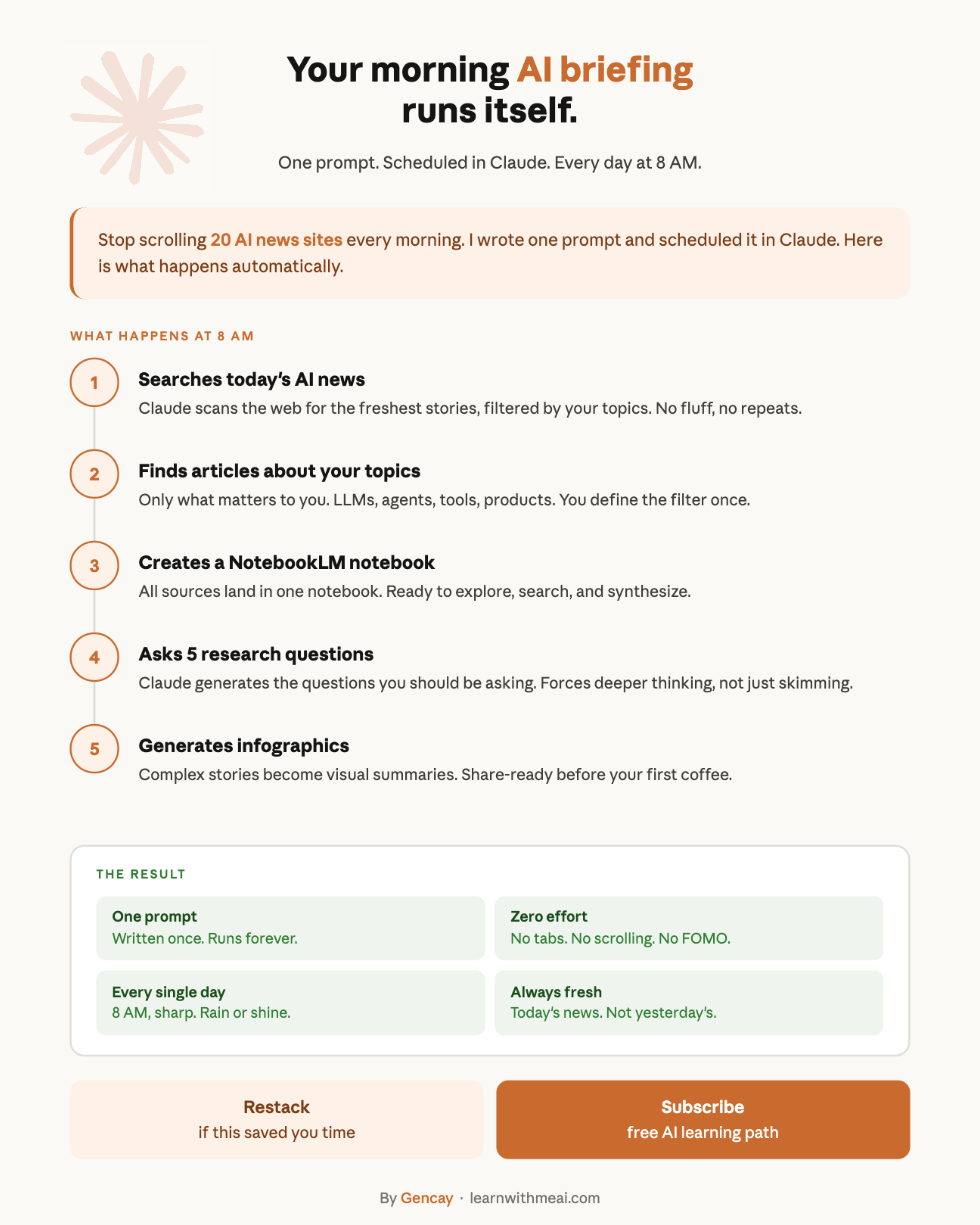
What You’ll Build?
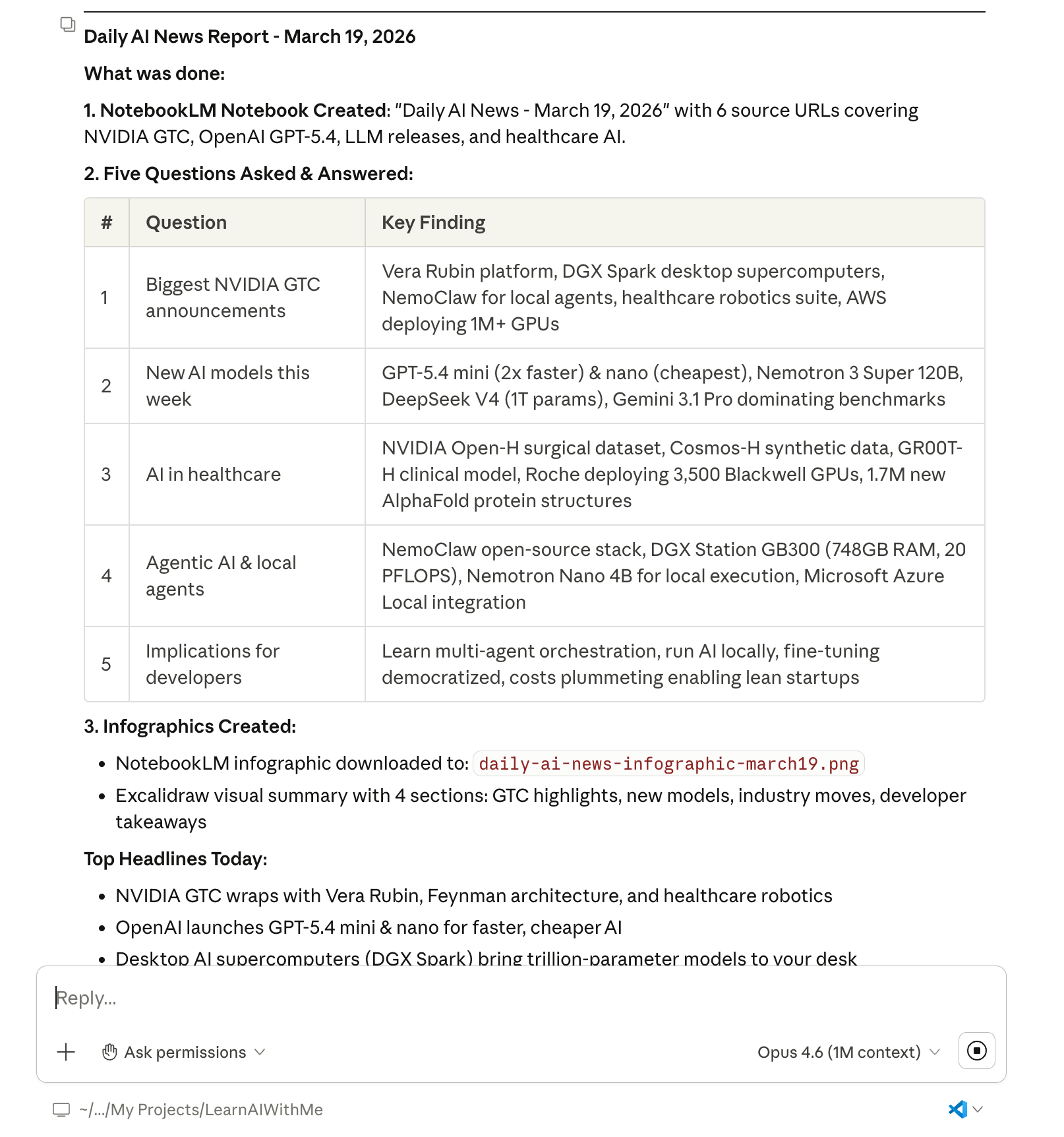
Each day, you’ll get an AI news report like this.
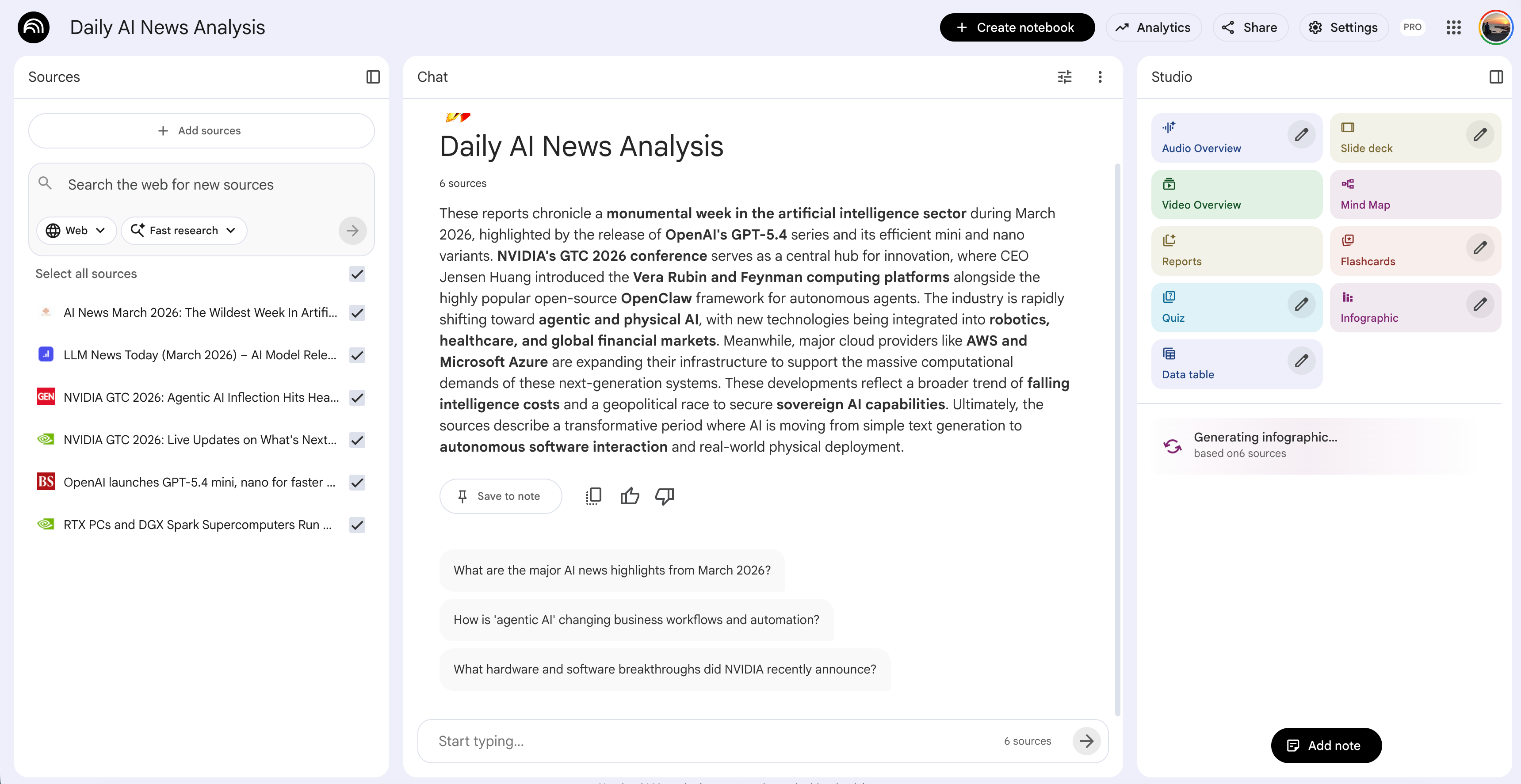
But not just that, you’ll also see the NotebookLM, trained on today’s news.
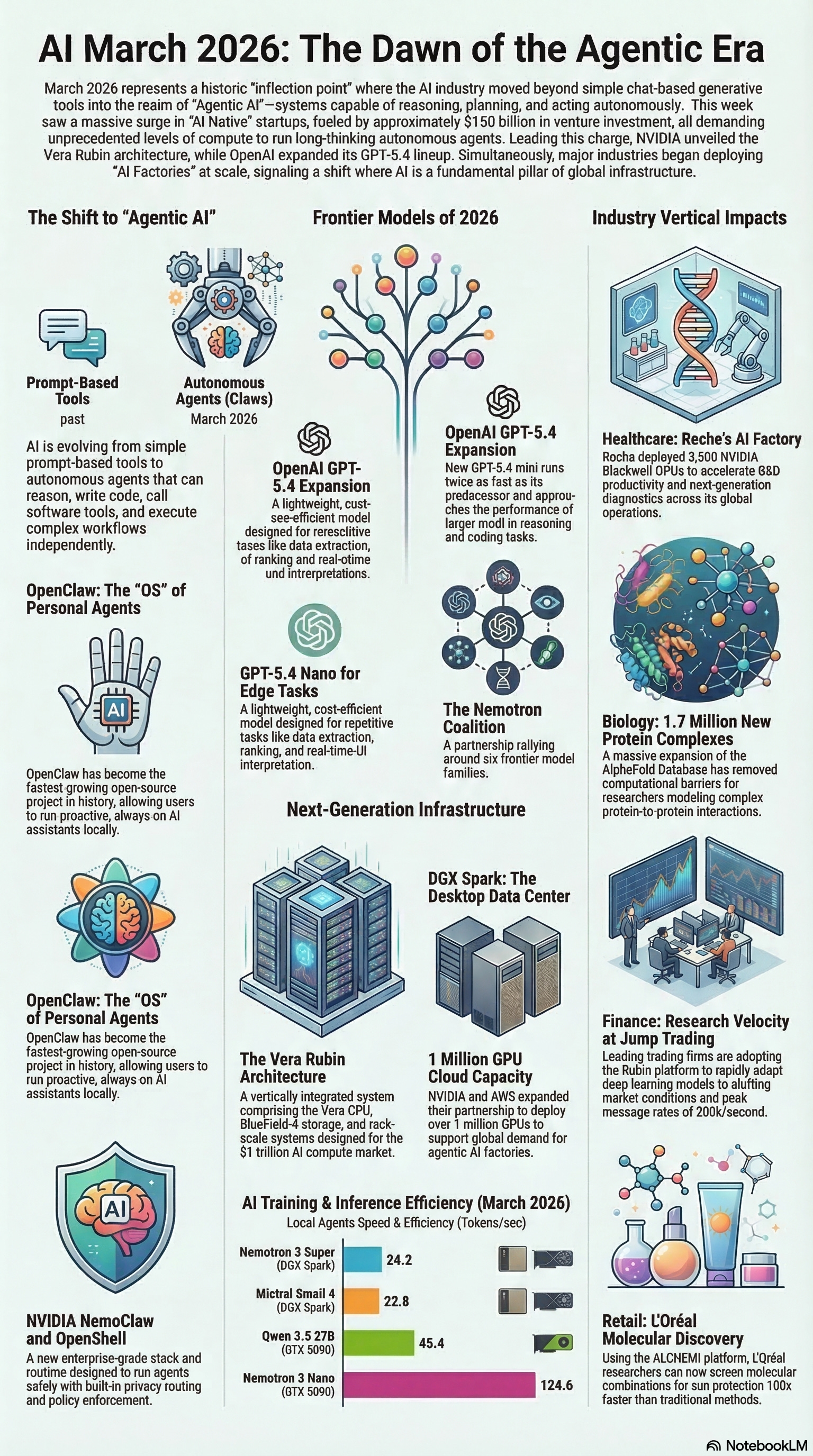
And also an infographic, generated with NotebookLM.
To be able to get this news, there is one condition:
Your computer should be open.
Because Claude’s schedule feature is working like that.
Advance Setup
In the advanced setup, you’ll scrape from X and Reddit, using Apify API($5 free quota each month)
Tools You Need
You’ll need:
Claude Code: To automate scheduling
NotebookLM: To create a notebook of your research
Optional: Apify
That’s it.
Step-by-Step Setup
What you’re about to build takes 10 minutes and runs forever, no more “did I miss something?” anxiety.