
I Made NotebookLM Teach Me Rocket Science
I trained NotebookLM on rocket science and learned it from scratch with seven prompts. Steal the exact method to learn any hard subject, no background needed.

A colleague was walking me through a system he built.
He stopped to reassure me.
“Don’t worry, this isn’t rocket science.”
I stopped listening after that and started imagining.
What if I tried to learn the rocket science, the hard one, with the AI tools, like NotebookLM?
It is one of my favorite AI tools.
It is multimodal, and it stays honest.
You feed it sources, and it lives inside them.
From those same sources, it builds;
podcasts, slides, videos, infographics, flashcards, quizzes..
The day Google ships holograms, I believe NotebookLM will generate those too.
I would put money on it.
Then I needed a rocket.
The most talked-about one.
Most of my readers sit in the United States, so I picked an American machine.
SpaceX Starship.
The biggest rocket ever built and the one that keeps catching itself on live television.
In a couple of years, my daughter will ask me how rockets work.
I would rather not answer her with “it isn’t rocket science.”
So I trained a NotebookLM on Starship.
Then I asked the questions a child asks first.
The ones with no easy answer.
How does it fly?
How do people survive inside it?
How fast does it go?
What is it made of, so it does not burn up coming back?
How do they catch it when it lands?
How big is it?
How did anyone build something this size?
Seven questions, seven answers, each one through a different NotebookLM Studio feature.
But first, let’s train a NotebookLM that has all the sources, grounded sources we need.
How to Train NotebookLM?
Visit here → Click on “Try NotebookLM” → Click on “Create new” → Add any source
That’s it!
I used the following prompt to train NotebookLM about SpaceX.
How SpaceX Starship works: Raptor engines and methalox propulsion, orbital velocity,
the stainless steel airframe and ceramic heat-shield tiles, belly-flop reentry and tower
catch landing, crew survival systems, dimensions and thrust, and the full test-flight
history from 2023 to 2026 including which flights failed and why.
site:spacex.com OR site:nasa.gov OR site:faa.gov
Here it is ready.
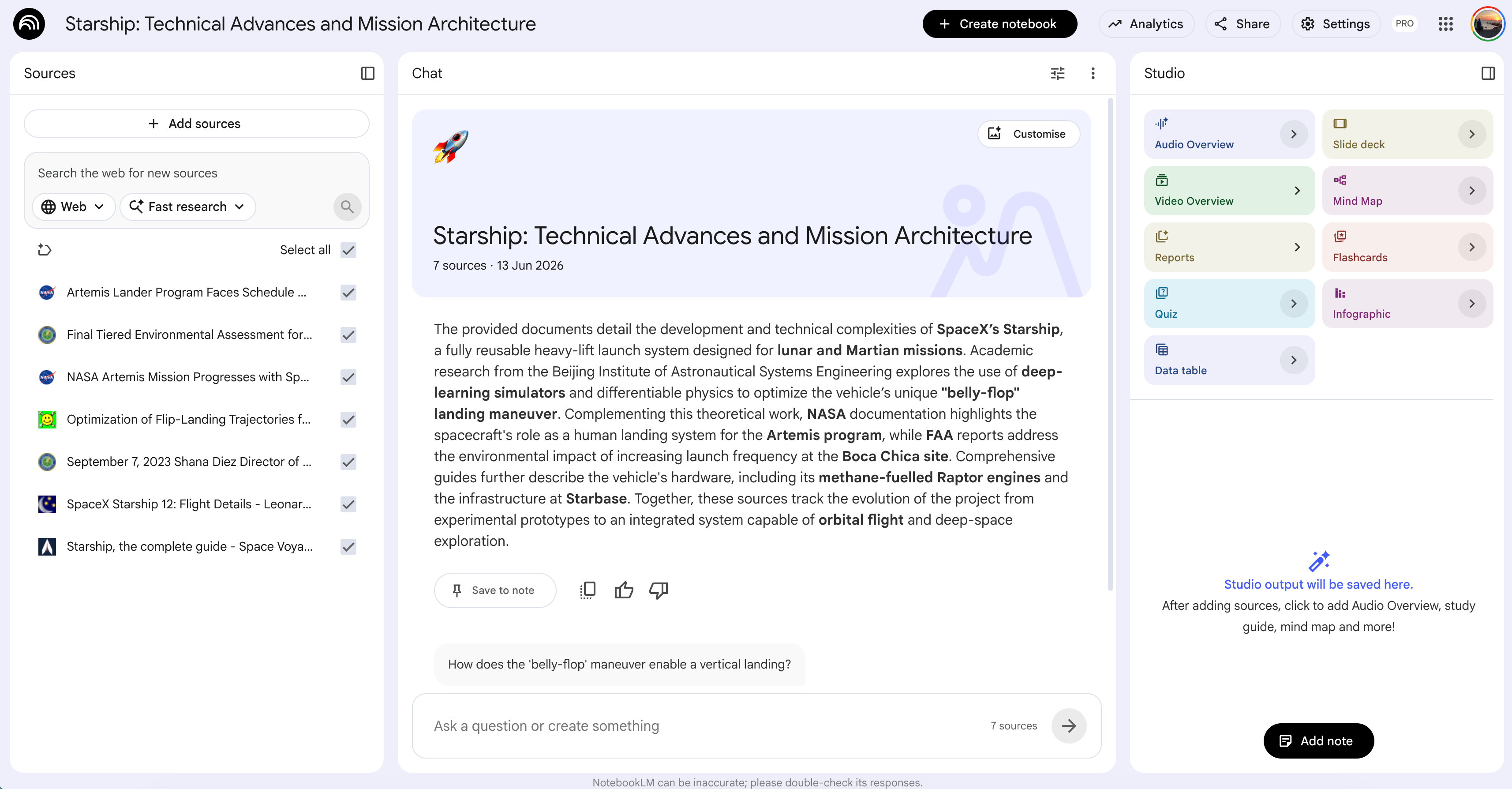
If you like NotebookLM, read this one to master NotebookLM studying prompts.
Before starting the questions, each time, first, we’ll go to the NotebookLM studio, here.
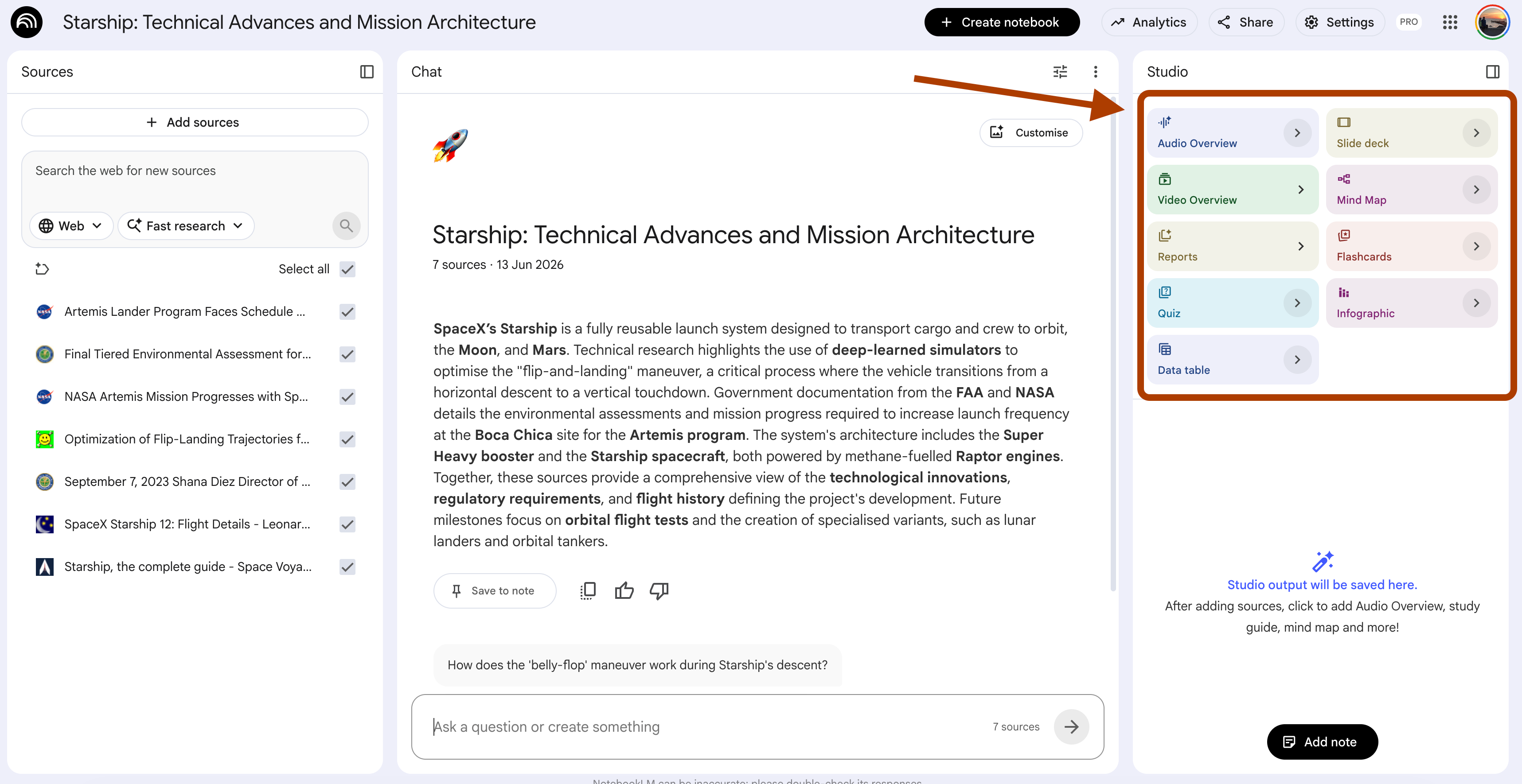
And we’ll click on the customization button, right next to each feature.
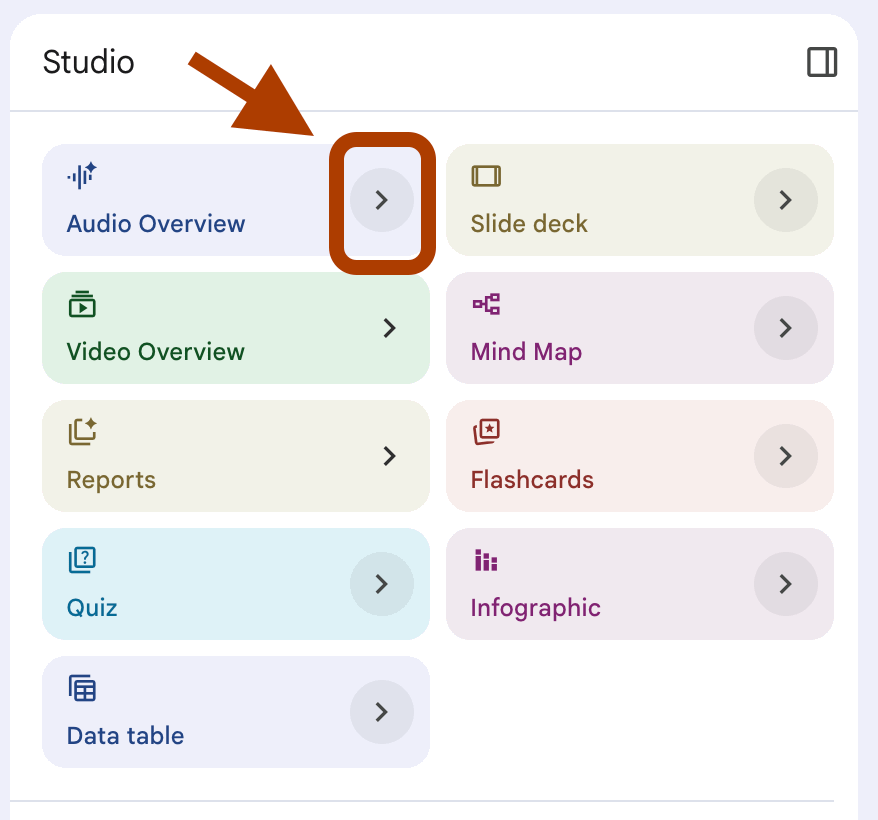
Finally, you need to pre-select from some of these options, or need a prompt.
I’ll give each of these preselections at the beginning of each section.
Format: Brief / Language: English
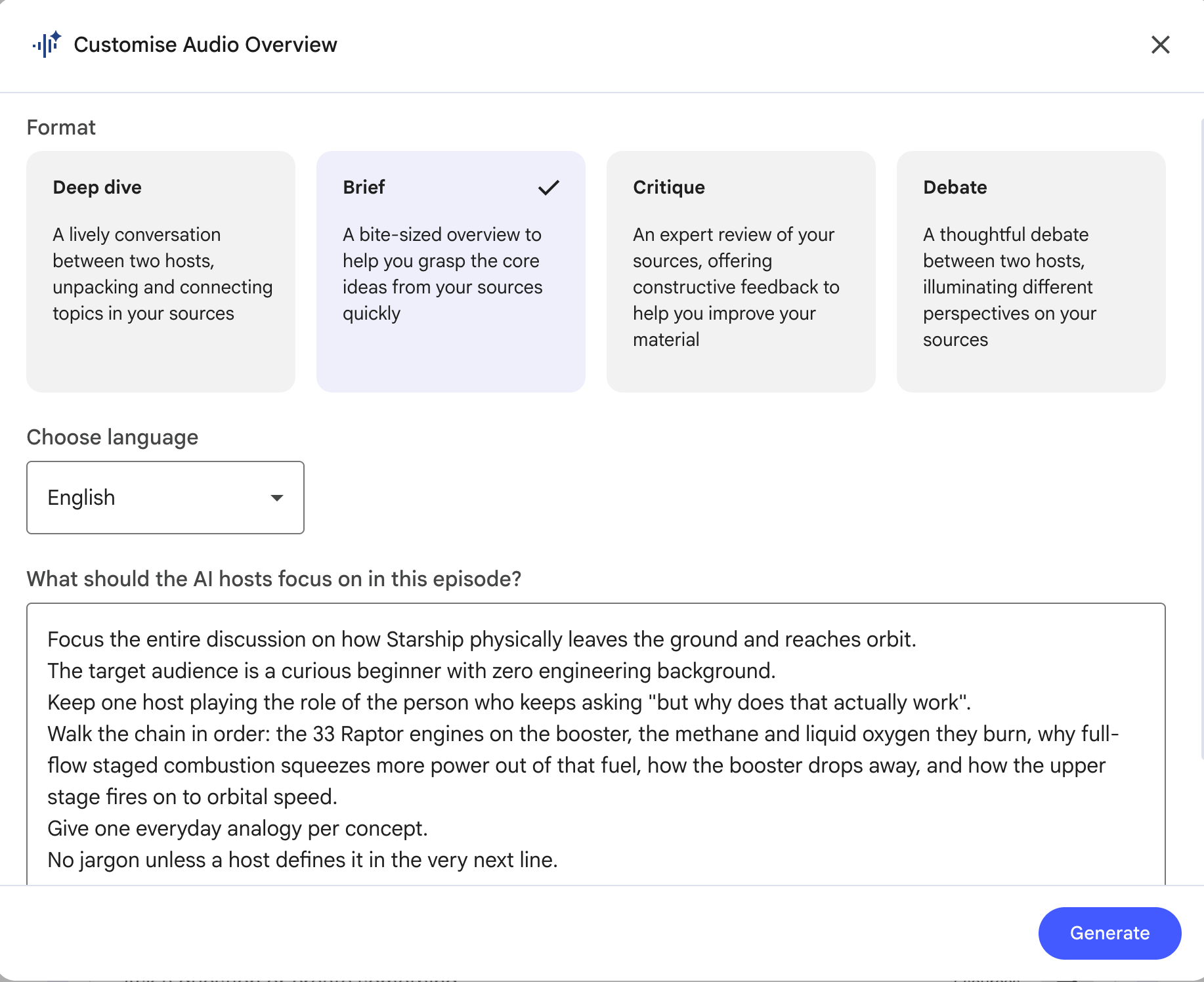
Also, the prompt too.
Now let’s start questioning.
1. How does it fly? → Audio Overview.
Format: Brief / Language: English
In an Audio Overview, two AI hosts turn your sources into a podcast. They talk, they ask each other questions, they explain.
You can even join the conversation and ask your own.
For a topic this heavy, the customization prompt does the real work.
Tell it who is listening, a beginner with zero engineering background, and tell it to kill the jargon.
One trick. Let an AI write the prompt for you.
It knows where the topic gets hard, so it knows what to slow down on. Here is the one I used.
Prompt
Here is my question: {the beginner question}

Focus the discussion on how {subject} works, from {start point} to {end point}.
Audience: a curious beginner with zero background in {field}.
One host keeps asking "but why does that actually work".
Walk the chain in order: {step 1}, {step 2}, {step 3}.
One everyday analogy per concept.
No jargon.
Now we customize it for Starship. The subject becomes the rocket. The chain becomes the real flight, from the pad to orbit, with the parts a beginner trips on filled in.
Here is my question: How does it fly?

Focus the discussion on how {SpaceX} Starship works, from the {launch} pad to {orbit}. Audience: a curious beginner with zero background in rocketry.
One host keeps asking "but why does that actually work".
Walk the chain in order: {how it lifts off the ground}, {how it stays balanced in the air}, and {how it reaches orbit}.
One everyday analogy per concept.
No jargon.
Here is the output.
2. How do people survive inside it? → Slide Deck
Length: Short / Presenter Slides
A Slide Deck cuts one big subject into one idea per slide.
Title, three bullets, speaker notes.
The notes are the prize, that is where the plain explanation hides.
Ask for one idea per slide and nothing piles up.
After it builds, the Slide Editing feature lets you fix a single slide without touching the rest.
Here is my question:
How do people survive inside it?
The template.
Here is my question: {the beginner question}

Generate a presentation outline on {subject}, optimized for modular editing. Cover one {unit} per slide, in this order: {item 1}, {item 2}, {item 3}, {item 4}, {item 5}, {item 6}. For each slide provide 1) a clear title, 2) exactly 3 bullet points, 10 words or fewer each, 3) speaker notes plain enough to read aloud to a beginner.
Filled for Starship.
Here is my question: How do people survive inside it?

Generate a presentation outline on how people survive inside Starship, optimized for modular editing. Cover one question per slide, in this order: how they breathe, how they get food and water, how they stay warm or cool, how they stay safe from space radiation, how they survive launch, how they survive landing. For each slide provide 1) a clear title, 2) exactly 3 bullet points, 10 words or fewer each, 3) speaker notes plain enough to read aloud to a beginner.
Here is the output.
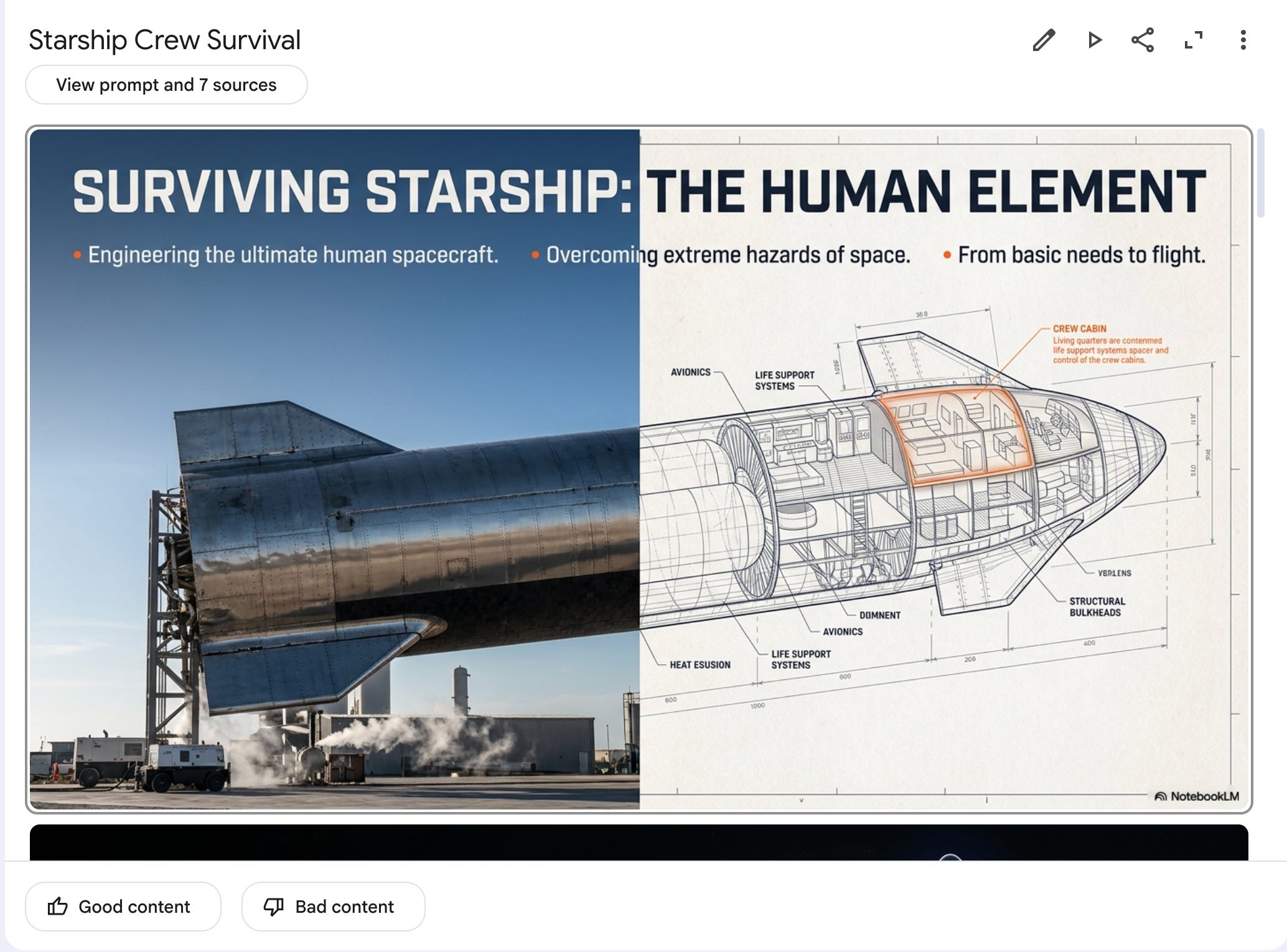
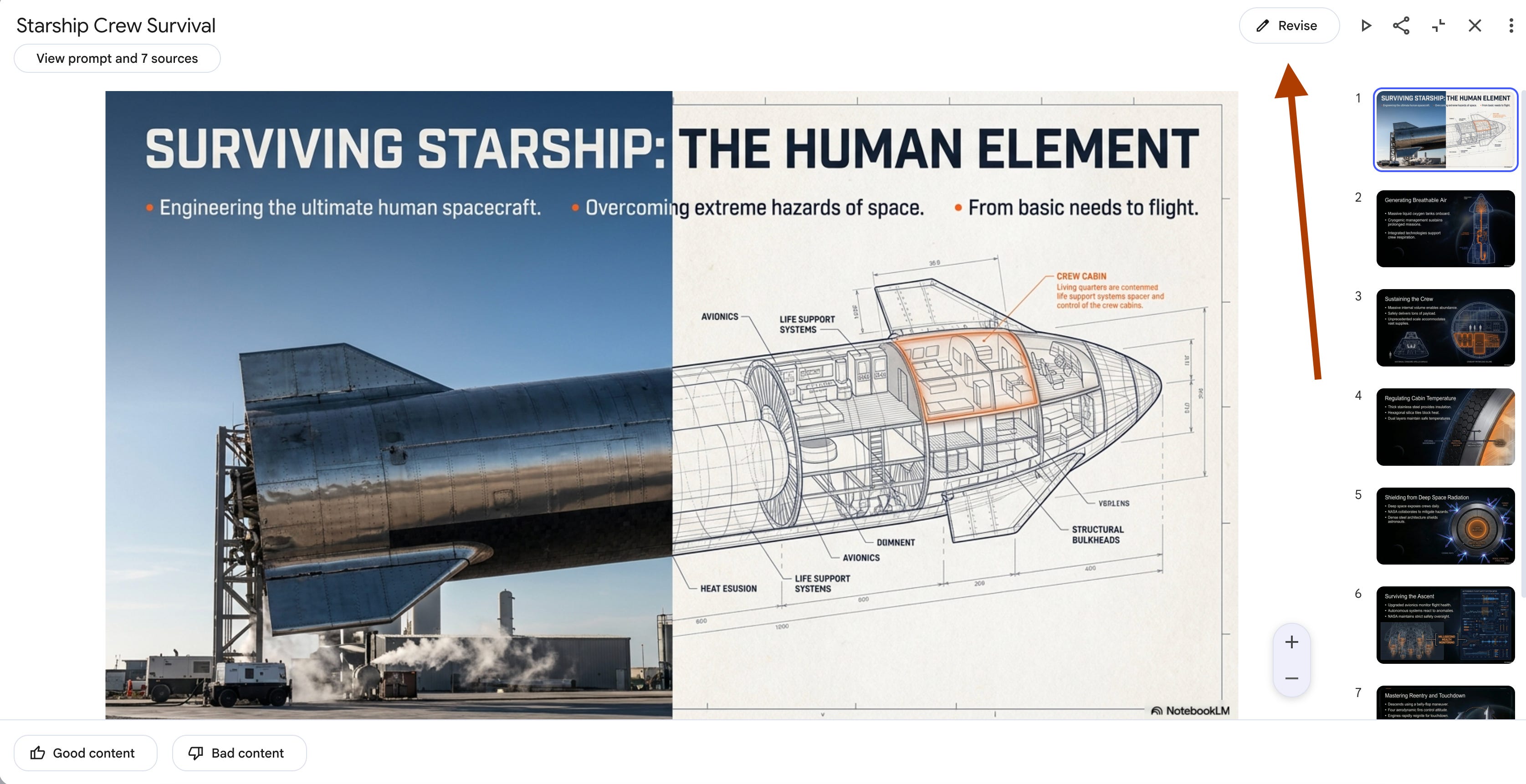
Pro tip: You can edit each of these slides by clicking revise, and just prompting.
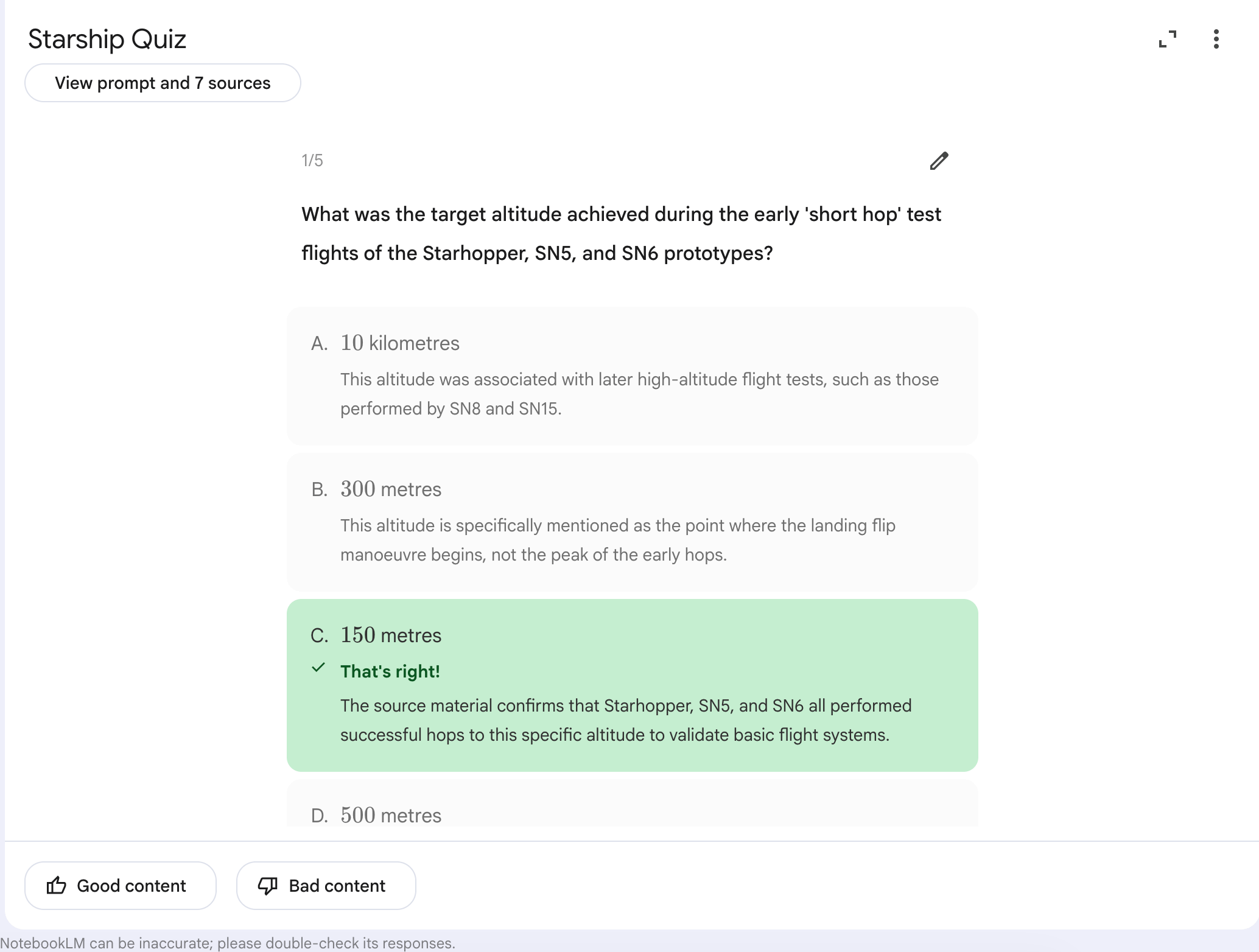
3. How fast does it go? → Quiz
Difficulty: Easy / Number: Fewer
A Quiz tests you instead of telling you.
Numbers slide off the page when you read them once. They lock in when something asks you to recall them.
Steal this move.
Ask for one scenario question, not only recall. The why behind the number, not the number alone. The answer key teaches you even when you guess wrong.
Here is my question:
How fast does it go?
The template.
Here is my question: {the beginner question}

Build the questions around {what to test} for {subject}. Mix straight recall with one scenario question that asks {the why-version of the question}. Put a full answer key at the very end, each answer with a one-sentence explanation grounded in the sources.
Filled for Starship.
Here is my question: How fast does it go?

Build the questions around the key speeds and altitudes for Starship, from liftoff to landing. Mix straight recall with one scenario question that asks why it has to reach a certain speed to stay in orbit instead of falling back down. Put a full answer key at the very end, each answer with a one-sentence explanation grounded in the sources.
Here is the output.
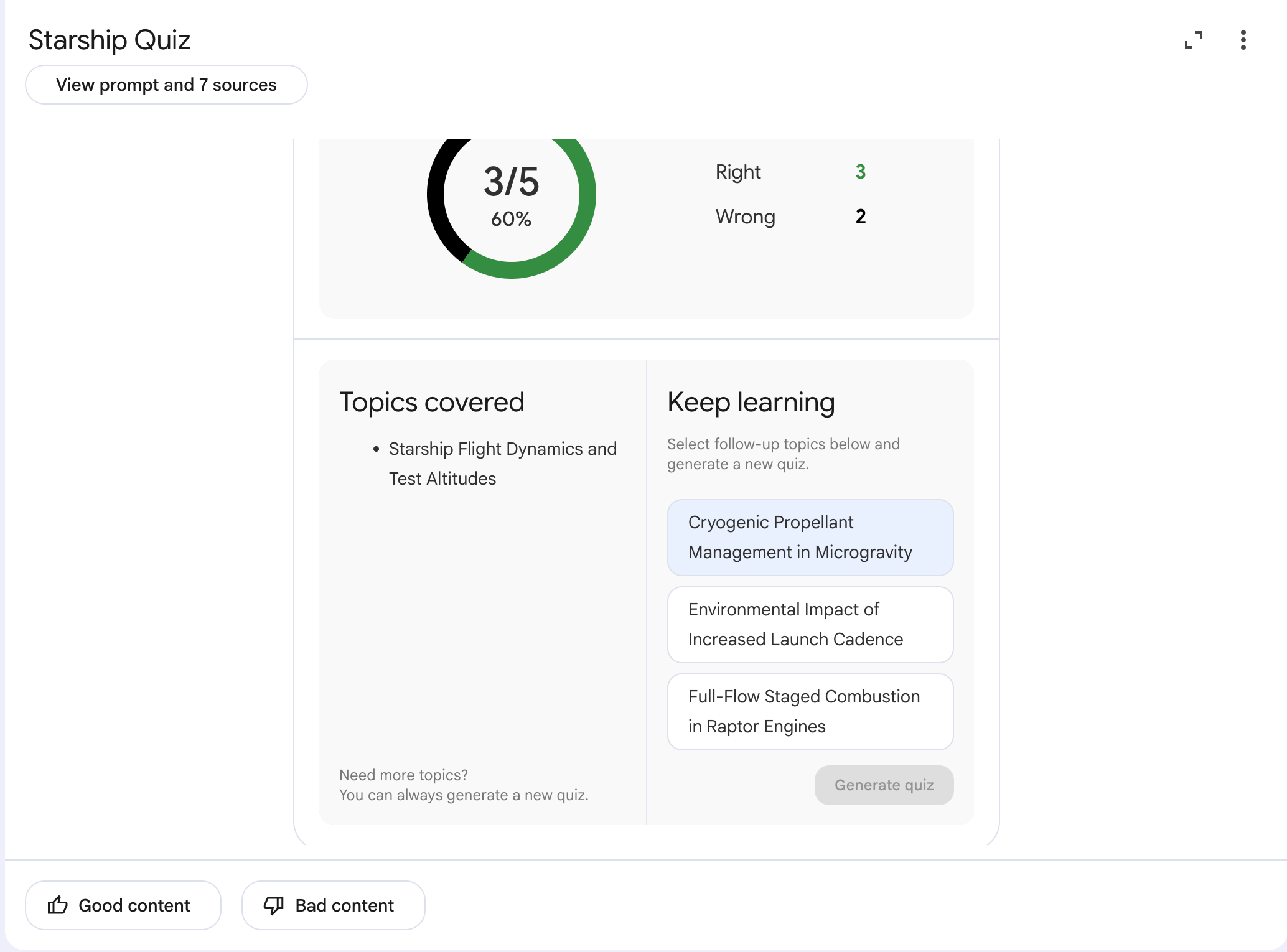
After the quiz has finished, keep learning.
Pro tip: I strongly suggest starting with this: Listen to the audio covering the topic you want to quiz yourself on.
4. What is it made of? → Flashcards
Difficulty: Easy / Number: Fewer
Flashcards are built for terms. One word on the front, the answer on the back. Filter hard. Point the prompt at the parts that matter and nothing else, so you do not drown in side facts. Term on the front, a plain two-sentence answer on the back, one line on why it matters.
Here is my question:
What is it made of?
The template.
Here is my question: {the beginner question}

Filter the sources strictly for {what to filter for} in {subject}. Put the single term on the front of each card. On the back, give a two-sentence plain-language definition, then one sentence on why it matters for {the stakes}.
Filled for Starship.
Here is my question: What is it made of?

Filter the sources strictly for the materials and main parts that make Starship work in {subject}. Put the single term on the front of each card. On the back, give a two-sentence plain-language definition, then one sentence on why it matters for a machine that has to survive launch and the trip back to Earth.
This time, I also pasted the prompt to the chat, so I can correctly answer the flashcards.
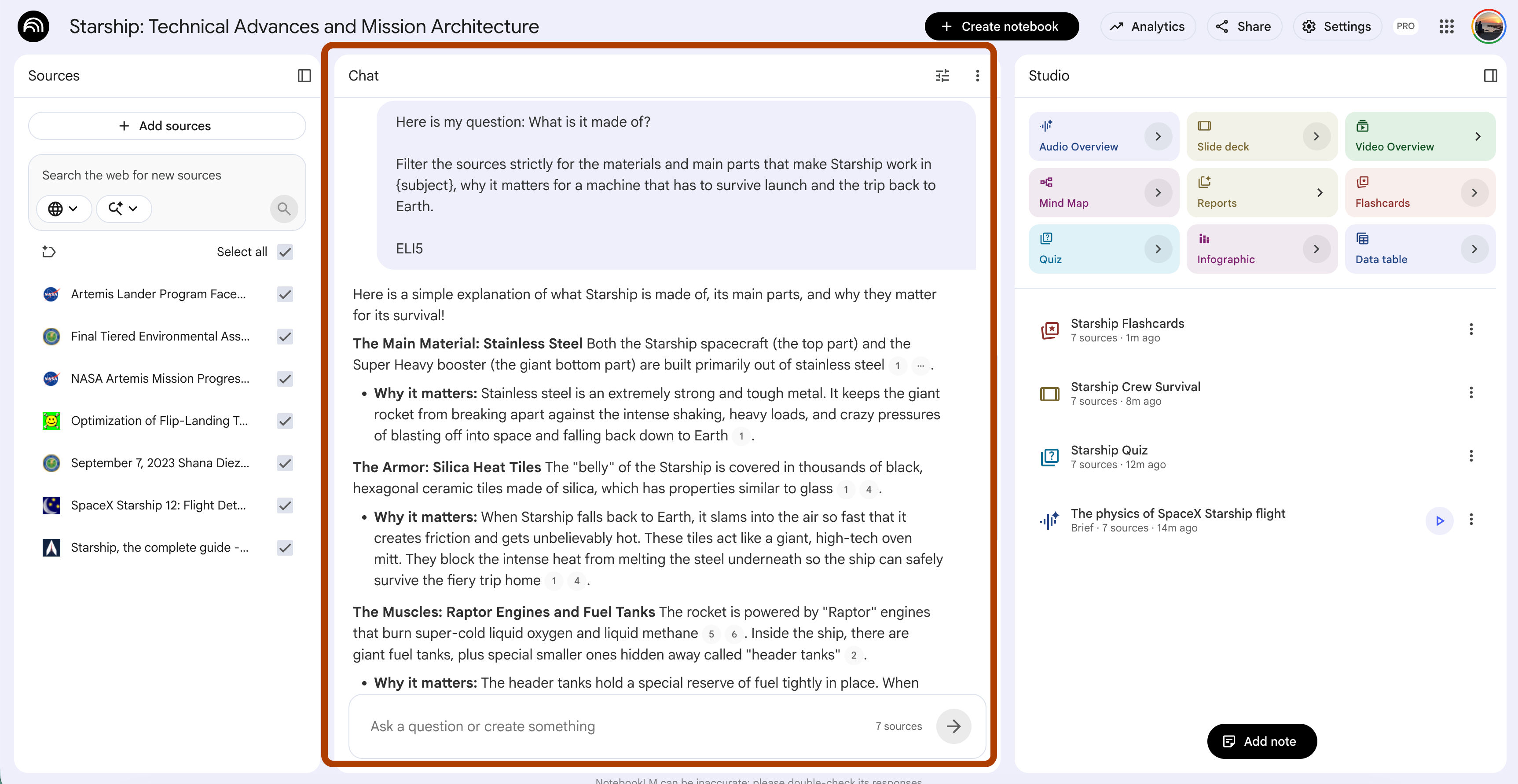
Let’s see the flashcards.
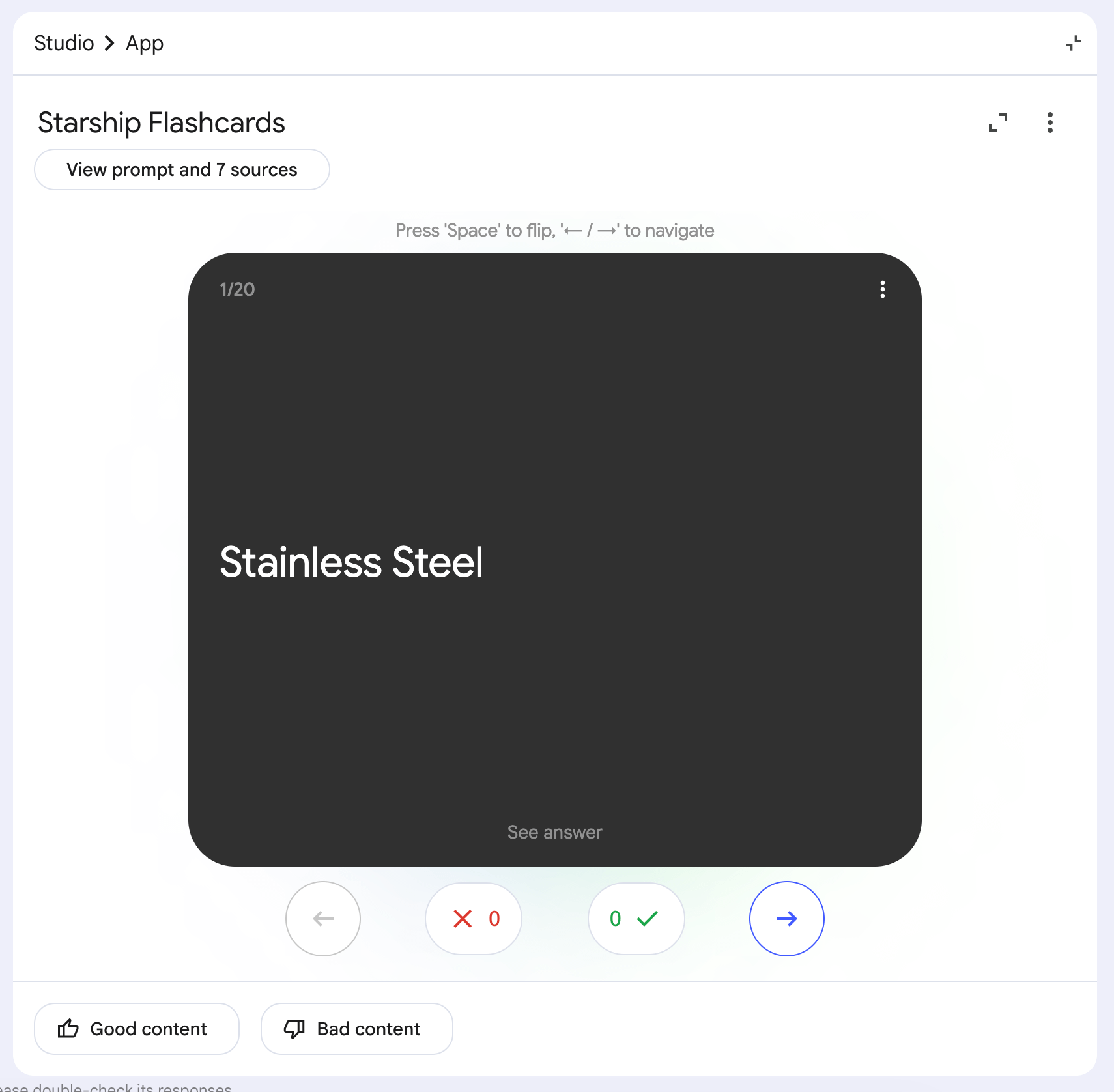
Pro Tip. Learn from Chat first, and answer flashcards.
5. How do they catch it when it lands? → Video Overview
Format: Explainer / Visual Style: Whiteboard
A Video Overview narrates your sources over moving visuals. Some things you cannot explain in text.
The way this thing lands is one of them. You have to watch it move. Set the format to Explainer, ask for a step-by-step sequence, and lock the visuals to real footage so it stays grounded.
Here is my question:
How do they catch it when it lands?
The template.
Here is my question: {the beginner question}

Tell the story of {subject}, for a non-technical viewer. Move through it as a step-by-step sequence. Lean into {the surprising part}. Keep the visual theme {visual direction}.
Filled for Starship.
Here is my question: How do they catch it when it lands?

Tell the story of how Starship comes back and gets caught, for a non-technical viewer. Move through it as a step-by-step sequence. Lean into how strange it looks that a rocket the size of a building lands the way it does and still hits its target. Keep the visual theme real and grounded, actual launch-site footage, no fantasy.
Here is the video.
Pro Tip. Cinematic videos are great, but they last 20-30 minutes to finish.
6. How big is it? → Infographic
Visual Style: Anime / Orientation: Portrait / Detail: Detailed
An Infographic turns numbers into one picture you take in at a glance. Size is the hardest thing to put into words.
Tell someone a number, and they forget it.
Put it next to something they know, and it sticks. Keep labels short. Long text kills an infographic.
Here is my question:
How big is it?
The template.
Here is my question: {the beginner question}

Optimize the text for a Bento Grid layout about {the angle} of {subject}. Extract one main headline and four data blocks: {block 1}, {block 2}, {block 3}, {block 4}. Each block gets one hard number and a description of eight words or fewer. Add one comparison line that {makes it relatable}.
Filled for Starship.
Here is my question: How big is it?

Optimize the text for a Bento Grid layout about the size of Starship. Extract one main headline and four data blocks: its height, its width, the number of engines, and its total power at liftoff. Each block gets one hard number and a description of eight words or fewer. Add one comparison line that puts its height next to a building most people can picture.
Here is what it looks like.
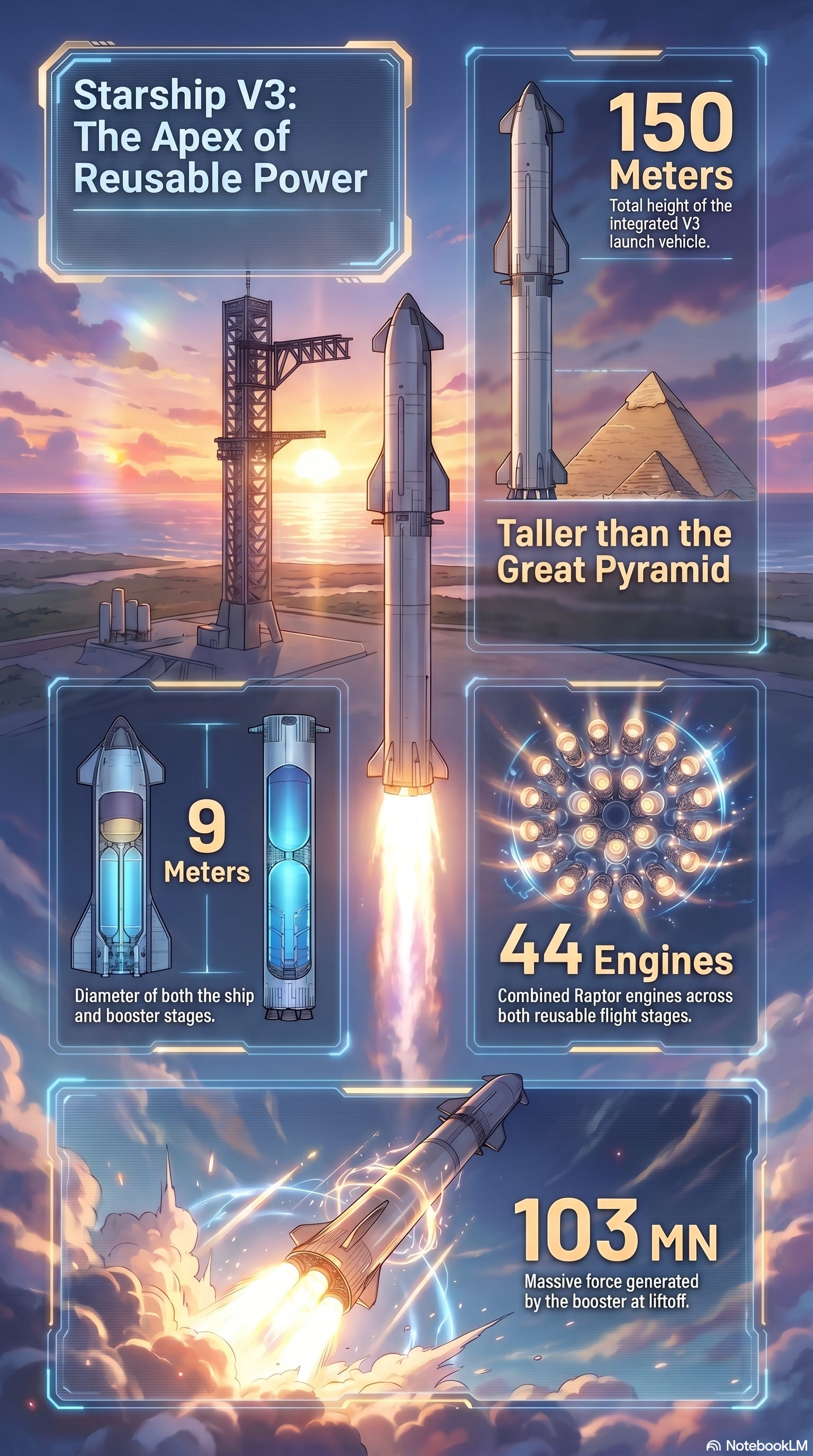
7. How did anyone build it? → Report
Report type: Create your own
A Report is the long answer. The full story in a structured document.
Pick “Create your own” so the shape is yours, not a preset.
Here is my question:
How did anyone build it?
The template.
Here is my question: {the beginner question}

Structure the report with these exact headers: {header 1}, {header 2}, {header 3}, {header 4}, {header 5}. Under each header, back every claim with a direct citation from the sources. Keep the tone factual and concrete, no hype. In the final section, {final-section instruction}.
Filled for Starship.
Here is my question: How did anyone build it?

Structure the report with these exact headers: How They Build It, What It Is Made Of, What Powers It, The Test Flights, and What Failed Before It Worked. Under each header, back every claim with a direct citation from the sources. Keep the tone factual and concrete, no hype. In the final section, list the test flights in order with one lesson taken from each.
Here is the report.
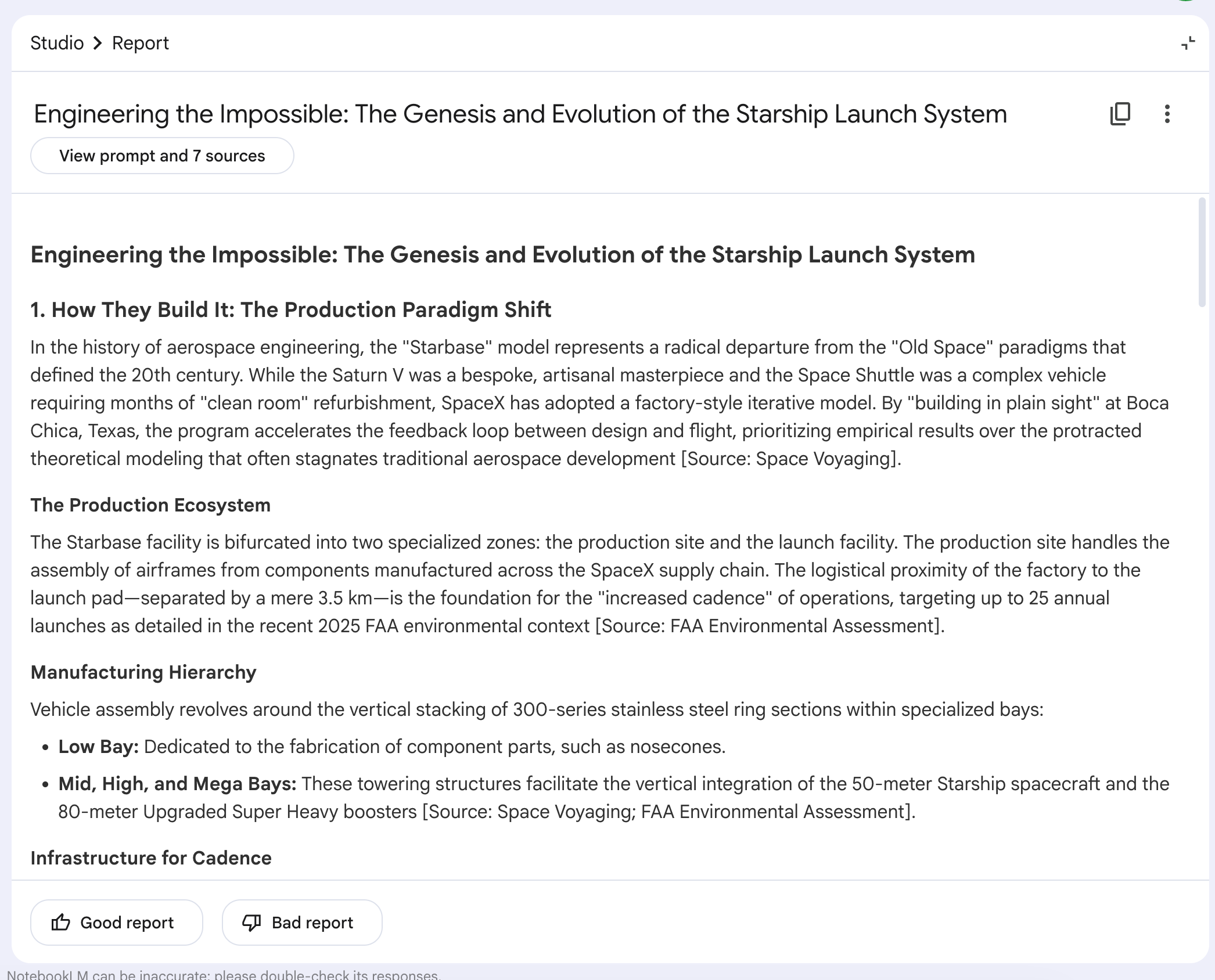
Pro tip. Adjust the tone to focus more on how to understand it.
Next Steps: Learn Any Subject With NotebookLM
Starship was the test. The hard one.
Change the subject, and the seven prompts hold.
A law textbook. A medical board. A language you have circled for years.
Same notebook, same seven features, same questions a beginner asks first. NotebookLM does not care if the subject is rocket science.
Turns out, neither should you.
That was step one.
You used NotebookLM to learn something hard. Step two is using it to build something.
I did that one too. I fed it two YouTube videos and walked out with two working apps, no code written.
The full build is here.
Learn first. Build next.
Same tool, both jobs.
Thanks for reading.
I’m feeling much more optimistic about my AI Machine Learning in Google Developer Kaggle Ed! Amazing and Inspiring
That was wonderful 👍