
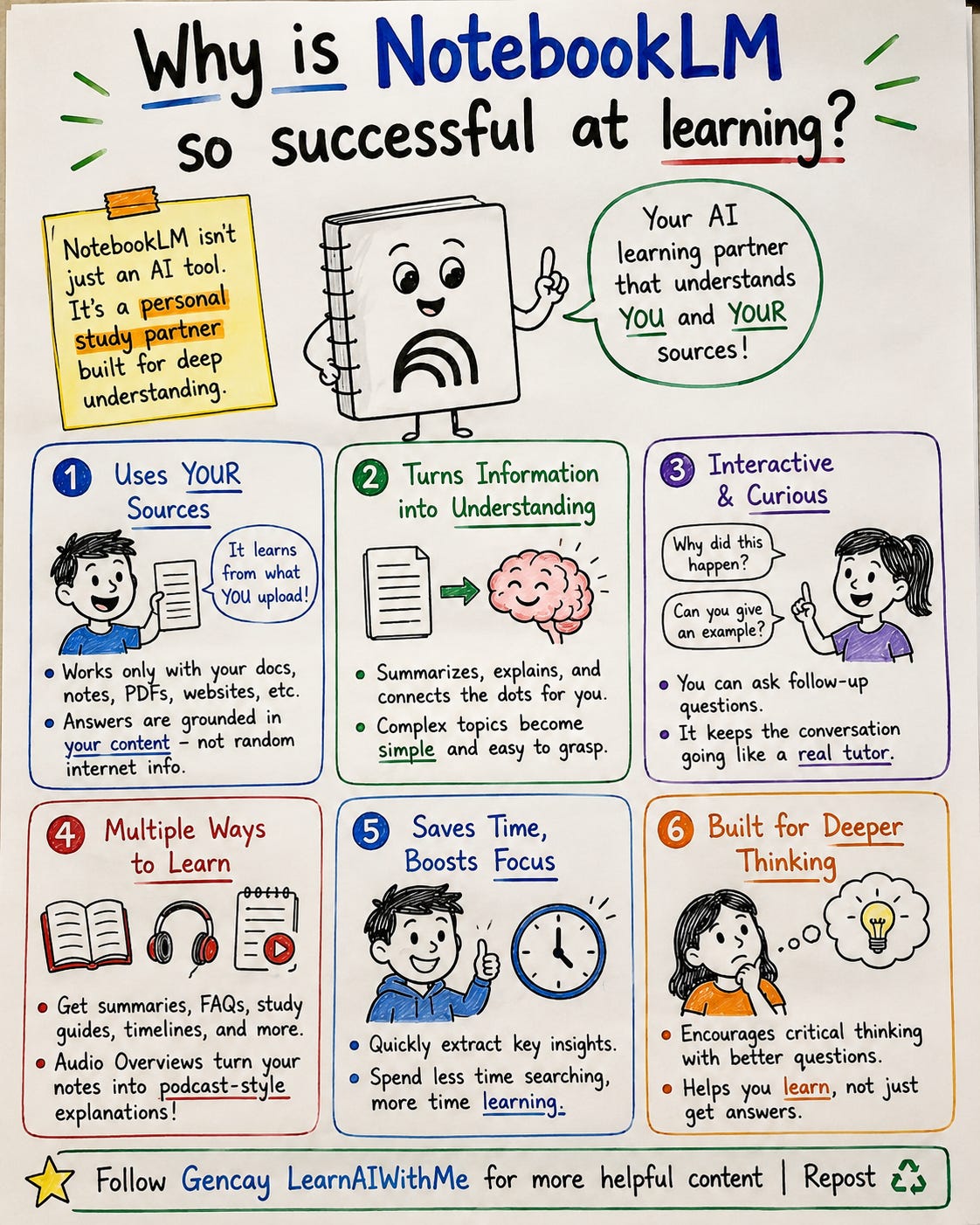
Why is NotebookLM so successful at learning?
How to learn with NotebookLM using 4 underused features most people miss.

Learning something new using AI is complicated.
I know because I’ve been there.
You open ChatGPT to learn a new topic. You get a wall of text. You read it. You think you got it. A week later, gone.
You bookmark a YouTube video. You’ll watch it “later.” Later never comes.
You’re not lazy. The tools just aren’t built for learning. They’re built for answers.
NotebookLM is different.
Surprisingly, this free(still) AI tool Google created ticks every box that other AI misses.
It creates audio you actually listen to.
Video you actually watch.
Images that teach instead of decorate. And underneath, there are features even daily users don’t know exist.
In this post, I’ll show you the 4 NotebookLM features most people underuse (Slide, Video, Audio, Quiz), and you’ll understand why it beats every other AI tool at learning.
0. How to train NotebookLM?
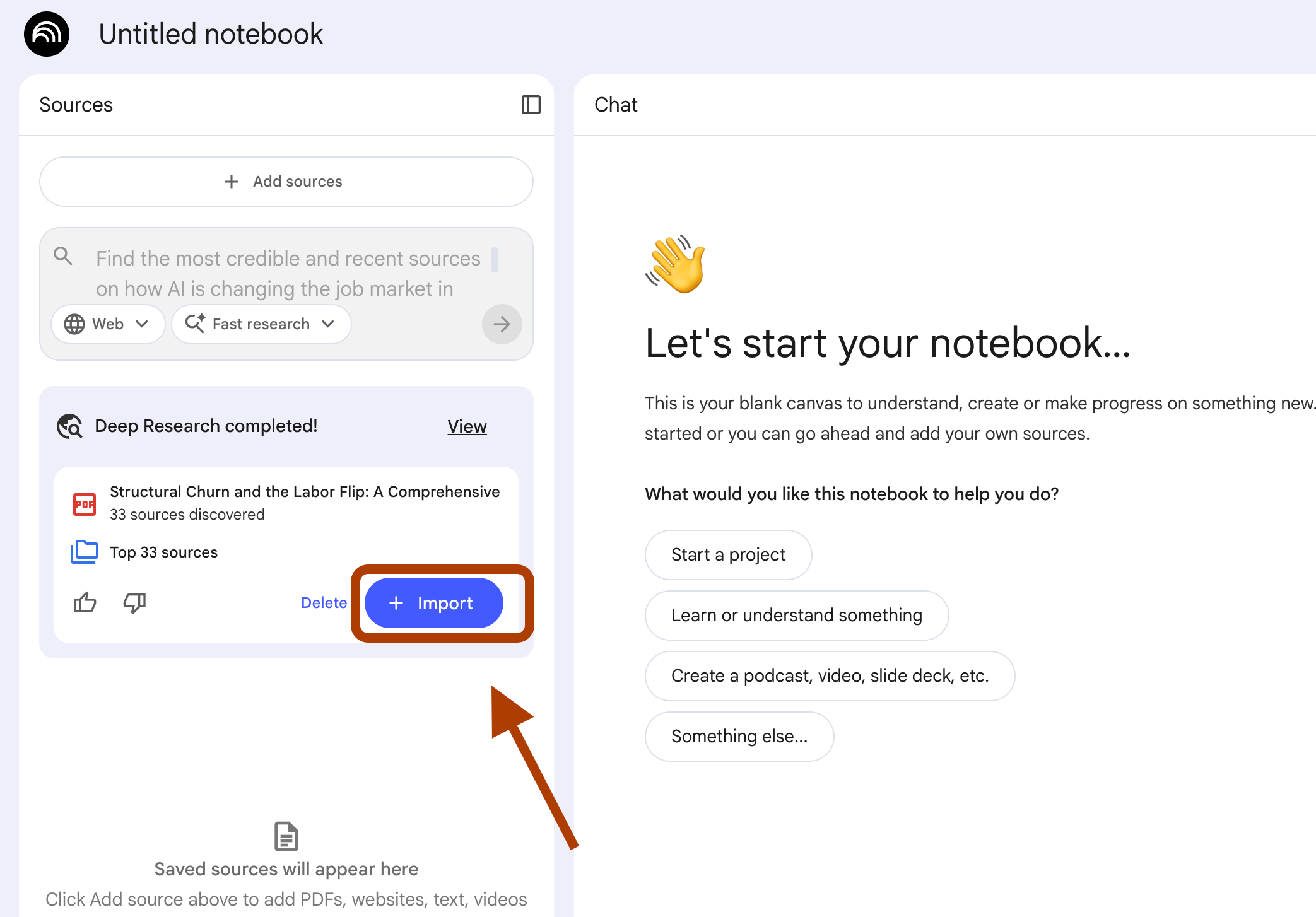
Before starting, let me show you how to train NotebookLM very fast, using deepresearch.
Visit NotebookLM → Click on Try → Click on “+” → Paste prompt, here ours will be;
Find the most credible and recent sources on how AI is changing the job market in 2026.
Prioritize:
1) Reports from McKinsey, World Economic Forum, OECD, Goldman Sachs,
and similar institutions published in 2025 or 2026 on AI labor market impact.
2) Studies with concrete data on which jobs are being automated, augmented, or created.
3) Interviews and articles from CEOs and economists who hold contrasting views, both AI optimists and skeptics.
4) Sector-specific analyses covering knowledge work, creative work, and skilled trades.
5) Real case studies of companies that have restructured their workforce around AI in the last 12 months.
Avoid generic listicles and speculative opinion pieces with no data.
Aim for sources that disagree with each other so the analysis has tension, not consensus.
Let me show you how.
After pasting the prompt, probably 5 minutes later, paste to “import”, so the sources will be added.
And here is how my NotebookLM looks like.
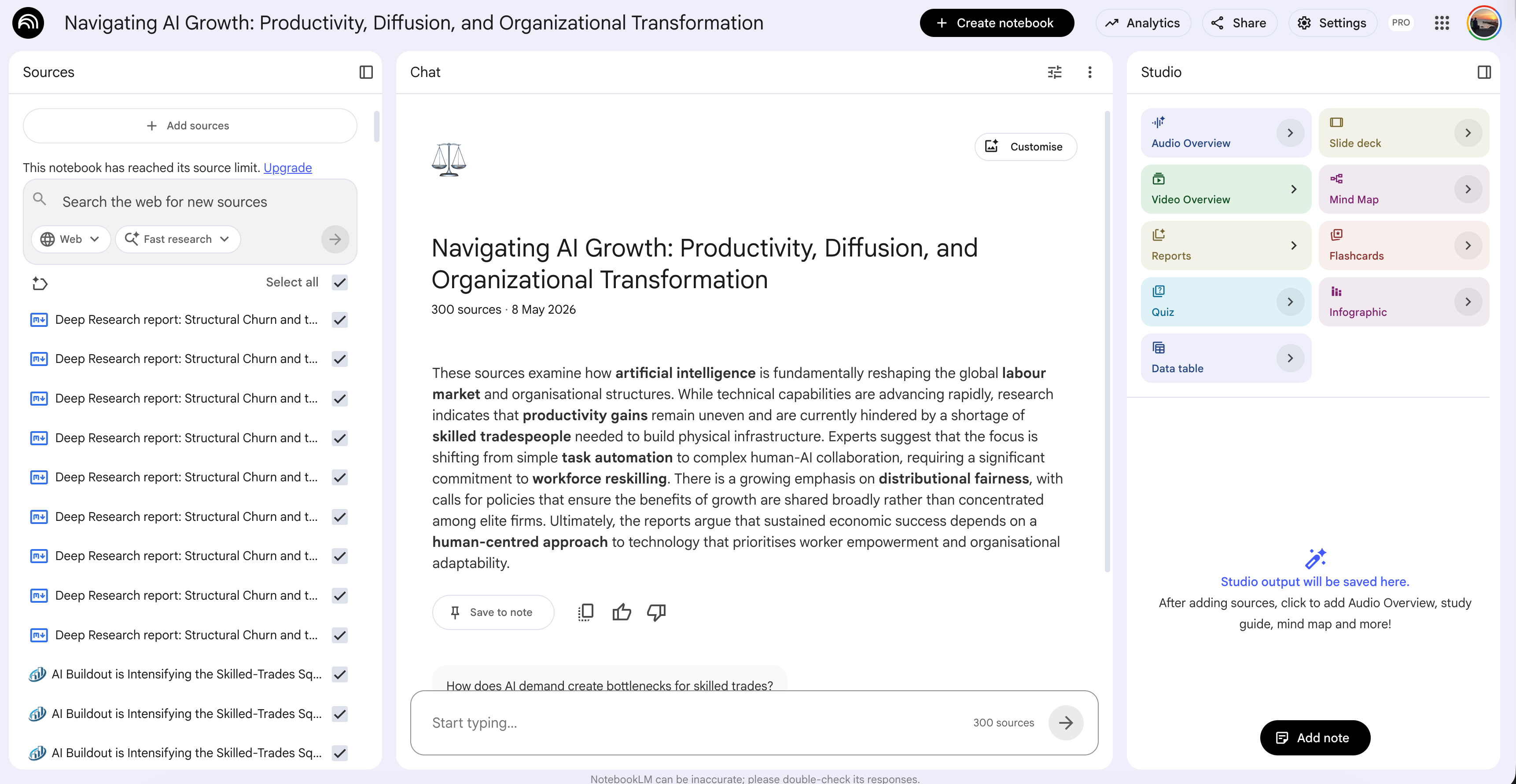
We’re ready, let’s start exploring.
1. Audio Overview: Learn While You’re Already Moving
Pre-select Audio Overview, Format: Debate, Length: Brief.
You’re going to work. Or walking the dog. Or stuck in traffic.
A topic crossed your mind yesterday, and you wanted to dig in, but you never opened your laptop.
You could ask ChatGPT to ELI5 it.
You’d get a wall of text on a screen you can’t read while moving. WRONG move.
Open NotebookLM instead.
Drop your sources.
Pre-select Audio Overview, Format: Debate, Length: Brief. Then paste this prompt:
Focus the discussion on {topic}.
The target audience is someone hearing about this for the first time.
Maintain a curious, conversational dynamic.
Have the hosts debate the most counterintuitive aspect of {topic},
but strictly avoid generic introductions and definitions everyone already knows.
My Use Case
I am a heavy NotebookLM user, so let’s focus on something that I’ve been researching: Cortisol
The stress hormone that can take us.
I watched Andrew Huberman’s podcast, and still have some questions what-if’s on my mind, so I trained a NotebookLM, using this as a source.
So I customized the above prompt by changing the topic to :
how eating habits affect our cortisol levels.
NotebookLM generates a podcast-style conversation between two hosts. You don’t read. You listen.
One prompt. Zero screen time. Knowledge that sticks because you heard it, not skimmed it.
Let’s listen to my output.
2. Video Overview: Skip the YouTube Rabbit Hole
You opened YouTube. Typed your search. Hit enter.
Then you saw Taylor Swift’s new song on the left. Or last night’s NBA highlights. Your brain went there. You clicked.
Five minutes later, you’re hypnotized by Shorts, scrolling.
Wait. Why did you come here in the first place?
Forget it. Open NotebookLM. Drop your sources.
Don’t have any?
Use the Deep Search feature, write a prompt that Googles for you, and let NotebookLM import the sources when it finishes. Pretty straightforward.
Then click Video Overview. Pick Cinematic. Paste this prompt:
Target audience is someone who already knows the basics.
Skip generic introductions. Focus on the 3 most counterintuitive insights about {topic} and the trade-offs between them.
End with one provocative question that forces the viewer to think, not nod.
NotebookLM generates a custom video. Voice, visuals, pacing, all built around the sources you fed it. No Taylor Swift.(Not because I don’t like her style, because you are here to learn). No NBA. No Shorts.
Here’s what most people don’t realize: you can regenerate it with a different style (Explainer, Brief) using the same sources.
Same knowledge, three formats.
Watch it once cinematically. Re-watch it as a Brief next week to refresh.
One prompt. No rabbit hole. Knowledge that didn’t lose you to the algorithm.
My Use Case
Let’s train a notebook with the following prompt.
How large language models work
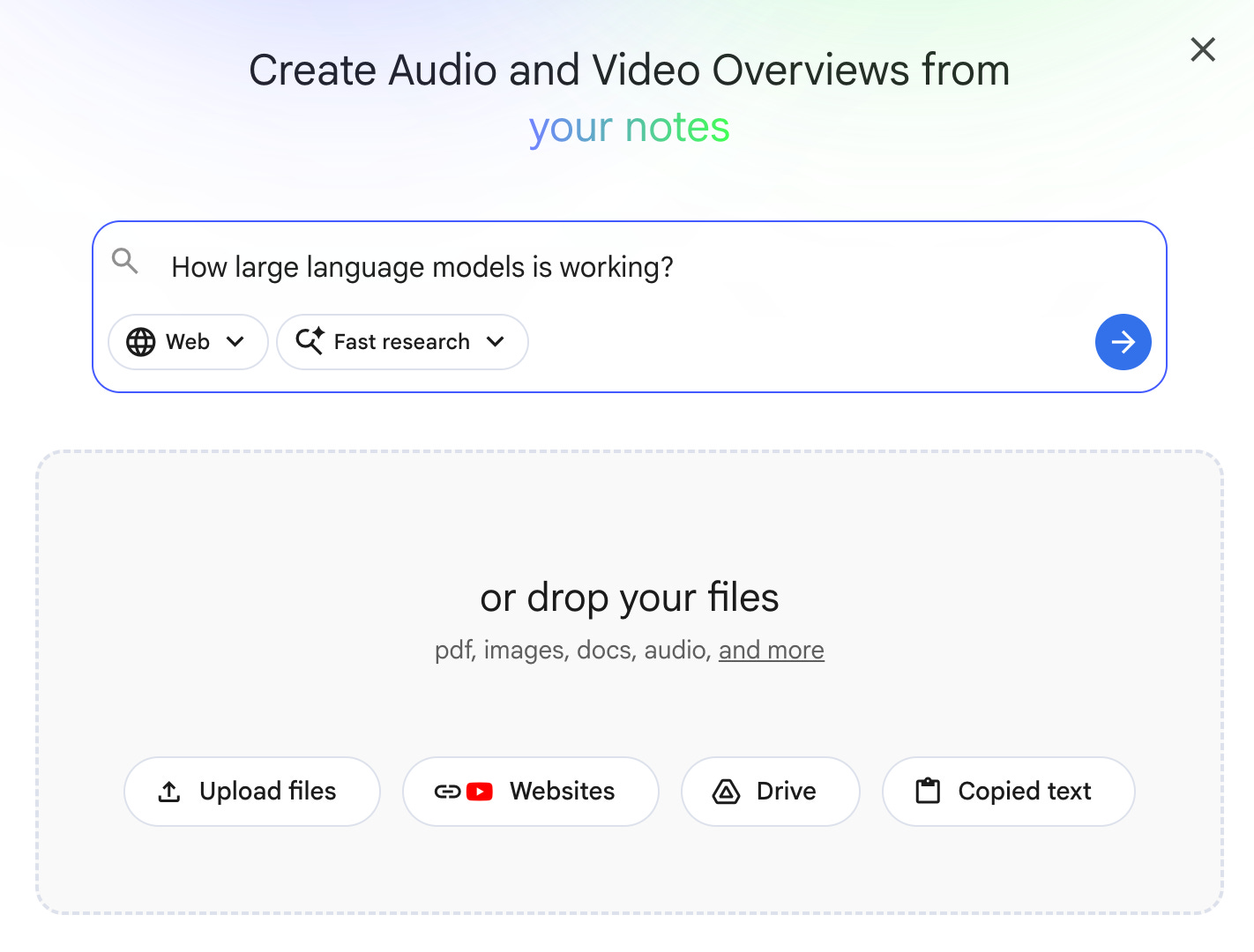
And click on Video Overview, choose and paste this prompt:
Target audience is someone who already knows the basics. Skip generic introductions. Focus on the 3 most counterintuitive insights about how LLM works and the trade-offs between them.

End with one provocative question that forces the viewer to think, not nod.
Here is the output.
3. Slide Deck: When “Tomorrow” Becomes “Tonight.”
Your boss sent you the weekly report with a memo: “Turn this into slides by tomorrow.”
Or worse, your homework is due.
You’re presenting in front of the whole classroom tomorrow. And you feel lazy. Really lazy.
You know the drill. Open Google Slides. Stare at the blank deck. Copy a sentence from the report. Paste it badly. Pick a font. Hate the font. Pick another. It’s 11 PM and you have 3 slides.
Forget it. Open NotebookLM. Drop the report or your homework sources. Click Slide Deck. Pick the default length. Paste this prompt:
Generate a presentation outline optimized for modular editing.
For each slide, provide:
1) A clear title,
2) Exactly 3 short bullet points (max 10 words each),
3) Detailed speaker notes that explain the slide in plain language. Open with a hook slide that states the main insight in one sentence. End with a takeaway slide that gives the audience something to remember.
NotebookLM generates the entire deck. Title slides, content slides, and speaker notes you can read off if you blank in front of the room.
Here’s what most people miss: NotebookLM has a Slide Editing Feature built in. Don’t like slide 4? Click it, modify just that one. Want to swap the order? Drag it. The whole thing stays consistent because the sources are locked in. You’re not regenerating from scratch every time you want a tweak.
One prompt. No 11 PM panic. A deck that actually says something.
My Use Case
Let’s create one from the Anthropic’s prompt engineering deep dive.
Click on the slide deck.
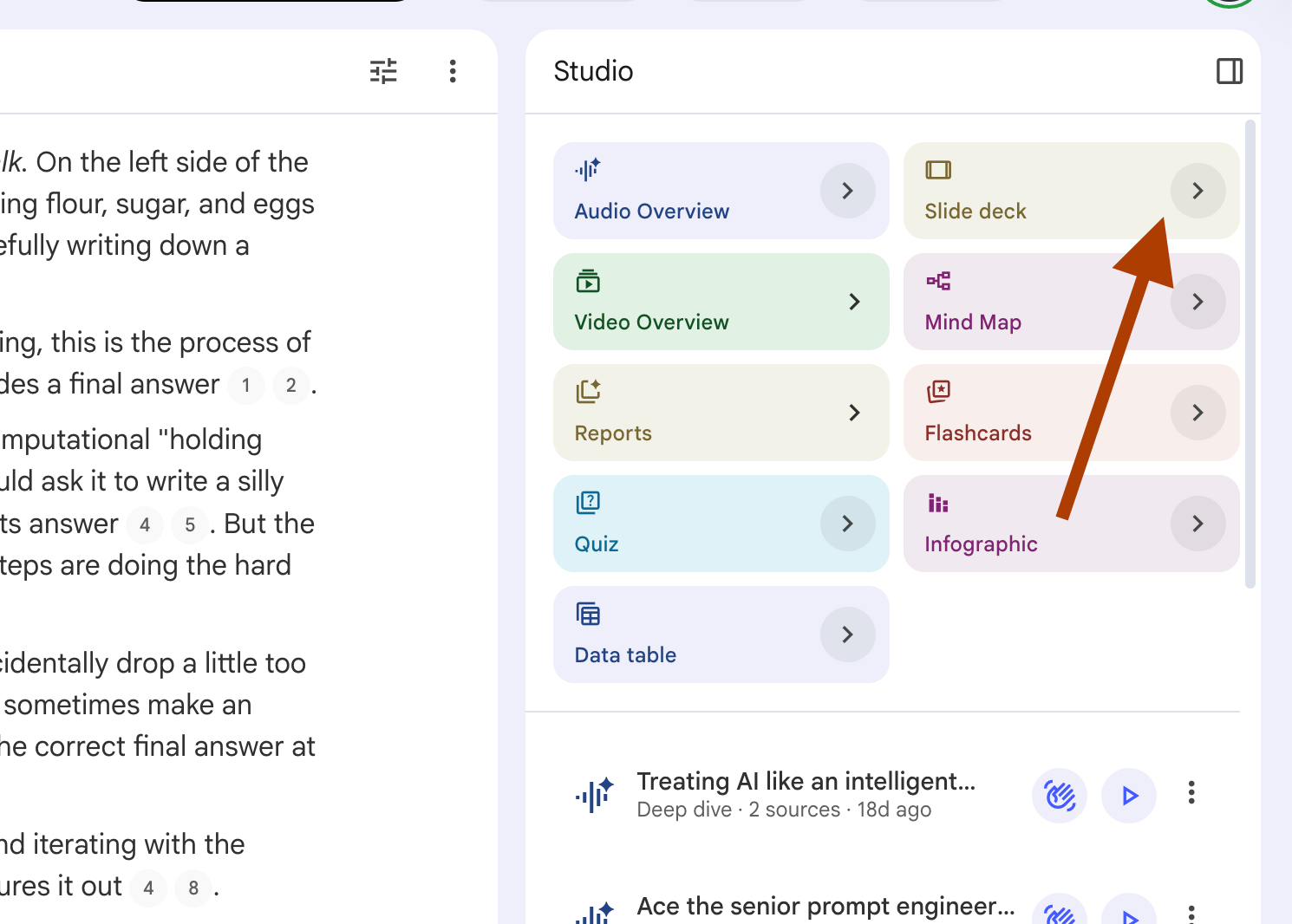
Paste the prompt(copy from above).
Here are the slides, generated in 5 minutes.
4. Quiz: Find Out What You Actually Don’t Know
You studied the first few chapters. You skimmed the rest. The mock exam came, and lucky you, every question hit the chapters you knew.
You walked away thinking you’re ready.
But what about the real one? What if the real exam pulls from the chapter you skipped? What if your meeting tomorrow opens with the exact topic you’re weakest at?
You don’t know what you don’t know. That’s the actual problem.
Open NotebookLM. Drop your study materials or meeting docs. Click Quiz. Pick Standard number, Hard difficulty, Short Answer. Paste this prompt:
Focus the questions on applied scenario analysis rather than rote memorization. Weight the questions heavily toward {weak_topics} since this is where I'm most likely to fail.
Also include some questions on {strong_topics} so I can confirm I actually understand them, not just recognize them.
Include an answer key at the very end with a 1-sentence explanation for why each correct answer is valid based on the sources.
Flag the 3 questions that test the deepest understanding so I know which ones to revisit first.
NotebookLM generates a quiz that hunts your blind spots. Not the easy stuff you already know. The stuff you’d fail on if it showed up tomorrow.
Here’s what most people miss: most users run a quiz once, see their score, close the tab. The real move is to re-quiz on the same sources next week. NotebookLM generates fresh questions every time. Same material, new angles. The gap between what you remembered and what you forgot tells you exactly where to study next.
One prompt. No false confidence. Real readiness.
My Use Case
Let’s create one from Anthropic’s prompt engineering deep dive.
Click on the quiz.
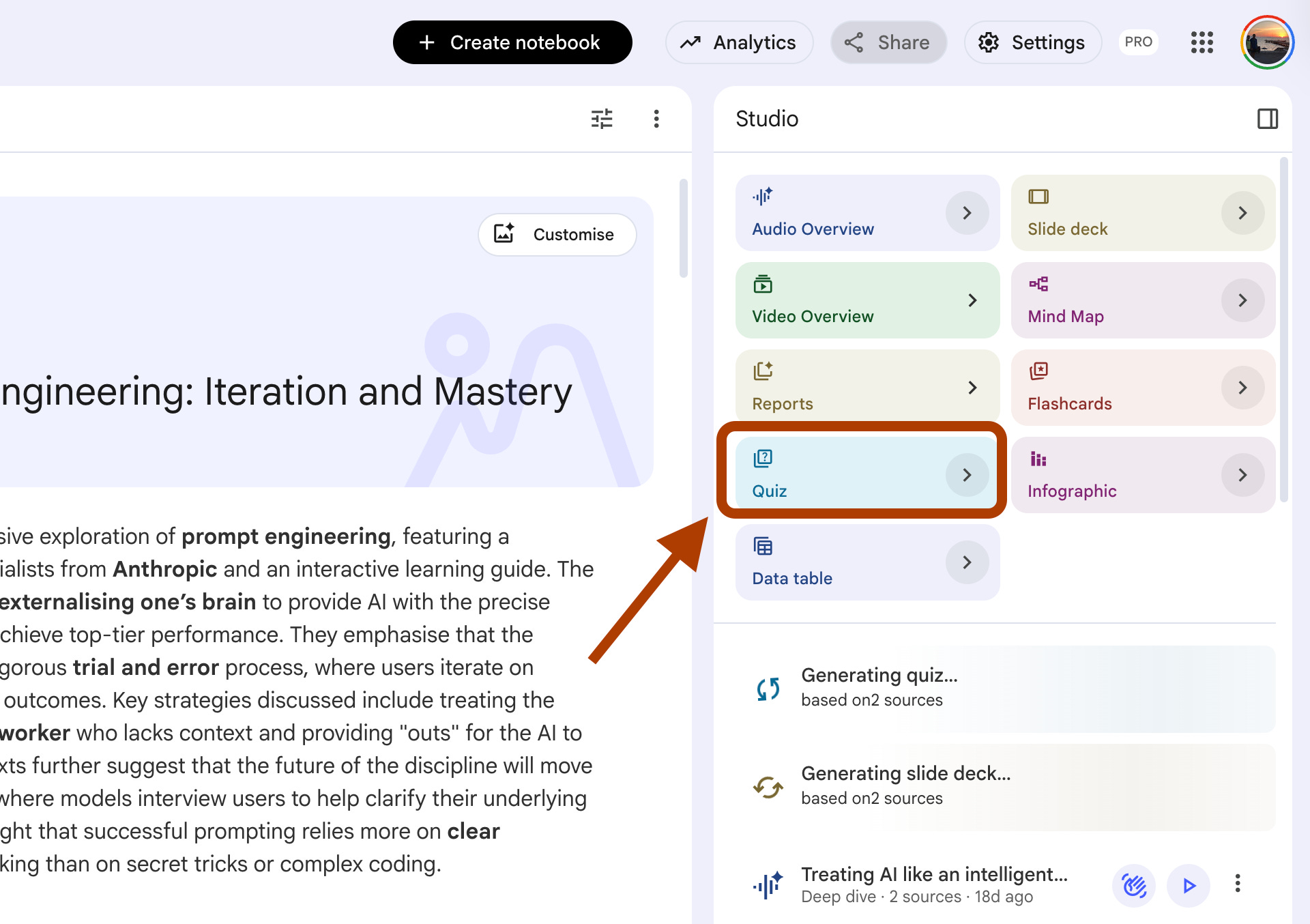
Select fewer questions, and easy as a level of difficulty, and click on generate.
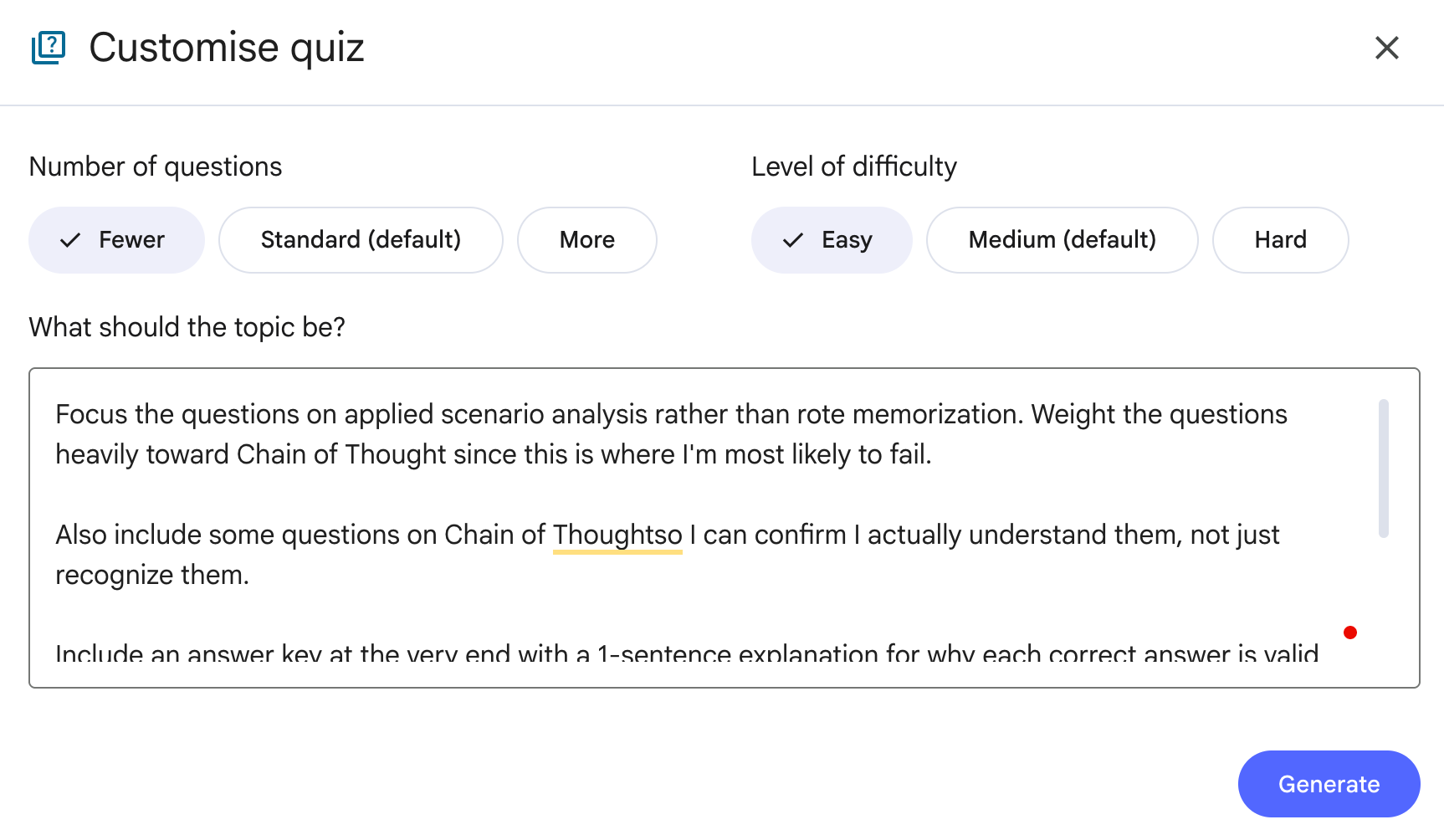
Here how it looks like.
What’s next?
If this clicked for you, you’ll want to keep going. The four features above are the foundation, but NotebookLM rewards depth. The more time you spend with it, the more it surprises you.
A few weeks ago, I wrote about 10 NotebookLM Prompts That Put You Ahead of 99% of People. Those prompts go past the basics, into the kind of usage most daily users never discover. If today’s post got you curious, that one will push you further.
For students or anyone in deep learning mode, 10 NotebookLM Prompts For Studying (Beat 99% of Students) breaks down how to use NotebookLM as a personal tutor that actually adapts to how you learn, not the other way around.
And if you want to see what happens when you push NotebookLM further than Google probably intended, I Built 4 NotebookLM Personas With 24 Prompts shows how a single notebook can become four different AI agents with one trick most people miss.
NotebookLM is not just a tool. It is a learning system. The four features in this post are the entry. The posts above are the floor below the entry.
Final Thoughts
I’ve been using NotebookLM almost every day for the last few months. Not because it’s the trendy AI tool. Because it’s the only one that doesn’t leave me with a chat window full of answers I’ll forget by Friday.
Most AI conversations end with you closing the tab. NotebookLM conversations end with you knowing something new.
If you take one thing from this post, take this: stop asking AI to answer for you. Start asking it to teach you. The four features above are not productivity hacks. They’re learning loops. Audio for the inputs. Video for focus. Slides for output. Quiz to close the gap.
Pick one this week. Drop a real source you’ve been meaning to study. Run the prompt. See what happens.
Then come back and tell me which one stuck.
Love how you come up with practical use cases for NotebookLM!
I recently generated a custom quizz to test knowledge from a concept angle rather than memory. It did a fantastic job!
The custom query to generate Notebook artifacts are simply amazing. May be a good article for your audience.