
I Built 5 Learning Apps With NotebookLM and Gemini From Youtube Videos (Zero Code)
Five free YouTube courses turned into five apps that teach me back. One NotebookLM each. One prompt each. All in a browser.

Most people do not know you can build apps with NotebookLM.
And I get it. NotebookLM first shows up as a research and note tool, so building an app with it never crosses your mind.
Then Google added one thing most people missed. You can now build apps with NotebookLM by connecting it to Gemini.
So, I’ve turned Youtube videos to app with NotebookLM and Gemini connection and personalized AI app from Stanford’s Youtube video.
And you liked it.
So I want to write one post for everyone.
By the end, you can build apps with NotebookLM, even from a YouTube video.
In this post, I built a Spanish tutor, a history professor, an interview coach, and a few more.
Some of them replace a good old subscription that costs hundreds a year.
Once you realize this, we say R.I.P to a lot of popular apps.
The math is simple.
If your own app replaces even one paid subscription, you did not pay for that subscription today.
That puts a few hundred dollars back in your pocket.
The imagination is yours, and let me show the methodology.
Note: If you are new to this, two questions are sitting in your head right now. How do I train NotebookLM? And how do I turn it into an app?
Let us answer those first.
How NotebookLM and Gemini Work Together
Two tools, one job each. NotebookLM holds the knowledge. Gemini builds the app. One feeds the other.
We’ll do it in 3 steps.
Step 1: Train NotebookLM first.
Find a YouTube video or playlist on what you want to learn.
A single long course works.
A playlist works.
Next, follow these 4 steps.
Click on “Try NotebookLM”
Click on “+”
Paste the YouTube link as a source.
NotebookLM reads the video.
It pulls the transcript, indexes it, and turns the lesson into a source it can reason over.
Step 2: Then connect it to Gemini.
Open Gemini.
Click the plus button.
Add your NotebookLM notebook as a source.
Click the plus button once again
Select Canvas
This is the step most people miss.
The notebook is the brain. Gemini builds the body around it.
Step 3: Then write one sentence.
This is the step where you’ll build the app.
Describe the app as you want it to be in one sentence. Let’s do it in the simplest version
Build app.
Two words.
It reads the notebook and builds the app on Canvas.
Under 1 minute.
You can even share it with your friends by clicking on this at the top right.
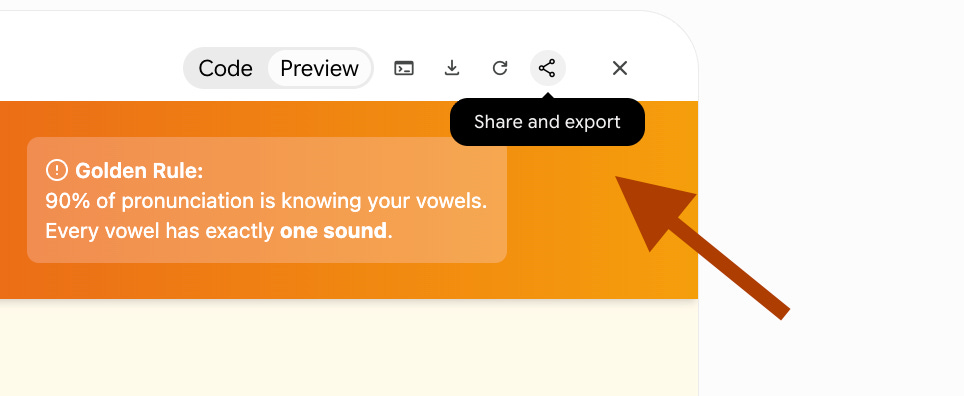
And copy the link.
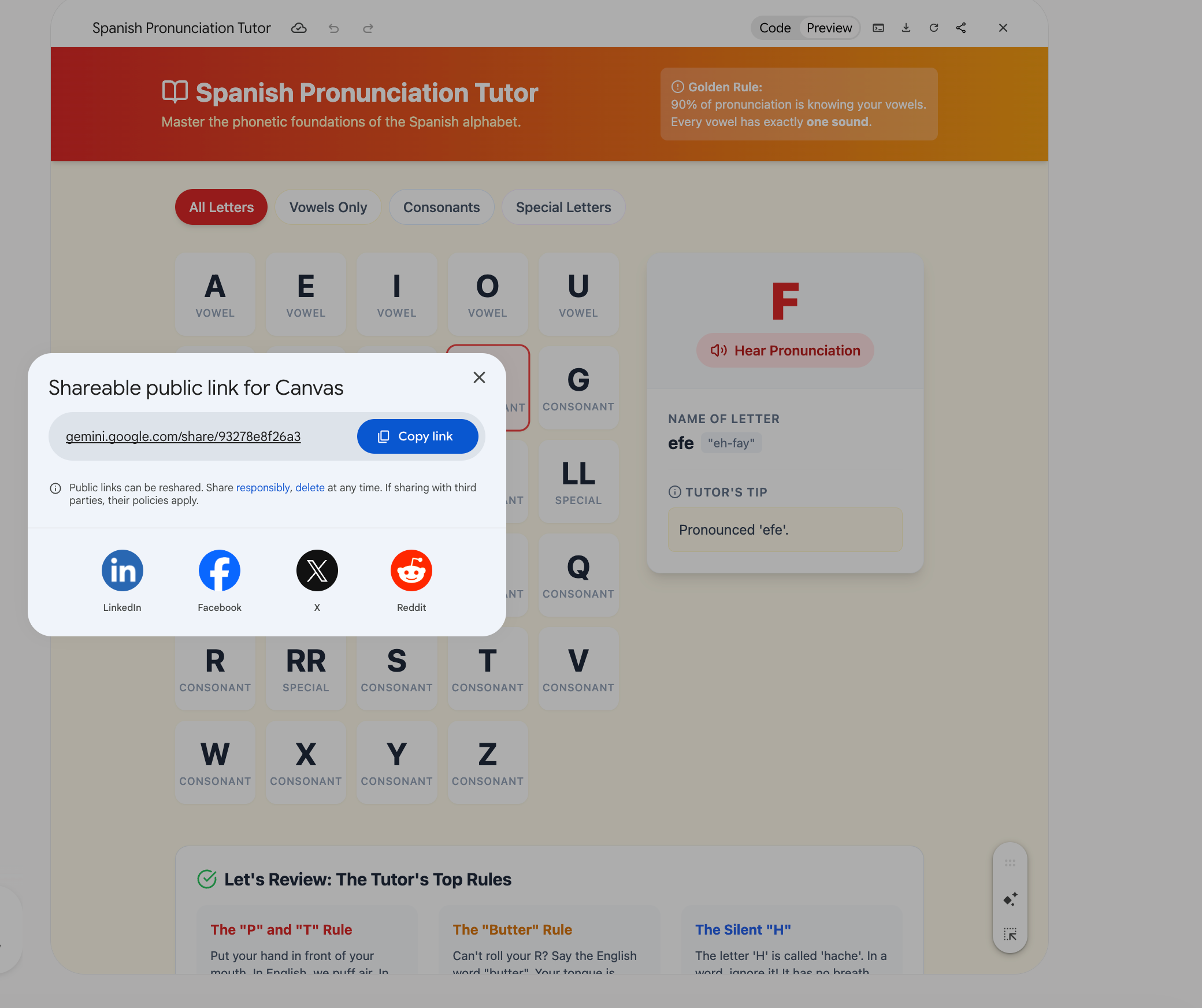
Share it with your friends.
Now, let me show you the five simplest apps.
Of course, these apps can be expanded much further.
But to get your feet wet and start calling yourself a builder, let’s create the most basic versions together first.
1. Spanish Tutor
You now know how to train NotebookLM. I’ve found this YouTube video:
But if you’re in doubt you can find videos from universities, language academies too.
I trained NotebookLM, using this YT video and connected with Gemini.
And paste this prompt:
Build a Spanish tutor from this notebook that gives me one short lesson, asks me to translate sentences, and corrects my mistakes in plain English and tracks my record.
There should also be a voice practice section where I can speak Spanish and receive feedback, using built-in browser capabilities.
Here is the result.
2. History Professor
I don’t know the american history exactly.
So I want to learn about it and find this YouTube video:
You can add your History book here or your favorite YouTube playlist.
Prompt:
Build a history professor from this notebook that explains one historical event at a time, connects it to earlier events, asks a question to check my understanding, and includes a voice mode where I can discuss the topic and receive feedback.
I’ll show you the app, but I want two more features.
Here’s where you can show your creativity.
My examples were simple, but yours can be much more powerful because AI has incredible capabilities.
Request 1: Can you show maps while explaining related events?
Request 2: For each lesson, can you create a Nano Banana image illustrating the historical scene?
Two of my requests did not work as they should have in my first attempt, so here you need to be patient.
Here is the app, generated.
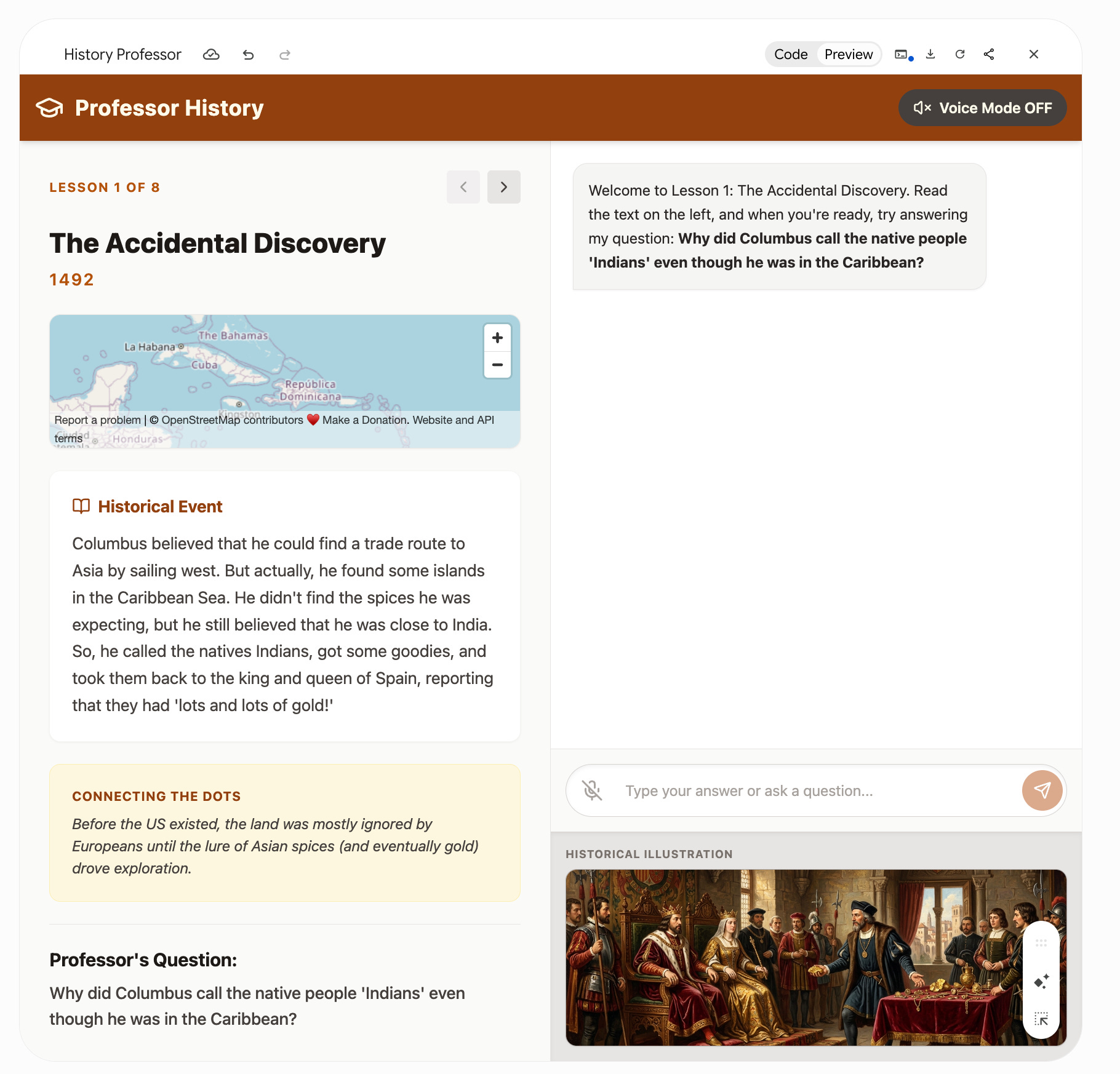
Let’s test it
3. SQL Coach
I’ll use this YouTube video.
Why?
This is the most-watched YouTube video when I searched for “SQL tutor.”
Again, if you’re looking for verified sources, use YouTube videos published by Stanford, MIT, or Oxford, or upload PDFs of the lessons you want to learn.
Prompt:
Build a SQL coach from this YouTube video that teaches the concepts, generates interview questions, reviews my solutions, and gives me adaptive exercises based on my weak areas.
Here is the app.
4. Book Tutor
If you already have the book in your hands, that’s great. But for most people, that won’t be the case.
I own the book Contagious by Jonah Berger, which helps me understand why some ideas go viral.
Before buying it, I watched Jonah Berger’s TED Talk about the book. That made me think: why not use the TED Talk itself to learn why certain ideas catch on?
Prompt:
Build a tutor from this notebook that teaches me the core idea, asks how I would apply one, and pushes back on my answer.
Here is the result.
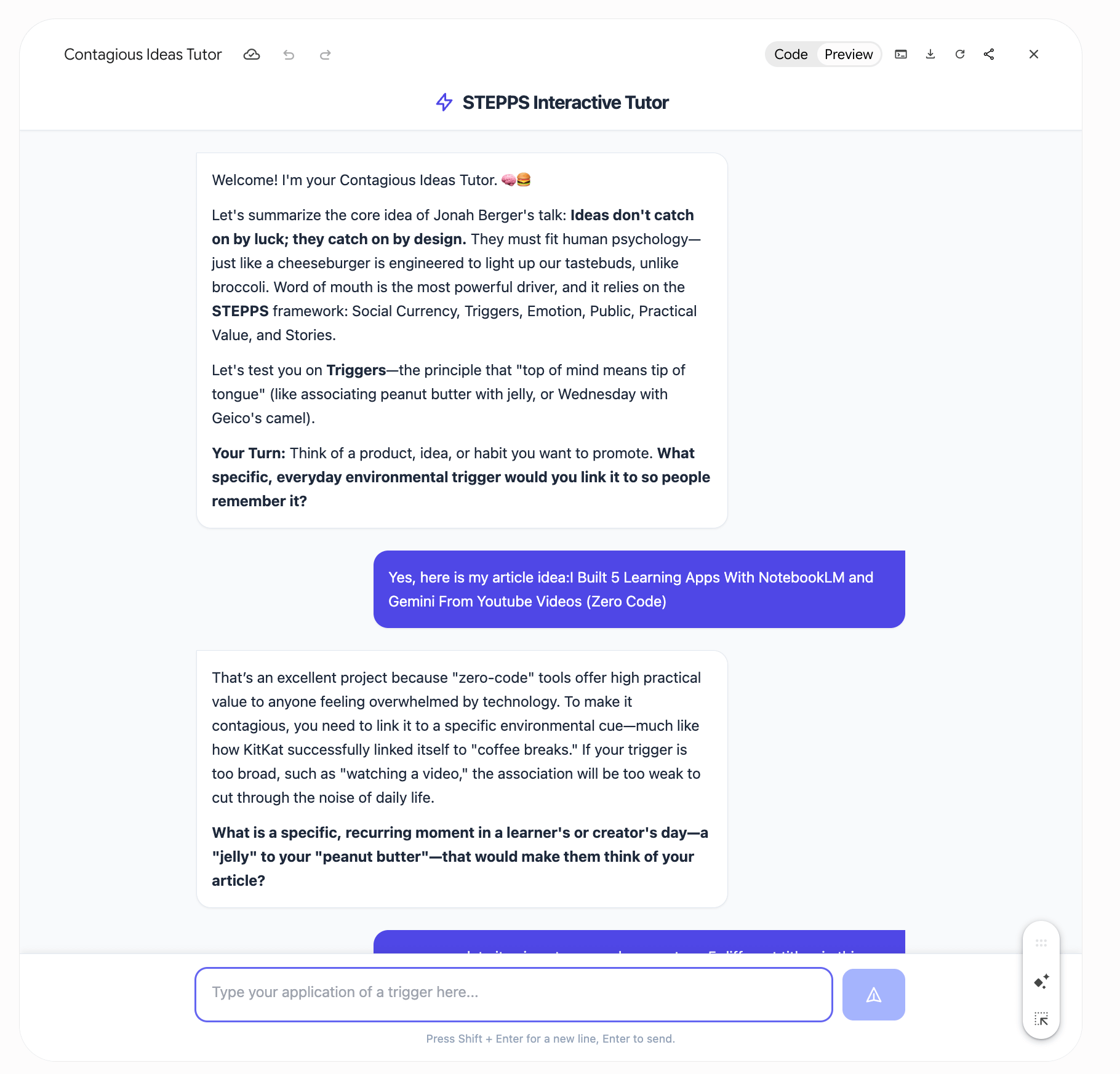
It can help you understand the core logic behind it.
Also, I highly suggest you buy this book if you want to learn the mathematics behind the virality.
5. Interview Prep Coach
Let’s say you want to find a position in AI engineer and you’ll have an interview tomorrow.
I’ve found this YouTube video.
(I just pasted AI engineer and it suggested this job to me.)
Now let’s turn this into an interview.
Also, if you want to verify the information in the video, copy and paste the transcript into your favorite AI and use a prompt that performs web searches, or even better, checks the claims against academic papers to ensure everything is accurate.
Prompt:
Build an interview coach from this YouTube video that asks one common interview question at a time, scores my answers, and shows me how to improve them.
Also, make it voice-enabled so I can speak my answers instead of typing when I feel lazy.
Before the result, I’ll add three more requests.
Request 1: Use real-time TTS while doing an interview.
Request 2: For each lesson, can you create a Nano Banana image illustrating the historical scene?
Request 3: Two modes, text and voice only please.
Here is the app.
What’s Next
Next time you reach for your card to pay for a subscription, stop and ask one question.
Can I build this with NotebookLM instead?
Most of us pay for tools and use a tenth of what they offer.
You are renting the whole gym to use one treadmill.
The five apps here are the basic versions.
Yours can go much further.
That is what I keep in the vault.
There are 295 NotebookLM prompts in there
And 30 of them are built for the Gemini connection you just learned.
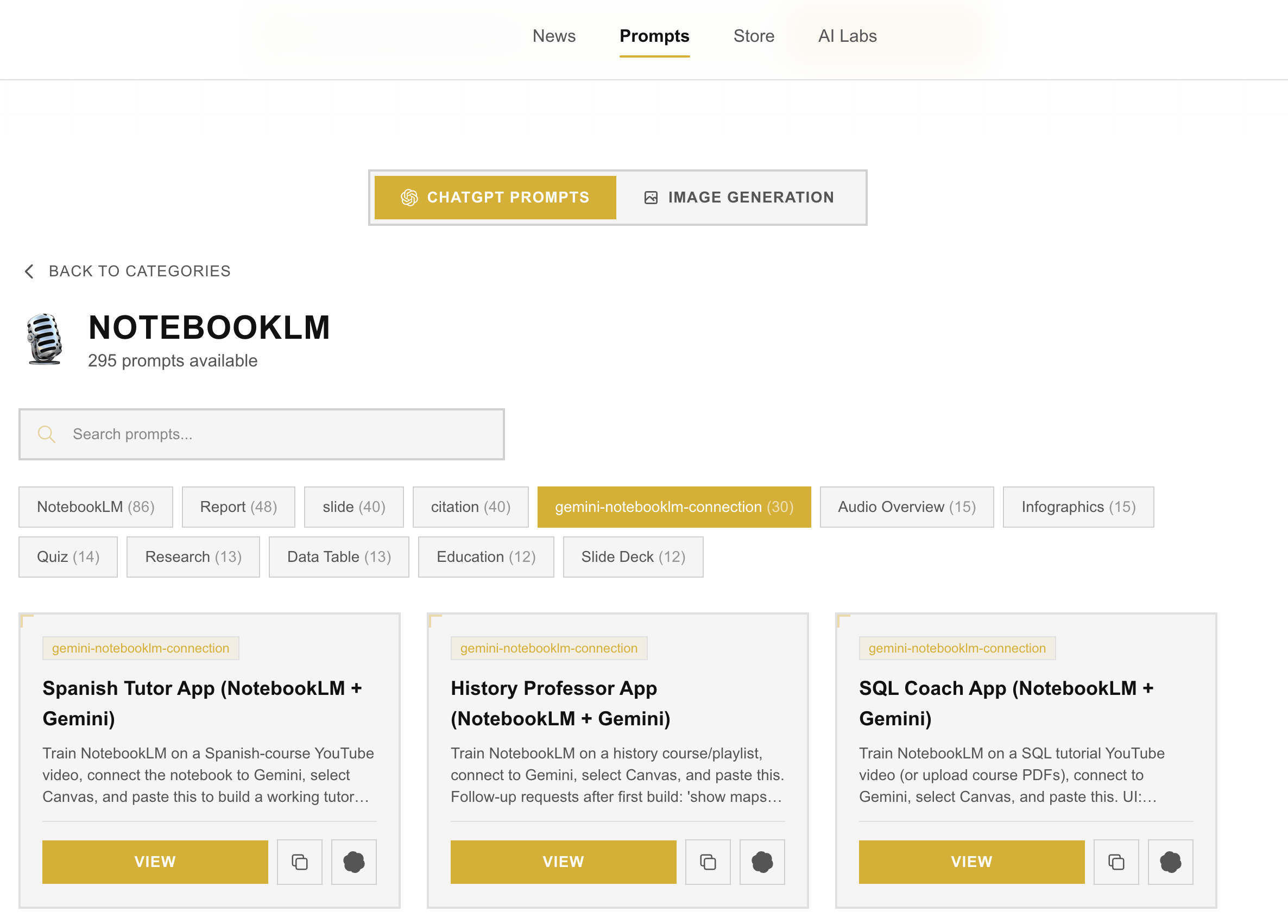
For more info about the vault, read this.
The Pattern
Five apps. Five notebooks. Five sentences. Same three steps every time.
Paste a YouTube link into NotebookLM.
Connect the notebook to Gemini.
Write one sentence describing the tutor you want.
NotebookLM and Gemini are free.
The courses are free.
The apps you build out of them do the one thing a video cannot.
They check your work.
Pick a topic. Find the course. Let NotebookLM read it and let Gemini build the tutor. One sentence from a playlist to a tool that teaches you back.
Great article. Can we get away using Gemini free or is this a pro requirement.
谢谢