
How to Build Apps with NotebookLM Better Than 99% of People?
NotebookLM & Gemini & Claude Code = Production Pipeline (Most Developers Miss This)


Google quietly gave NotebookLM 3 superpowers.
Most users have no idea they exist and are still using it for podcasts and summaries.
It’s the first step in a production pipeline.
NotebookLM distills → Gemini prototypes → Claude Code builds.
Everyone has access to these tools. Nobody connects them.
We’ll.
This workflow built a $10M CRM dashboard in 8 minutes.
But let’s start with the basics.
What is NotebookLM?
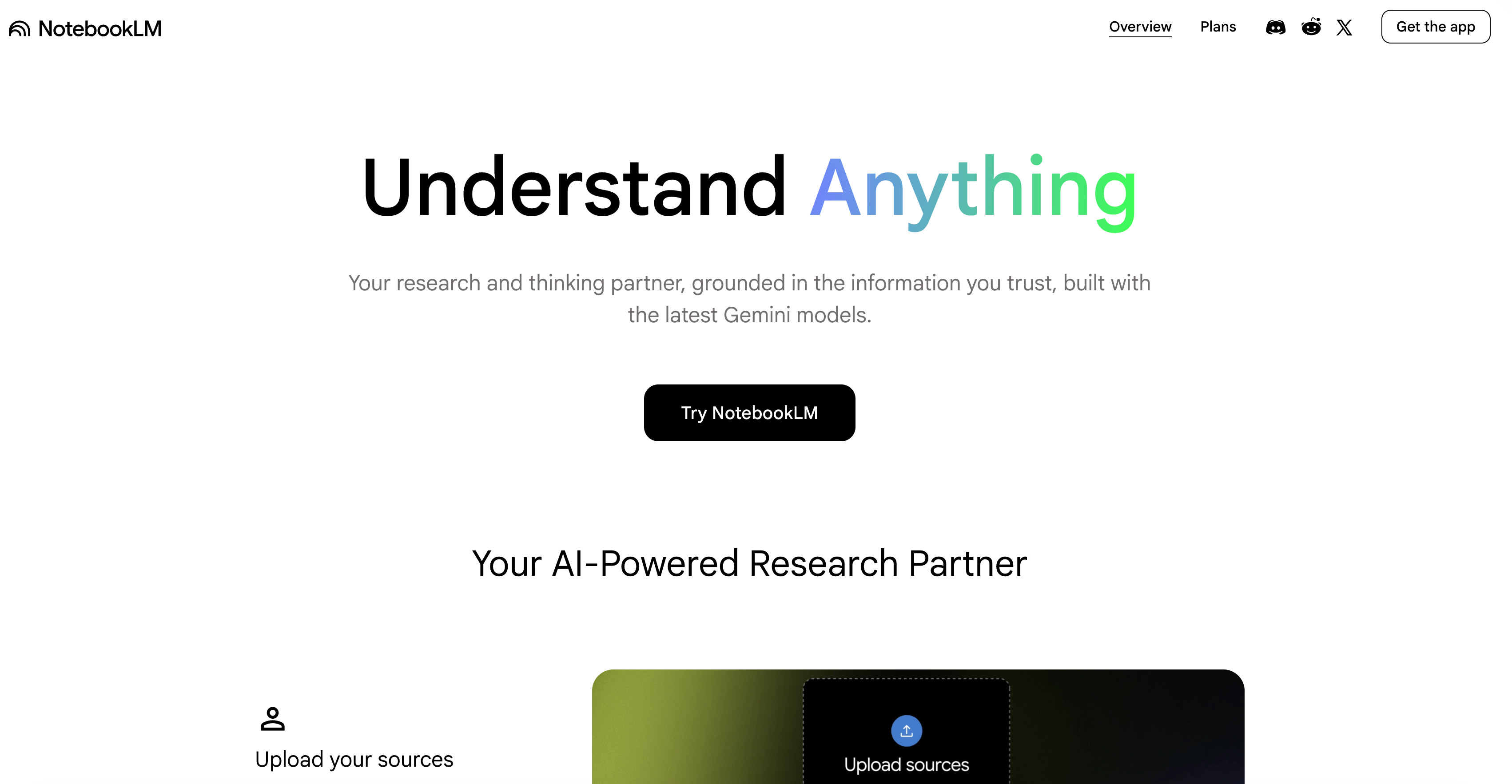
NotebookLM is Google’s AI-powered research partner.
But why is NotebookLM now more popular than Gemini in 2026?
Because it has superpowers. And you can build apps using these superpowers.
Let’s see how to train it.
How to Train NotebookLM
Let me show you in 4 steps.
Visit here → Click on “Try NotebookLM” → Click on “Create new” → Add any source
That’s it!
If you like NotebookLM, read this one to master NotebookLM in 10 minutes.
How to connect NotebookLM with Gemini?
Visit here → Click on “+” → Select “NotebookLM” → Click on “Tools” → Select Canvas
And paste this prompt.
Develop app from attached NotebookLM
Done!
If you want to build apps using this connection, I developed 2 of them using NotebookLM and the Gemini connection.
What is Claude Code?
Claude is the most powerful AI tool yet discovered.
And using Claude Code, you’ll bring your computer’s power back into it. Meaning: You can write app codes, build apps, use API’s, WITHOUT CODING.
If you are reading this with a doubt, I wrote Claude Code MasterClass for you.
Most of the MasterClass is free.
I only paywall my personal workflows, prompts, and my takes.
How to connect NotebookLM with Claude Code?
First, let me say this: there is no official CLI or MCP published doing this.
But, using this GitHub, you can turn it into the Claude Code Skill or CLI, which we did in the Claude MasterClass.
CLI’s are like MCP’s, let’s your Claude Code connect to real world, check this.
After connecting, make sure try Claude Code Agent Orchestration with NotebookLM and thank me later.
What We’re Building Today
We all have been a customer or have a customer.
That’s why, we’ll build CRM assistant for insights and prototype app and production app that visualize customer data.
All of these three apps, rooted NotebookLM:
Assistant: NotebookLM + Gems Connection
Prototype: NotebookLM + Gemini Connection
Production: NotebookLM + Claude Code
All will be done by copy/pasting Master prompts.
All zero code.
We’ll start with the assistant, prototype it in Gemini, then ship production code with Claude.