NotebookLM & Claude Code Agents: One Prompt Turns Meeting Notes Into Research-Backed Reports
3 AI agents read your notes, research topics, and write action items while you make coffee.


I had a client call yesterday. Took 15 pages of notes.
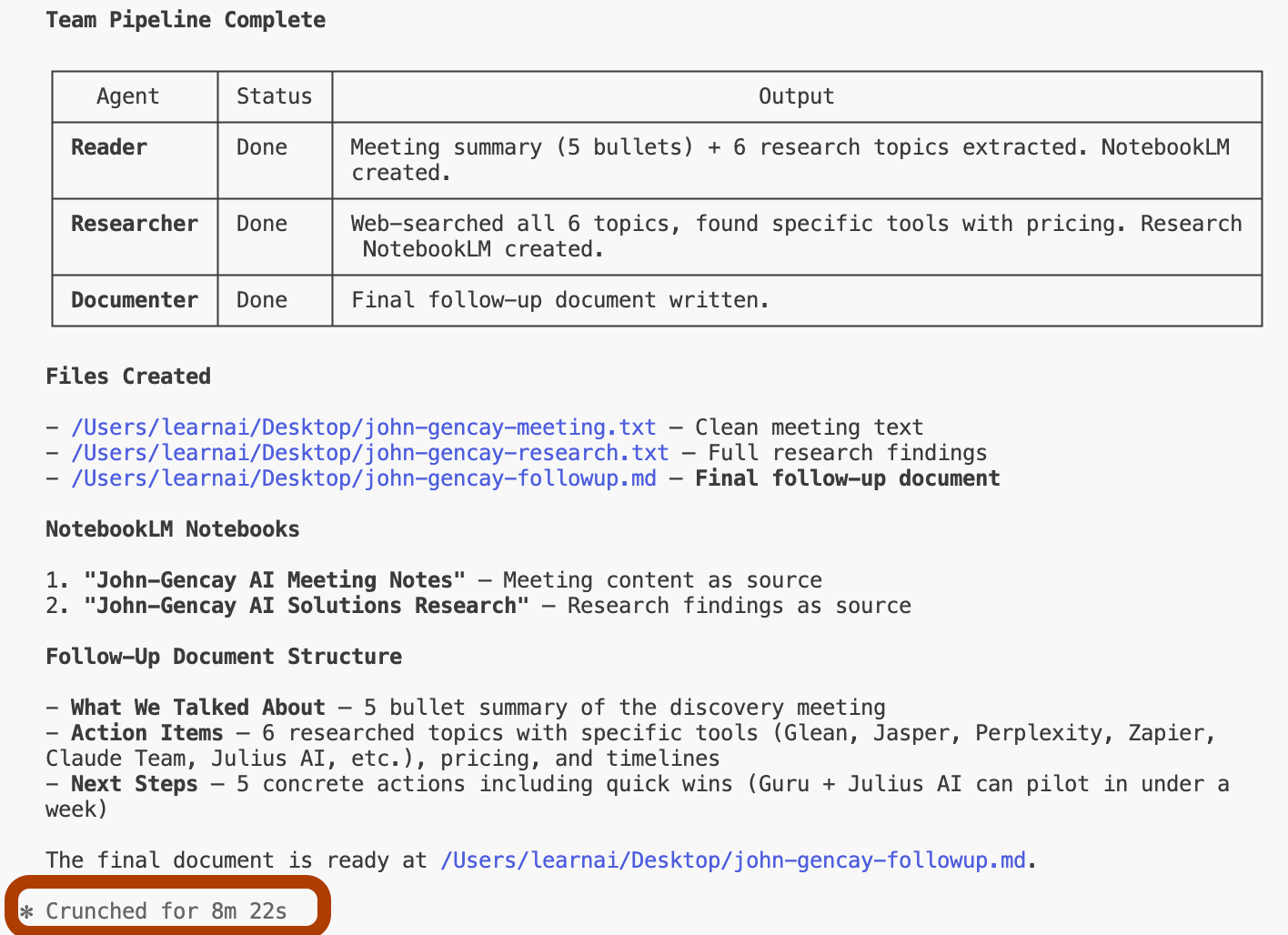
Then I threw it to my 3-agent team and went to make coffee.
Most people spend 20 minutes after meetings writing ‘who does what by when.’
I’ll give you the agent setup, the prompts, and the 8-minute workflow.
(It works for Zoom transcripts, Google Docs notes, even voice memos.)
What are we building?
We all have meetings. And after those meetings, we spend hours analyzing notes, figuring out what we discussed, what we need to research, going into research rabbit holes, and then writing follow-up reports for clients or management.
What if I told you there’s a simpler way?
In this use case, we’re training 3 agents.
Agent 1 and Agent 2 each train separate NotebookLMs, and Agent 3 writes the final note using both trained NotebookLMs.
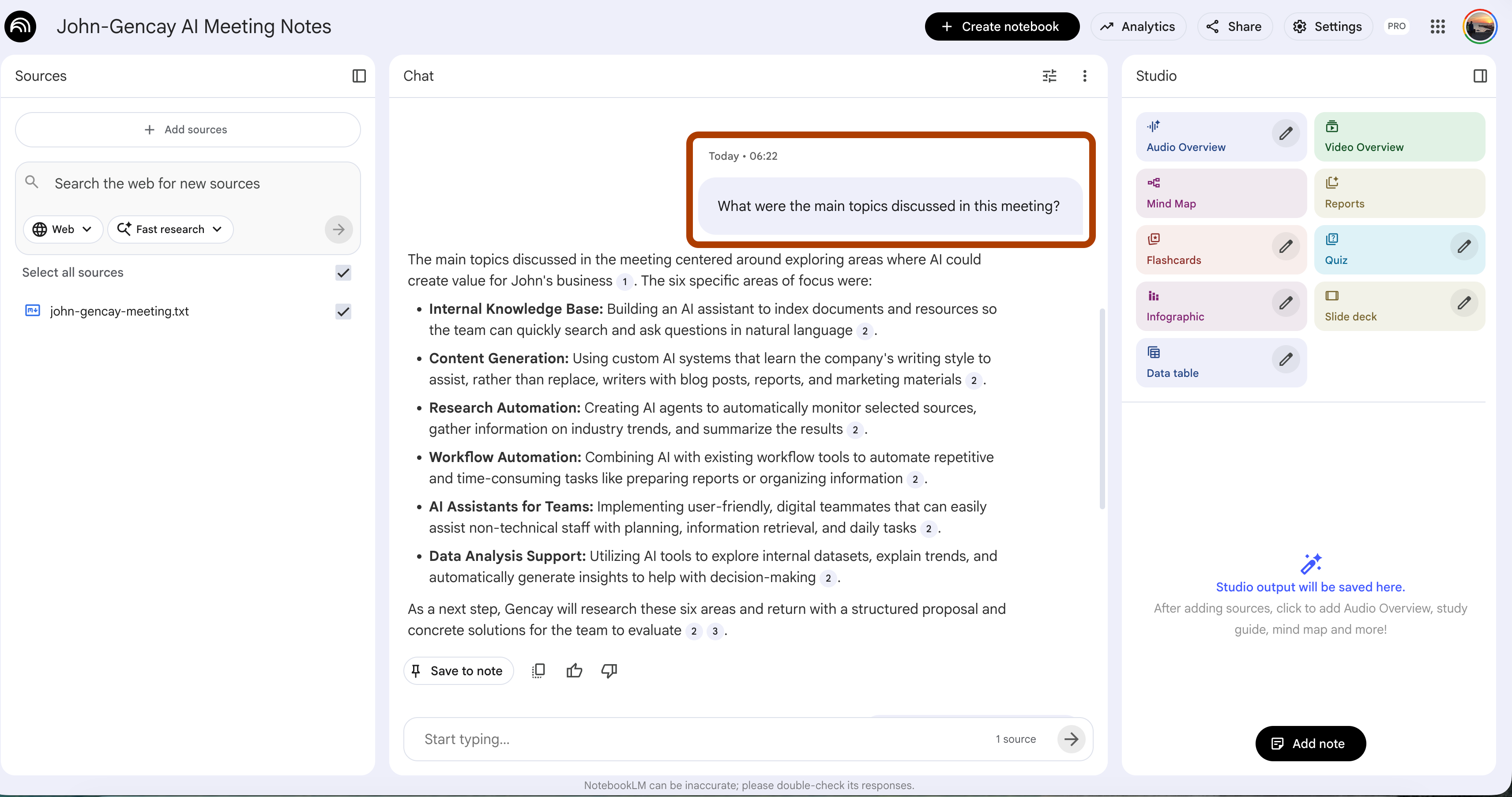
Agent 1: Trains a NotebookLM from meeting notes
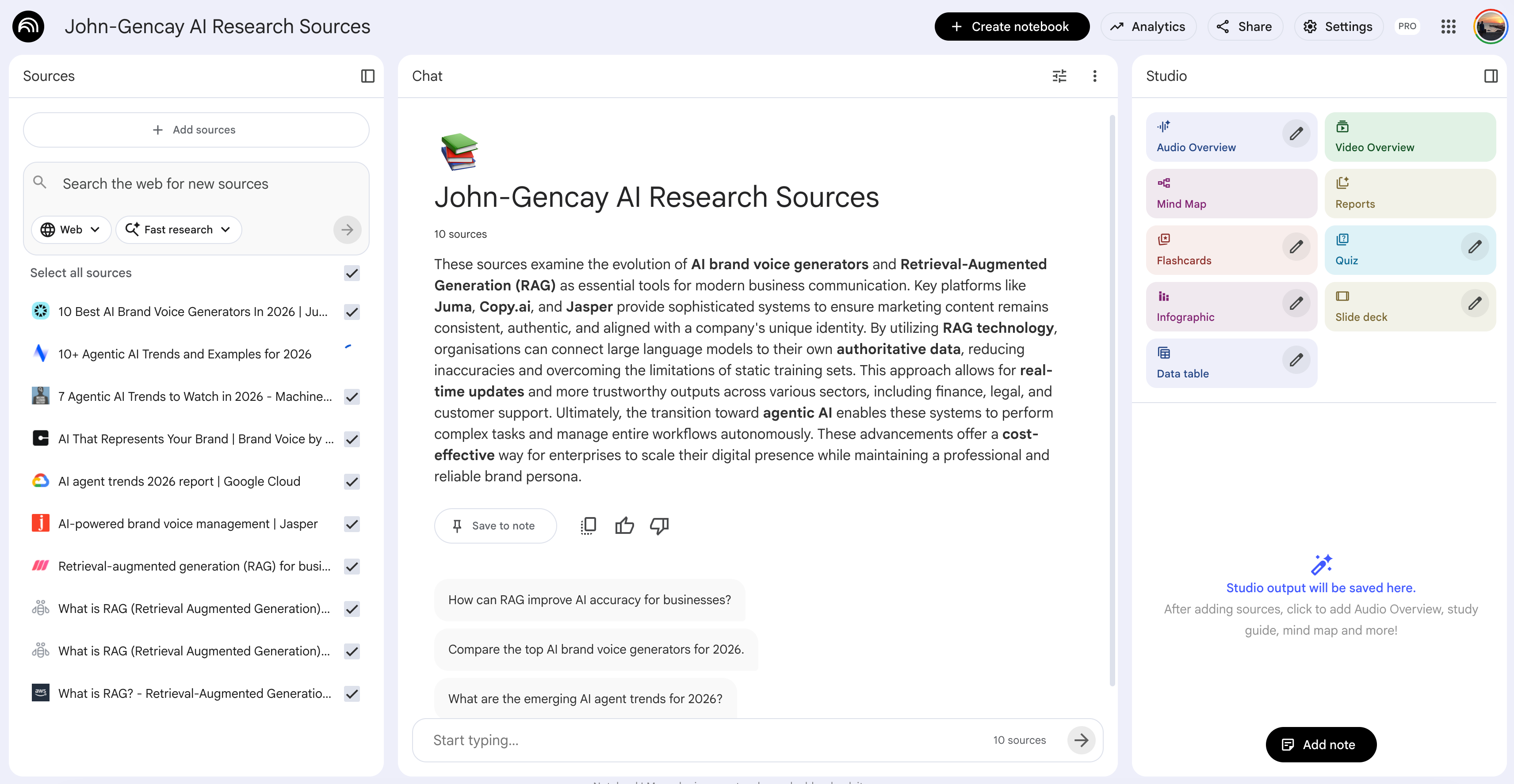
Agent 2: Identifies research topics and creates a research NotebookLM
Agent 3: Generates the final follow-up document using both NotebookLMs
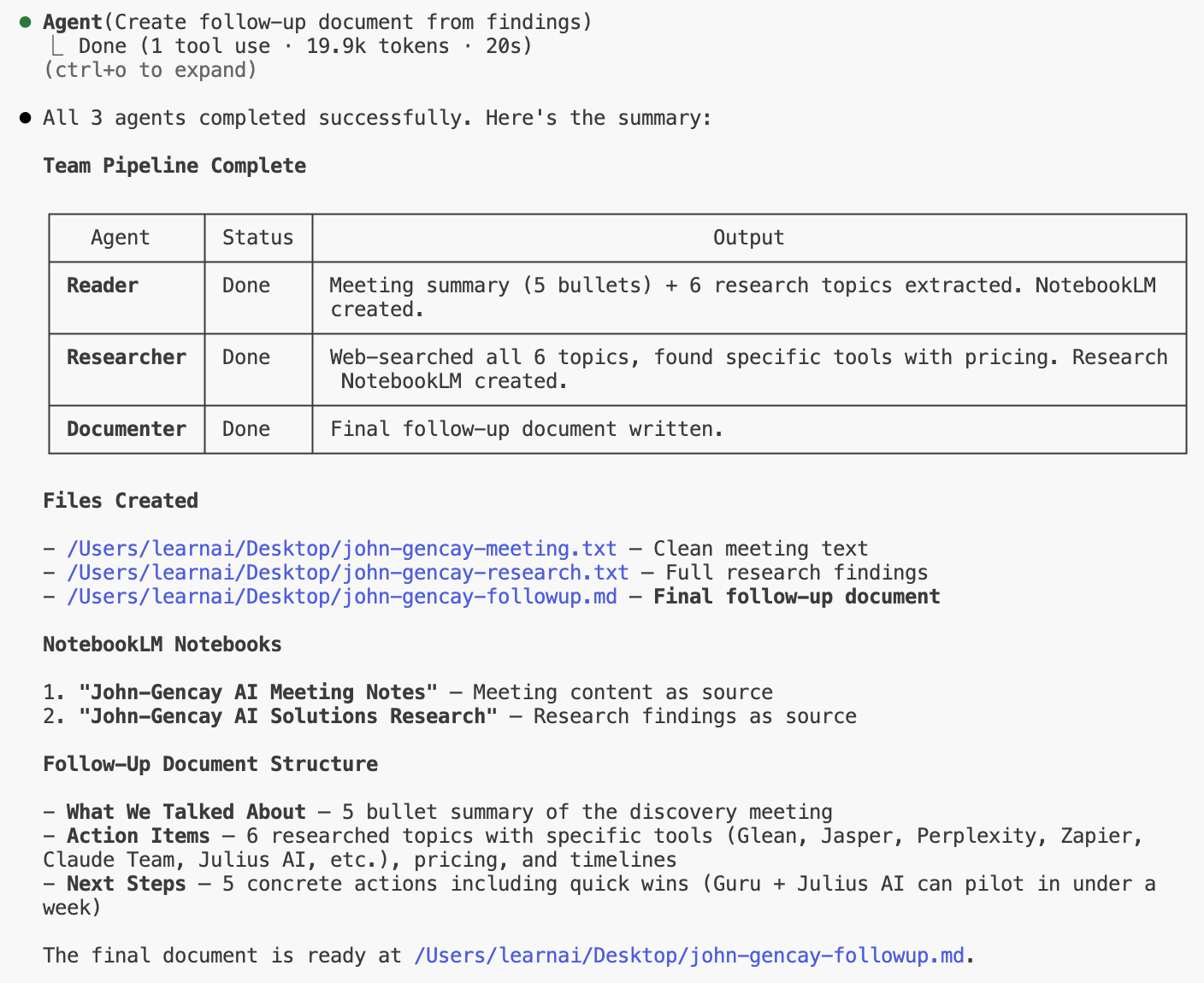
Here is the final document.
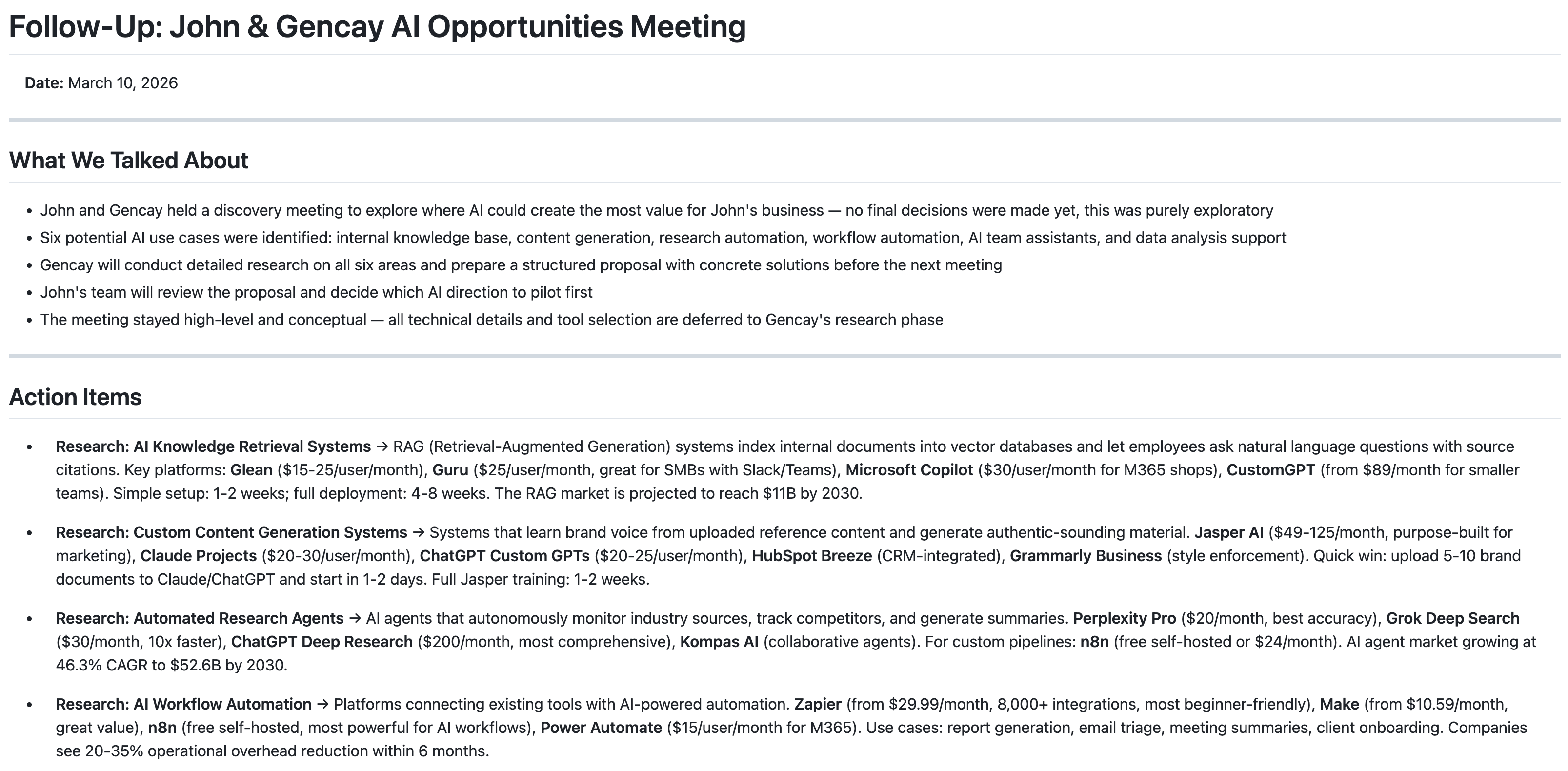
And all of this happens in 8 minutes, with just one prompt.
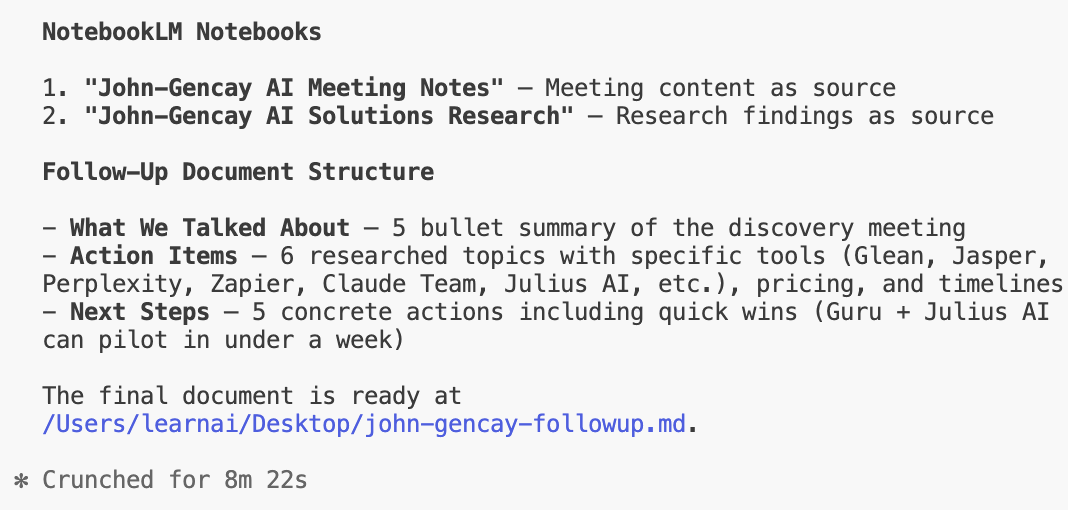
Go make your coffee.
By the time you’re back, your meeting notes are a clean markdown file.
Research findings included. Action items listed. Next steps ready.
What is NotebookLM?
NotebookLM is an AI tool developed by Google.
It was first released as a research tool, but then it transformed into something bigger at the end of 2025.
Let me show you how to train NotebookLM.
How to train NotebookLM?
Visit notebooklm.google.com.
Click “Try”
Next, click on “Create New.”
Add your sources. (website, pdf, deepsearch results)
Name your notebook
That is enough. It has a pretty solid free quota.
For NotebookLM tips and tricks, read this one.
But with Claude Code Agent Orchestration, it will be so powerful that you can build smart things. First, let’s discover what Claude Code Agent Orchestration is.
What is Claude Code Agent Orchestration?
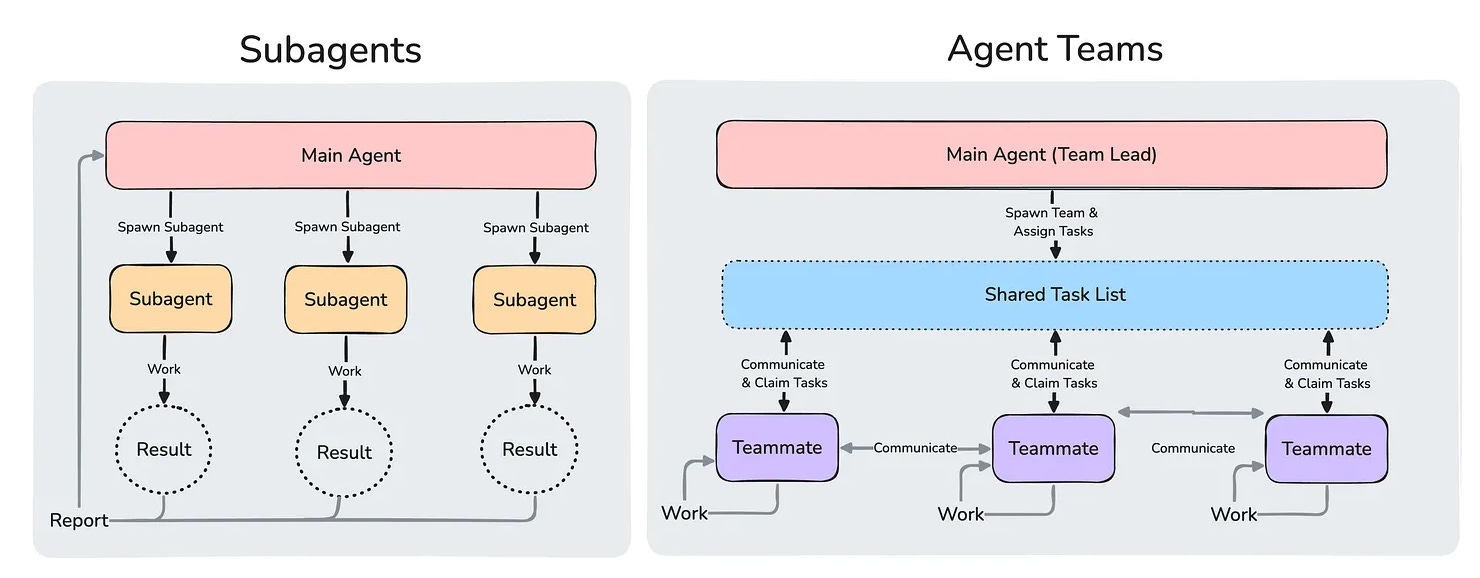
Using Claude Code Agent Orchestration, you can run multiple agents together.
They don’t need your attention.
They work together, talk to each other, and handle everything on their own.