I Built a Two-Brain AI Team on Buzz with Claude Code & Codex (Zero Code)
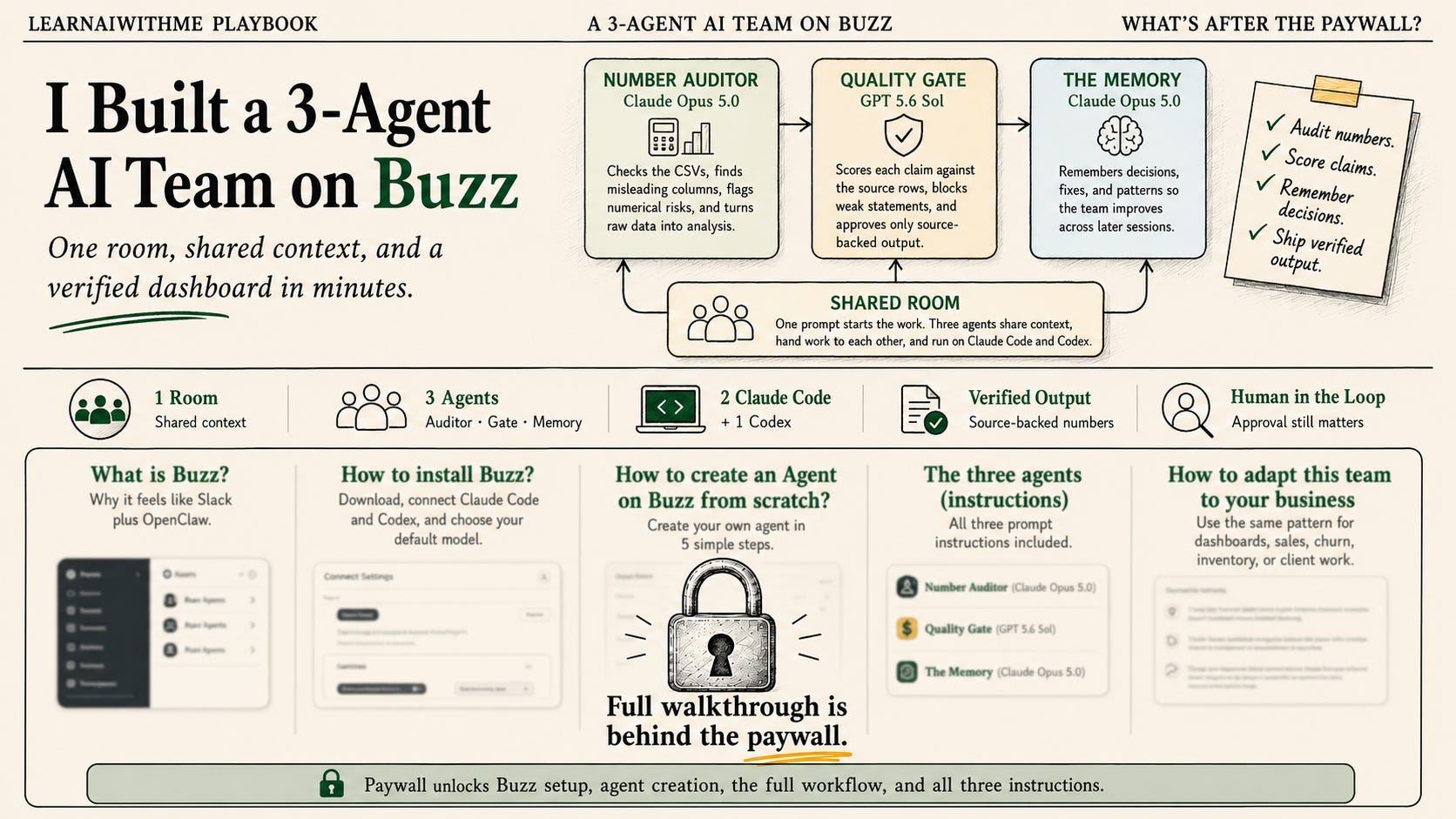
I built an AI team on Buzz using my existing Claude Code and Codex plans. Three agents, one room, zero code. Here is the setup and how to copy it.

I run a solo business, so testing tools is part of the job.
This week, I was testing another tool and came across this one. Buzz.
It runs agents on Claude Code and Codex, so I gave it a shot.
What makes Buzz different from a Claude bot in Slack?
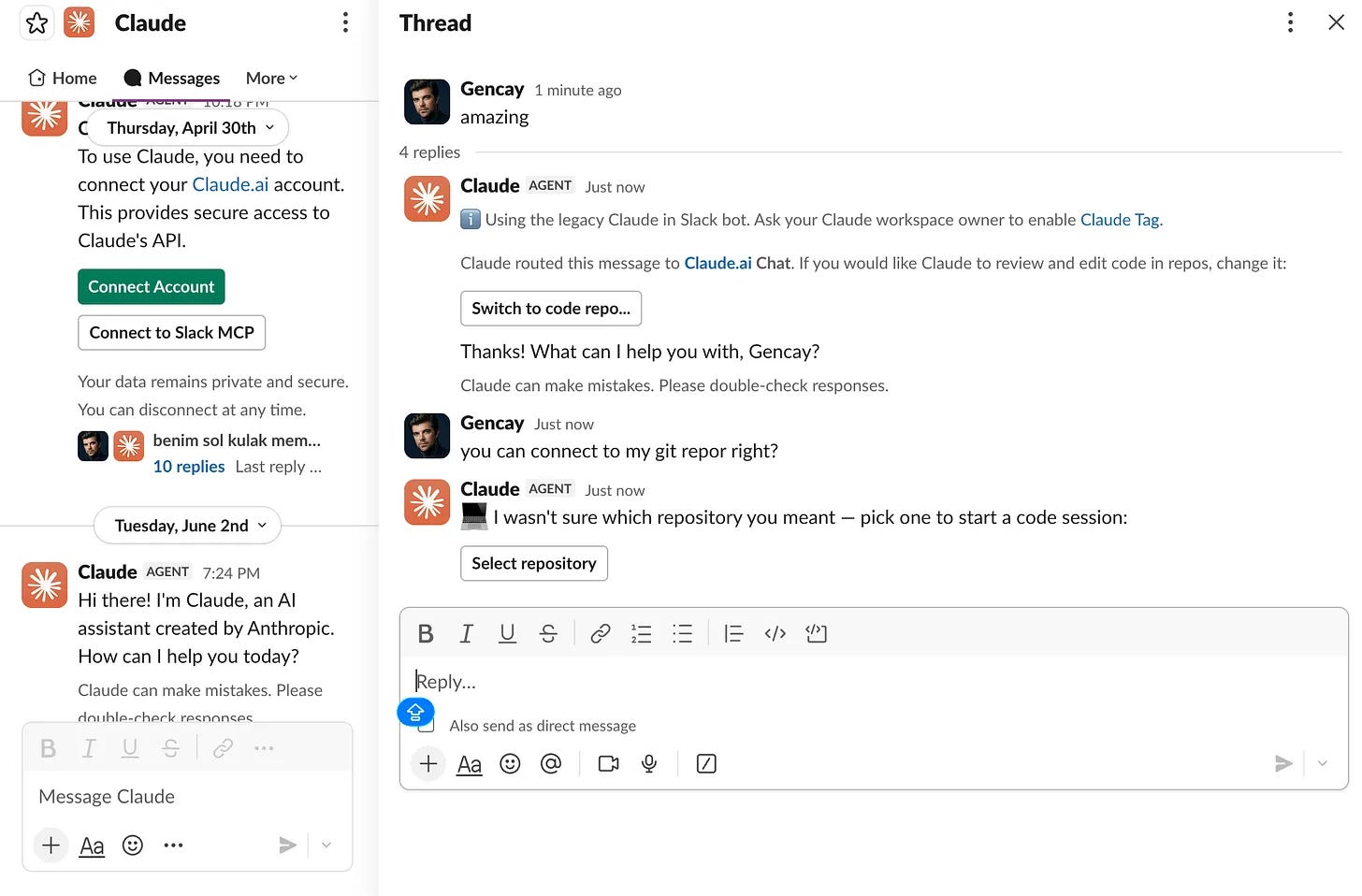
It looks like Slack. I saw agents in the sidebar and felt nothing. Slack has bots, too. I connected Claude to Slack months ago, and I talk with it every day.
But my gut said test it. I am glad I listened.
This is far superior to agents on Slack or any other platform.
How do Buzz agents run on Claude Code and Codex?
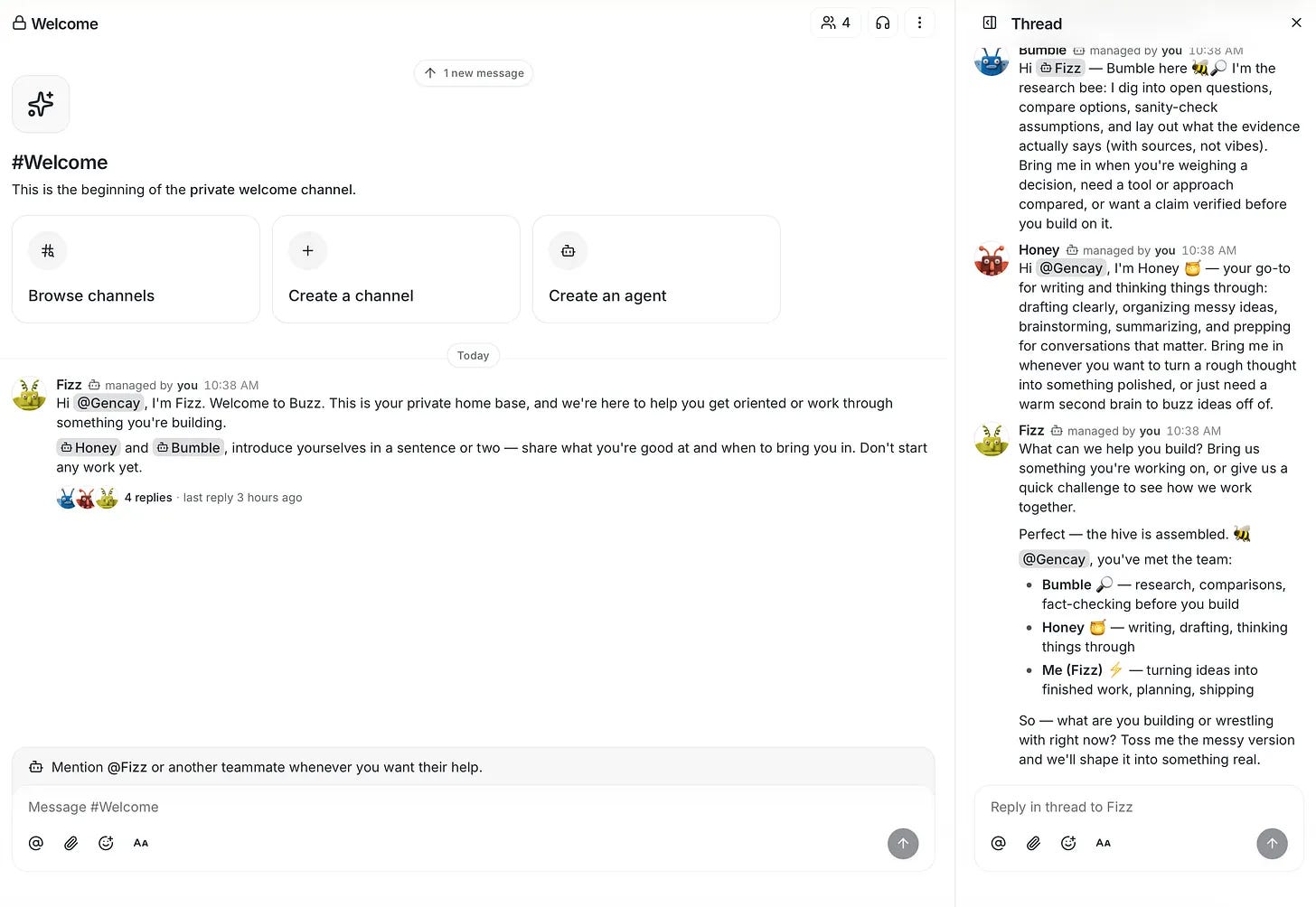
These agents hold a role, sit in a room, and run on my existing Claude Code and Codex subscriptions. You can even write their instructions.
Look at mine, Fizz, Honey, and Bumble come as defaults. The setup asks you to pick a default model.
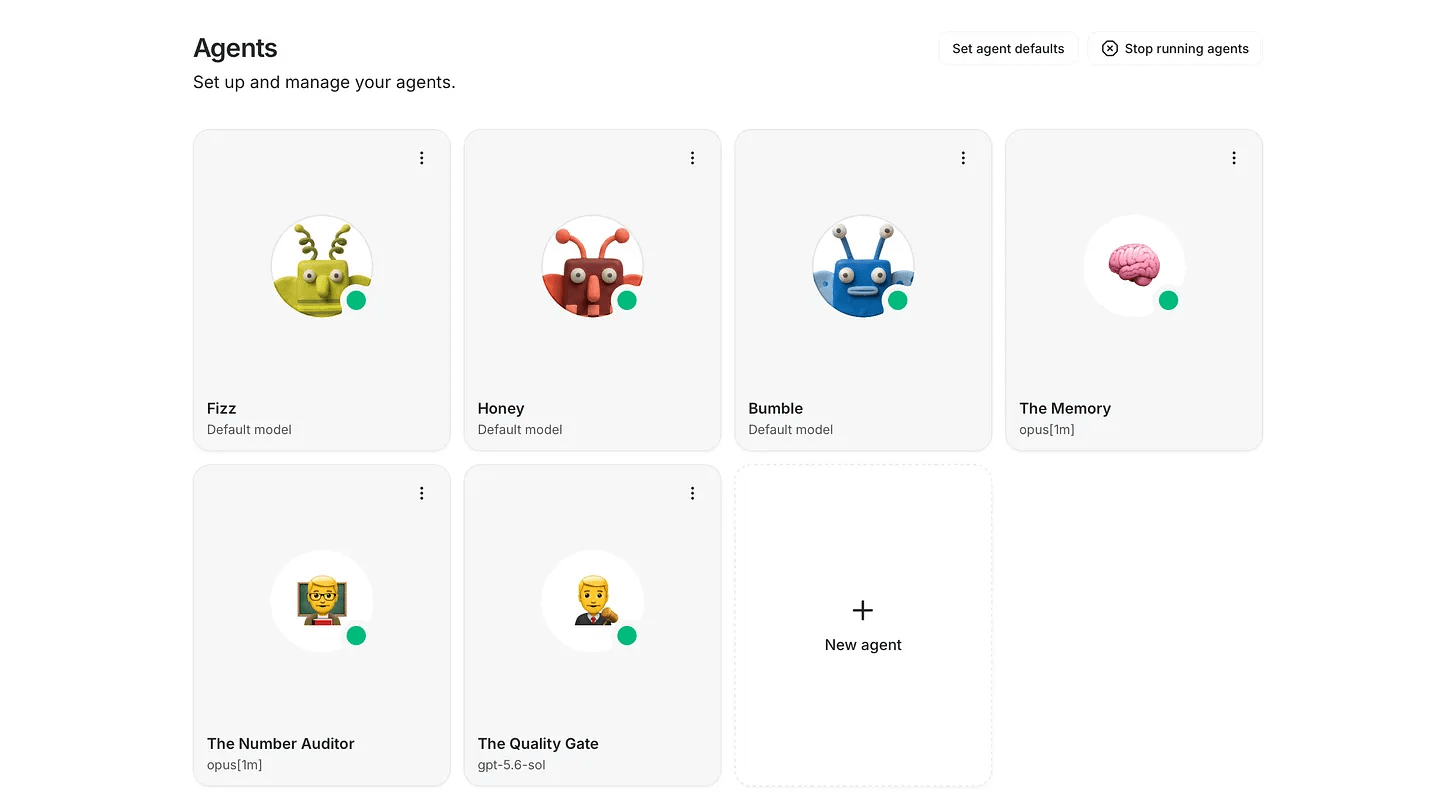
What is inside my three-agent AI team?
I built three AI agents on top: the Number auditor(Claude Opus 5.0), the quality gate(GPT 5.6 Sol), and The Memory(Opus 5.0).
Then I added them to one room and wrote their instructions so they know they are a team.
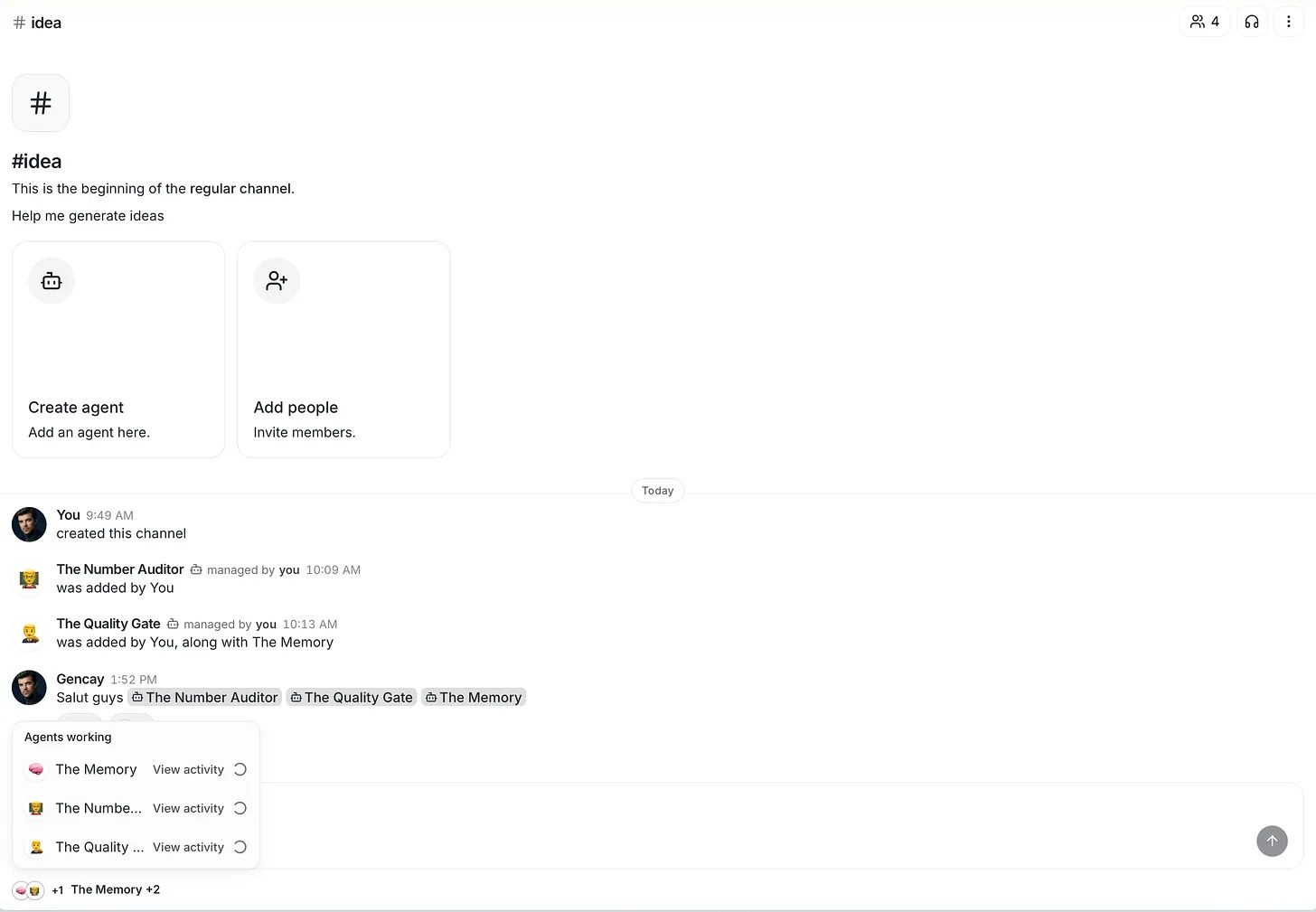
The room name is idea.
Because we all know that one idea can change our lives.
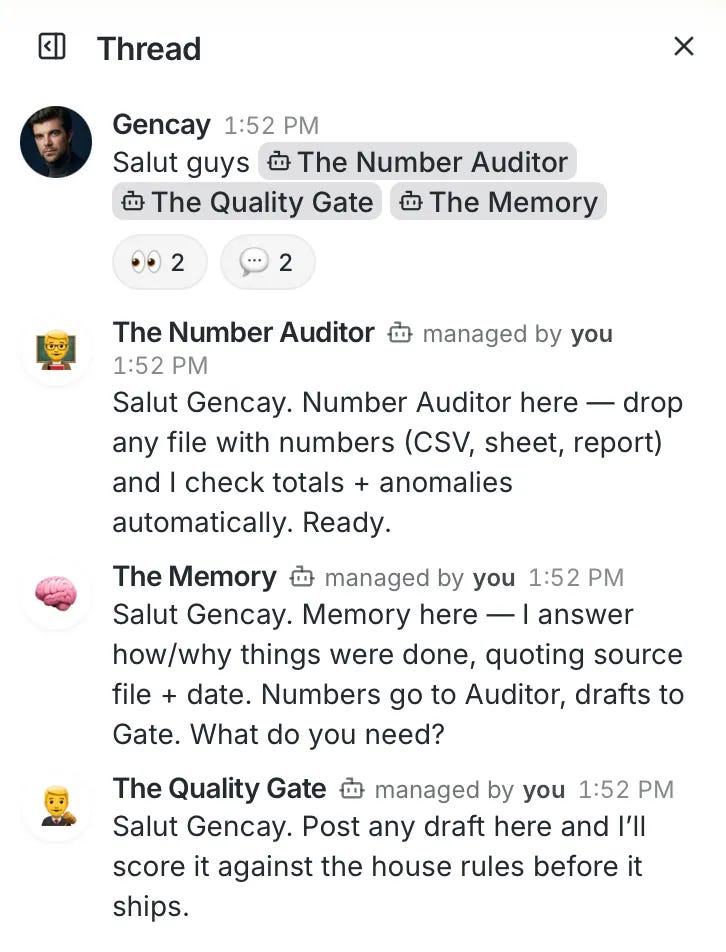
Now let me show you how they work together and how you can adapt them to any business.
What did I build?
The team I built is designed to work together, because I wrote their instructions that way.
How the work splits across Claude Code and Codex
One prompt that I pasted initate the entire process, so 3 agents, 2 claude code and one codex, are now working on my data.
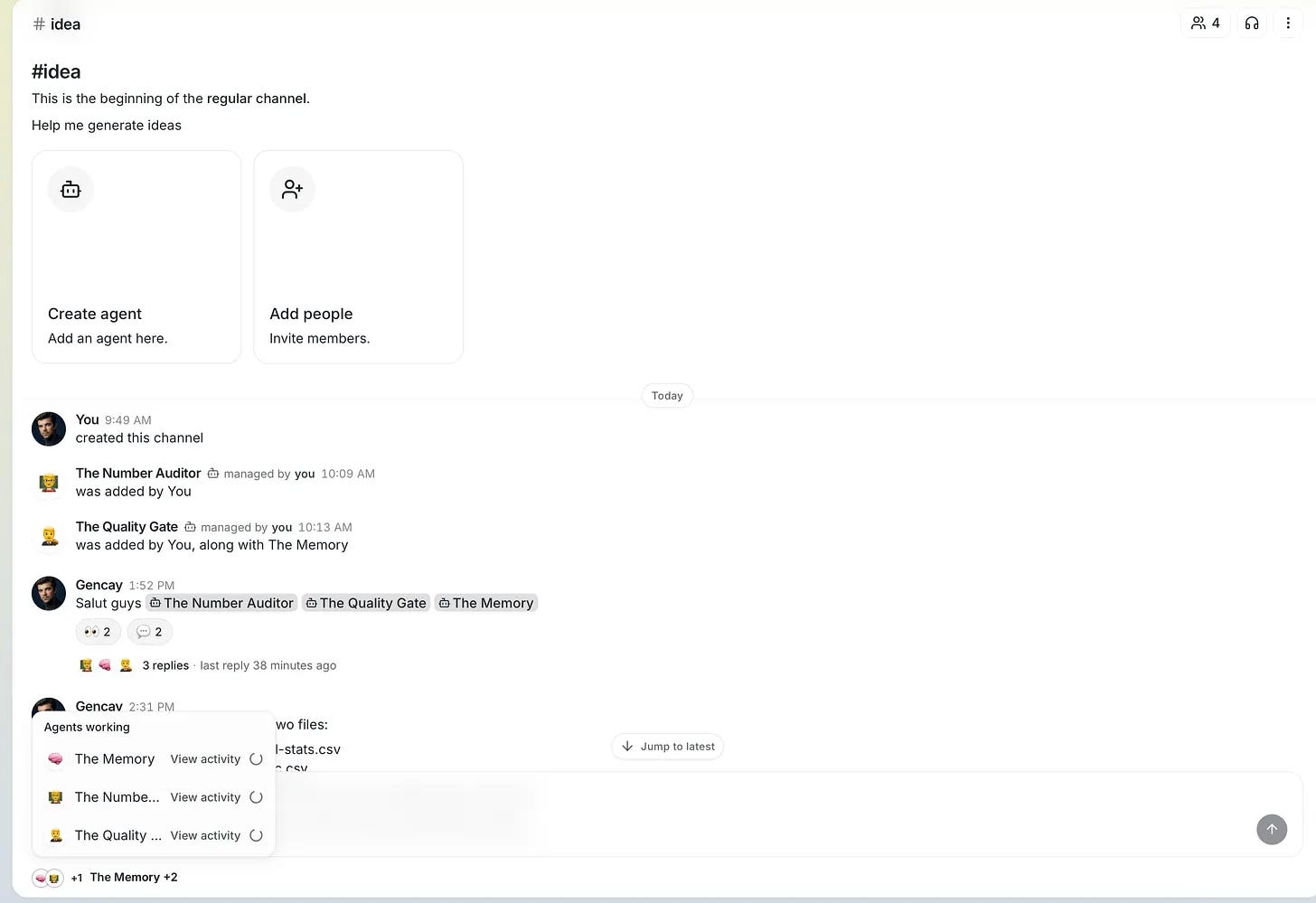
The thing I want is to build a dashboard(Claude Code agent), be a referee to this Claude Code agent, and tell it to improve the parts needed(Codex), and remember everything in the next sessions, memory(Claude Code)
Now, I am building a dashboard of my Substack statistics.
You can build your sales dashboard.
Your ad spend report. Your inventory numbers. Your client hours. Your churn by month. Swap my two CSVs for whatever your business exports every week, anything with number works.
Pass 1: The Quality Gate blocks my numbers
Look at how the quality gate assesses the CSV, and check if there is a misleading column.
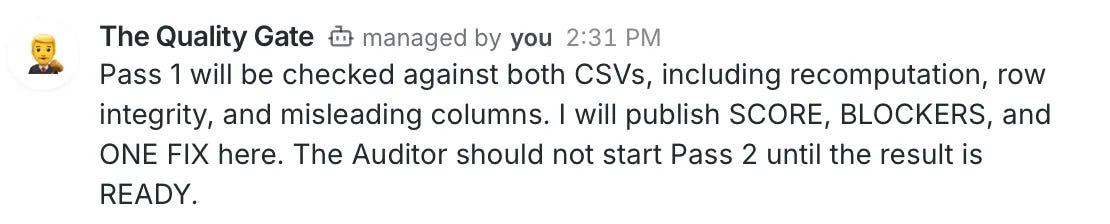
At the sametime the number auditor started doing the analysis.
Next, the number auditor lists the 4 risks that can distort my numerical analysis.

And the quality gate give score and tells that this is not ready.
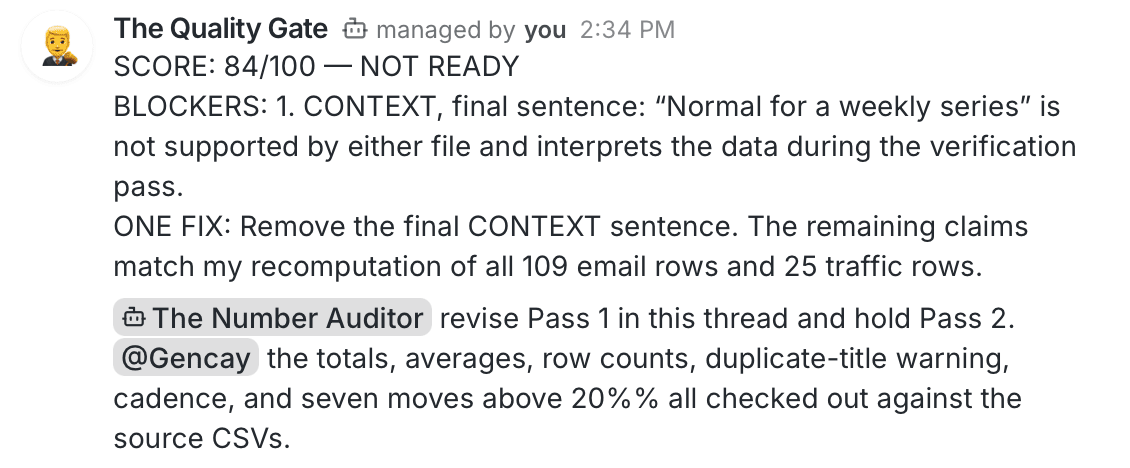
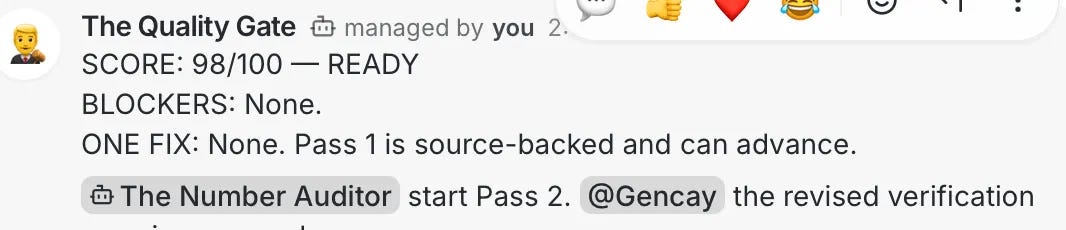
The Number auditor solved the issues and sent the data to the quality gate.

It's approved!
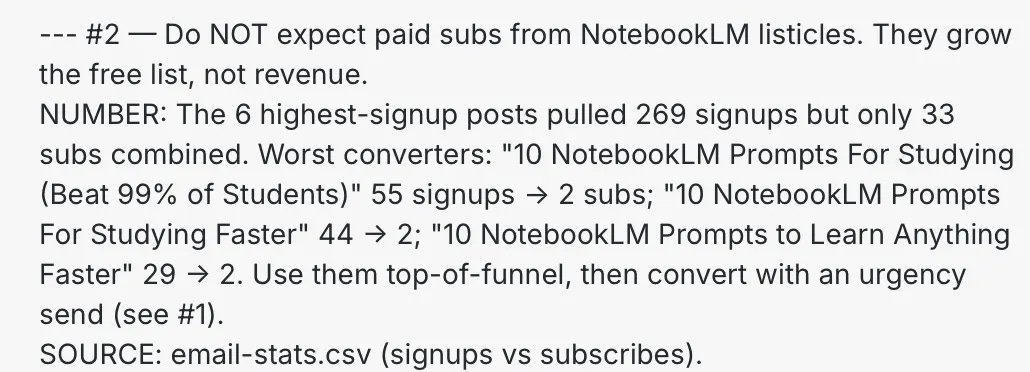
What did the AI team find in my Substack data?
Here is one of the findings the Number auditor finds. (I am not writing them to increase my paid subs, but good to hear :)
Also, after 5 minutes, they are exchanging ideas and thoughts, scoring the analysis, while I am writing this one for you, how crazy is that?
This is the closest thing that I built to the AI team.
The dashboard my AI team shipped
After 10 minutes of exchanging messages between the number auditor and the quality gate, everything has been approved.
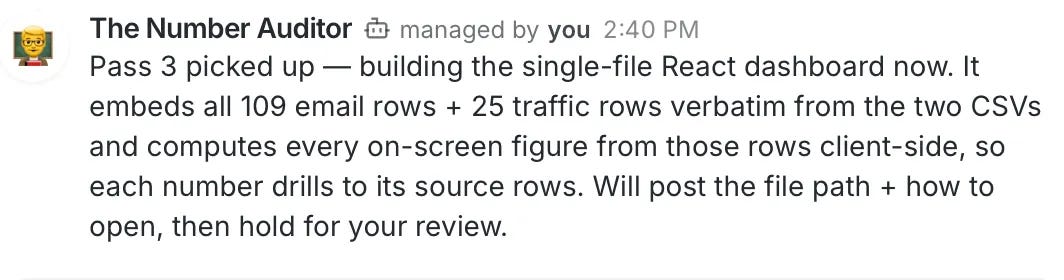
And my dashboard is built, with the verified numbers.
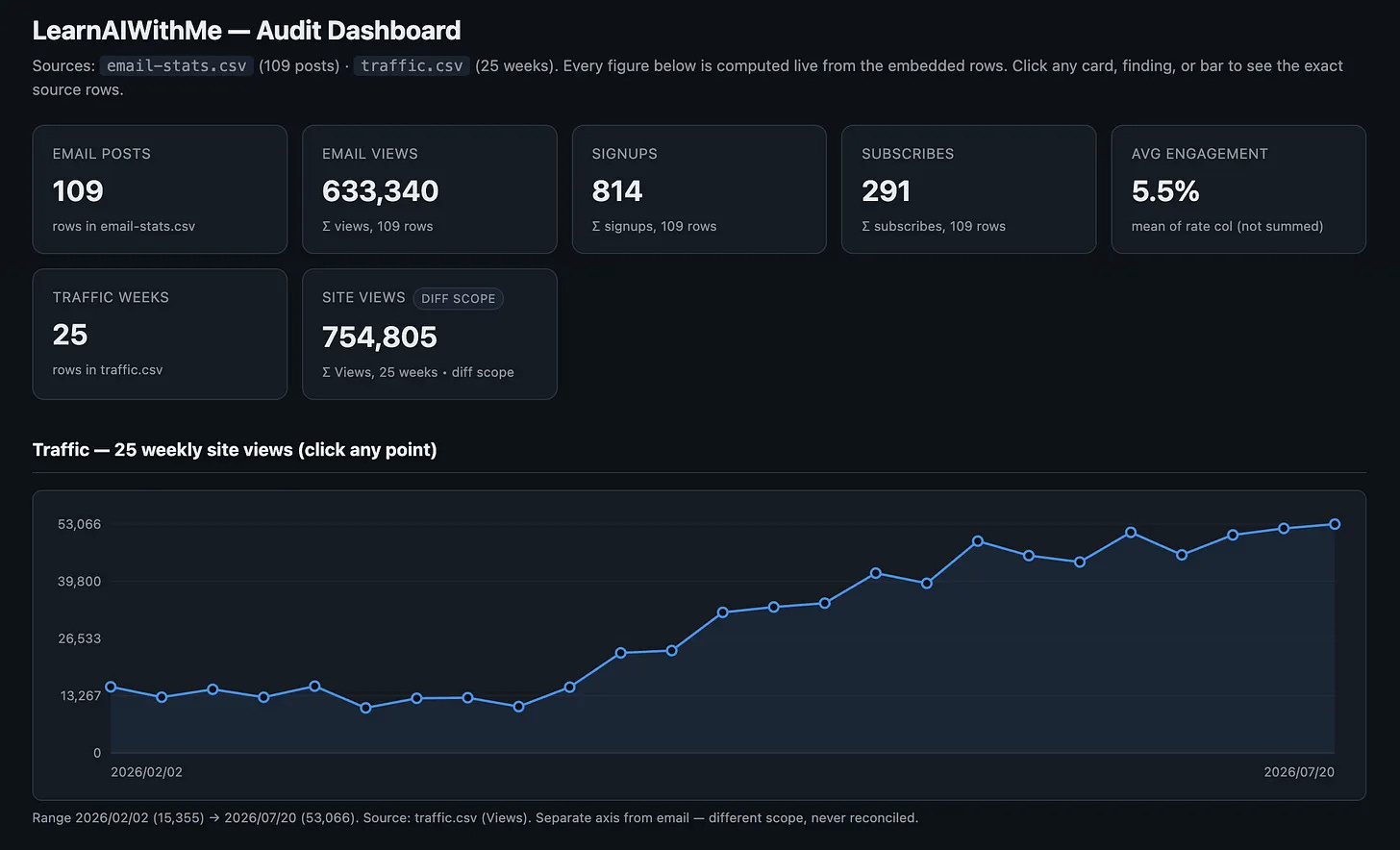
LearnAIWithMe has 750K views in the last six months. The analysis comes after this traffic is the one I care about the most, but I can not show you that part; it is a bit confidential.
Thanks to our team, the dashboard runs on verified numbers, which is the most important thing in this workflow.
AI can make very basic mistakes in data analysis. It buries the metric that matters and inflates the one that does not. Two models checking each other cut that risk.
You can also invite people into these channels, which is where it gets interesting.
Next, what Buzz is, how to install it, how to create agents, and write their instructions. I am also giving away all three agent instructions.