

Today, I was working with Fable-5 and got this error:

It switched itself to Opus 4.8 instantly.
The AI that I paid $200/month could not process my prompt.
This upset me, but I forgot it because I think I don’t have an option B.
A few hours later, I came across Qwen 3.8 uncensored while checking AI news on X.
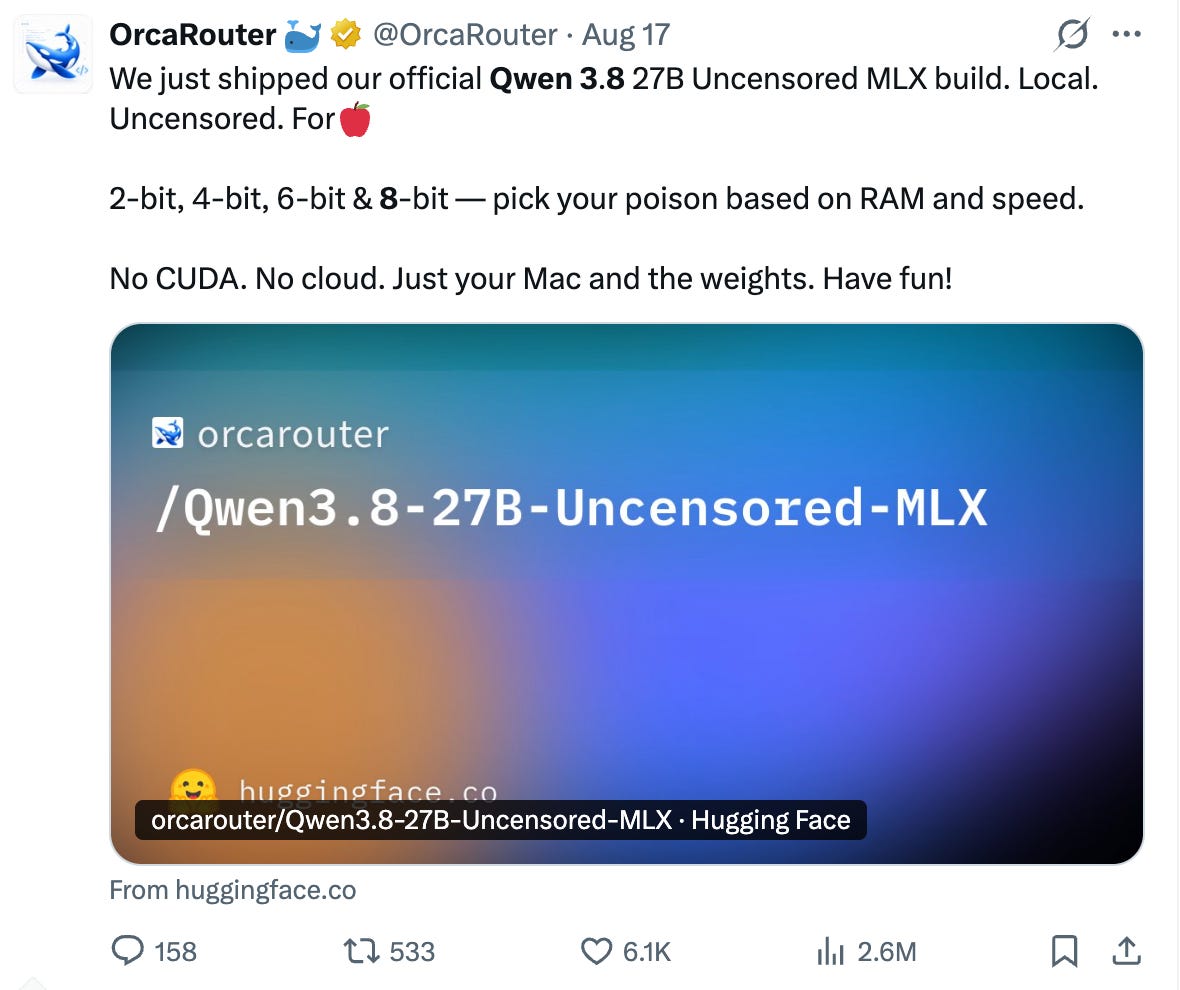
Uncensored AI, meaning you can ask it anything.
But my first thought was this:
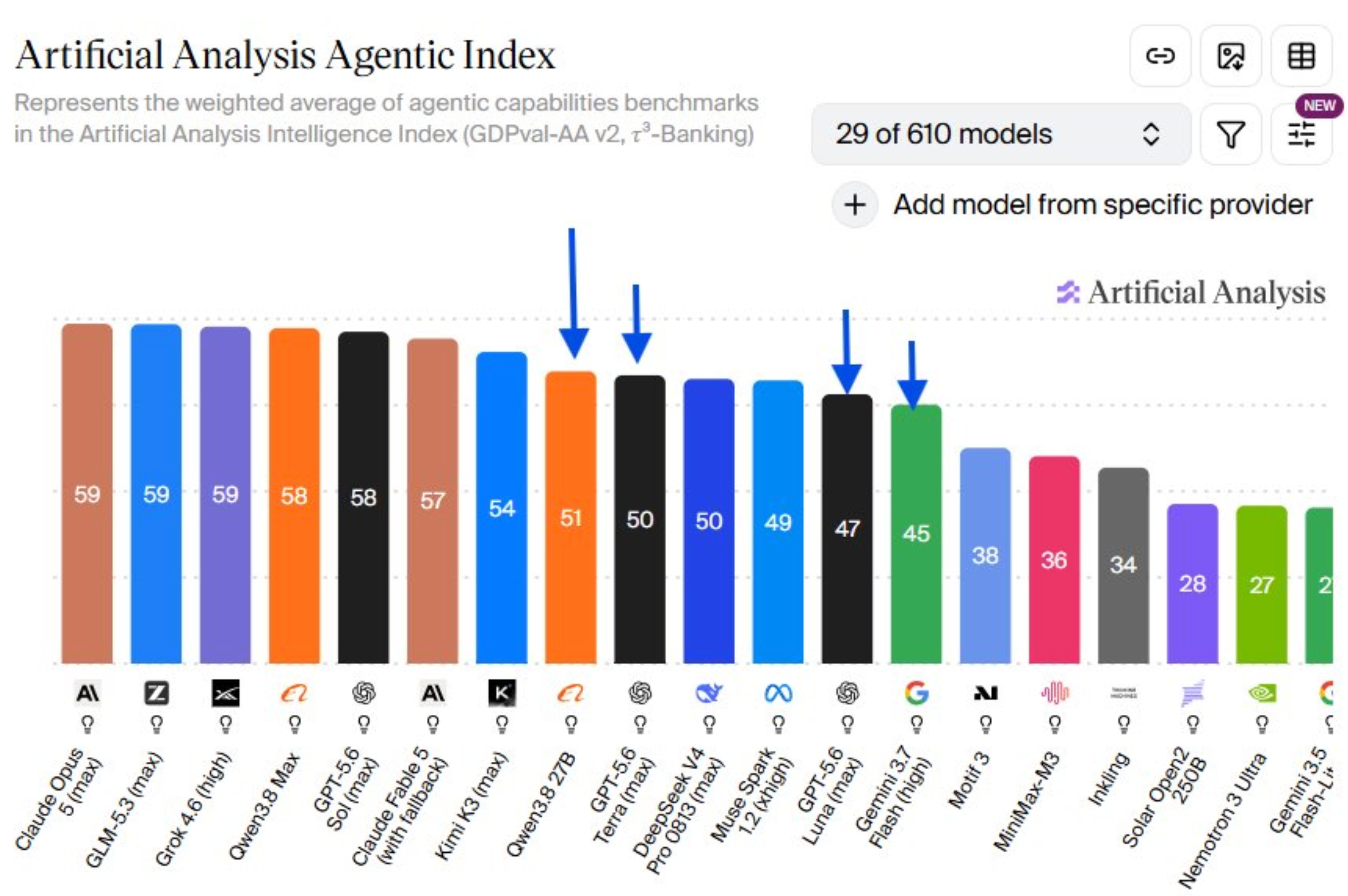
Okay, but is it intelligent enough?
The answer surprised me. On coding benchmarks, it is better than frontier models like Opus 4.8, GPT 5.6, or Gemini 3.7.
If you download it, does it become free?
This is so good to be true.
I thought, good, but I don’t have that much computing power.
Apparently they thought that too.
There are softer versions that can run on any computer.
But how can you install it?
I did everything and put all the knowledge and my experience inside a skill.
Build with Qwen Skill
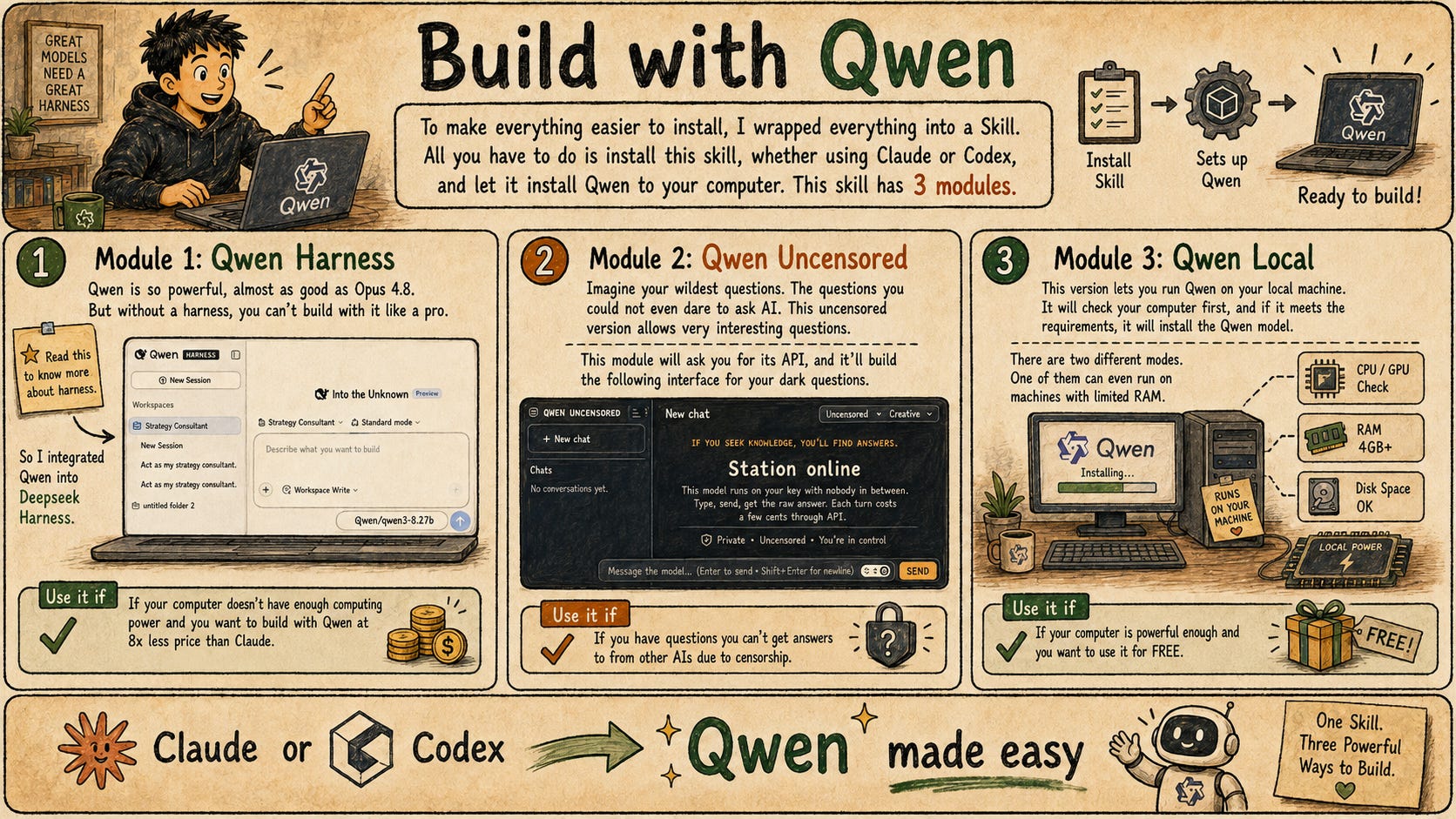
To make everything easier to install, I wrapped everything into a Skill.
All you have to do is install this skill, whether using Claude or Codex, and let it install Qwen to your computer.
This skill has 3 modules.
Module 1: Qwen Harness
Qwen is so powerful, almost as good as Opus 4.8.
But without a harness, you can’t build with it like a pro.
Read this to know more about harness.
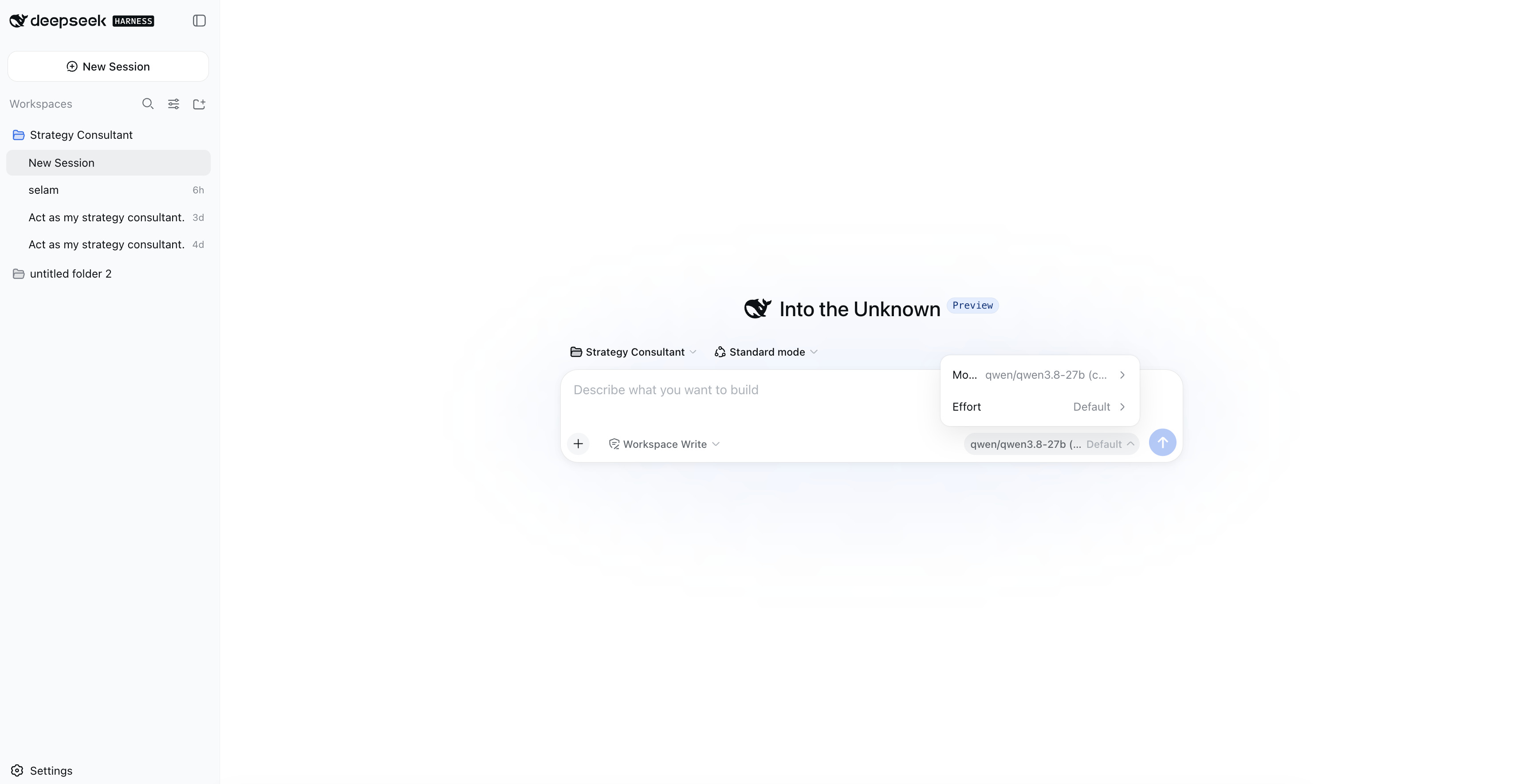
So I integrated the Qwen to Deepseek Harness.
Use it if
If your computer doesn’t have enough computing power and you want to build with Qwen at 8x less price than Claude.
Module 2: Qwen Uncensored
Imagine your wildest questions.
The questions you could not even dare to ask AI.
This uncensored version allows very interesting questions.
I don’t even want to name some of those.
This module will ask you for its API, and it’ll build the following interface for your dark questions.
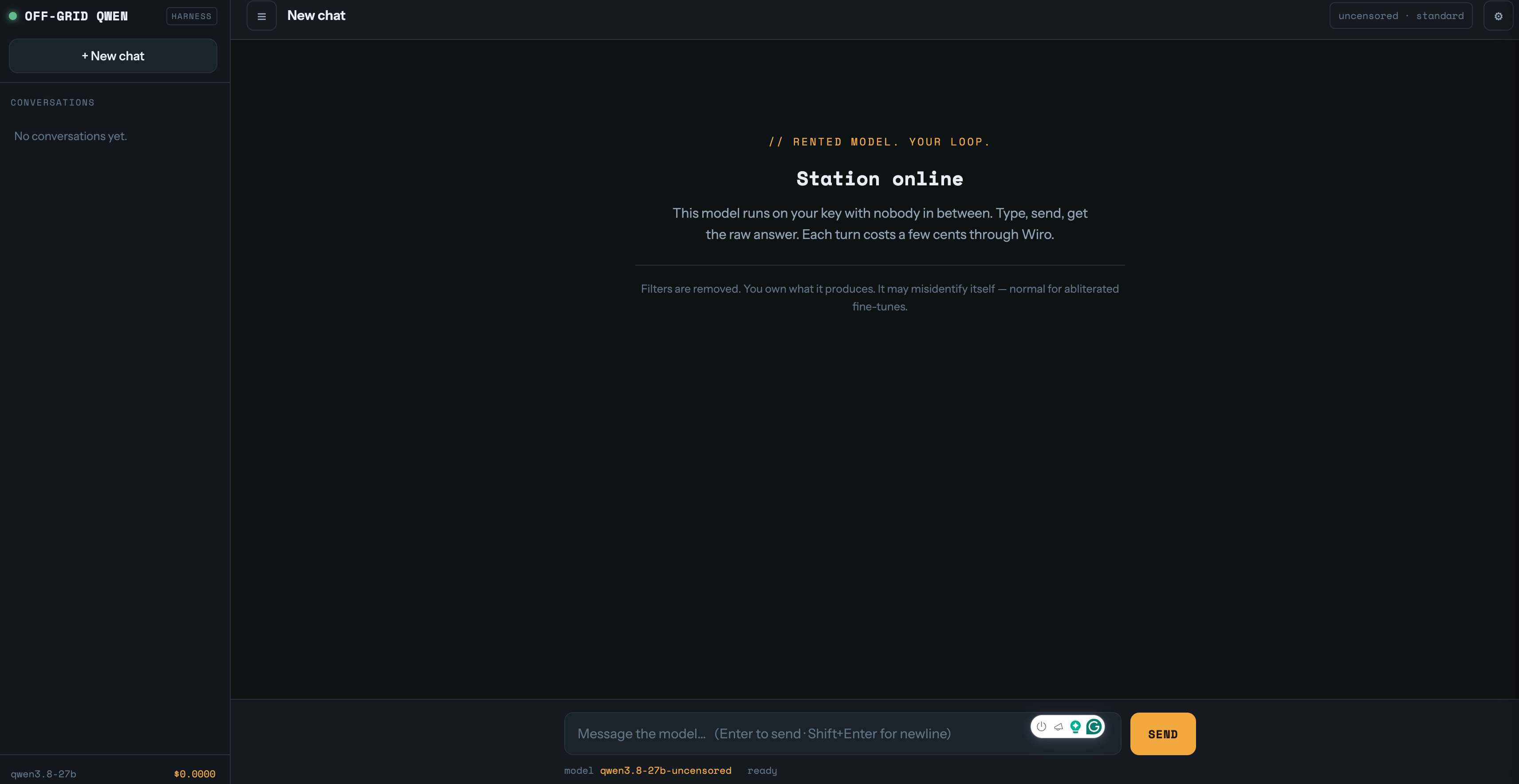
Use it if
If you have questions you can’t get answers to from other AIs due to censorship.
Module 3: Qwen Local
This version lets you run Qwen on your local machine.
It will check your computer first, and if it meets the requirements, it will install the Qwen model.
There are two different modes. One of them can even run on machines with limited RAM.
Use it if
If your computer is powerful enough(this module will give you all the information needed) and you want to use it for FREE.
How to Install the Build with Qwen Skill
I’ll give you the Skill.md and one prompt.
To install Qwen on your computer, you need to follow the steps I included in the skill.
Some modules require APIs, while one module, the DeepSeek harness, also requires additional installation.
But you don’t have to build it yourself.
The skill will build it for you; you just need to approve and do what it says to you.
But if you bear with the setup, you can get Claude-level intelligence for around 8x cheaper with fewer restrictions, or even run it completely free.
Also, I’ll show you manually how I set up these, if you don’t want to use Skill and build it manually, you also have this option.
After the paywall
First, I’ll explain the hardware requirements, including how much RAM you need and different versions of it.
Then I’ll show you how to download it, run it locally, and use it completely free.
So, you’ll have a full roadmap for running it on your own computer.
If your computer isn’t powerful enough, I’ll also show you how to use it through its API inside Claude Code, at around 8x lower cost.
So by the end, you’ll run it on your computer or use the API and build whatever you want without rules.