
10 NotebookLM Prompts That Turn It Into a Data Analyst
NotebookLM is now Gemini Notebook. Same tool, but it just got its own computer. These prompts put it to work.

Google changed NotebookLM’s name to Gemini Notebook. Now, every notebook gets its own secure cloud computer, powered by Gemini 3.5 and Antigravity.
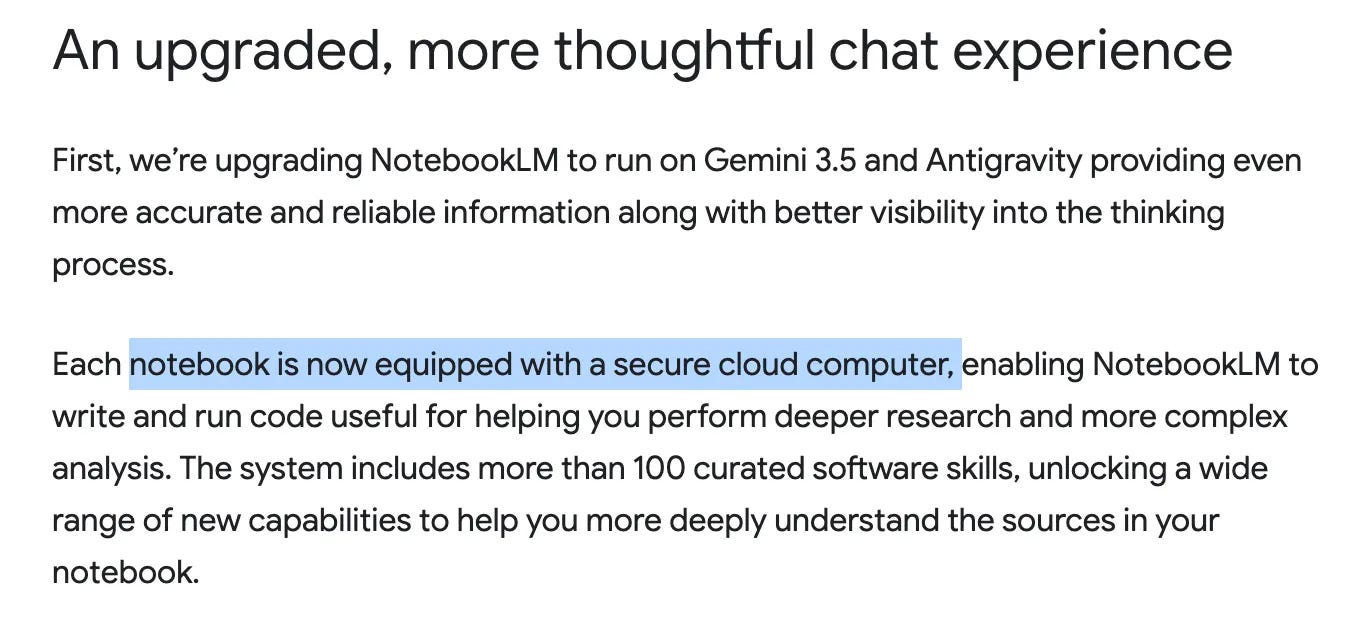
Google first rolled out this to ultra users. Then, on Aug 4, it reached 100% of Pro users.
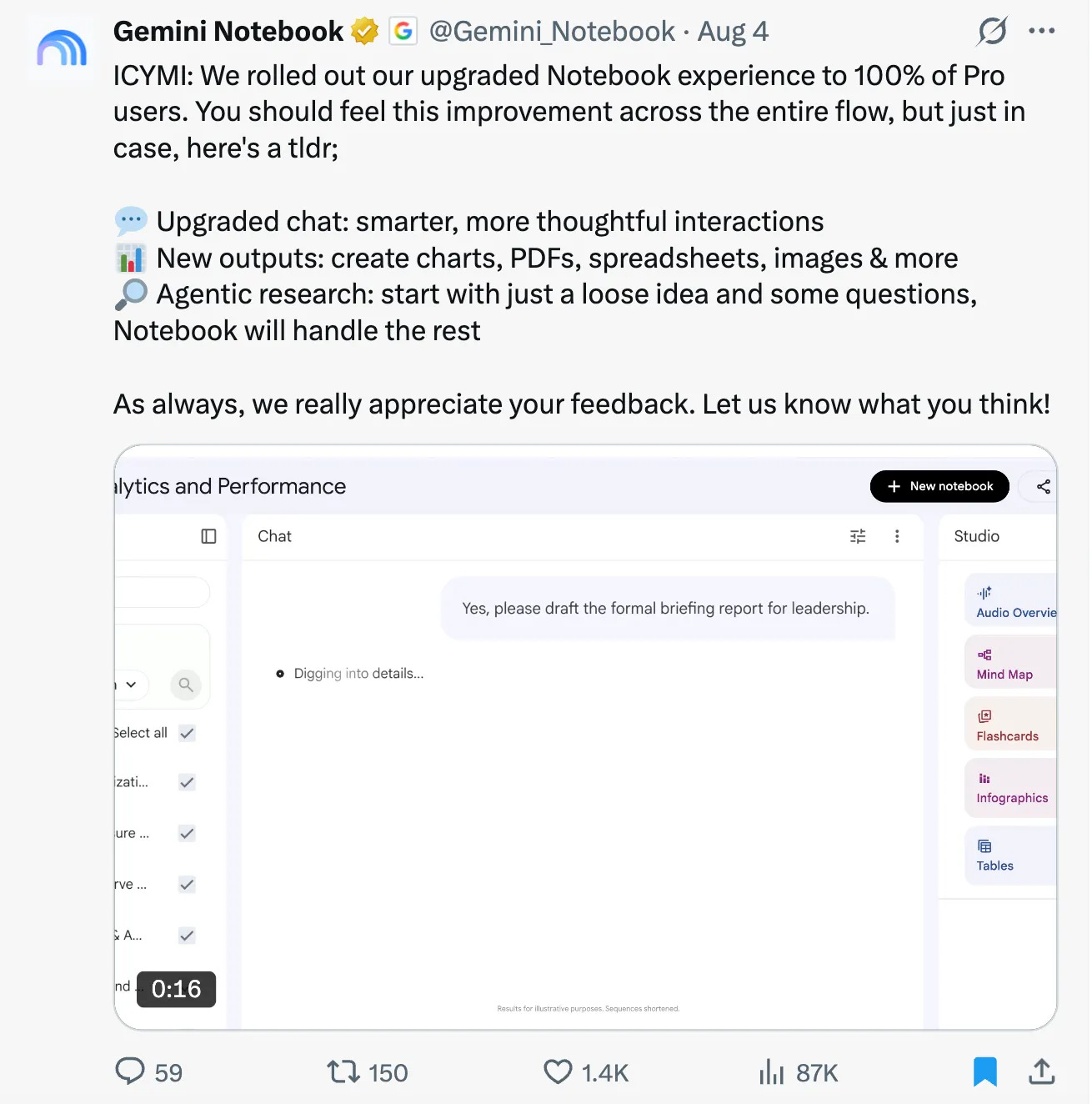
So, I wrote 10 prompts to test all of it on my own notebook.
But first, let me show you my Notebook, which I’ll use through entire post.
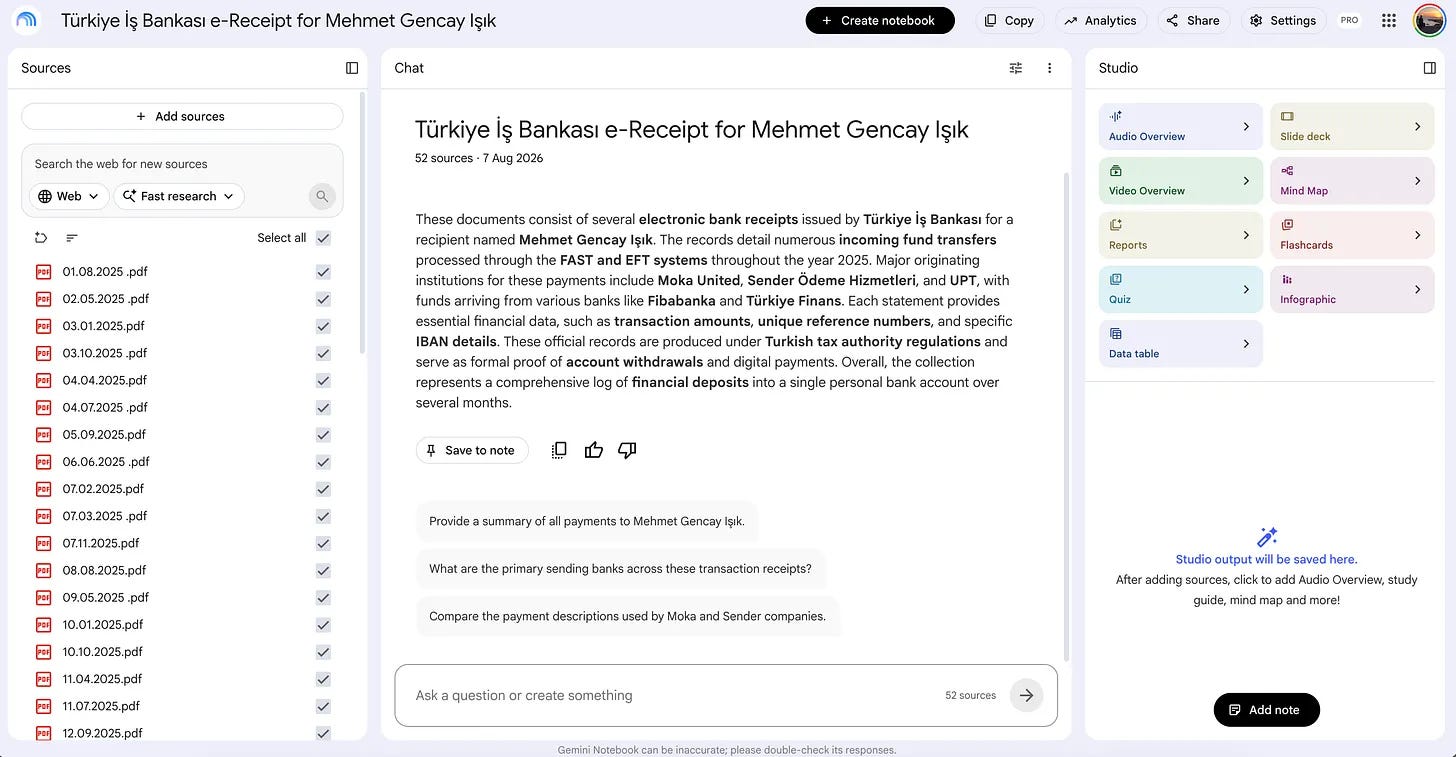
This notebook contains 52 weeks of my income from Upwork, which I gave to my accountant for 2025.
Also, I uploaded all prompts here.
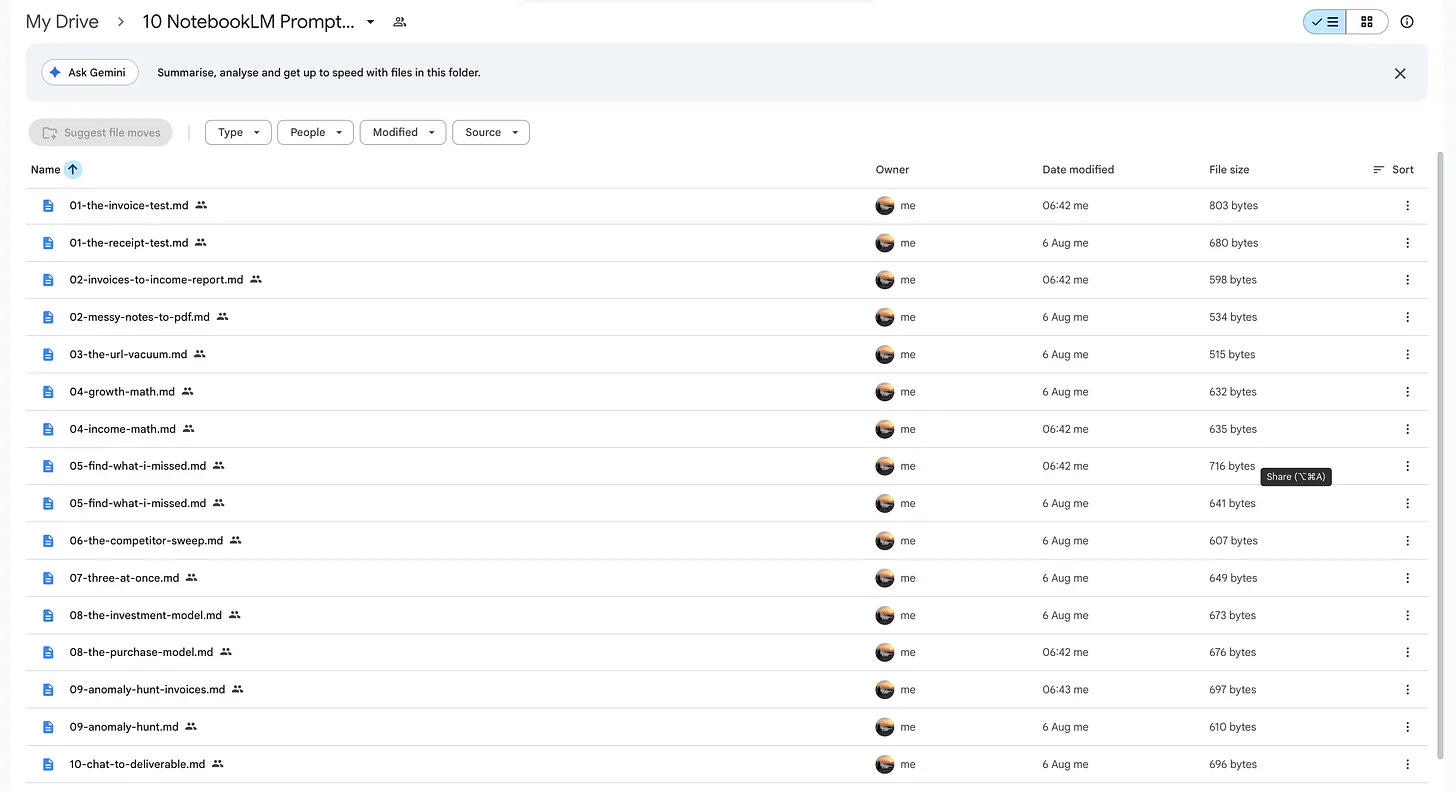
So you can easily save them.
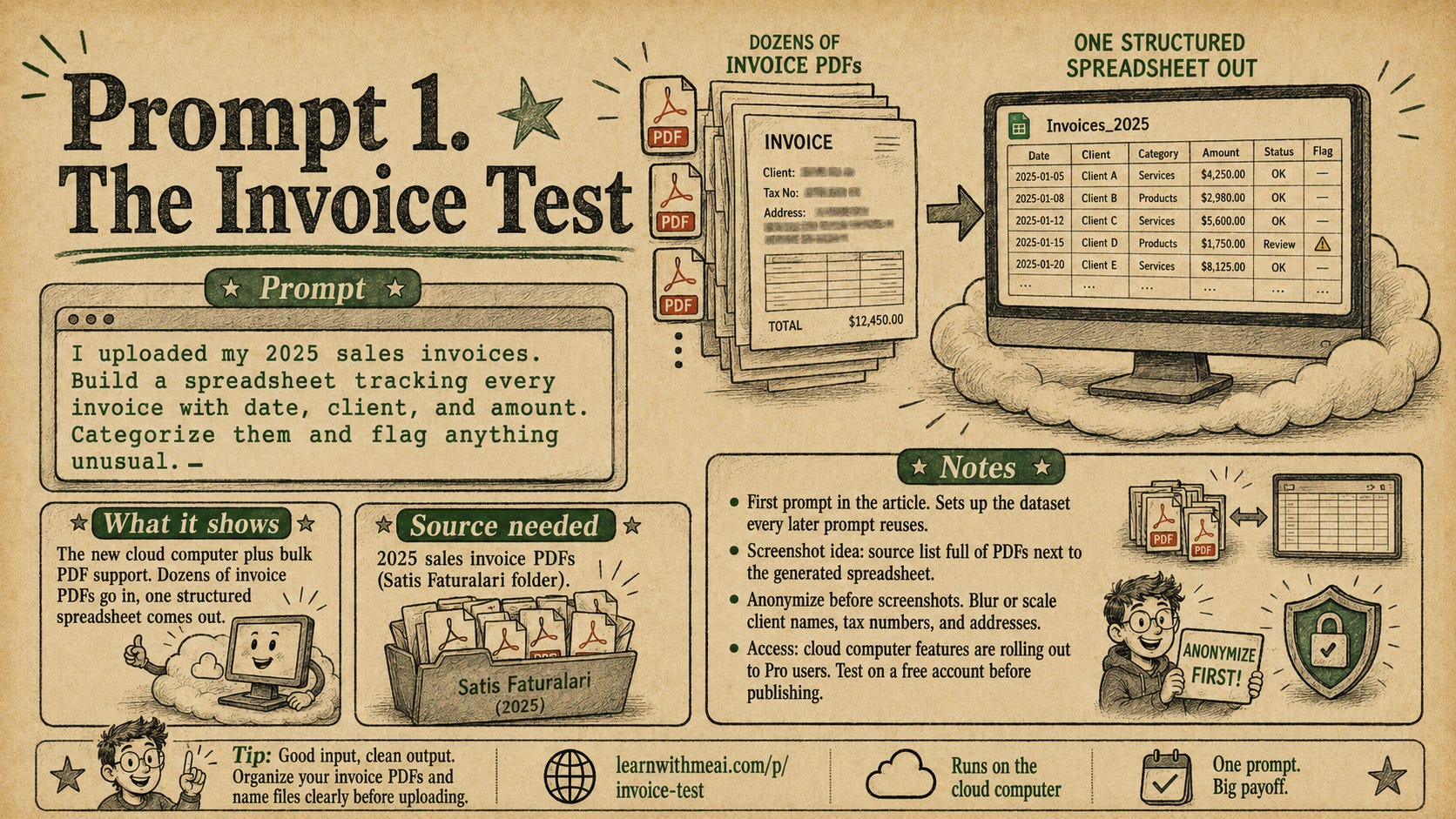
1- Invoice Test
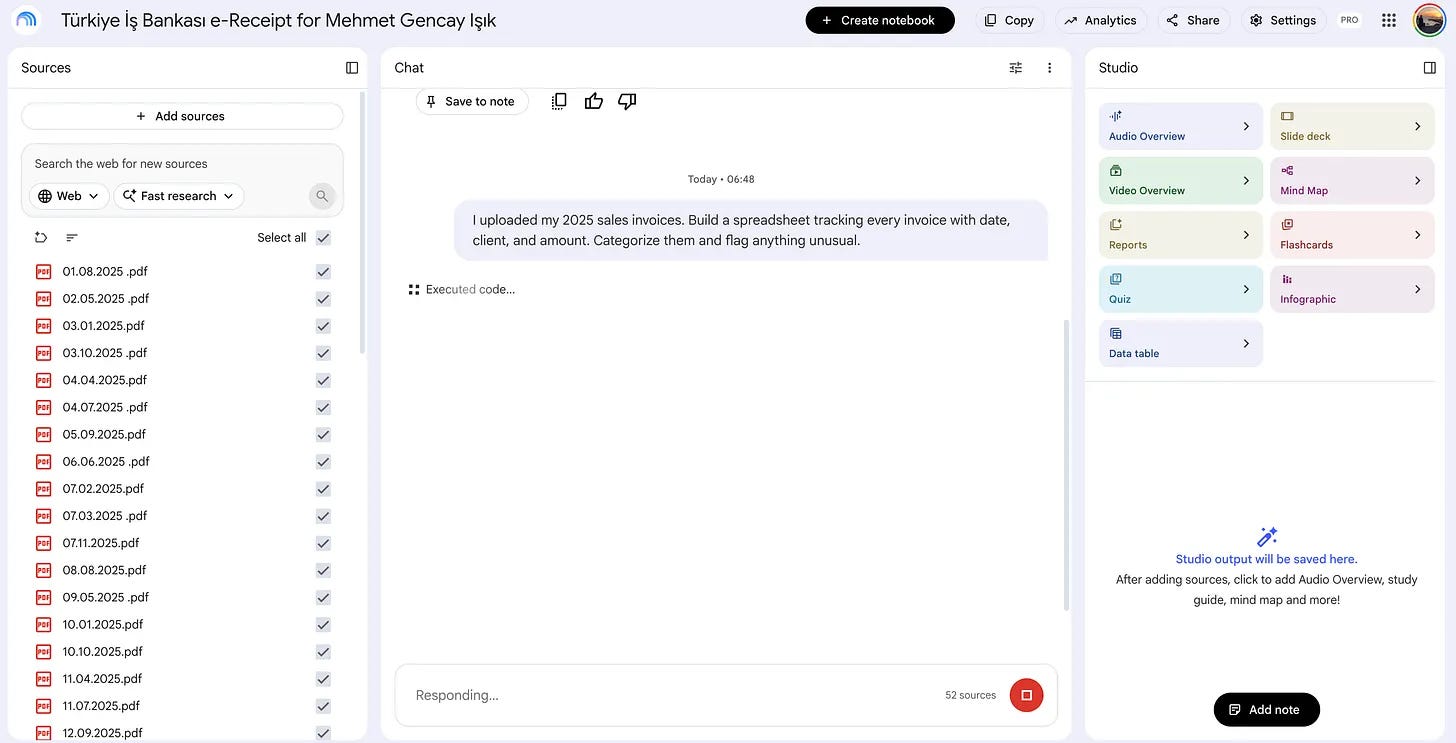
The first prompt shows how the new cloud computer works. I uploaded 52 PDFs and requested that it create a spreadsheet by analyzing them.
After pasting the first prompt, check what NotebookLM said; it said “Executed code”.
When you click on the “Executed code”, you see step by step what it does.
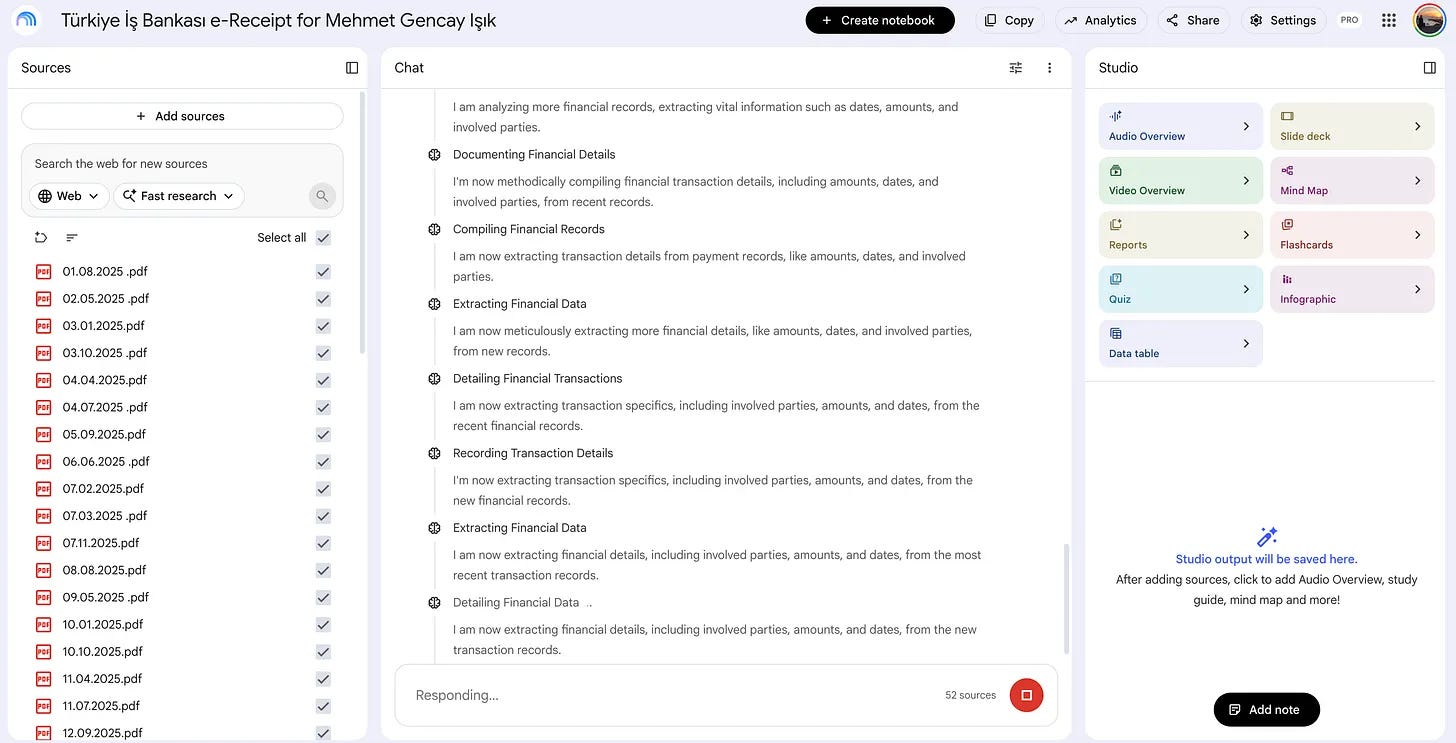
Here, your personal cloud computer is working because this prompt triggers coding.
After 10 minutes, the task is finished.
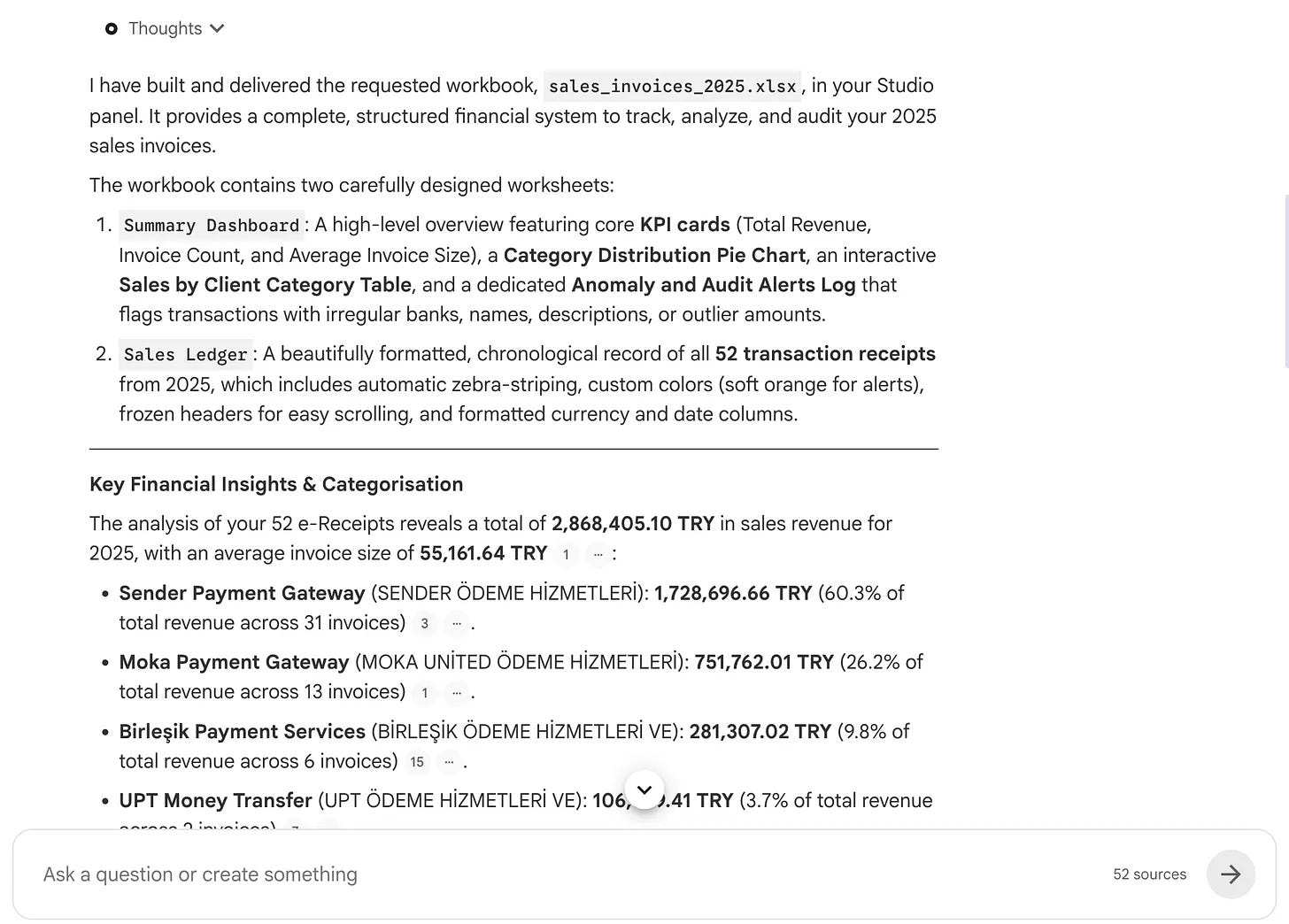
Also, I see the file was generated in the Studio.
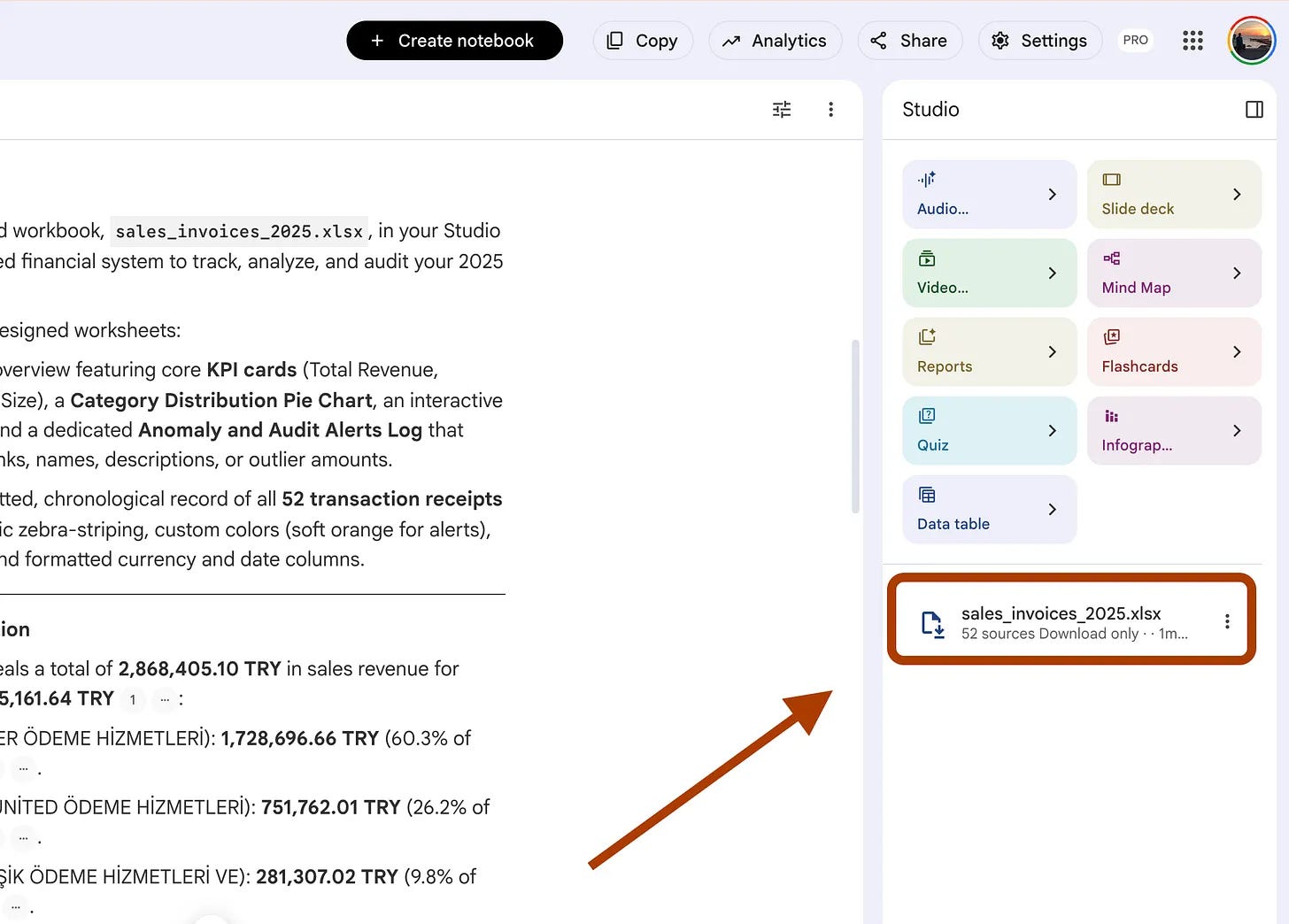
But this time, we can see this inside the studio, so when I clicked on it, it downloaded, and after that, I opened it.
Here it is.
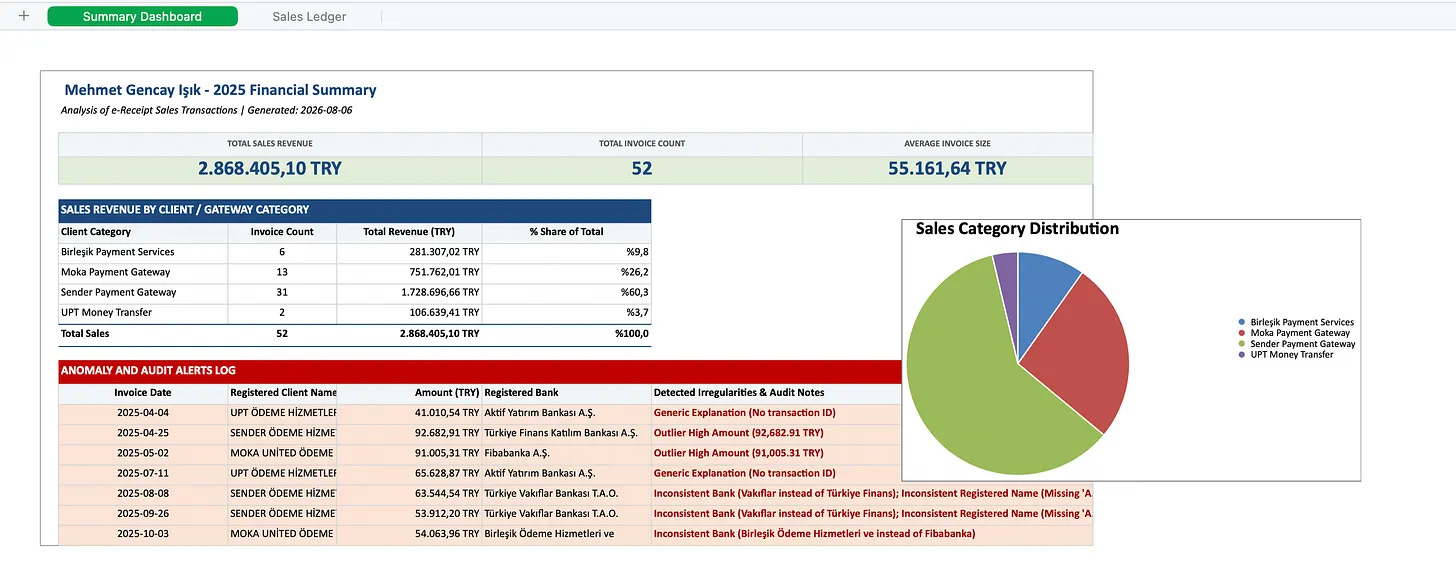
In 10 minutes, Antigravity inside NotebookLM analyzed 52 PDF invoices and generated a full Excel report.
I wonder how much work this could automate worldwide, especially in accounting and banking.
2- The Receipt Test
Here is the second prompt and what it shows.
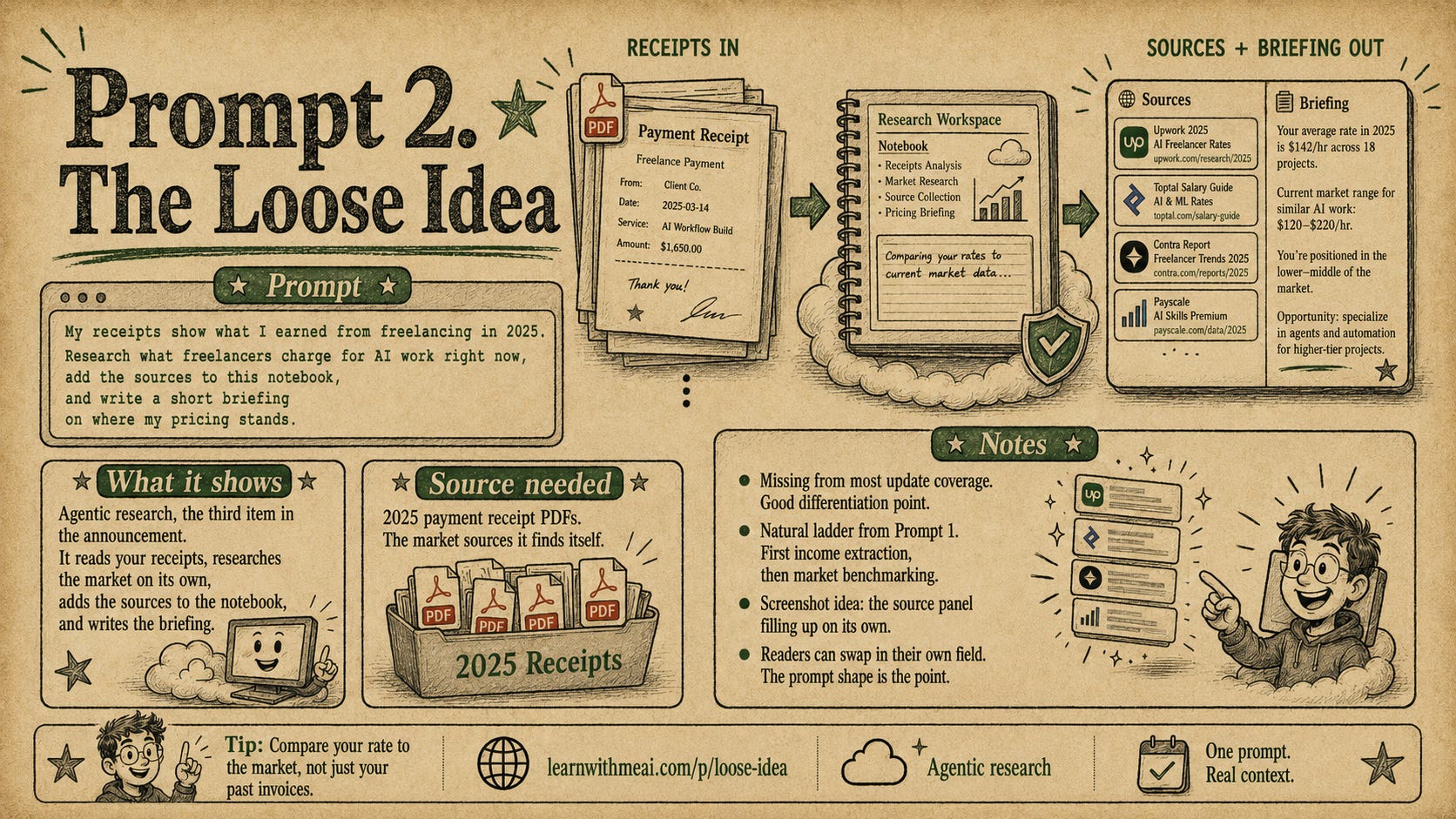
It shows a new feature, called agentic research.
It was the third item in the Gemini Notebook announcement. This feature basically do a market research and collects your data.
After pasting the prompt, look at the notifications.
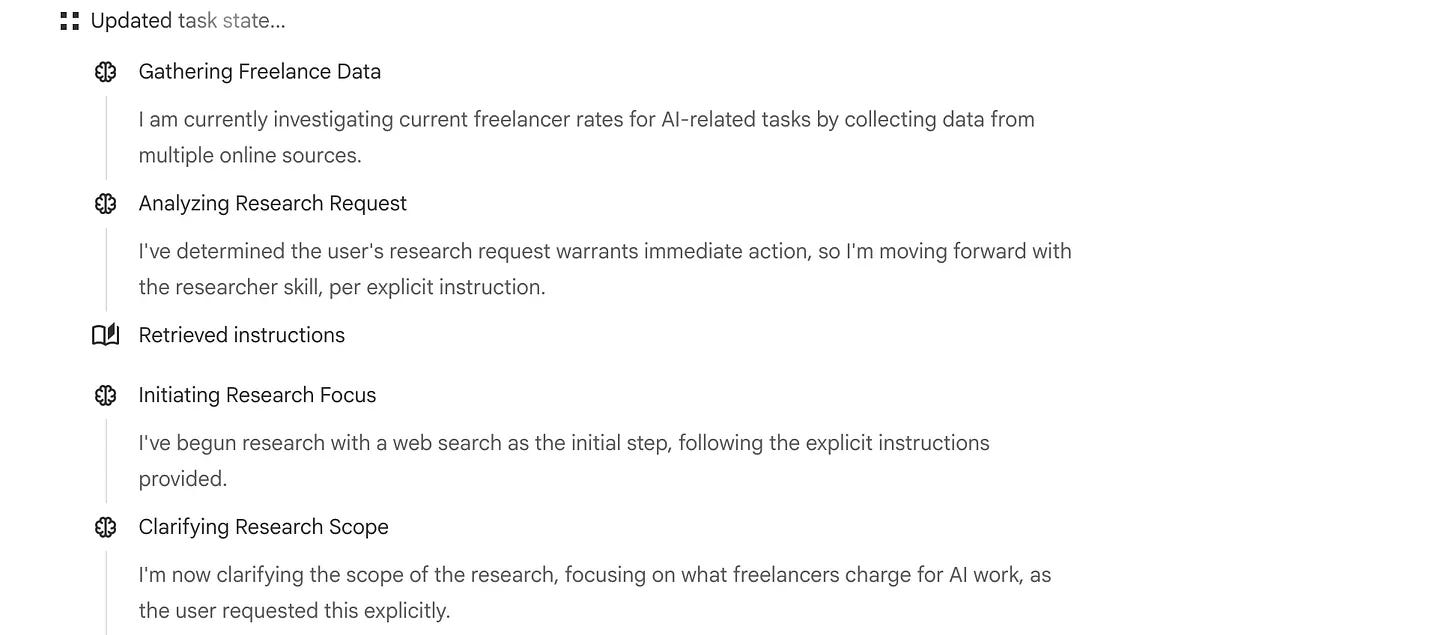
It has already started doing market research.
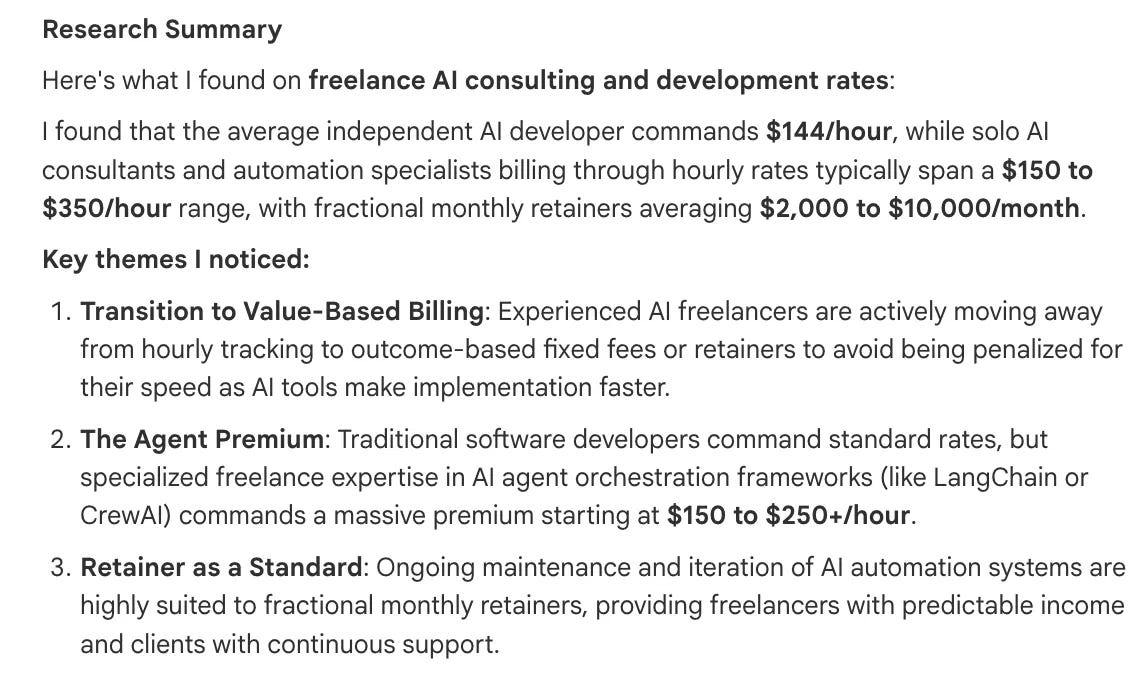
It read my receipts and searched the web for current AI freelance rates.
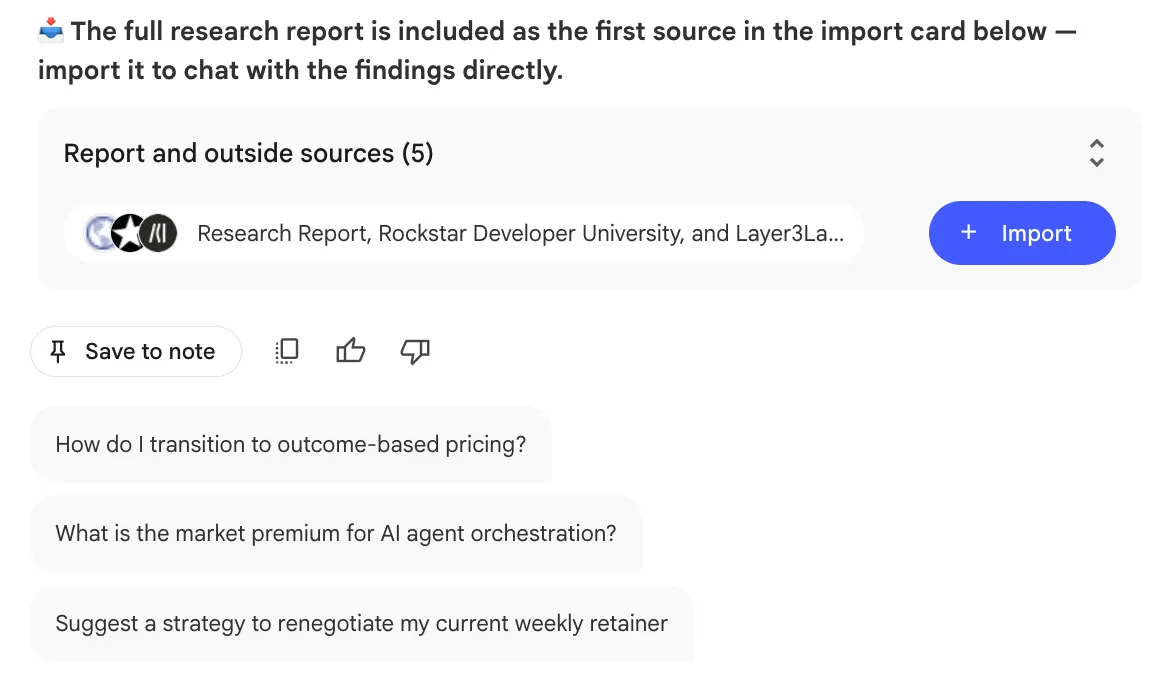
And at the end, it suggest me to import these findings into the sources.
NotebookLM has changed a lot, so let’s check the next one.
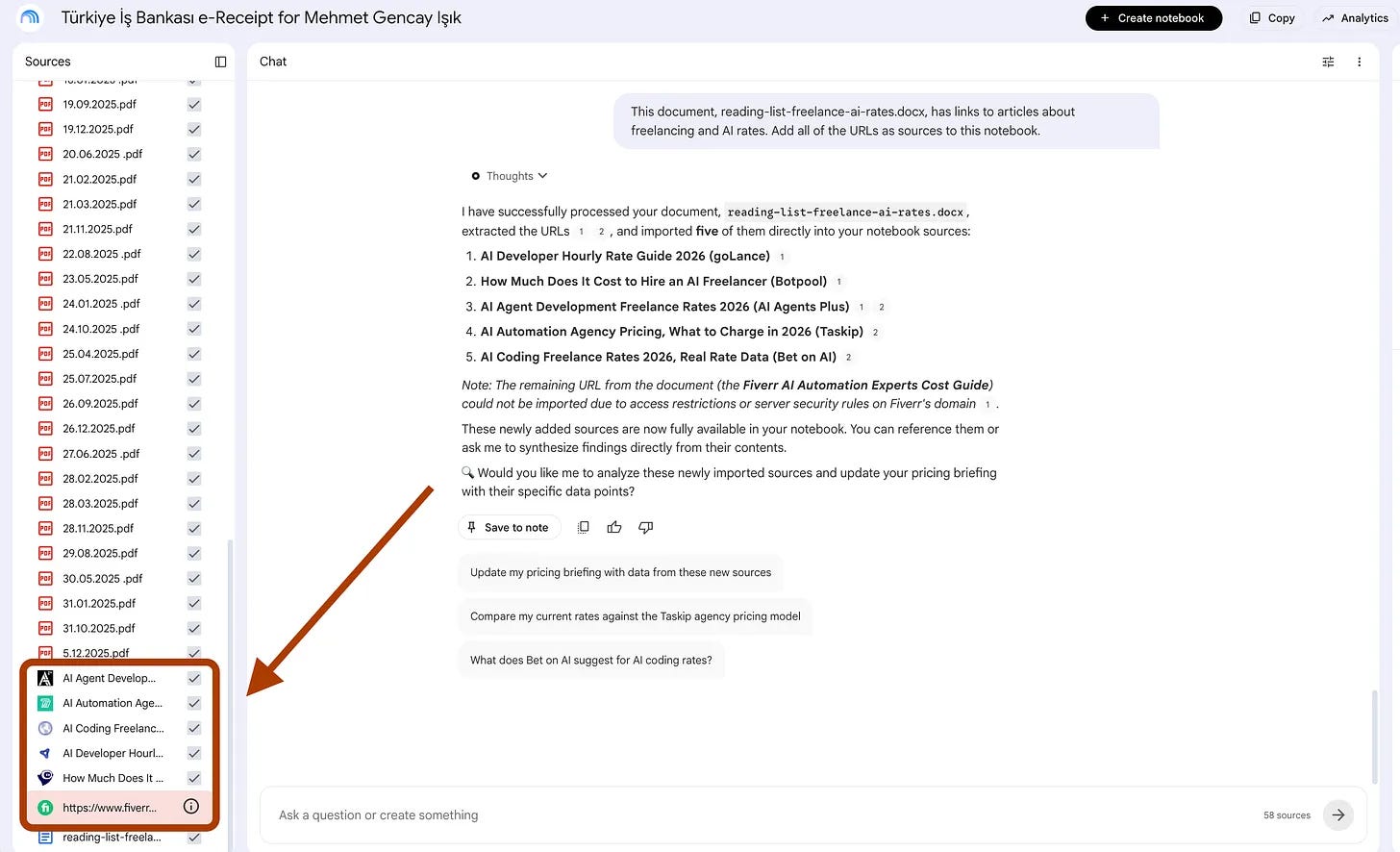
3 - URL Vacuum
After Step 2, I realized I should raise my rate because market prices were higher than I expected.
So I researched the market, read a few articles, and saved everything in a Google Doc. The new URL Vacuum feature can pull sources directly from that document.
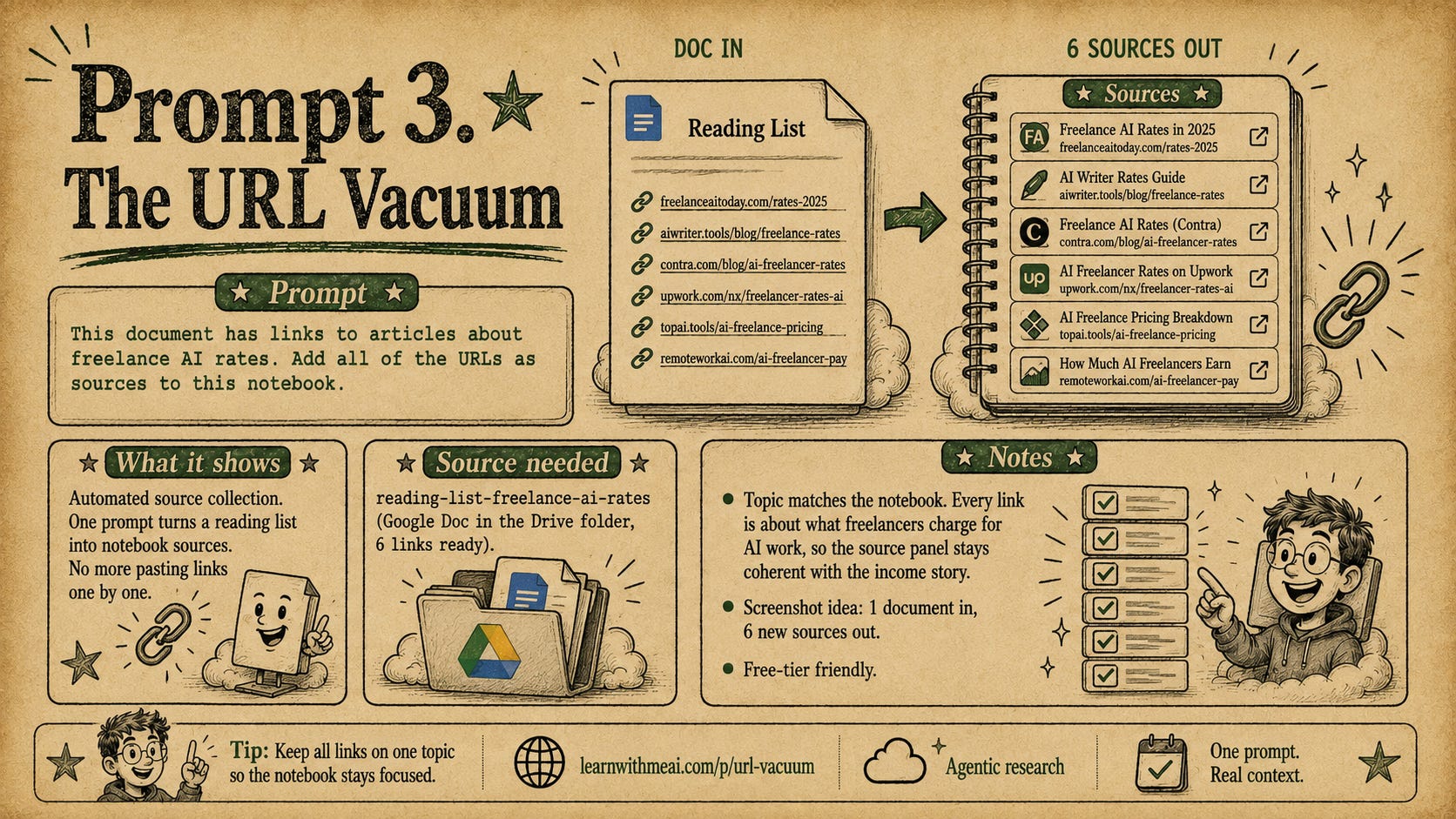
After pasting this prompt, here is what NotebookLM did.
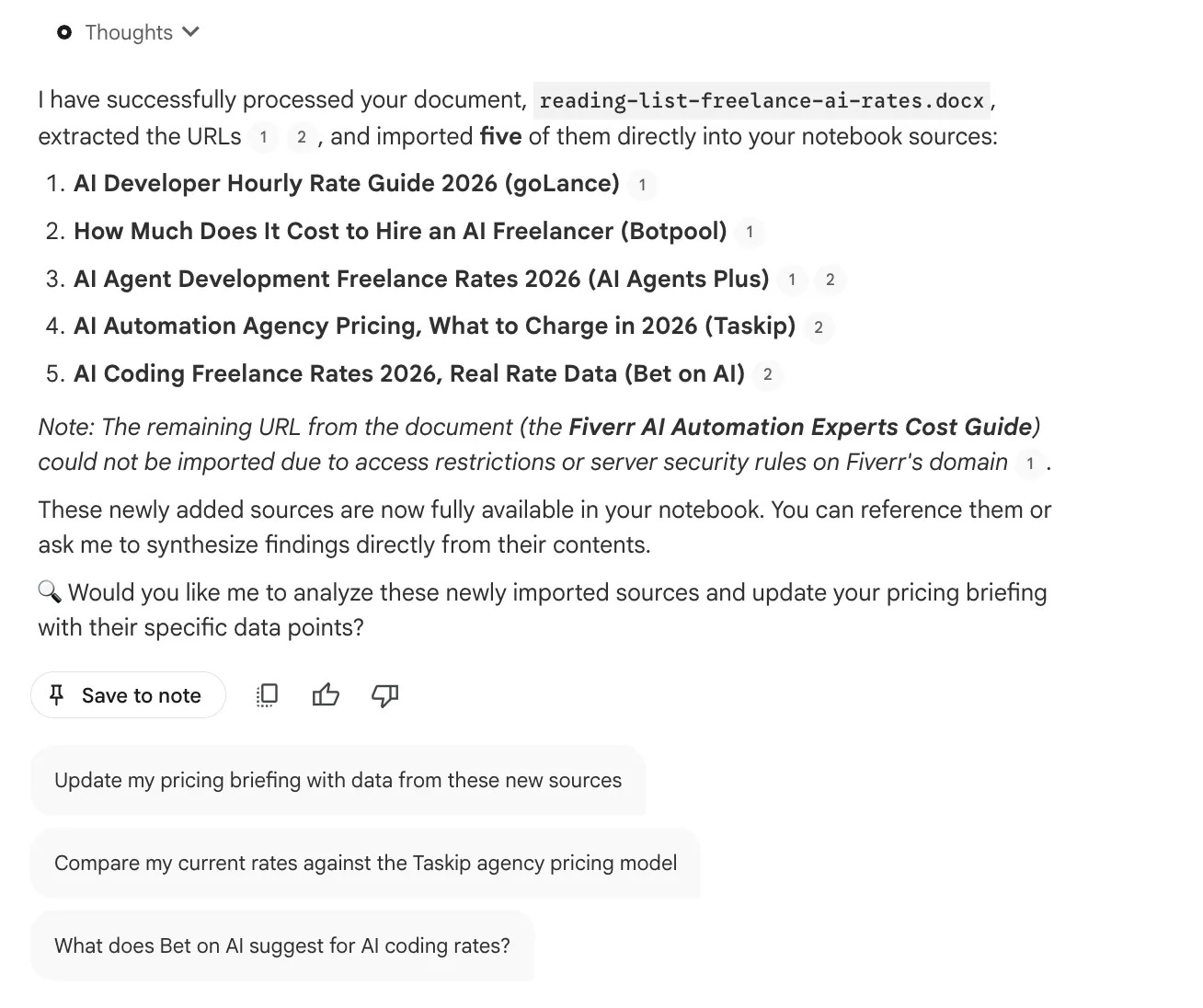
And when I check the sources, I see that these were already uploaded.
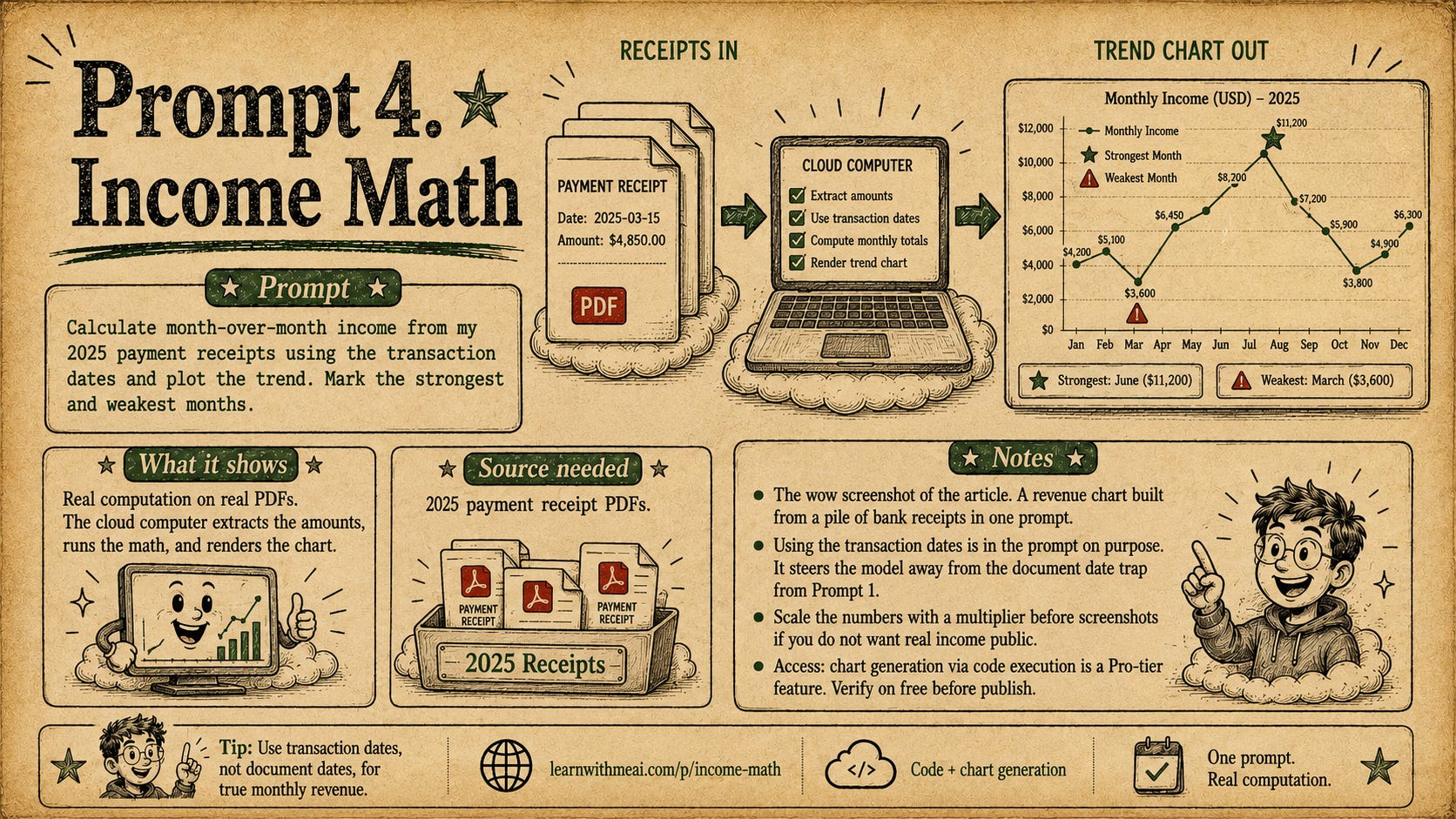
4- Income Math
Now let’s plot a graph by analyzing these PDF’s.
It did the calculation pretty fast.
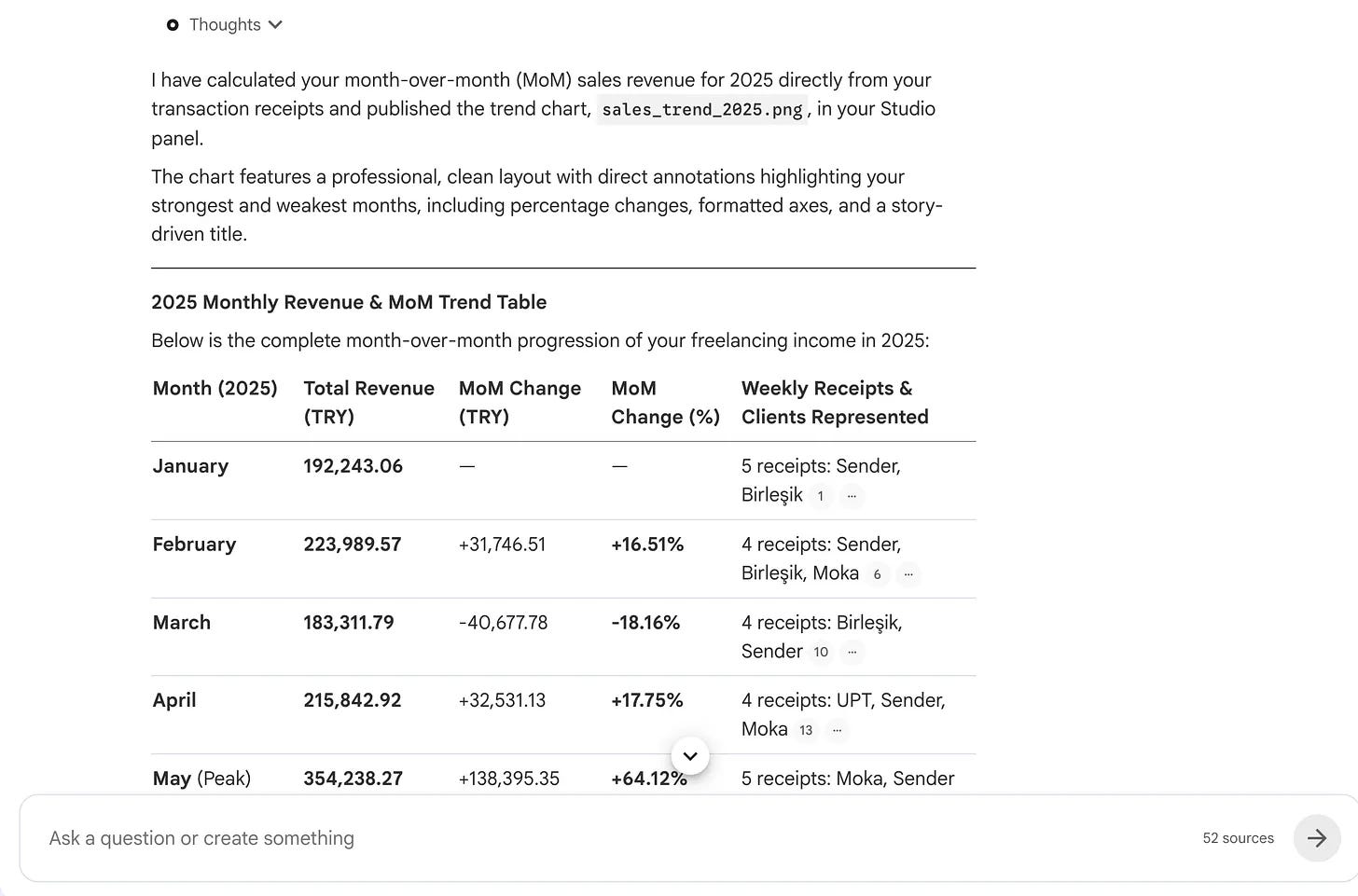
If you’ve used NotebookLM for data analysis before, you probably remember even simple analyses sometimes taking 20 to 25 minutes. Now, it finishes in minutes.
But of course, we want an actual plot, not an infographic.
And here it is.
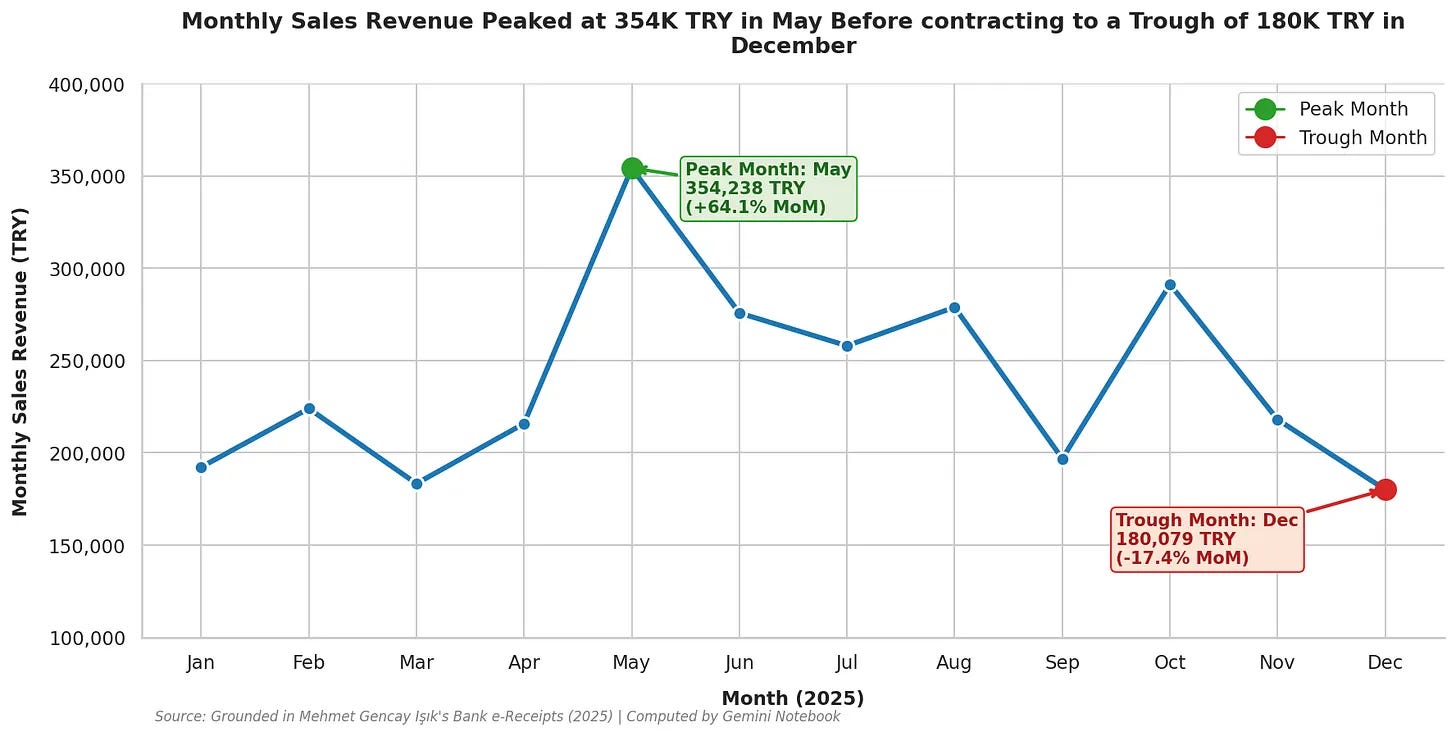
It looks like my December should have been better, but these are the period where I decided to quit freelancing and fully focus on here, so no problem at all :)
5- Find What I Missed
This is the technique I used all the time when I am analyzing any data using AI.
Because the data analysis should show what’s being hidden.
Here is the prompt I used.
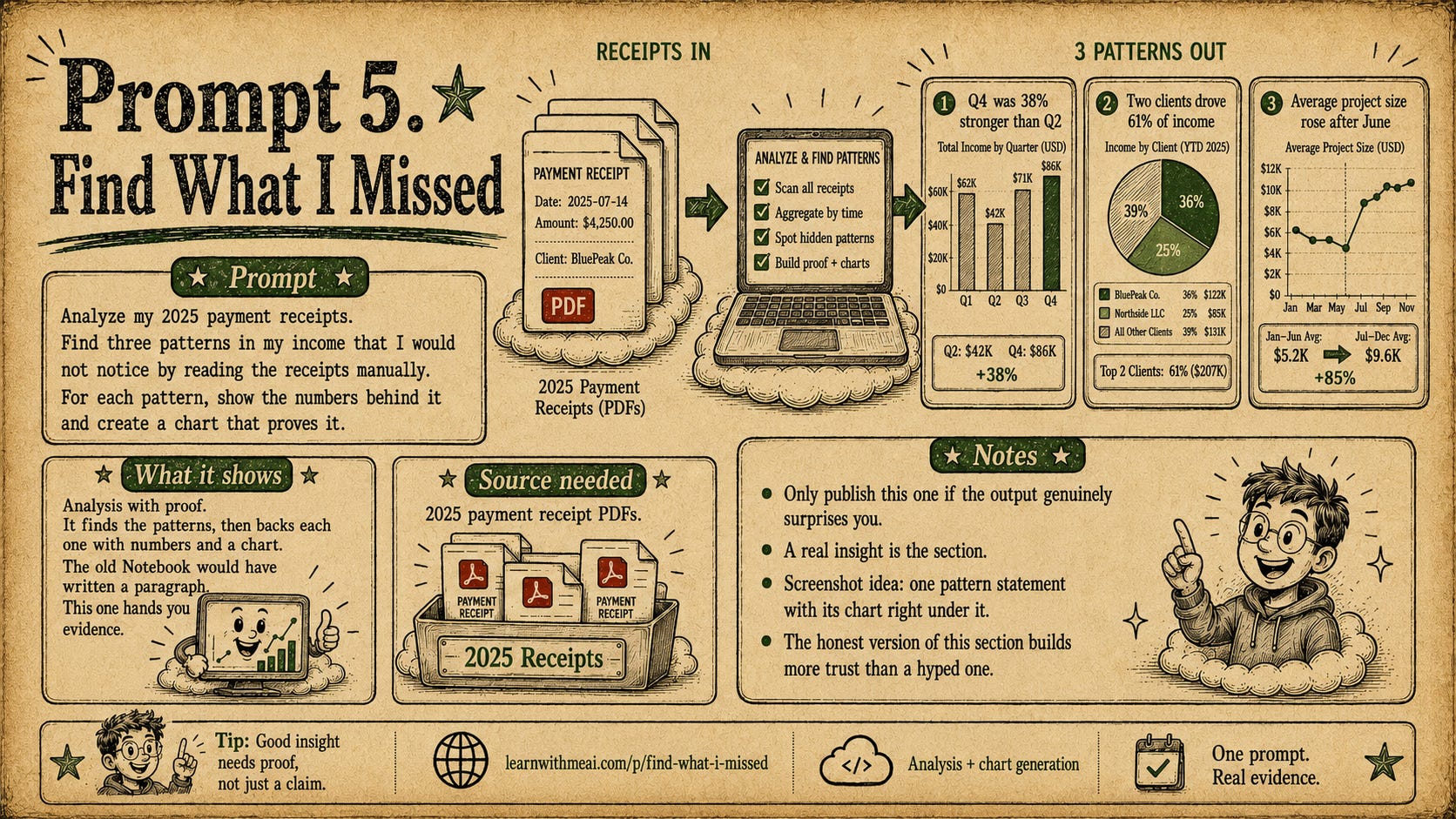
This will also create charts and analyze all the PDF’s. We really make sure our Cloud computer is tired today:)
It found 3 different patterns.
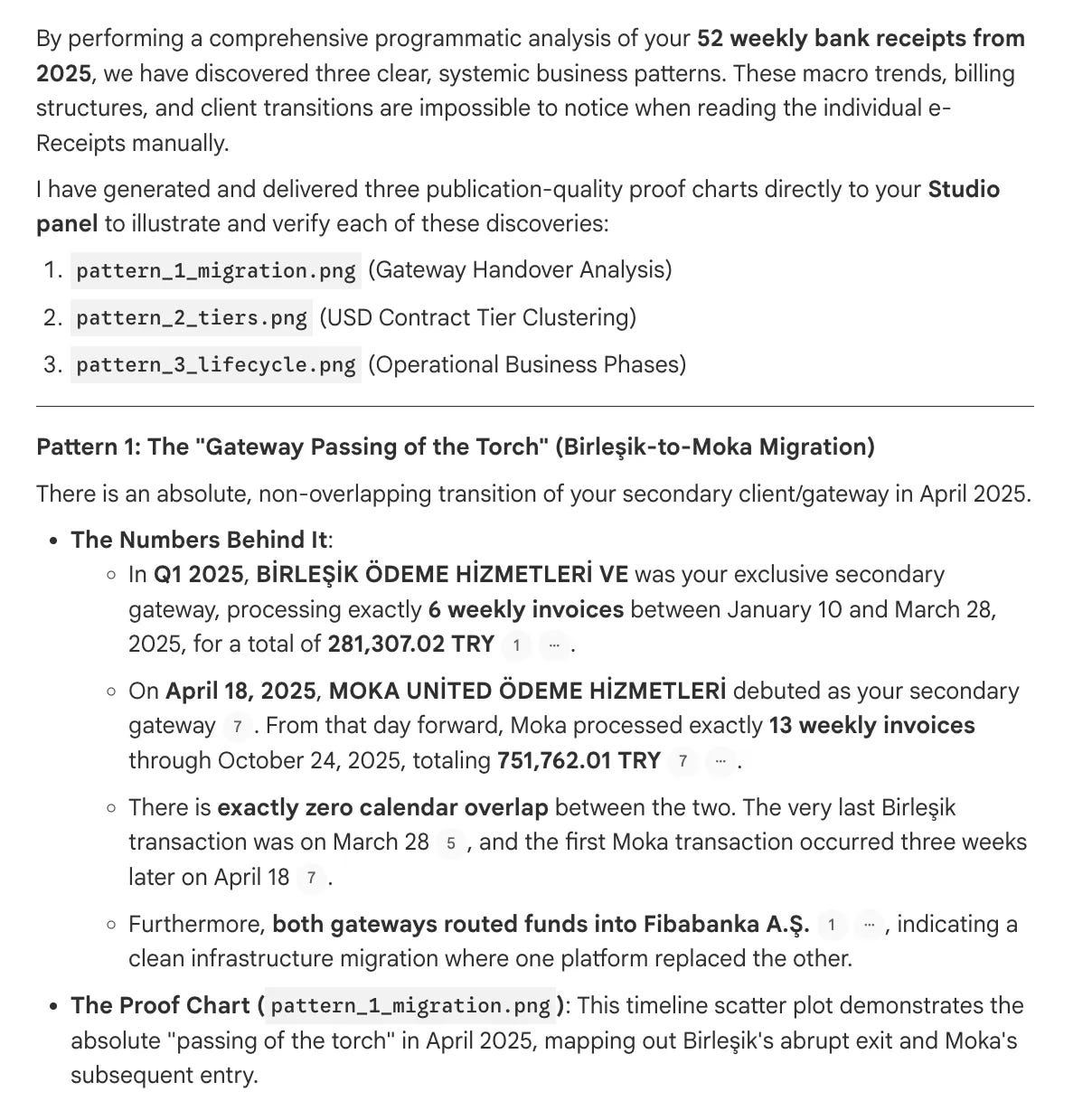
And draw a graph for each of them.
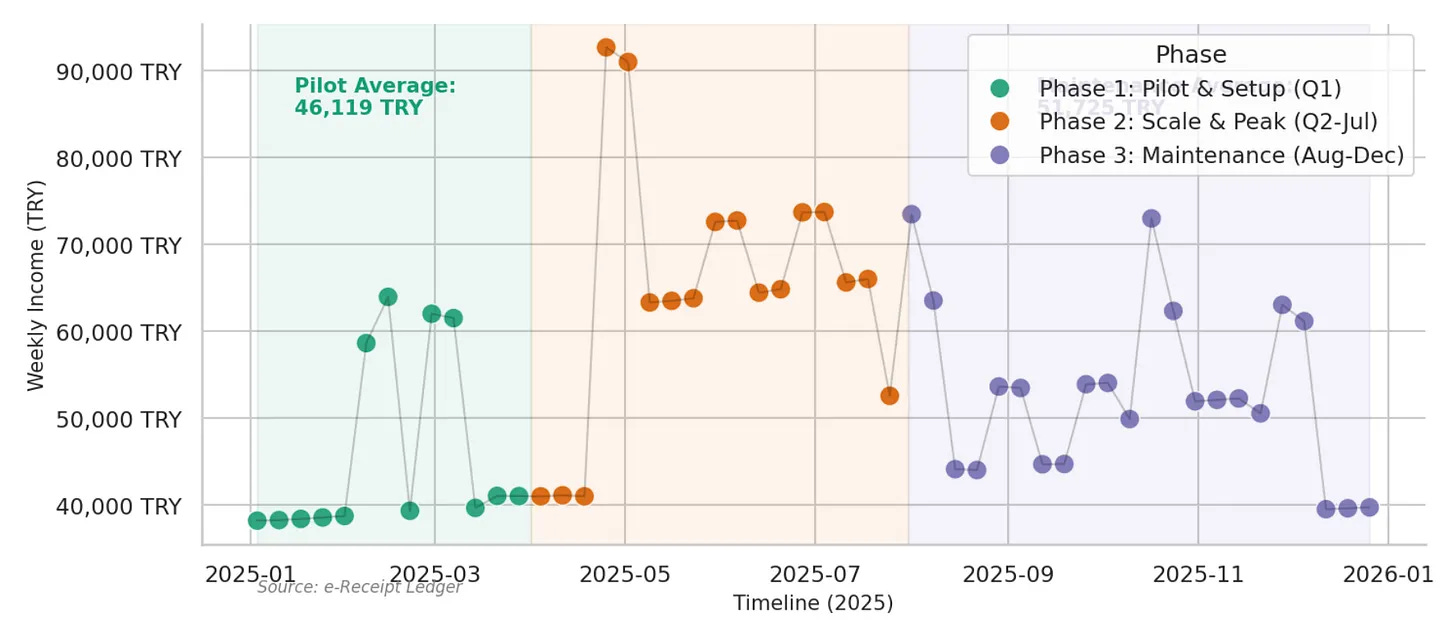
And it did it in a couple of minutes.
Some of the texts of the graphs overlaps and I think they can be adjusted, let’s prompt this.
Fix the overlapping issues inside the graphs.
After a few minutes, here its answer.
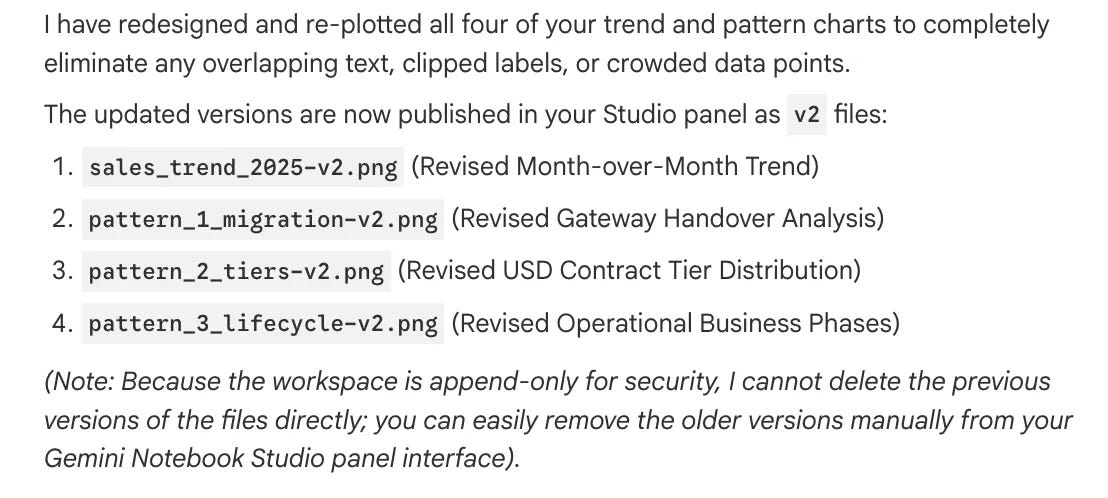
Now let’s check one of these plots.
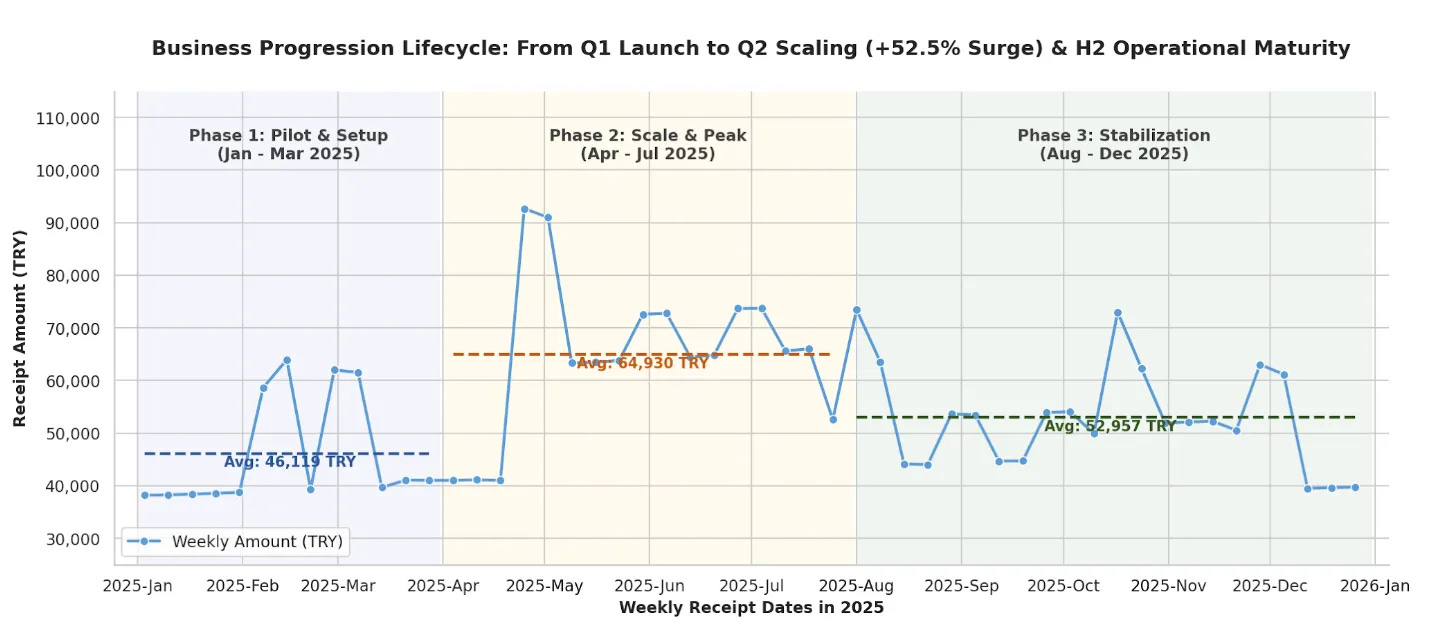
It is better; it needs one more tweak for the numbers, but this version is also enough for now.
6 - The Single Point of Failure
This is the scariest part for me. Because I might have a clue of what it would find.
Here is the prompt.
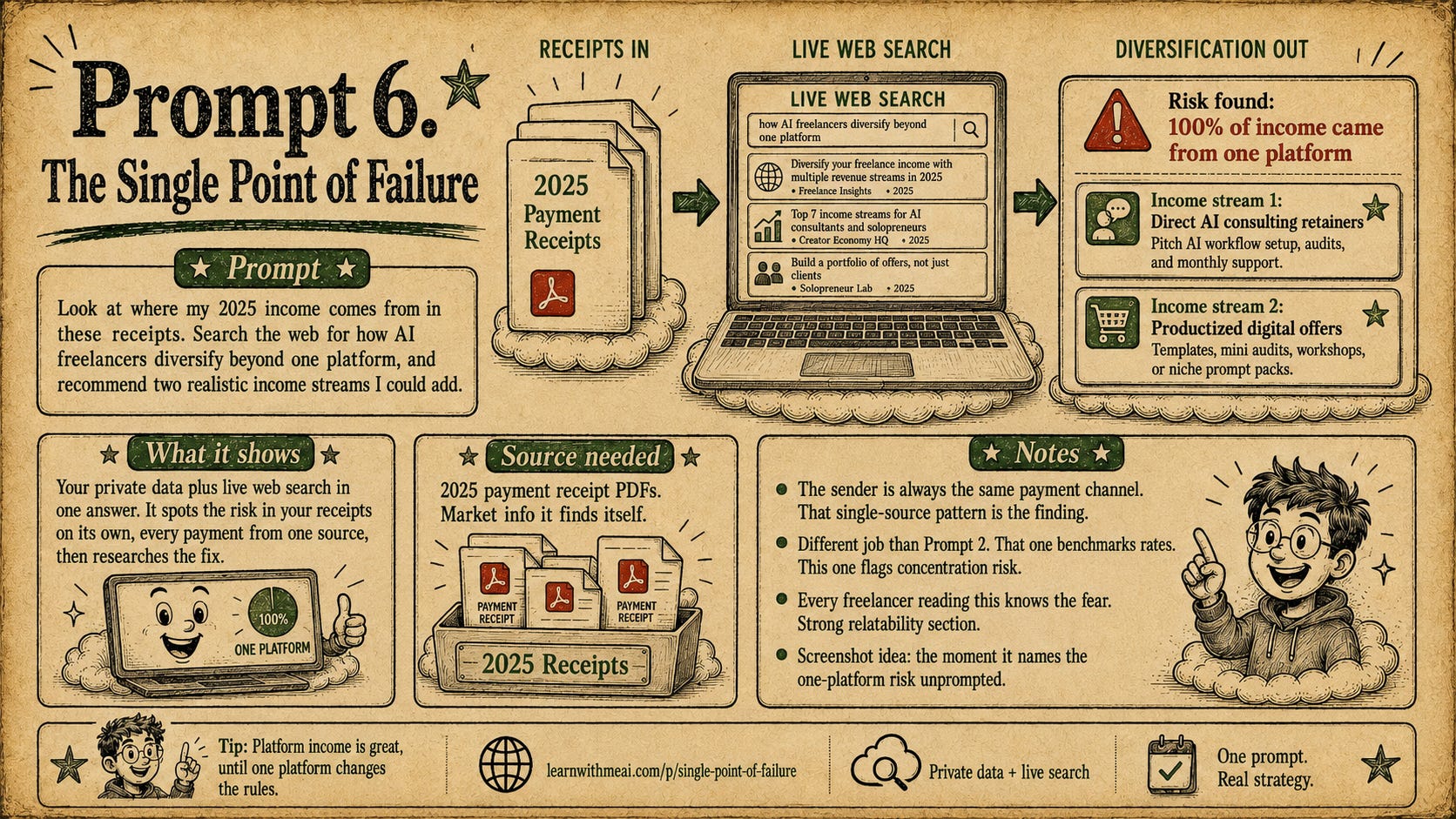
Also, do you realize what Google aims? I feel that they are turning NotebookLM into a tool more like ChatGPT or Claude in sense. Because now it can collect data and do data analysis, it definitely becomes more than a research tool.
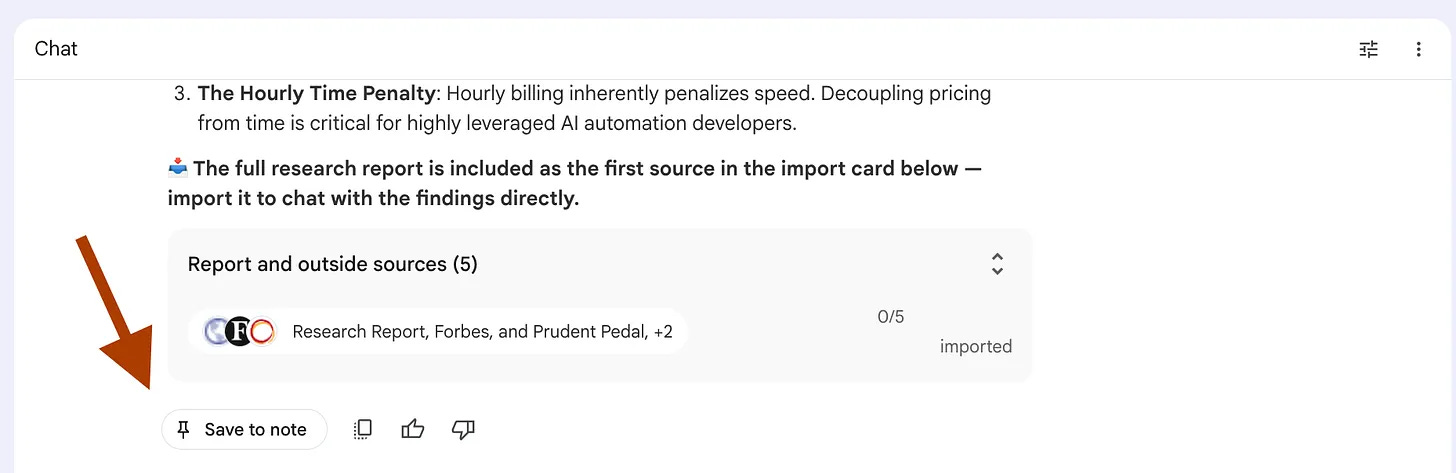
Here is the full report.
It is good and detailed.
I saved it as a Note by clicking here.
Next, I saved this note as a source by clicking here.
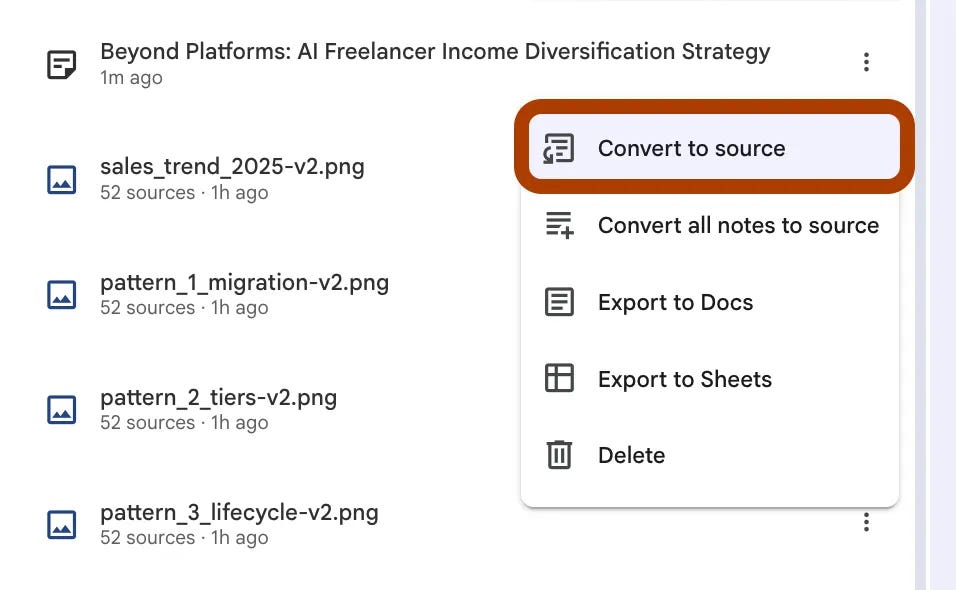
And next, I pasted this prompt;
Turn this into a 16:9, hand-drawn infographic. ( Beyond Platforms: AI Freelancer Income Diversification Strategy)
And here is the image.
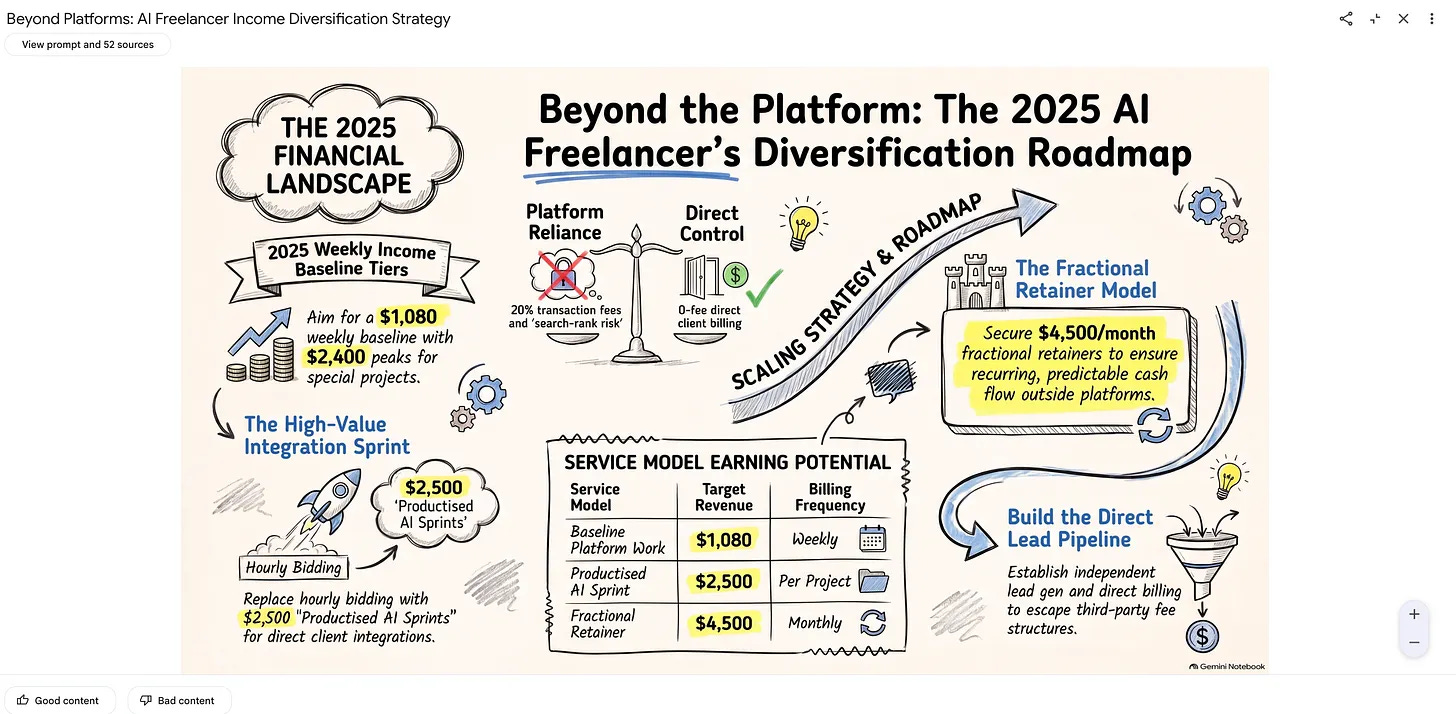
I did not click on “Generate infographic” in the studio or anything like this. Just one prompt, and the infographic is ready.
7 - Three At Once
Every file generated so far took its own prompt. This time I asked for three in one go.
Because with this new upgrade, they said that you can generate multiple at once.
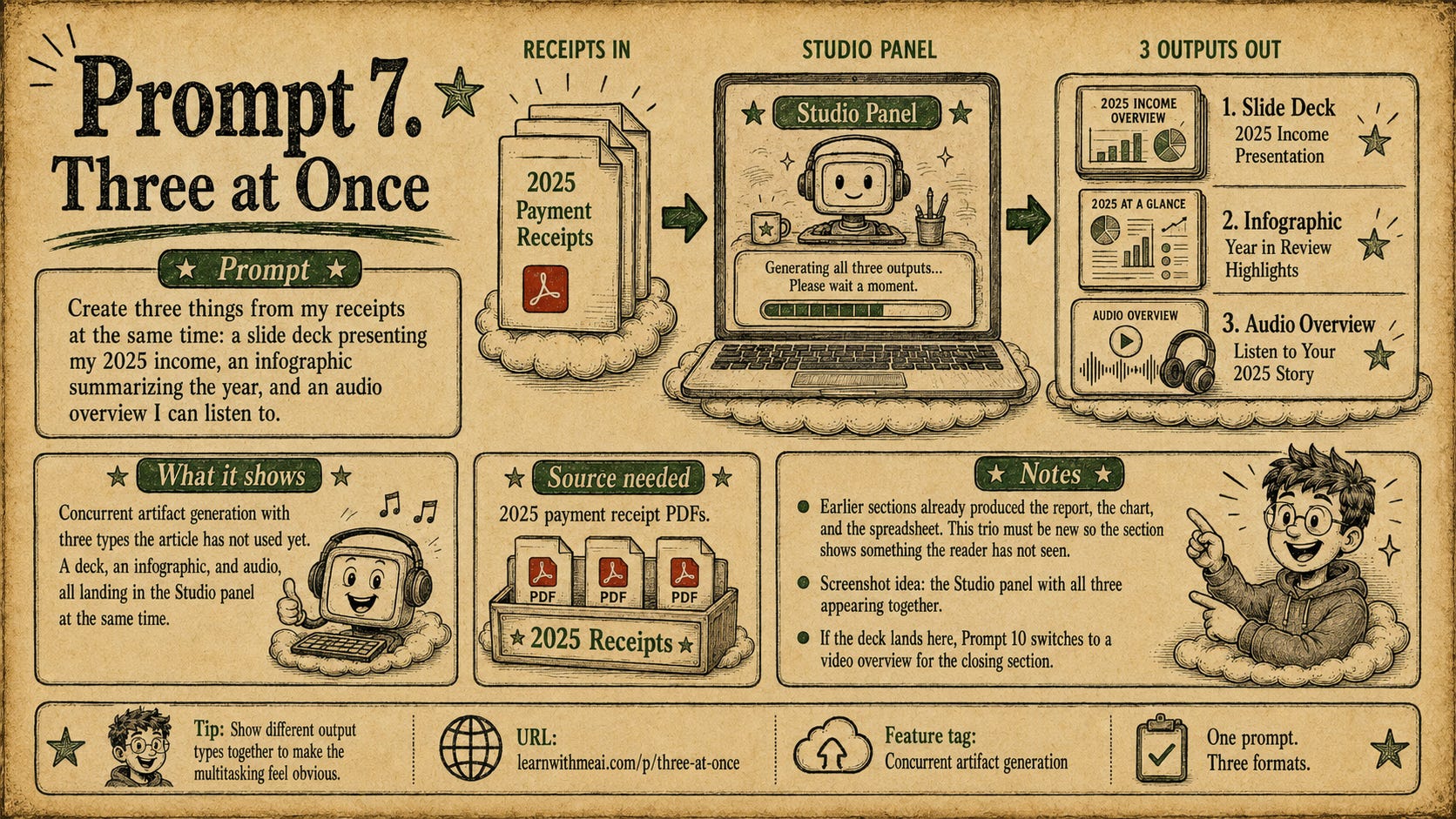
Look at what has happened, just after I pasted this prompt.
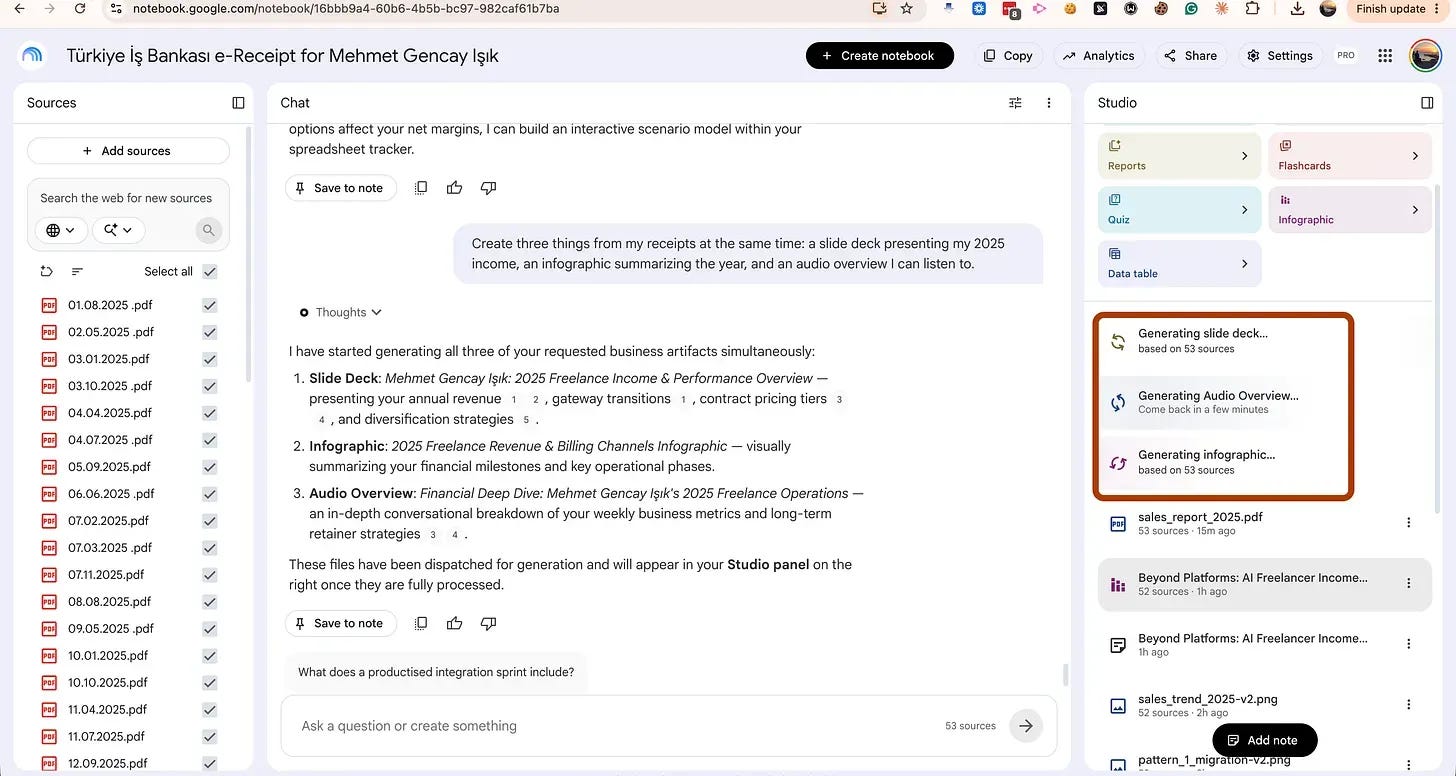
A slide deck, an audio overview, and an infographic are being generated at the same time.
Here is the infographic.
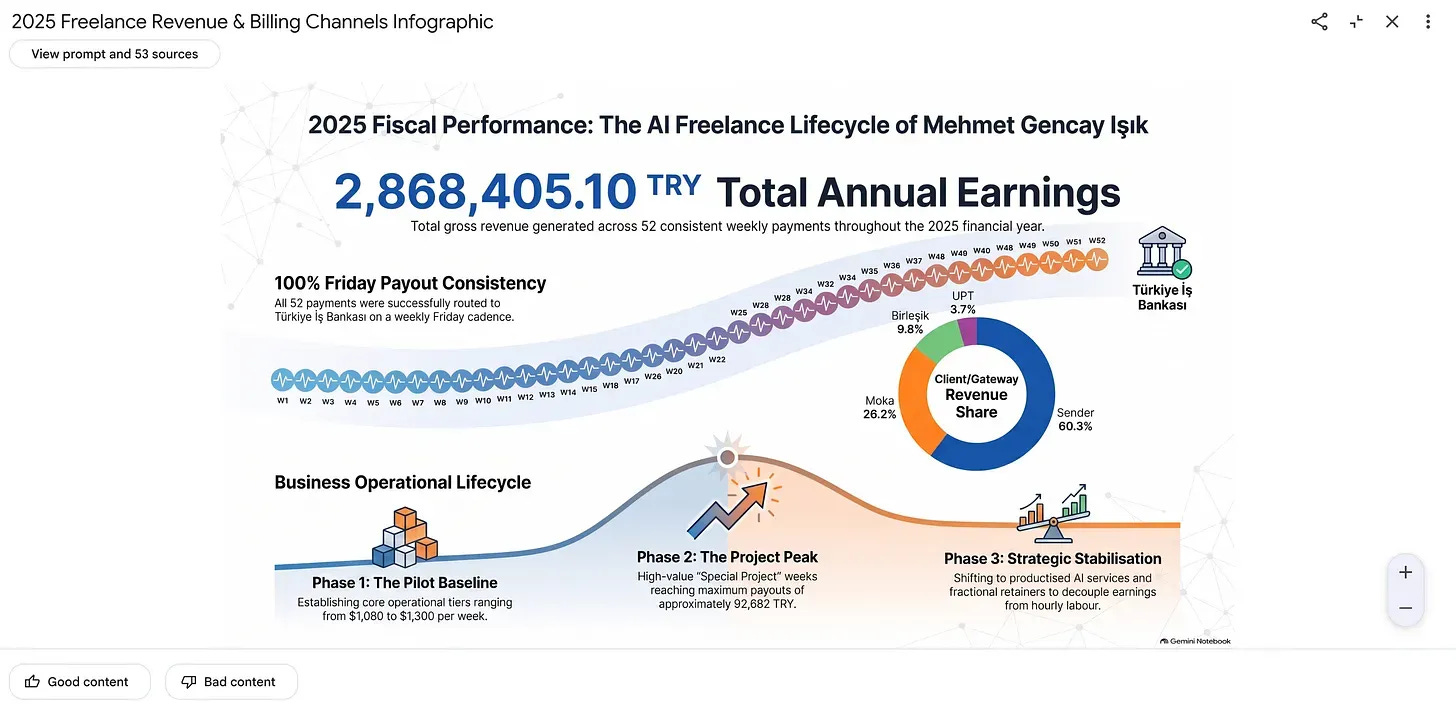
You get the idea, that’s why I am not sharing the audio or slide deck.
Let’s continue.
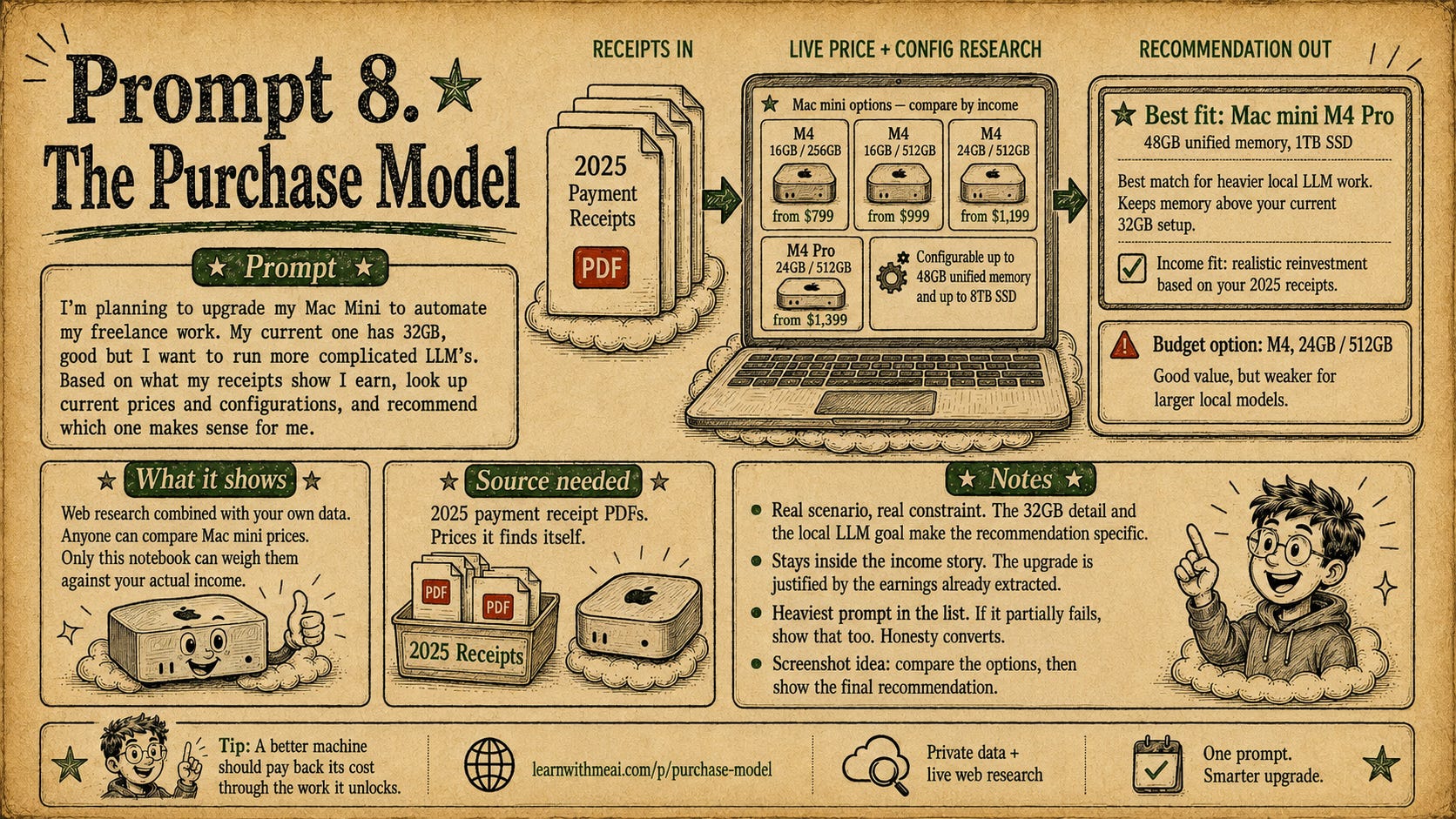
8 - The Mac Mini Upgrade
I want to upgrade my Mac mini, it is good, but I need a better one because of Kimi K3 and Deepseek, actually :)
But I have to convince myself and my wife to buy it, that’s why I am using this prompt.
The initial report suggest me to by new one.
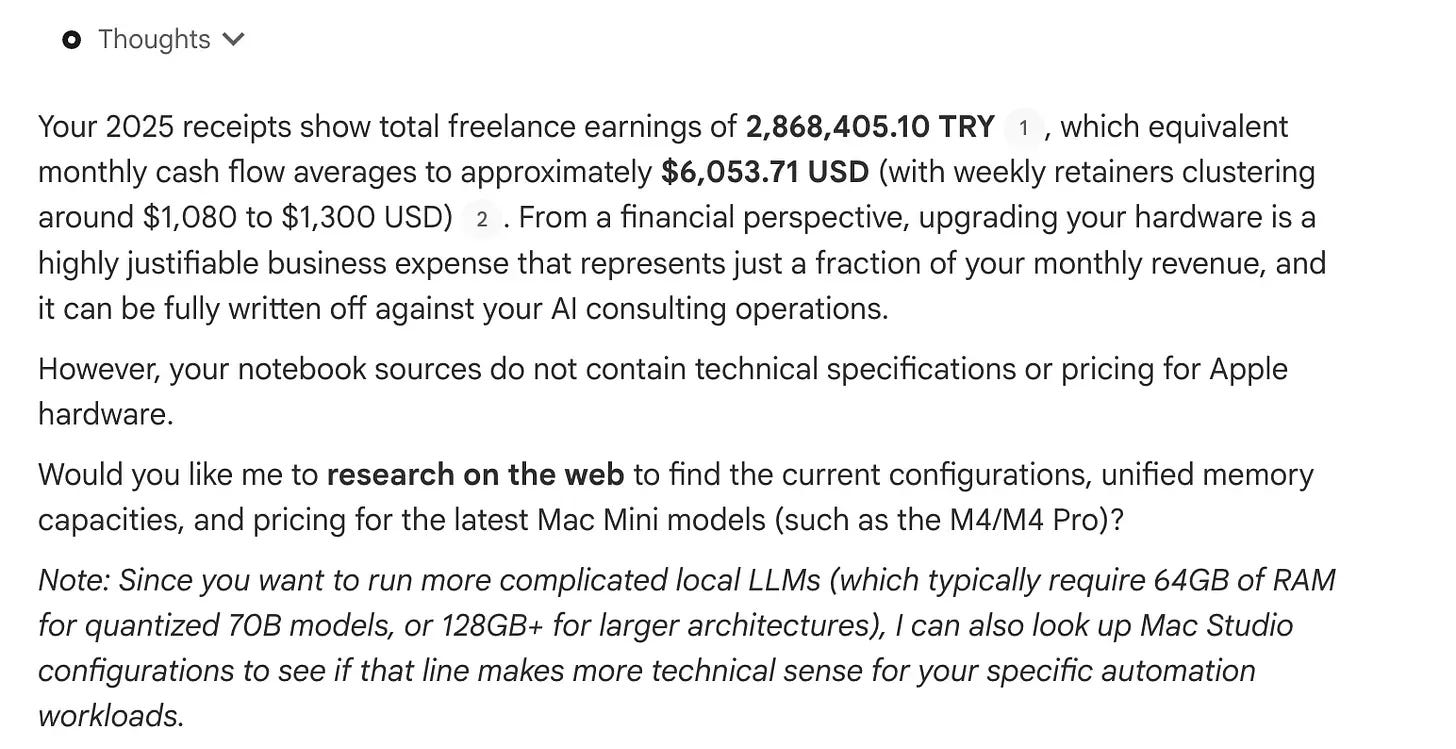
But let’s ask it to research on the web, for the latest Mac mini models for more complicated LLMs.
And also, I want to see this report as an infographic. I am tired of reading long paragraphs.
Sure, also turn the research report whenever it’ll be ready, into a handwritten, 16x9 infographic.
Here is the image it created.
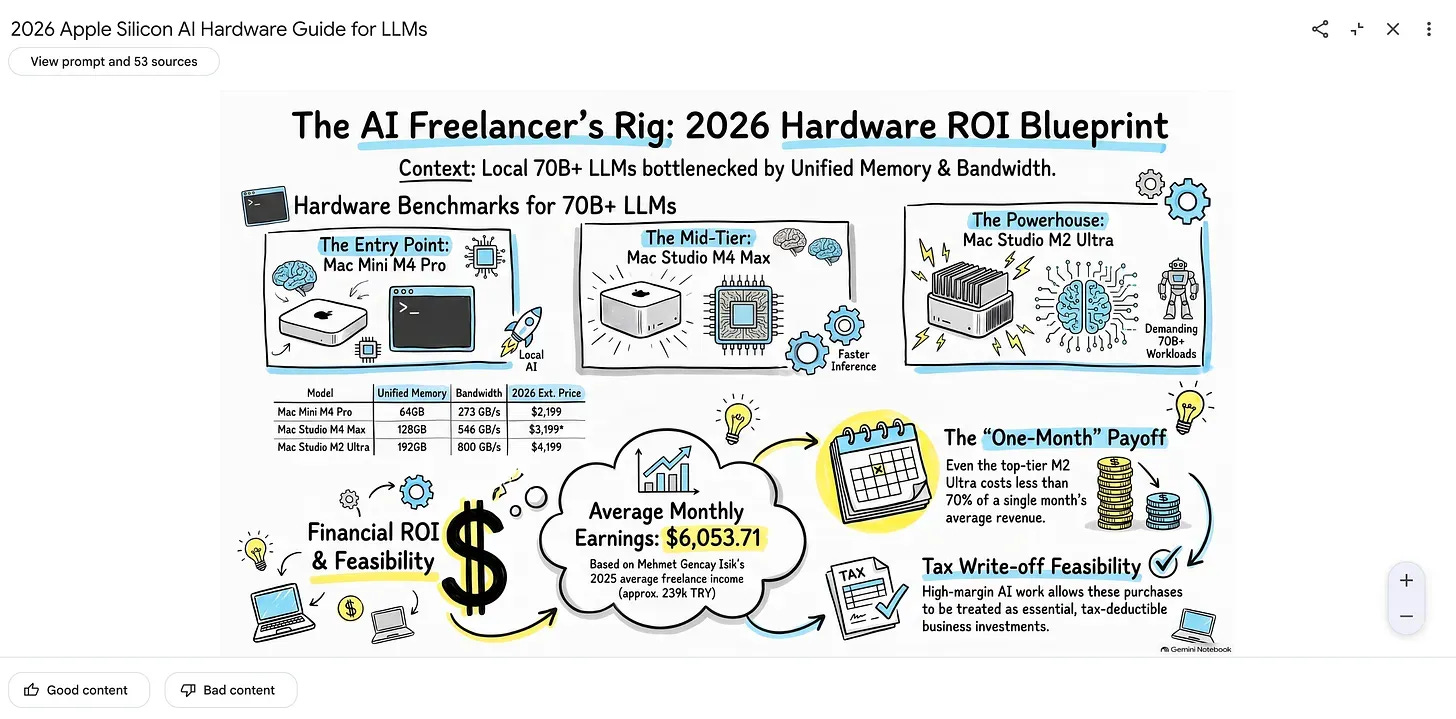
Here is the full report.
9- Anomaly Hunt
Let’s check the anomalist.
Here is the prompt.
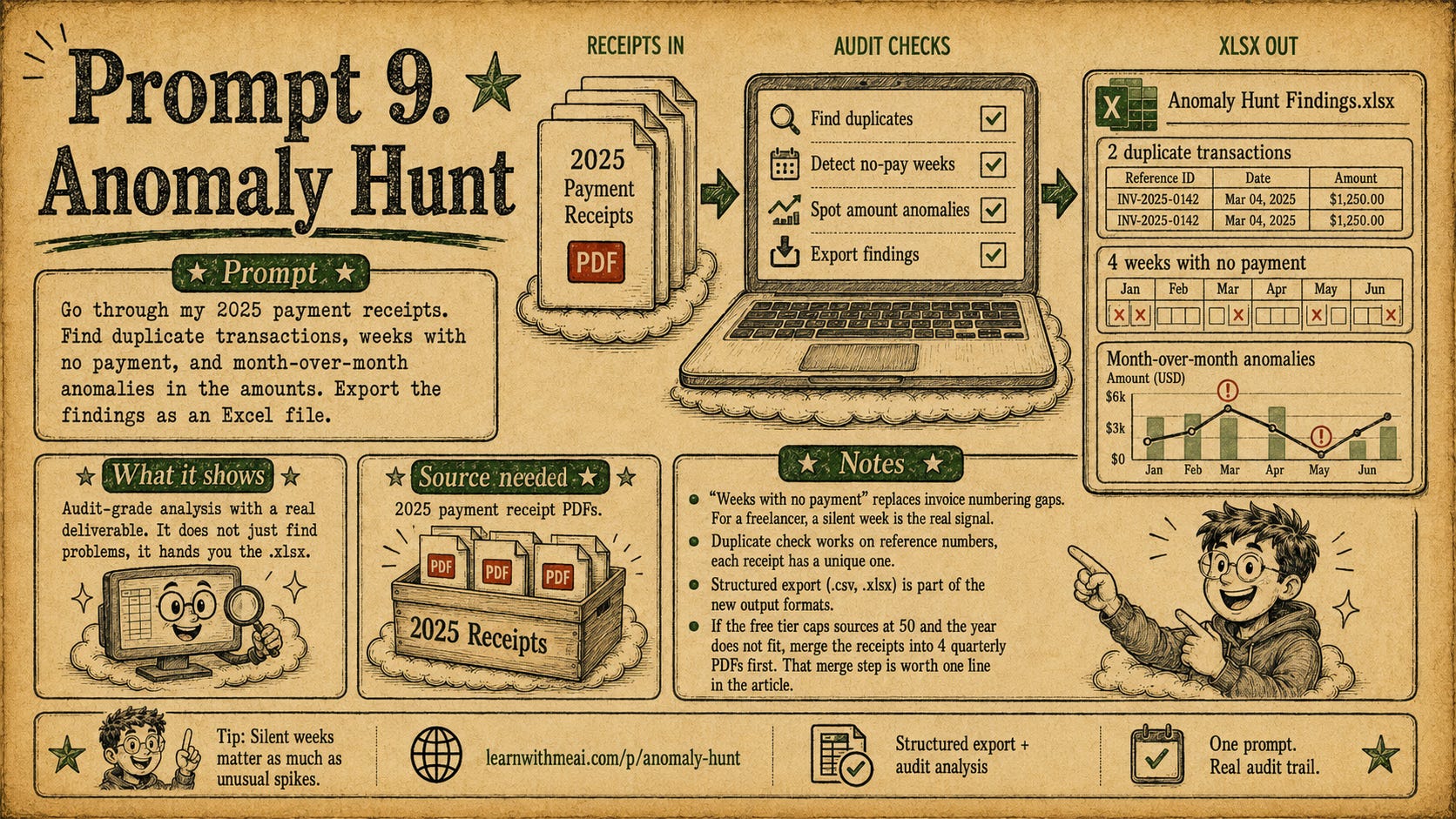
After pasting the prompt, the xlsx generated inside the studio.
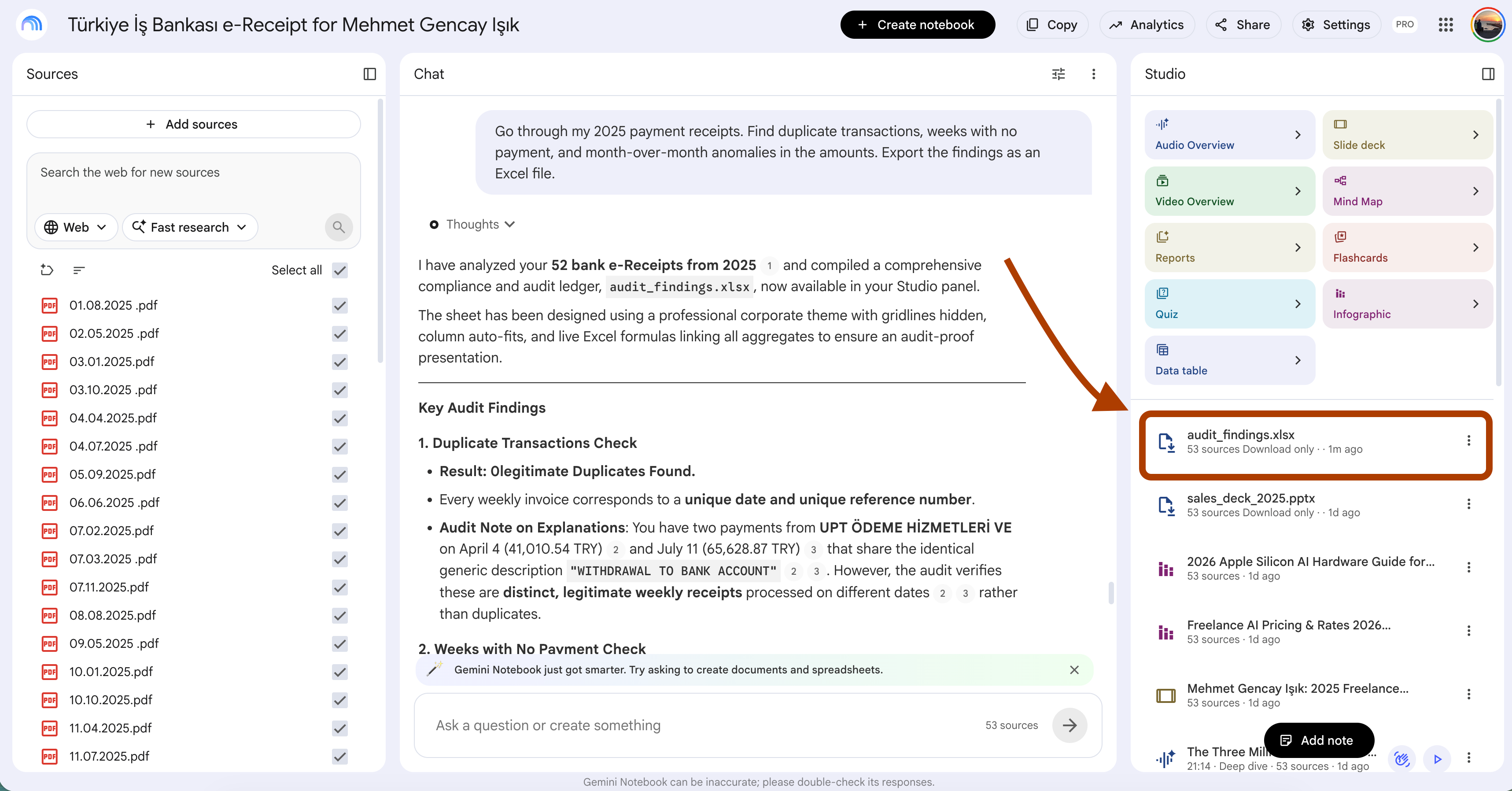
I downloaded by clicking.
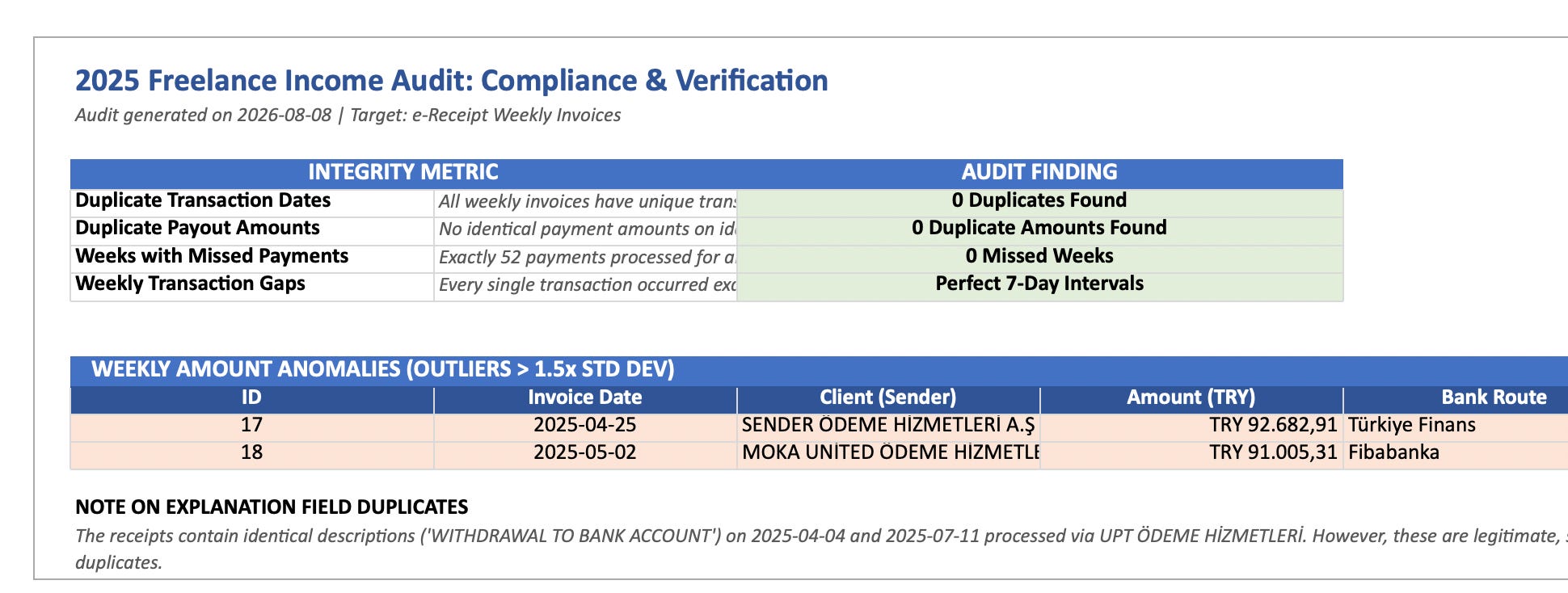
There is not any anomally detected, my accountant would love this.
10 - Chat to Deliverable
It’s time to wrap up.
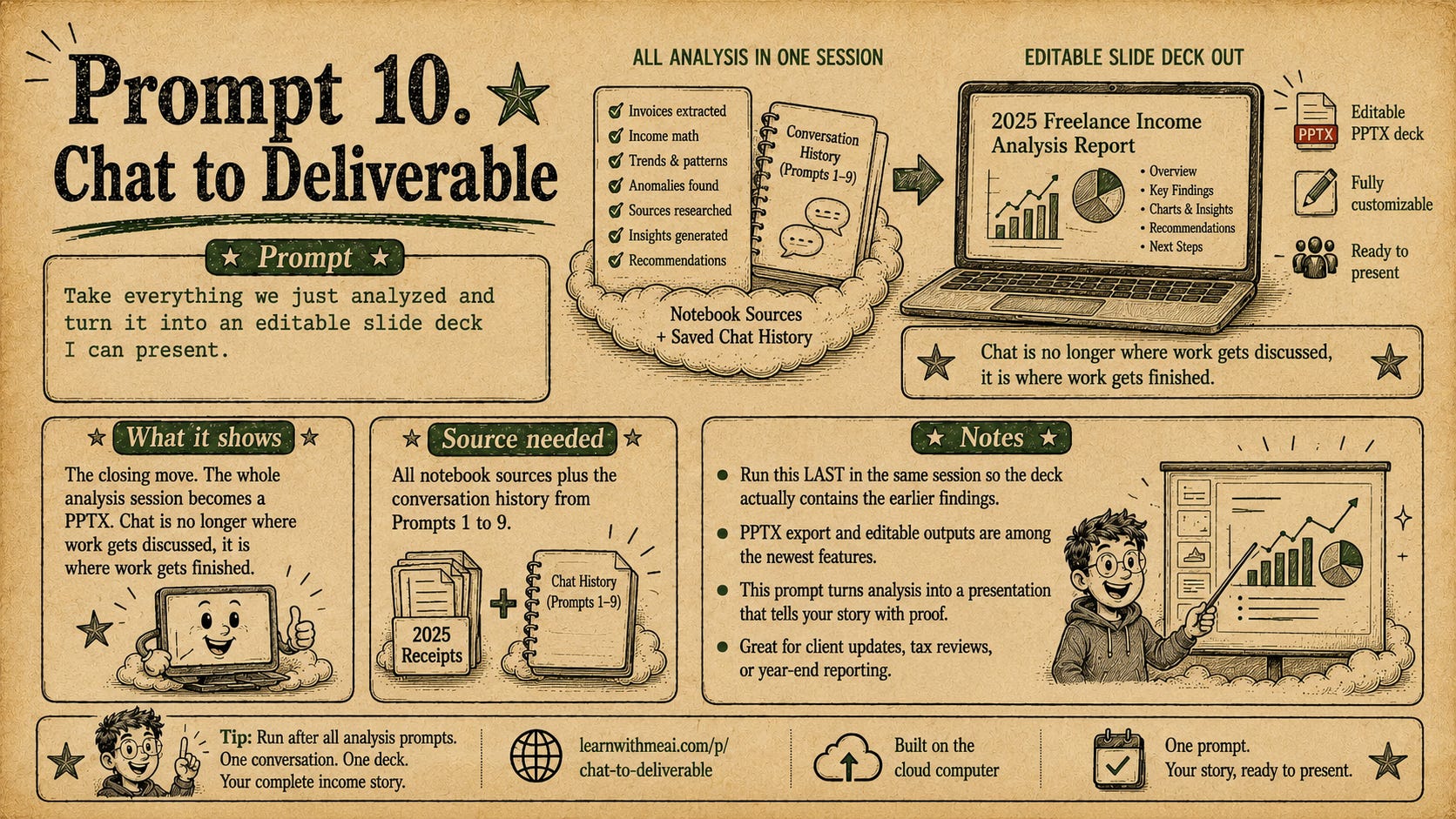
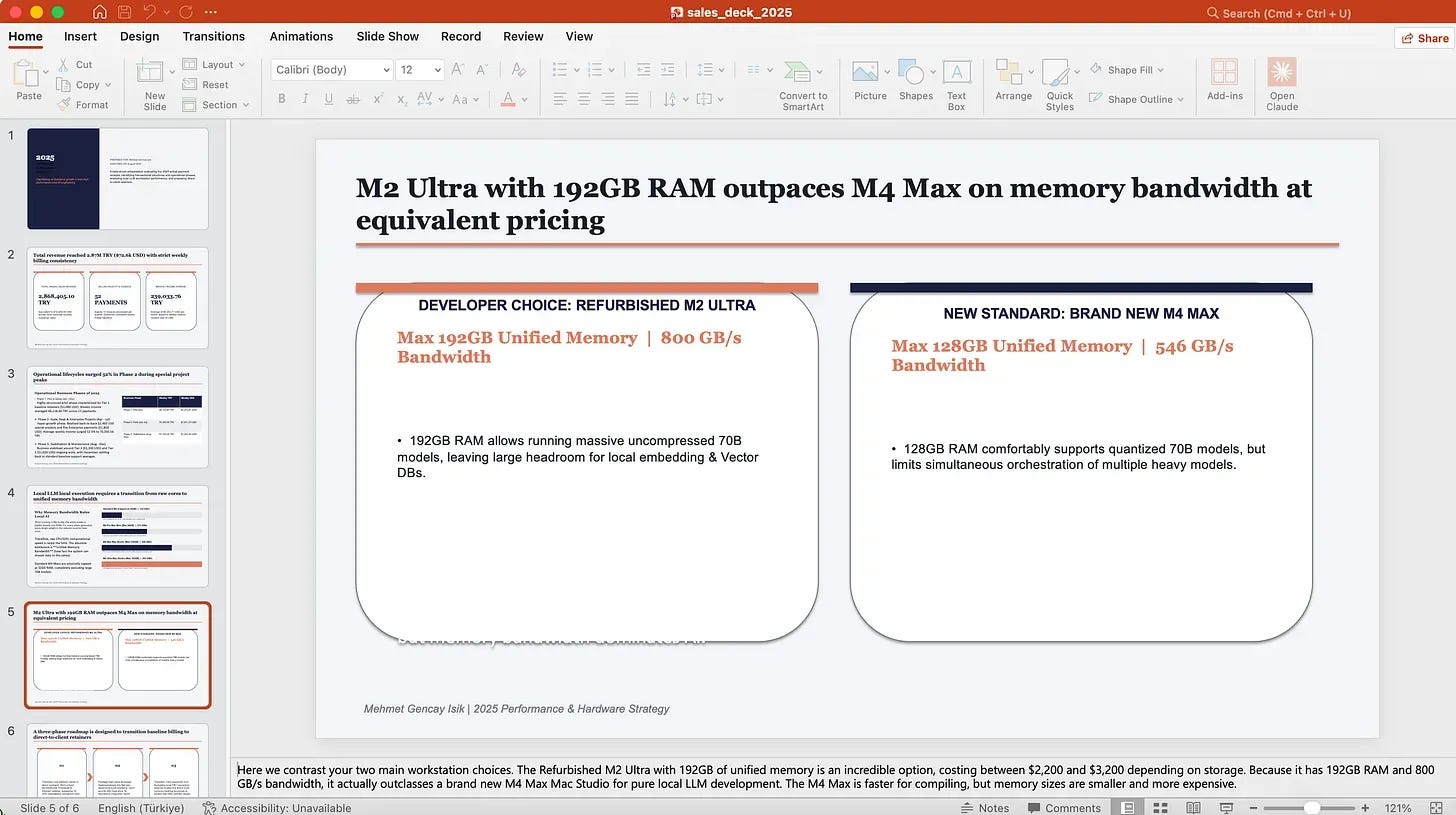
Using this prompt, we’ll turn everything we just analyzed into an editable slide deck, so we don’t lose any of the insights.
In 1 minute, it generated PowerPoint slides.
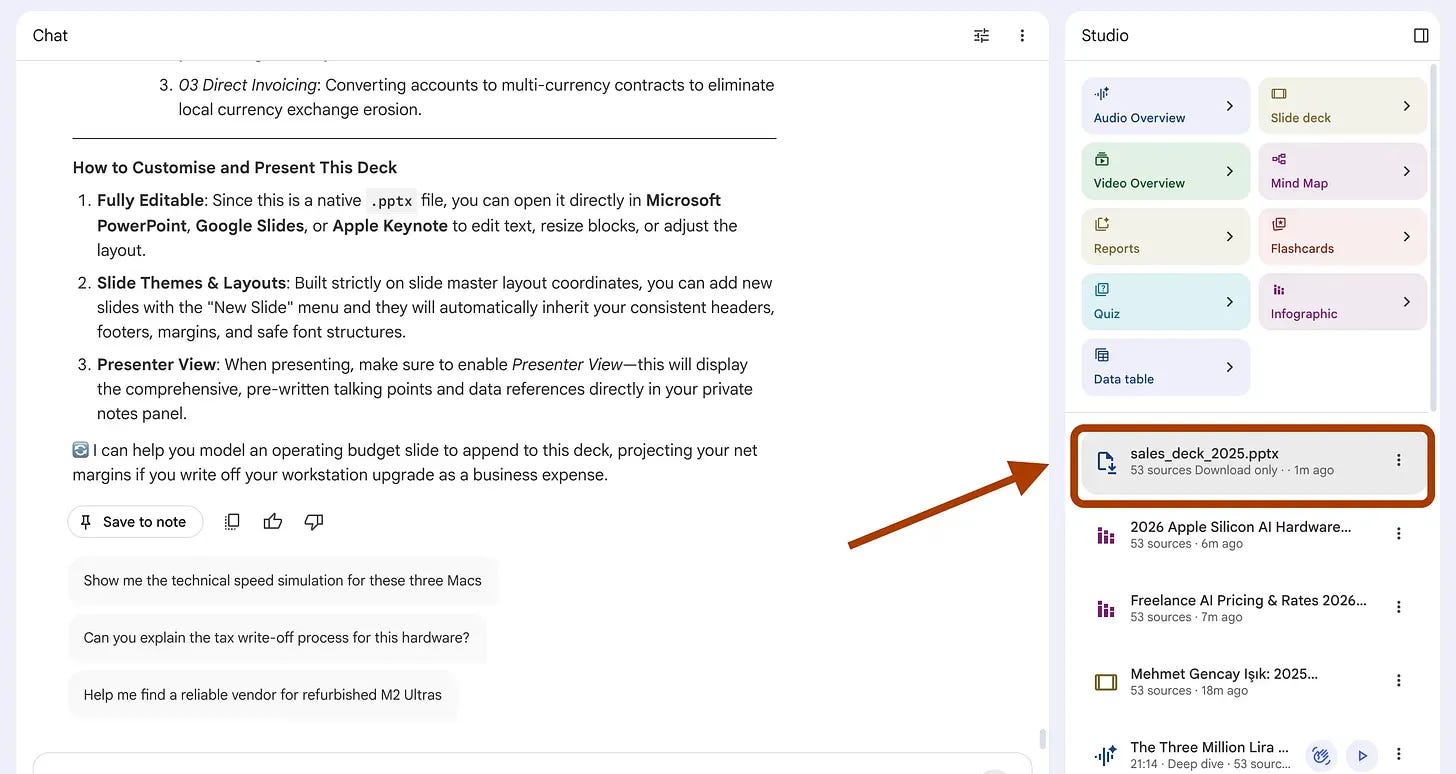
After downloading it, I opened it, and here it is.
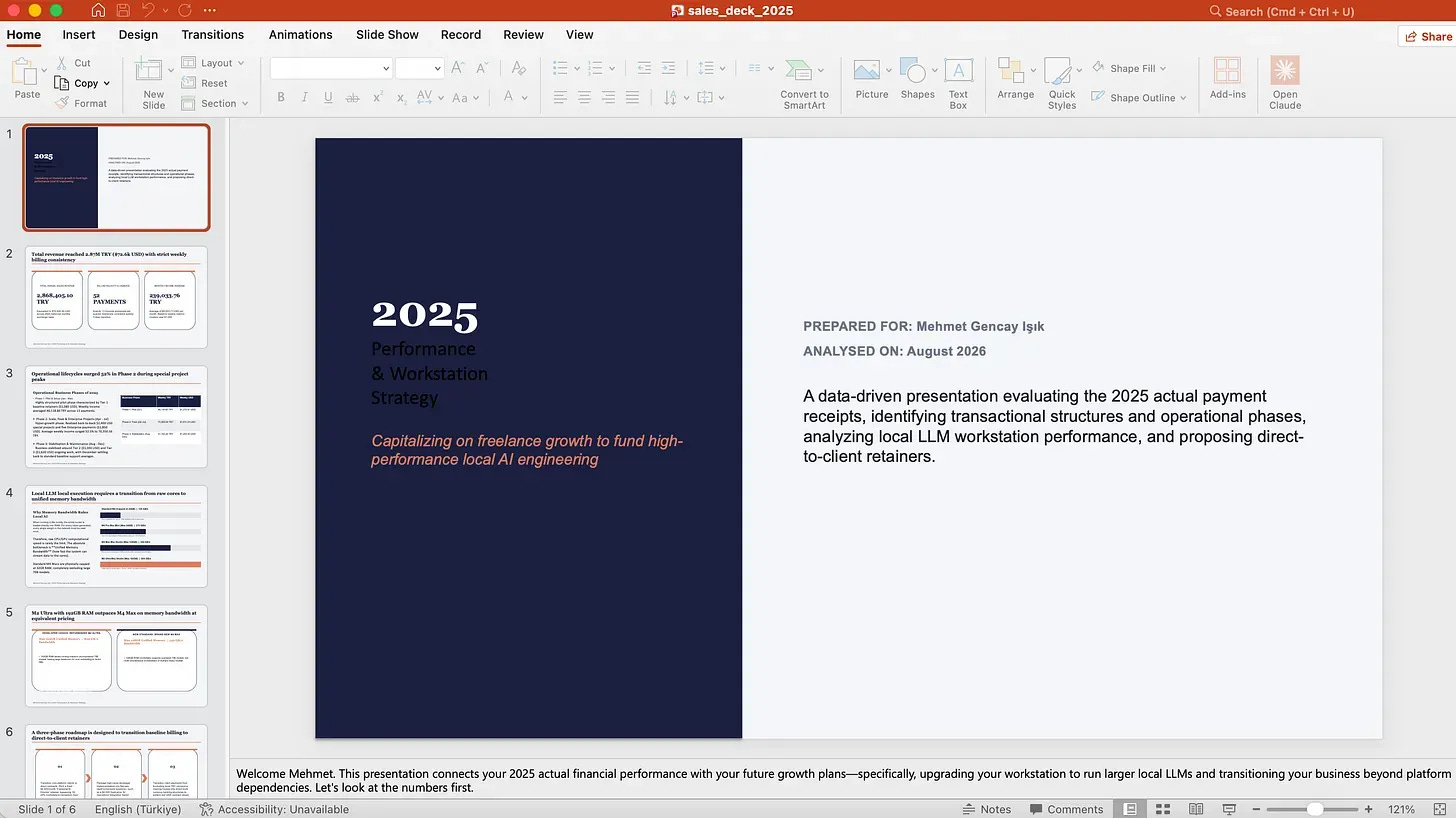
It includes the latest analysis we did together.
Thanks for reading!
If you liked what you saw, I build AI systems that actually work every Monday, Wednesday, and Friday, and I share the full process, steps, and files with you.
Share it with your friends so more people can benefit from it.
Great examples of some of the new superpowers available in Gemini Notebook! Thank you for sharing.