


You’ve spent hours explaining your architecture to AI coding tools.
Every new feature, you repeat yourself.
The AI forgets. You start over.
I found a different approach.
Train NotebookLM once on your docs.
Connect it to Antigravity via MCP. Build apps using your exact patterns.
I did this. 50+ project docs. One connection. 10 minutes later: working app following my architecture.
Zero manual coding. Zero repeated explanations.
What This Integration Does?
NotebookLM = The Knowledge Base. Stores your patterns, remembers your decisions, never forgets your architecture.
Antigravity = The Builder. Queries the knowledge base, builds apps, writes code following your exact patterns.
MCP = The Connection. Let them talk to each other.
Result: Build apps in 22 minutes without explaining your architecture every single time.
Part 1: What Is Antigravity?
Google’s AI IDE.
Runs multiple AI agents in parallel (one for frontend, one for backend, one for testing). You can run Claude Code inside it. (with extension.)
With this setup, we’ll build apps from NotebookLM knowledge using parallel agents.
Cost: Free.
How to Download Antigravity
Go here.
→ Sign in with Google
→ Download for your OS (macOS/Windows/Linux)
→ Choose default model (Gemini 3 Pro for UI, Claude Sonnet 4.5 for backend).
How to Use Antigravity?
On the top right, you see Antigravity Agents, similar to vibe-coding tools; you can select any model you want, not just Google models.
But I also installed the Claude Code extension and opened Claude Code, as you can see on the left.
Tips: Click on extensions, find Claude Code, and install it to use.
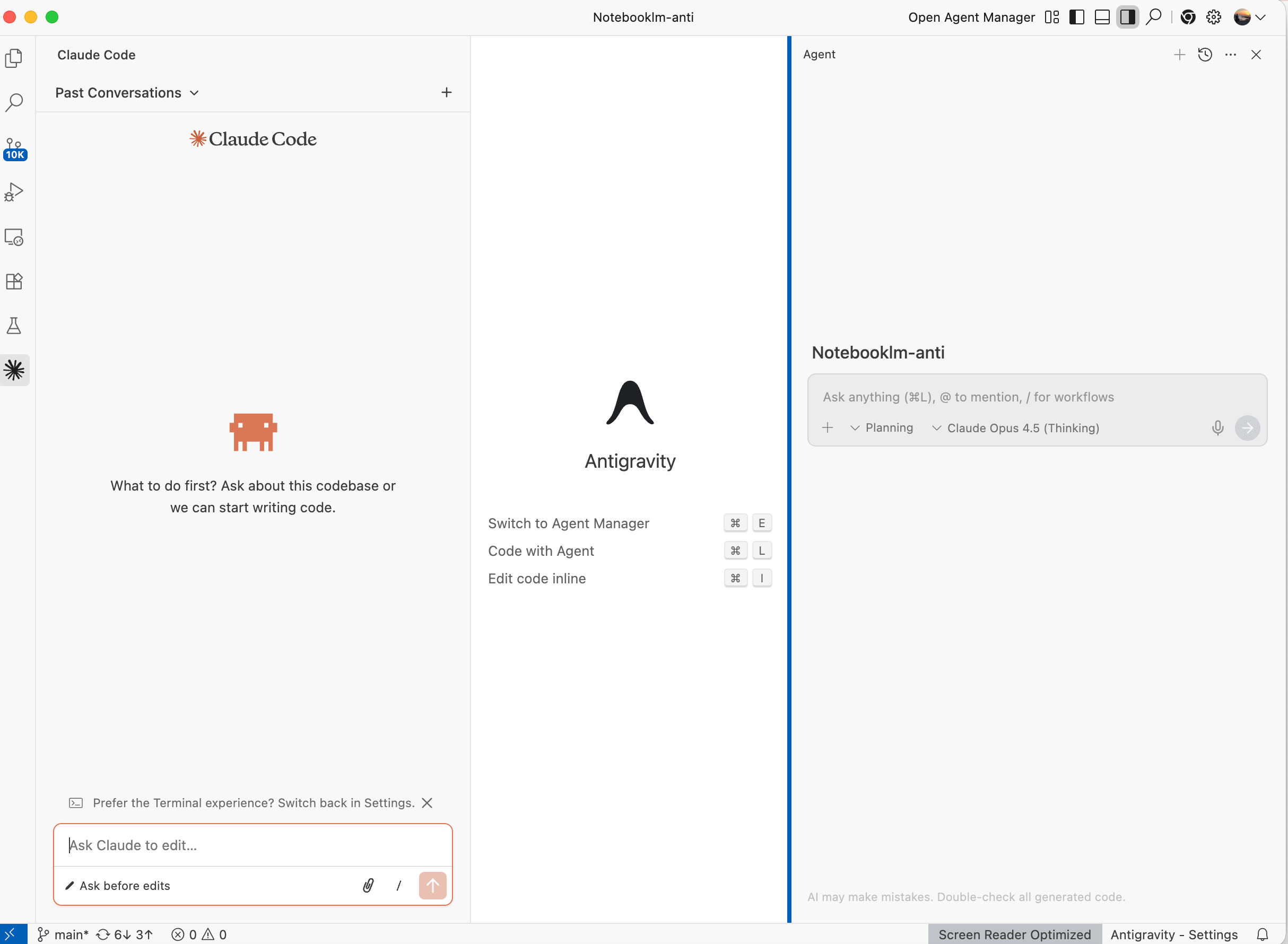
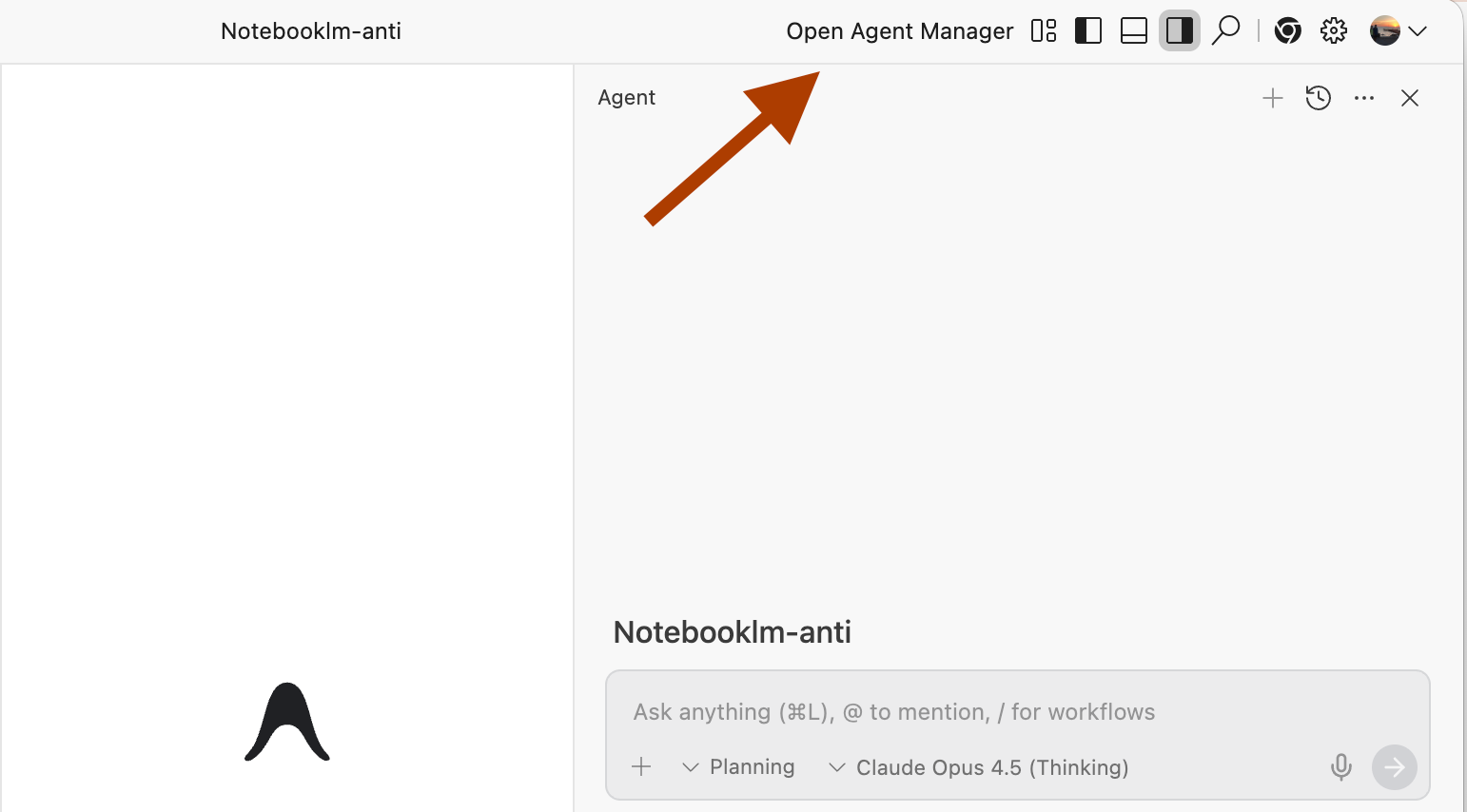
When you click on "Open Agent Manager”, as you can see in the ss below, a new window opens.
Here you can run Agents in parallel, which means you can give more than one task to agents, and they start working at the same time.
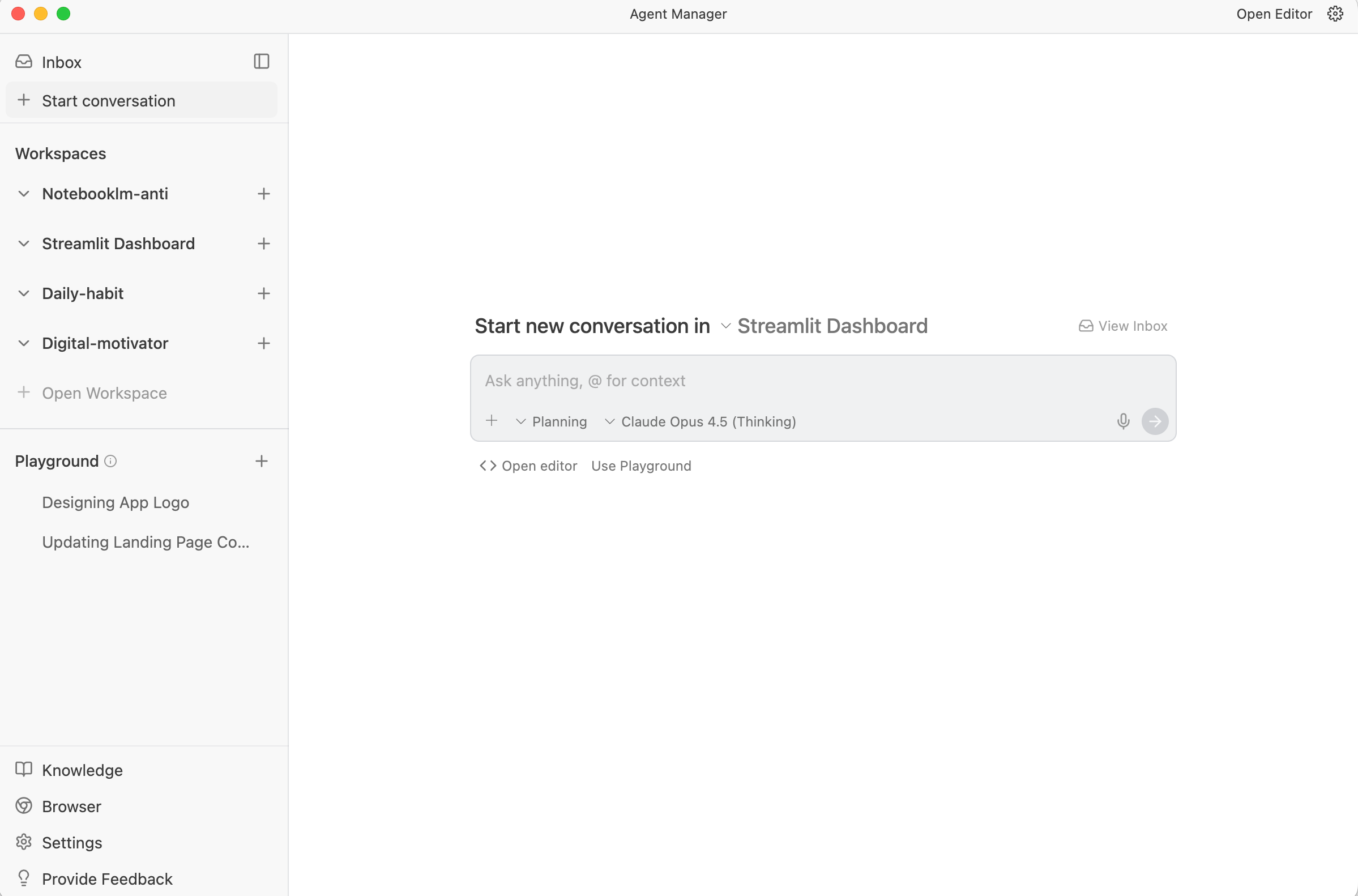
In summary, you can run agents on;
Claude Code
Antigravity
Agent Manager
It is very intriguing, right?
Part 2: What Is NotebookLM?
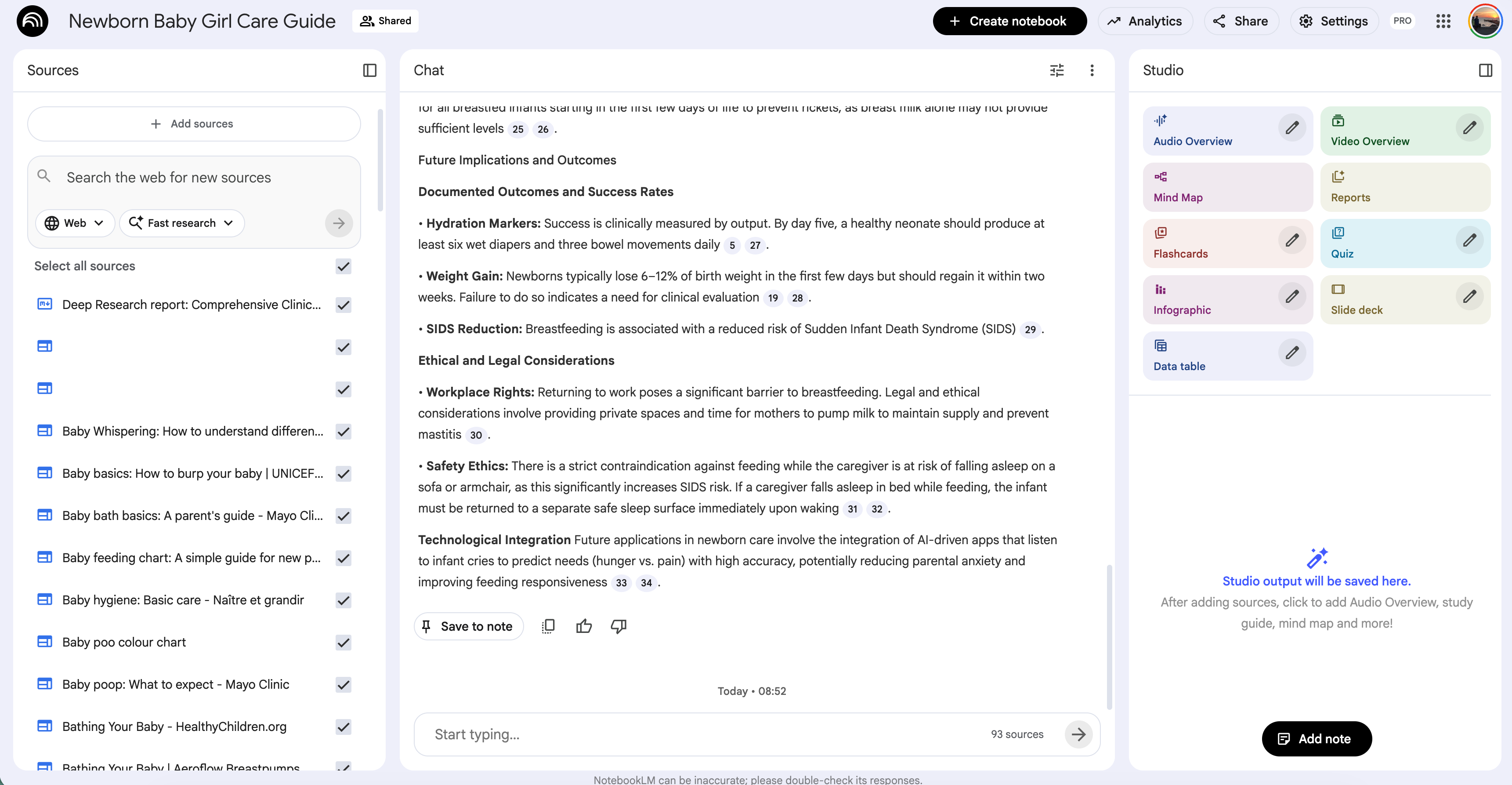
NotebookLM is, I think, one of Google’s best AI products. With it, you can do research, learn using quizzes, video or audio summaries, and create mind maps, infographics, data tables, or reports.
But most people don’t know that it has more than this. Google, last year in December, let you connect your NotebookLM app with Gemini, so you can build apps using it too, like this.
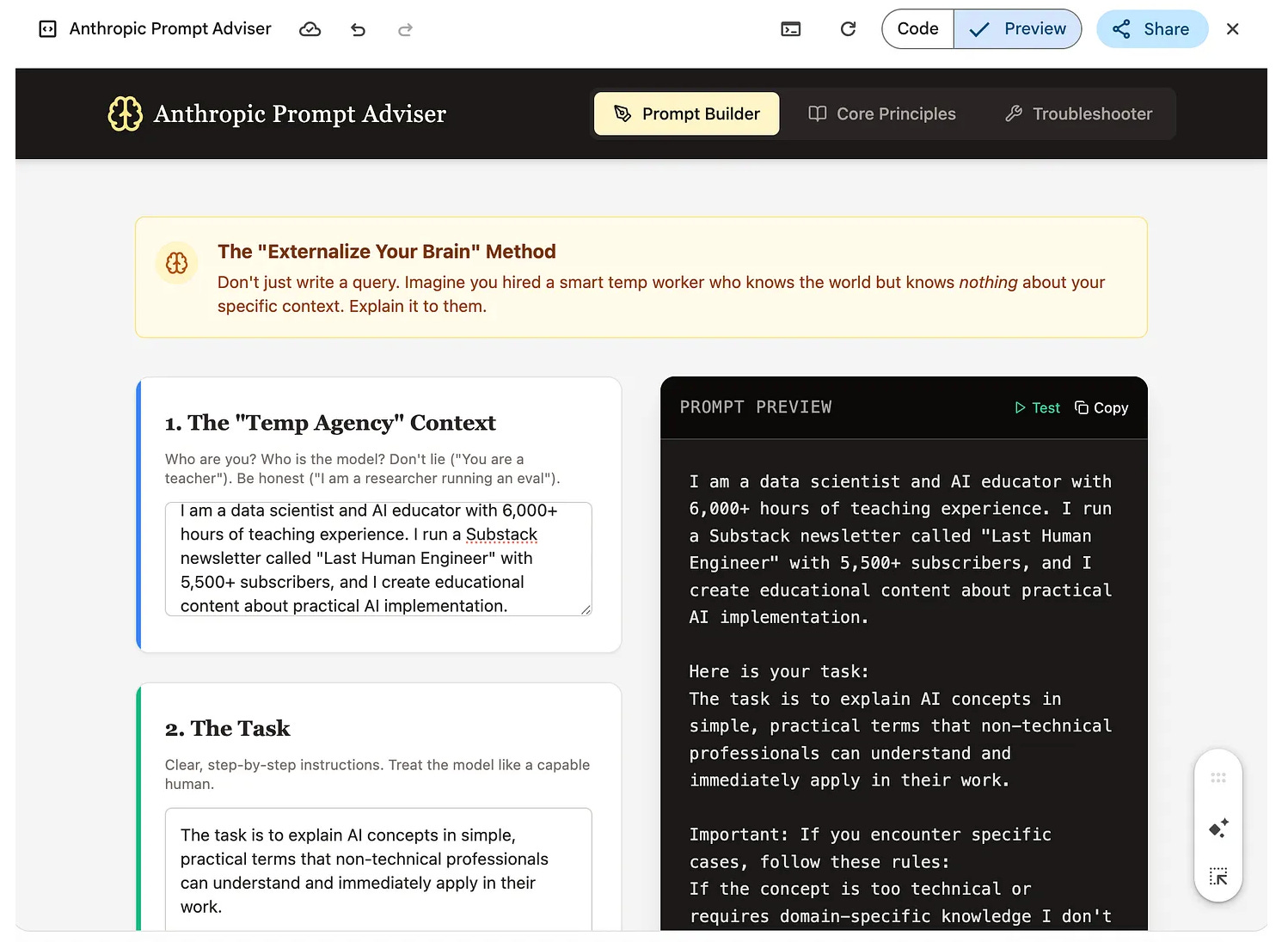
But they did not stop, of course. Next, they integrate NotebookLM with Gems. What is Gems? Gems is very similar to CustomGPT’s where you can build assistants inside the Google environment.
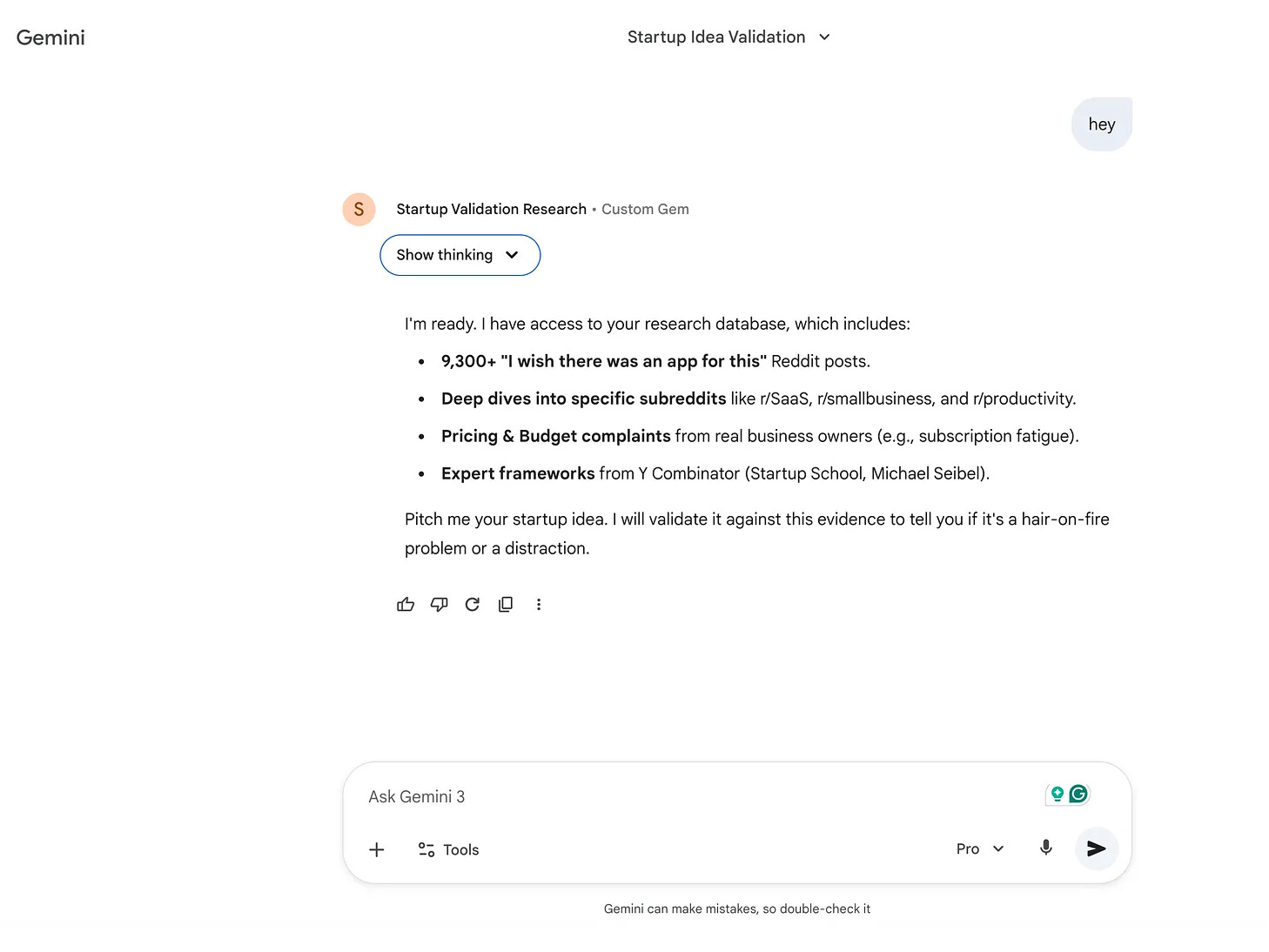
How to Train NotebookLM
Let me show in steps.
Go here.
Click on “Try NotebookLM”.
Next, click on “Create new”.
Add any source you want, options
Deep search using Gemini
YT videos
Website
Drive
Copy/paste
And add your sources.
Let me put one of my Substack notes for you to discover deeply.
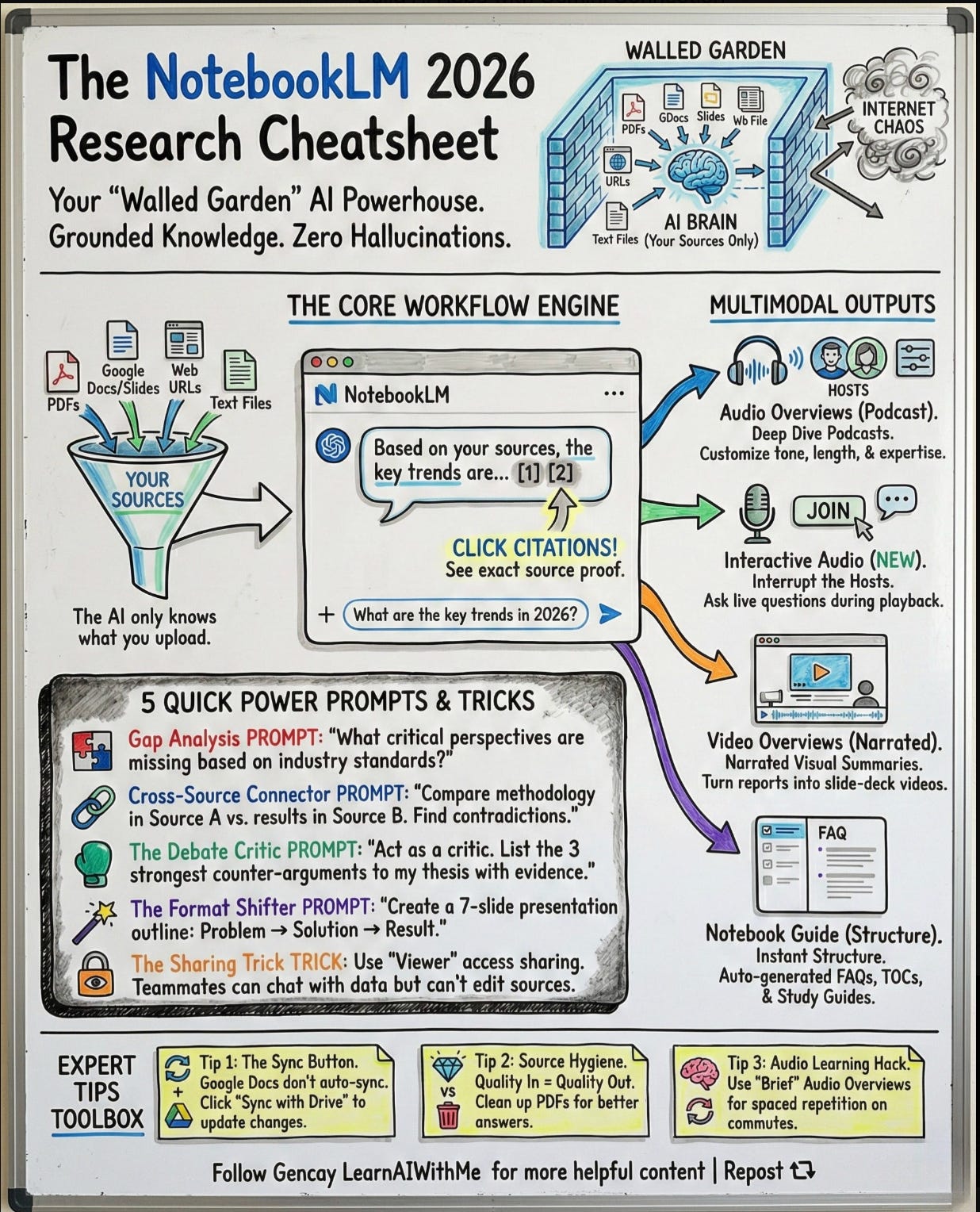
After a couple of minutes, you are good to go. If you want to use better than many people, read this for tips and tricks.