Finding a job has never been easier than in this era.
Yesterday, I was scrolling through jobs on Upwork when one title stopped me.
Claude Certified Architect. $25 to $60 an hour, 30 plus hours a week, 3 to 6 months.
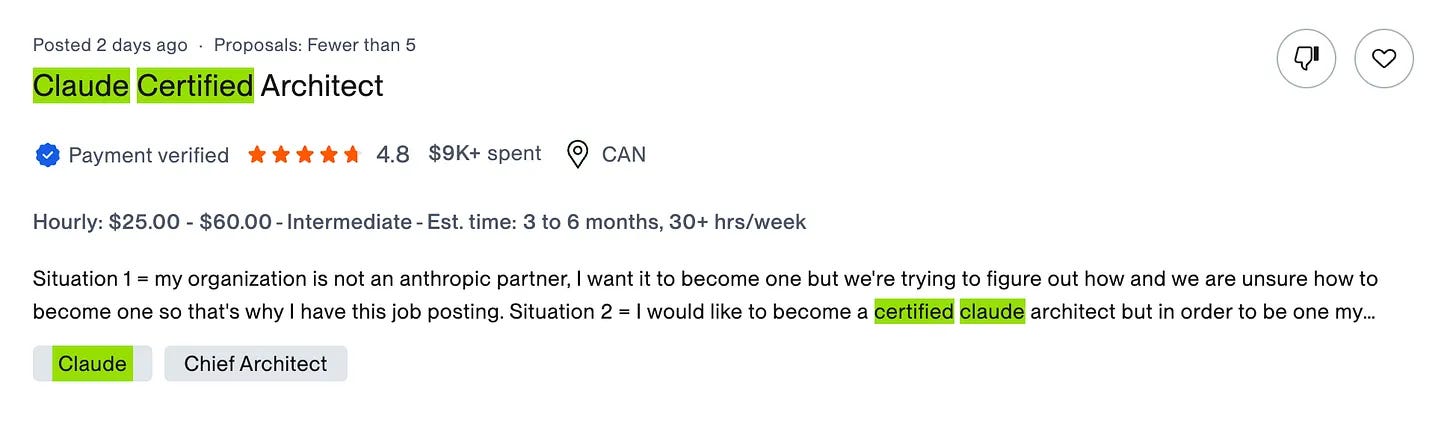
Do the simple math. Call it $50 an hour, 30 hours a week, 16 weeks. That is $24,000 from one contract.
Good money. I noted it and moved on.
Then this landed in my inbox.
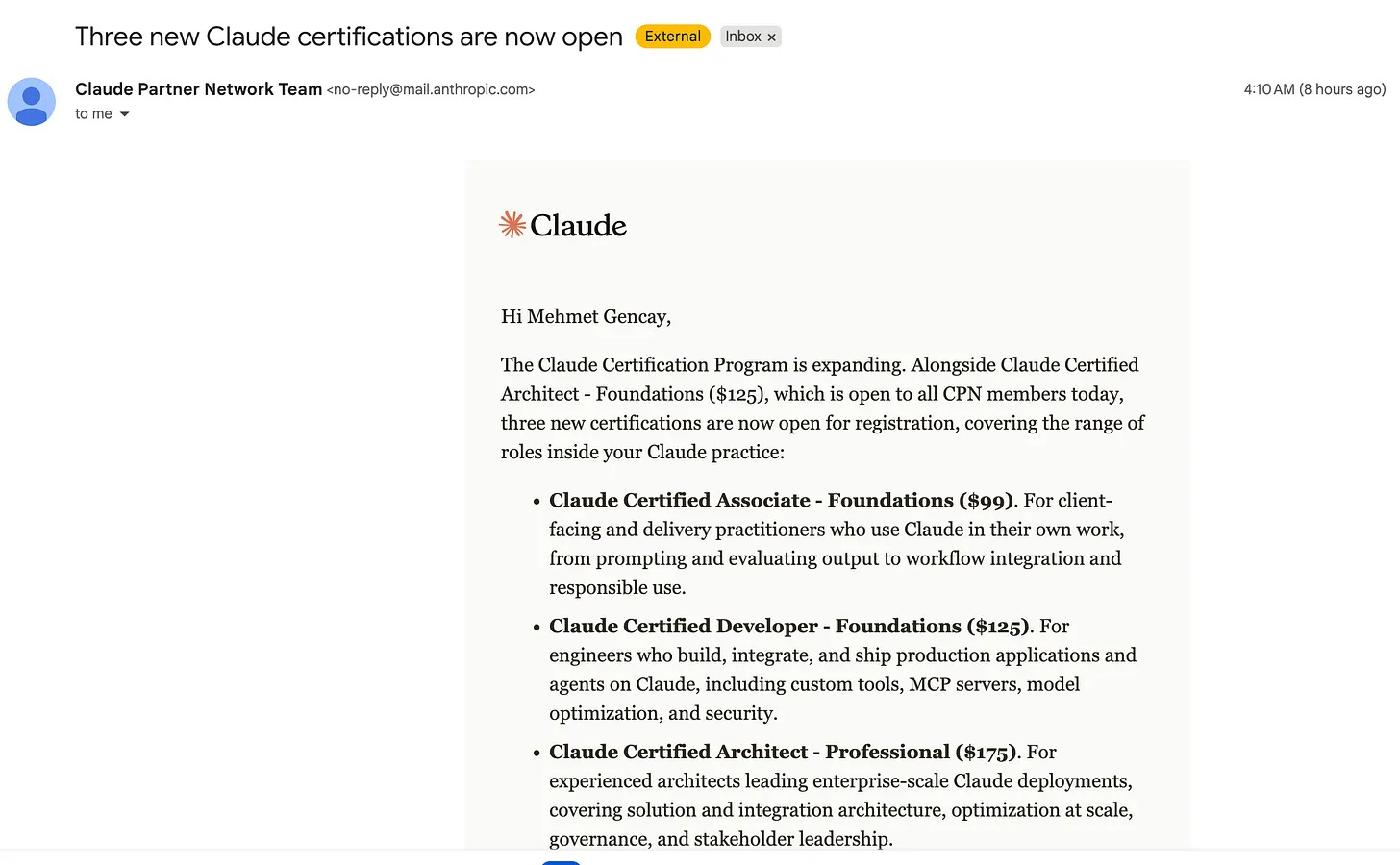
Anthropic opened new Claude certifications.
I know Claude Code from A to Z.
But knowing a tool and passing its exam are different sports.
An exam wants structured prep, repetition, and a schedule that does not care about my mood.
If I want to learn something, I use NotebookLM, because grounding keeps the hallucinations out.
And if I want to keep showing up, I use a Claude routine, because it does not let me skip.
So I built my own tutor.
The AI Tutor I Built with Claude Cowork and NotebookLM
I have a quiz in 5 minutes.
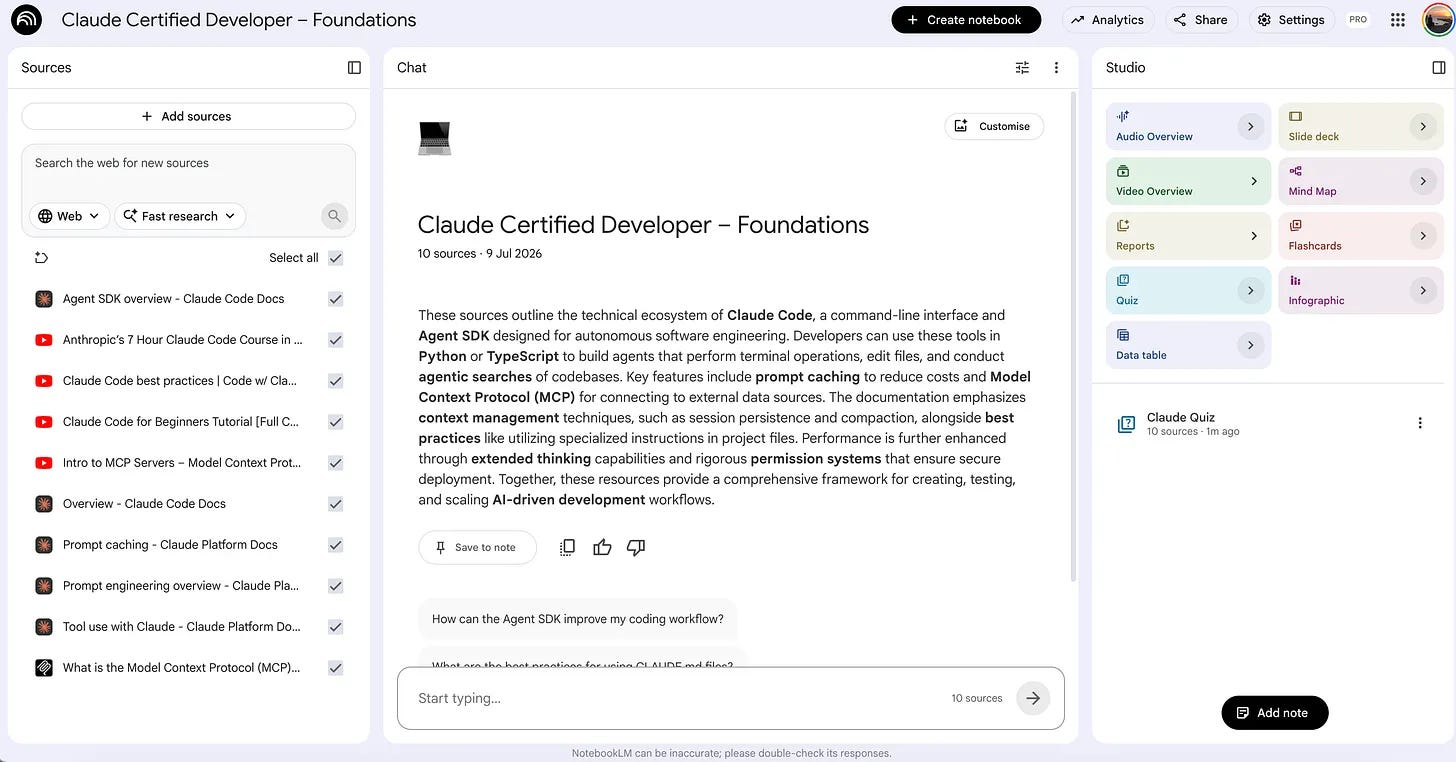
This quiz uses NotebookLM as a source, specifically this one.
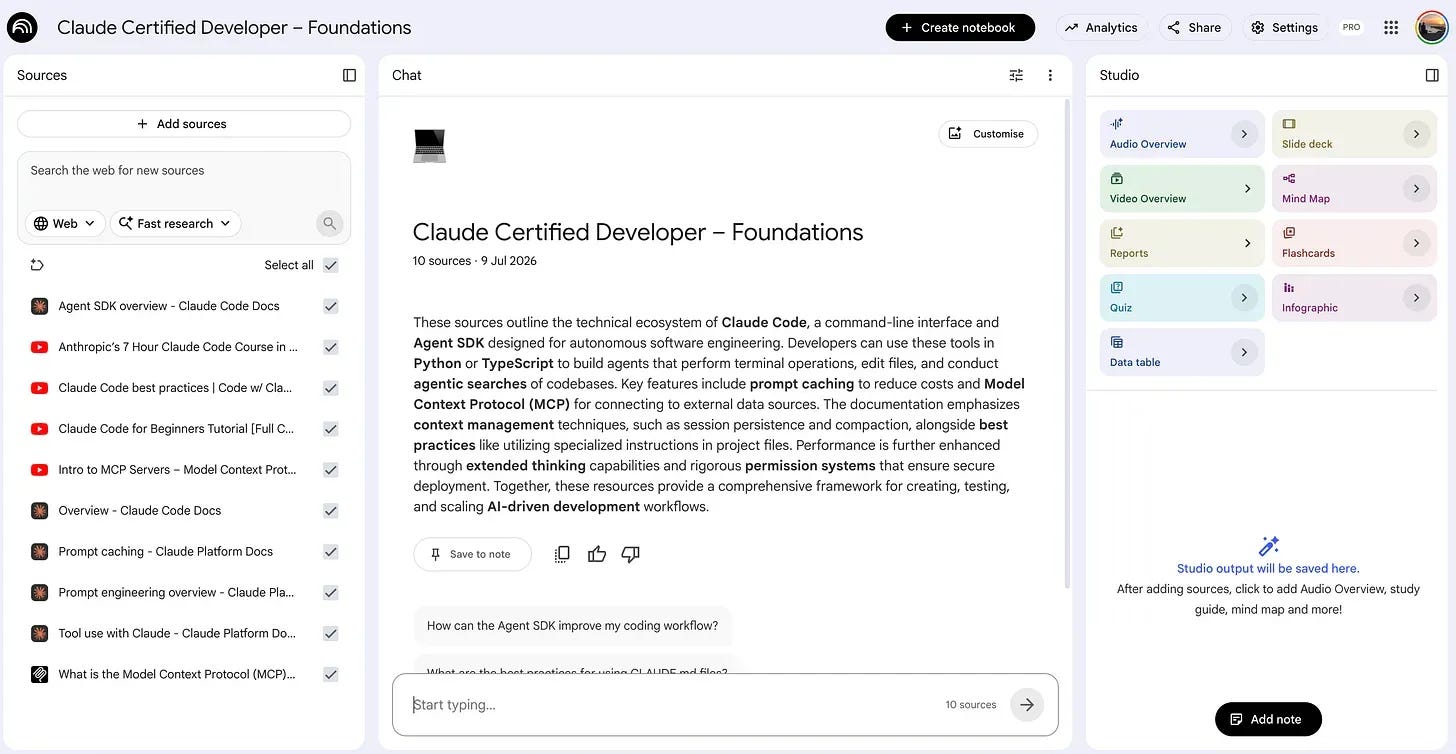
The wildest part, the Claude Cowork, creates a quiz through NotebookLM connection, send backs to you the questions.
My topic: Claude Certified Developer
You can choose any topic; heck, it can be your dream job, and you can also simulate an interview.
Mine started on Cowork.

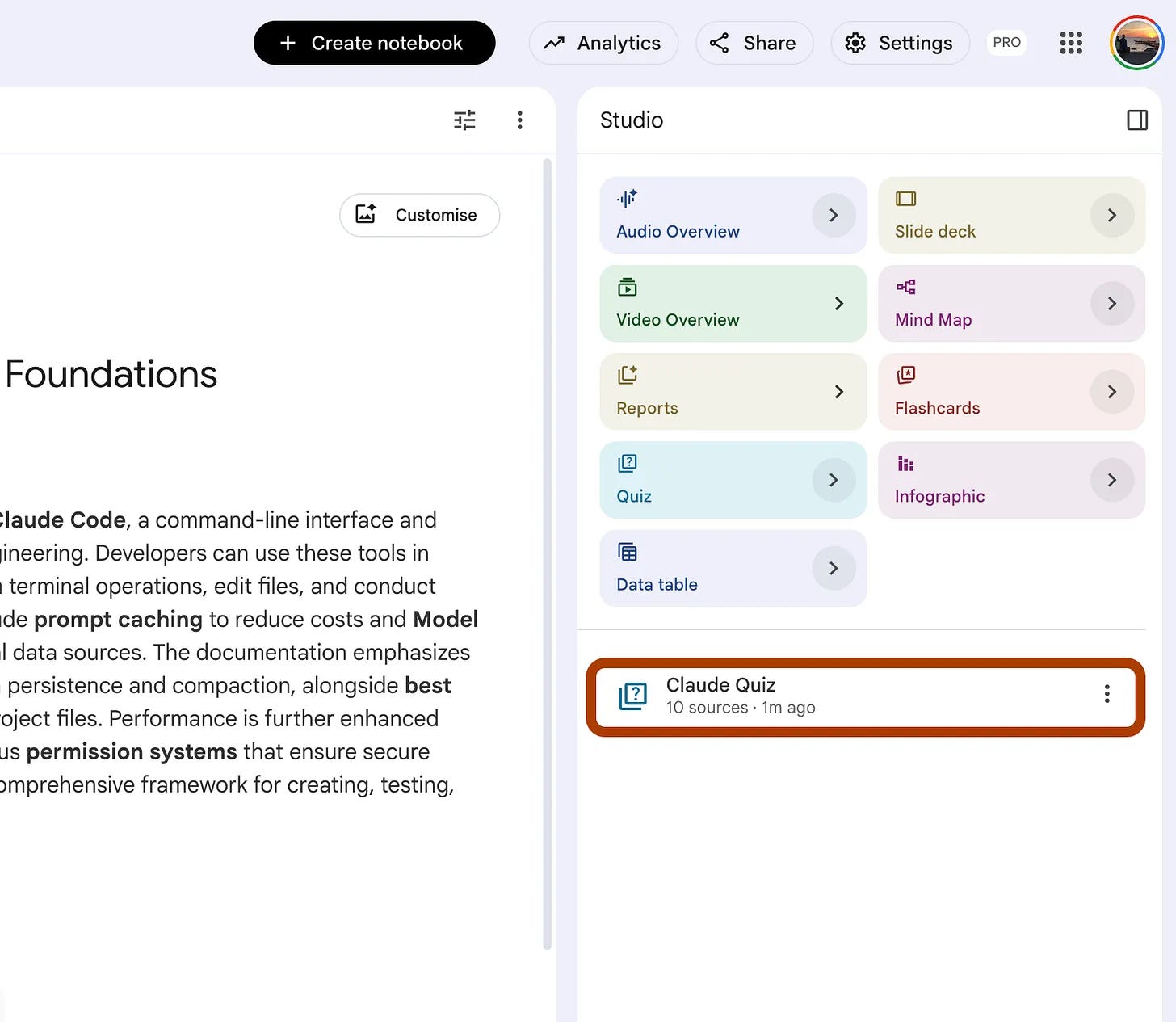
Let’s check notebookLM once again. Here is the quiz that was generated.
But I can answer through Cowork.
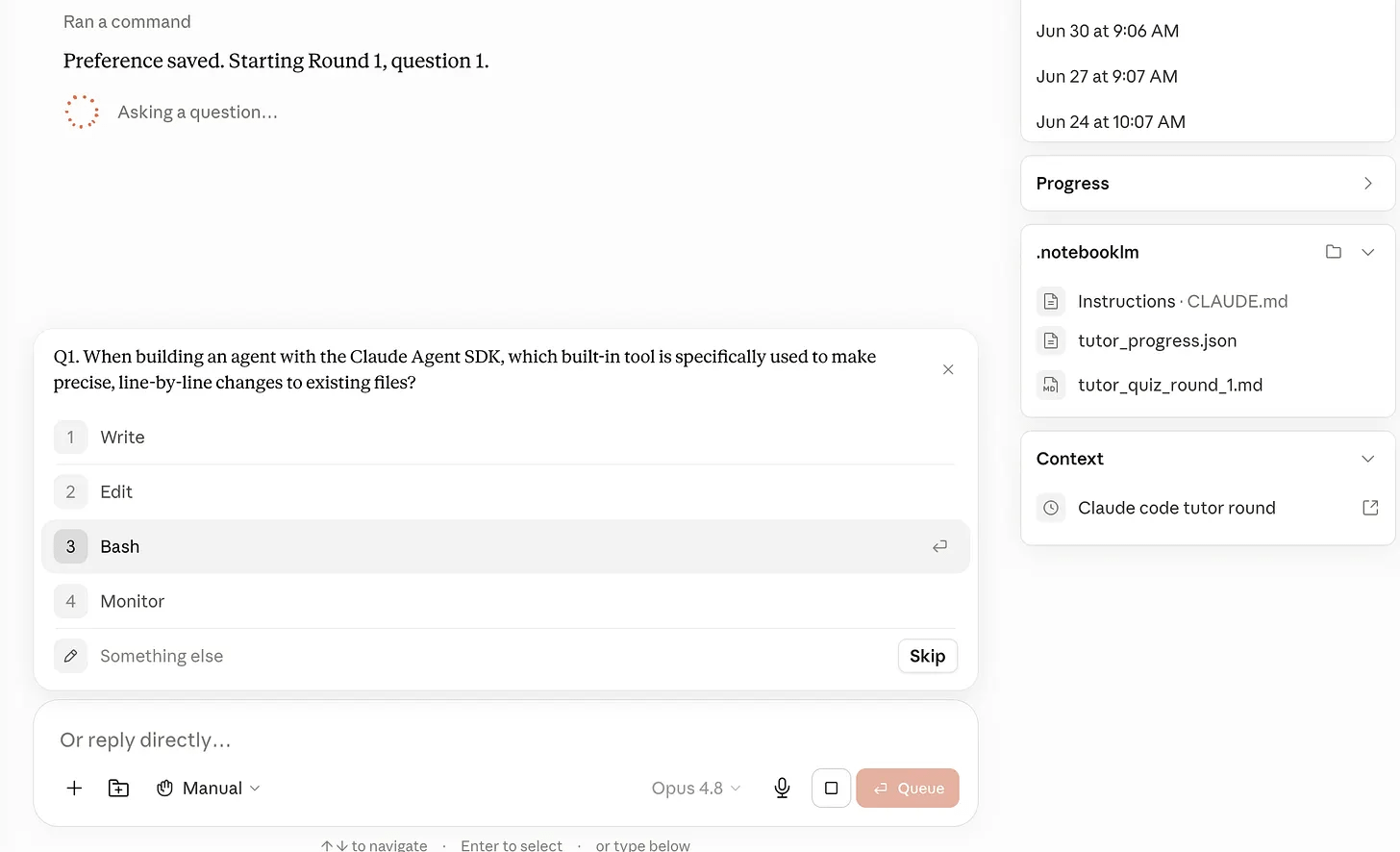
And all of my questions/answers/right or wrong were saved as json file, named tutor_progress.json.
At the end of each quiz, it’ll suggest a source to me.
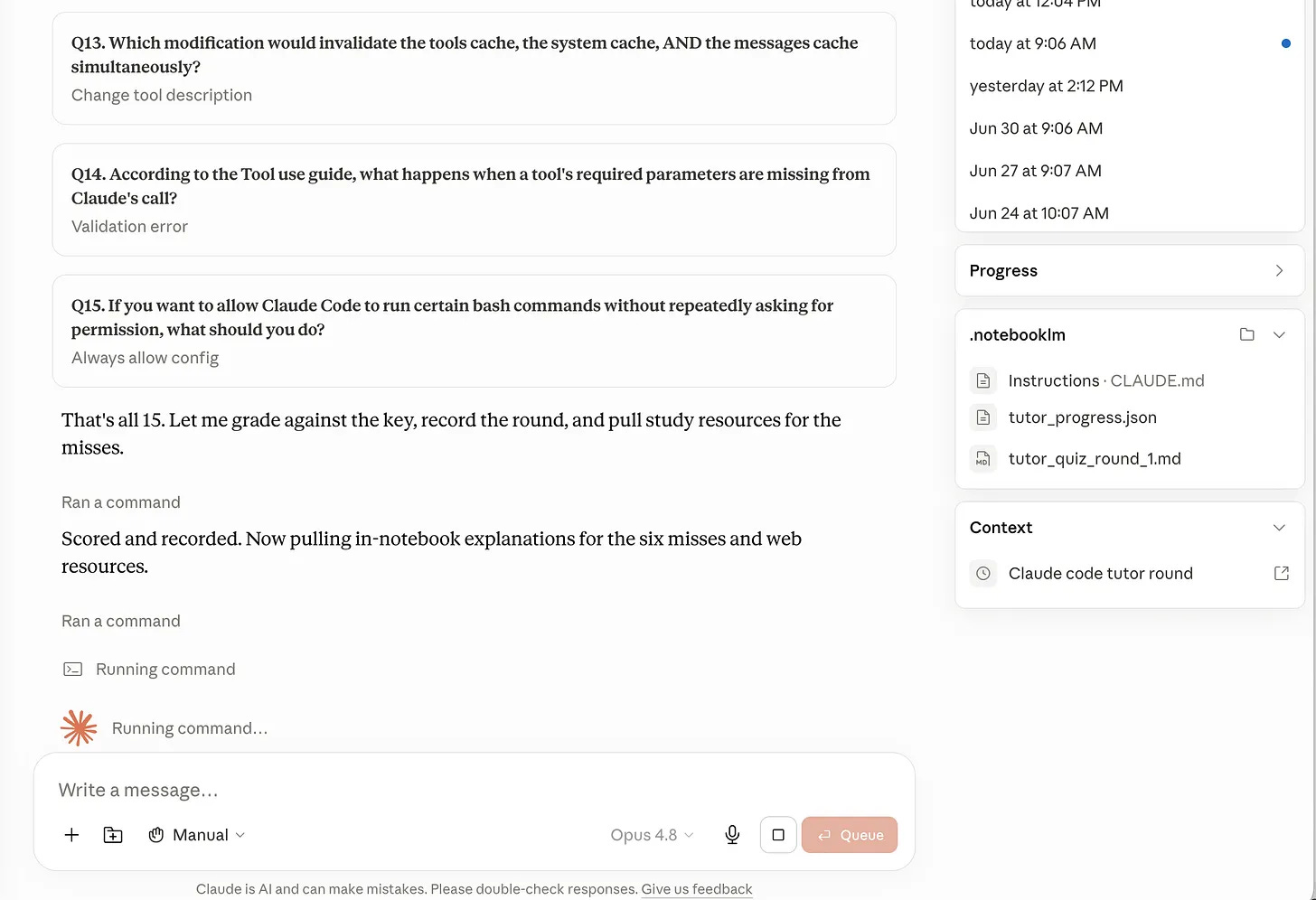
Here is my result.

I don’t have too much time to finish, but that’s not my excuse :)
Also, here are the six misses that I have to address, and there is one official document for each of these errors, so I can check out and read by the next quiz.
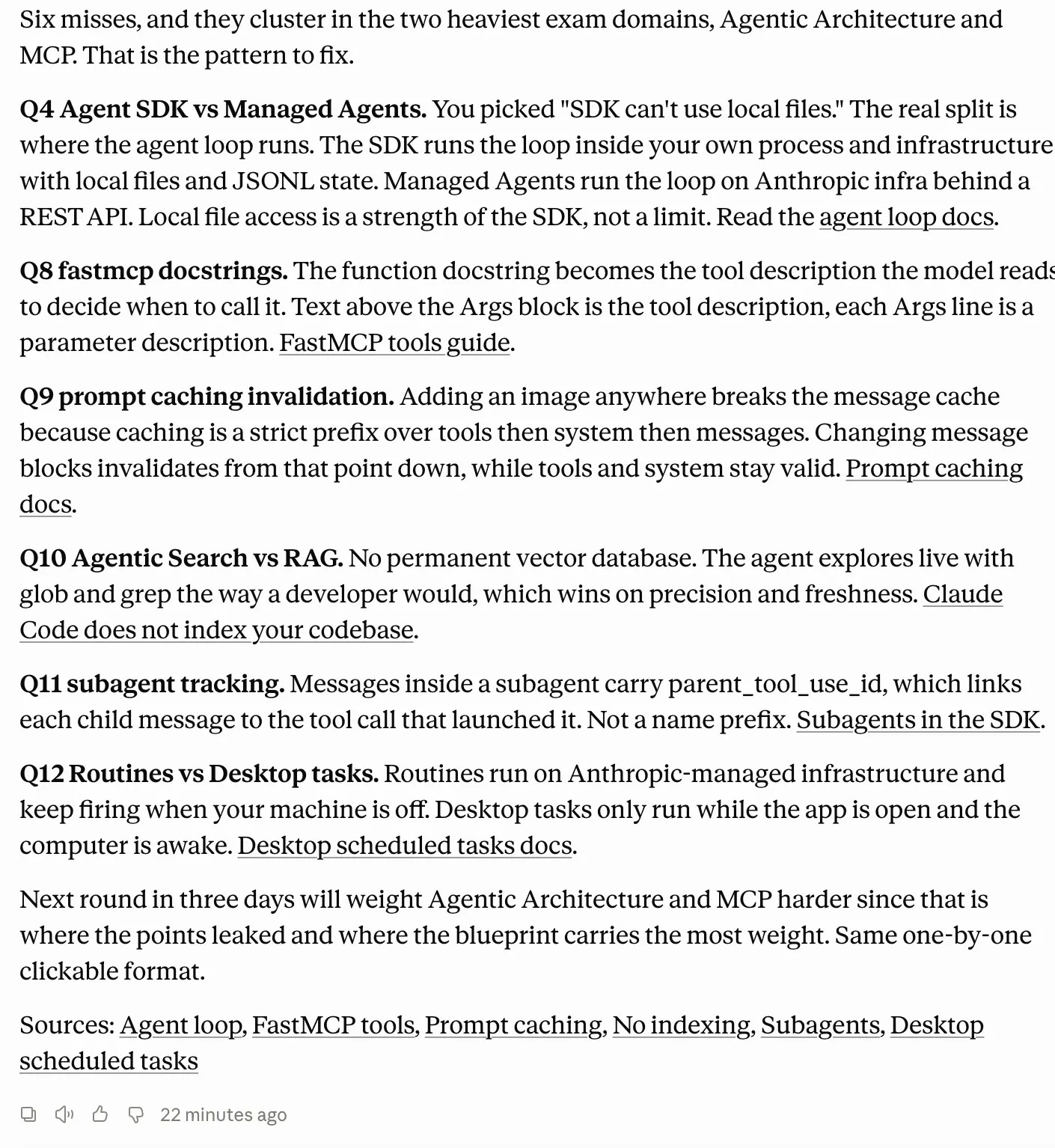
And in the next quiz, it will create a new quiz using a custom prompt through NotebookLM.
The prompt will force it to focus on these subjects.
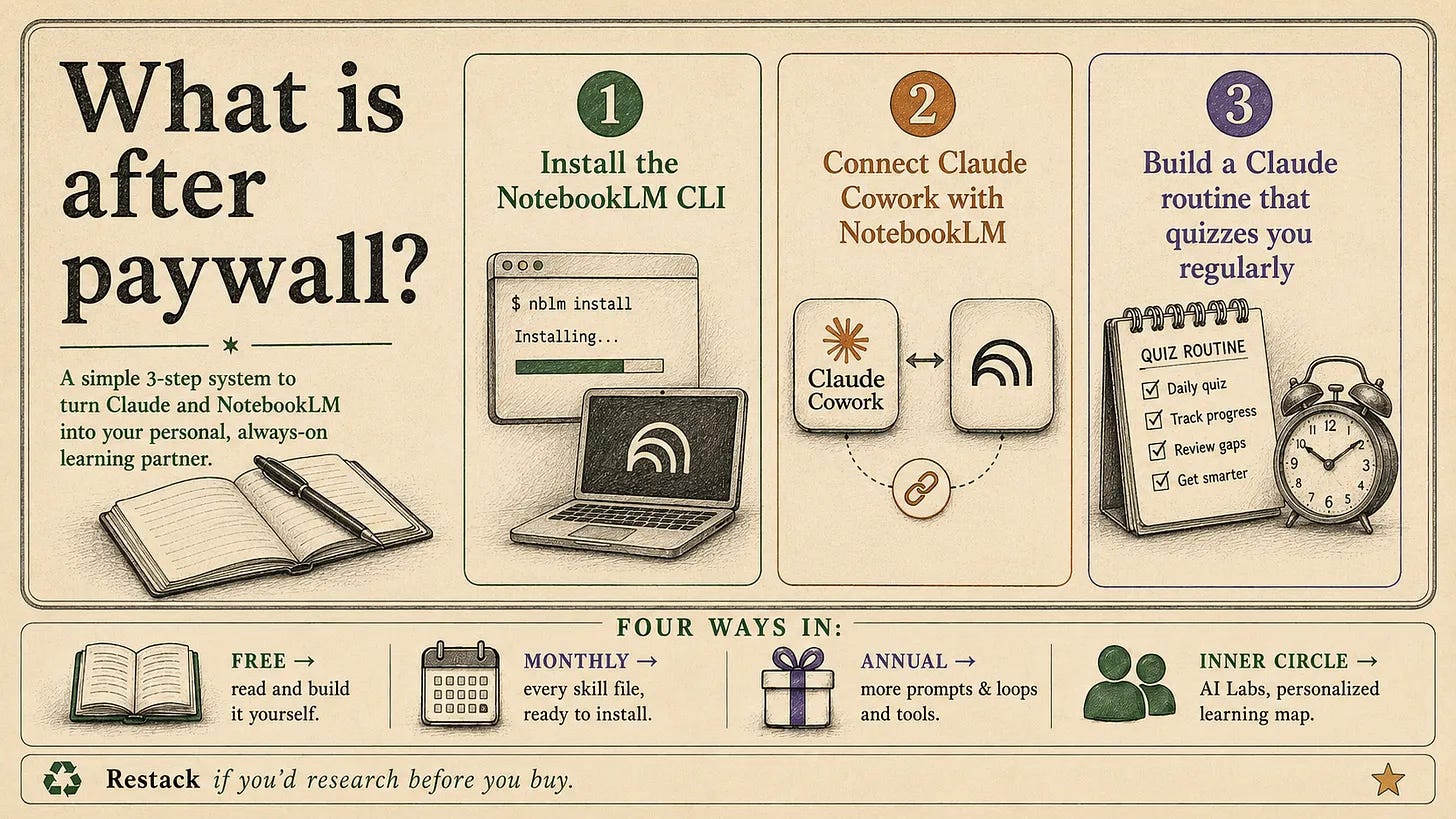
How does the AI Tutor work with NotebookLM and Claude?
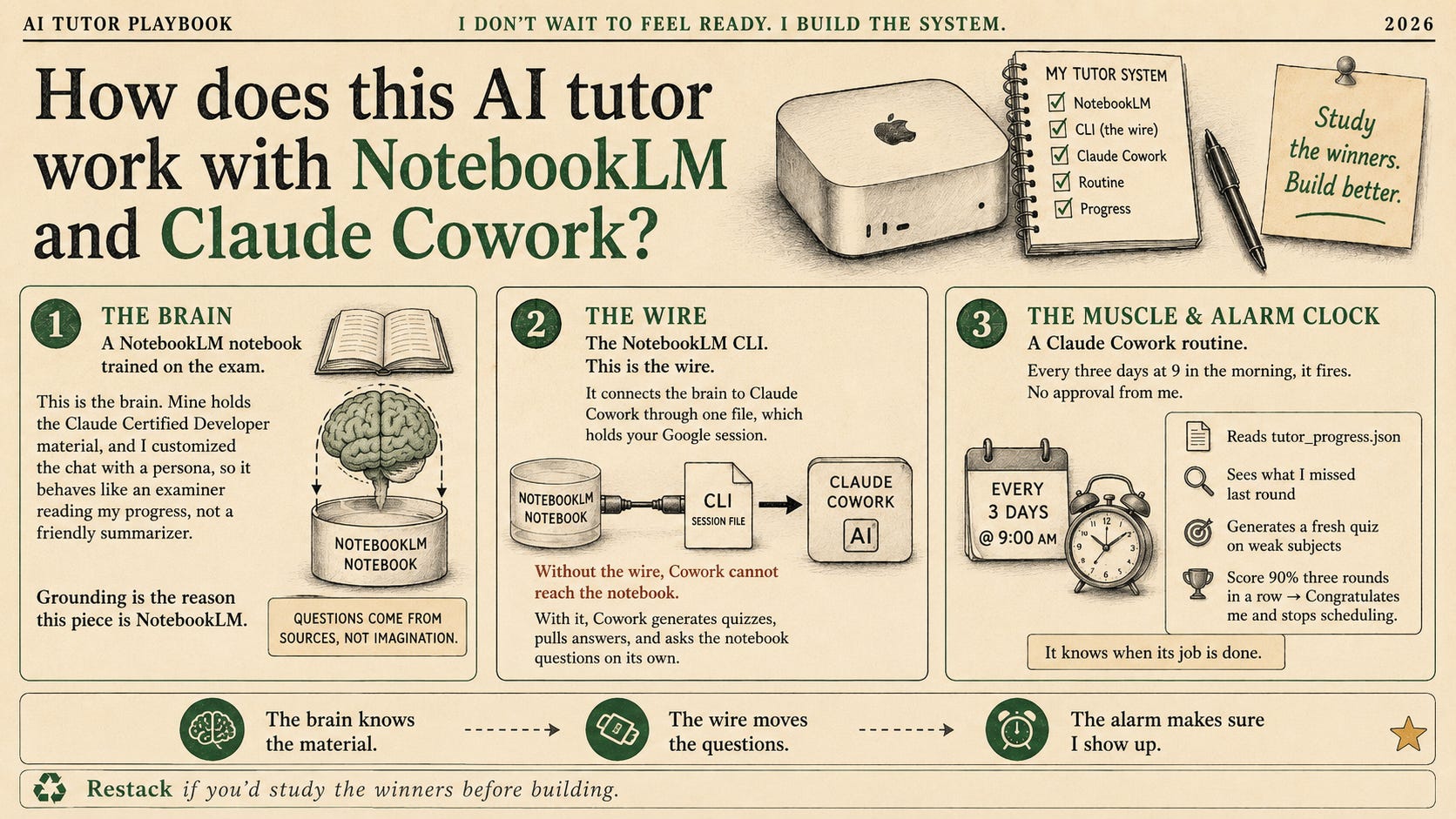
The whole thing runs on three pieces.
A NotebookLM notebook, trained on the topic. This is the brain. Mine holds the Claude Certified Developer material.
The NotebookLM CLI. This is the wire. It connects the brain to Claude Cowork through one file, which holds your Google session.
Without the wire, Cowork cannot reach the notebook.
With it, Cowork generates quizzes, pulls answers, and asks the notebook questions on its own.
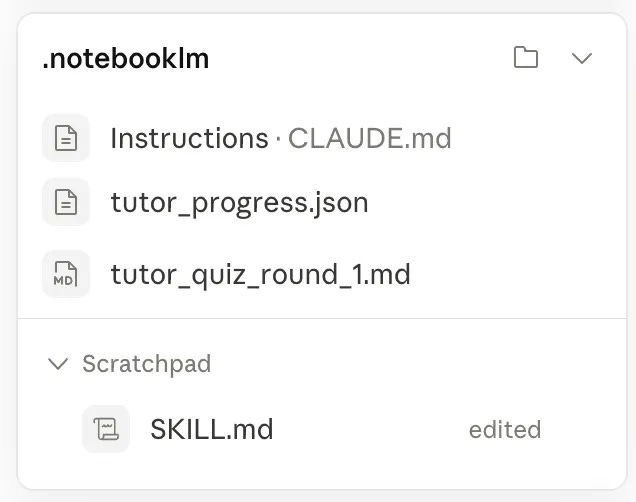
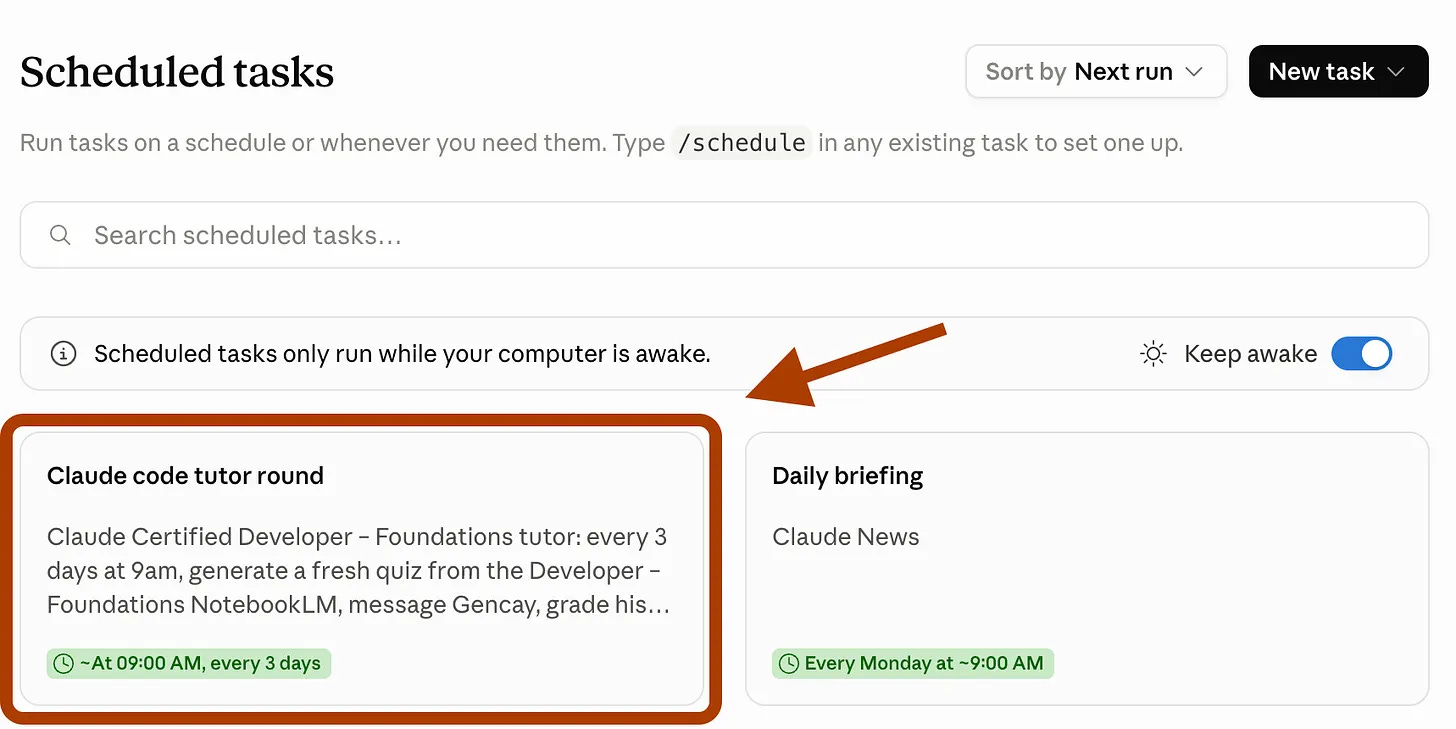
A Claude Cowork routine. This is the muscle and the alarm clock in one. Every three days at 9 in the morning, it fires. No approval from me. It reads tutor_progress.json, sees what I missed last round, and generates a fresh quiz forced onto my weak subjects. Score 90% three rounds in a row, and the routine congratulates me, then stops scheduling. It knows when its job is done.
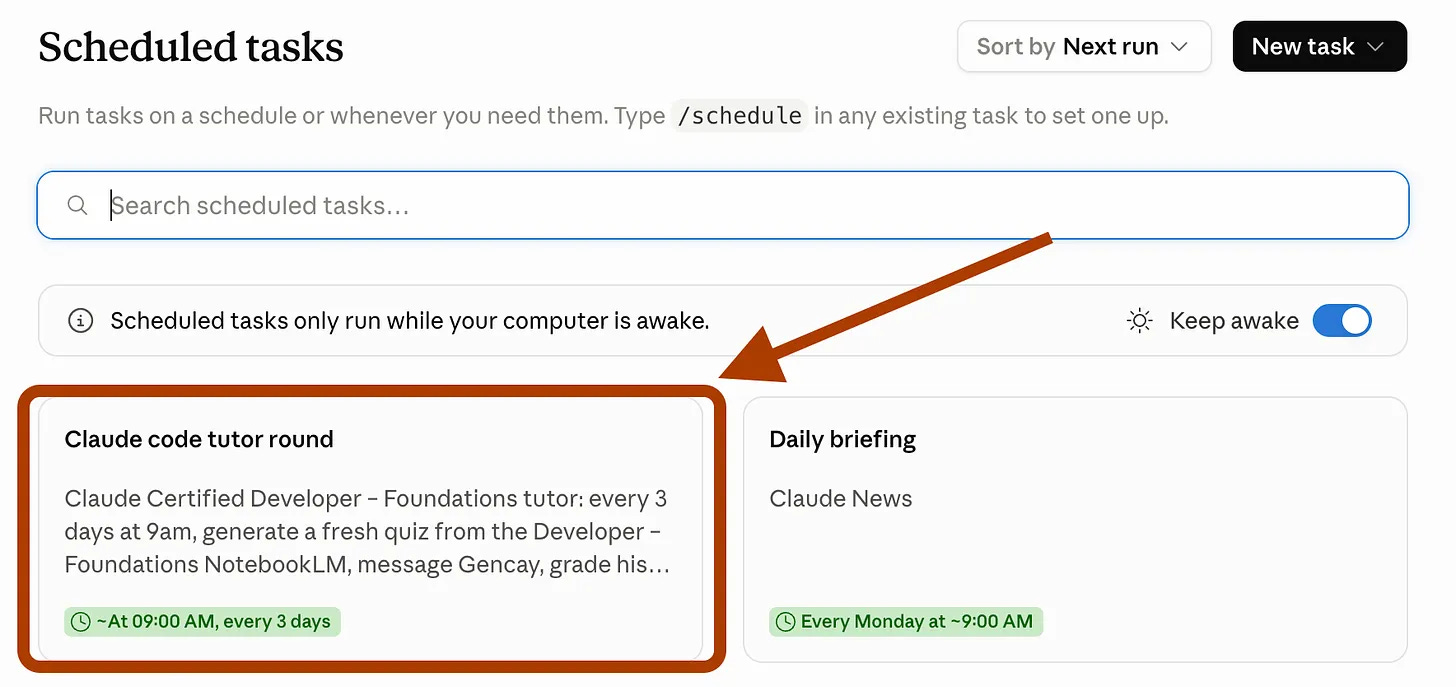
The brain knows the material. The wire moves the questions. The alarm makes sure I show up.
Setting Up the Tutor
We’ll do it in 3 steps.
First, let me show you how to train notebookLM if you don’t know about it.
1. Train NotebookLM
Let me explain to you in 5 steps, very fast.
Visit here → Click on “Try”. → Click on Create a new notebooklm “+” → Click on Websites → Paste YT Video Link.
If you want to learn more about notebookLM, check this one.
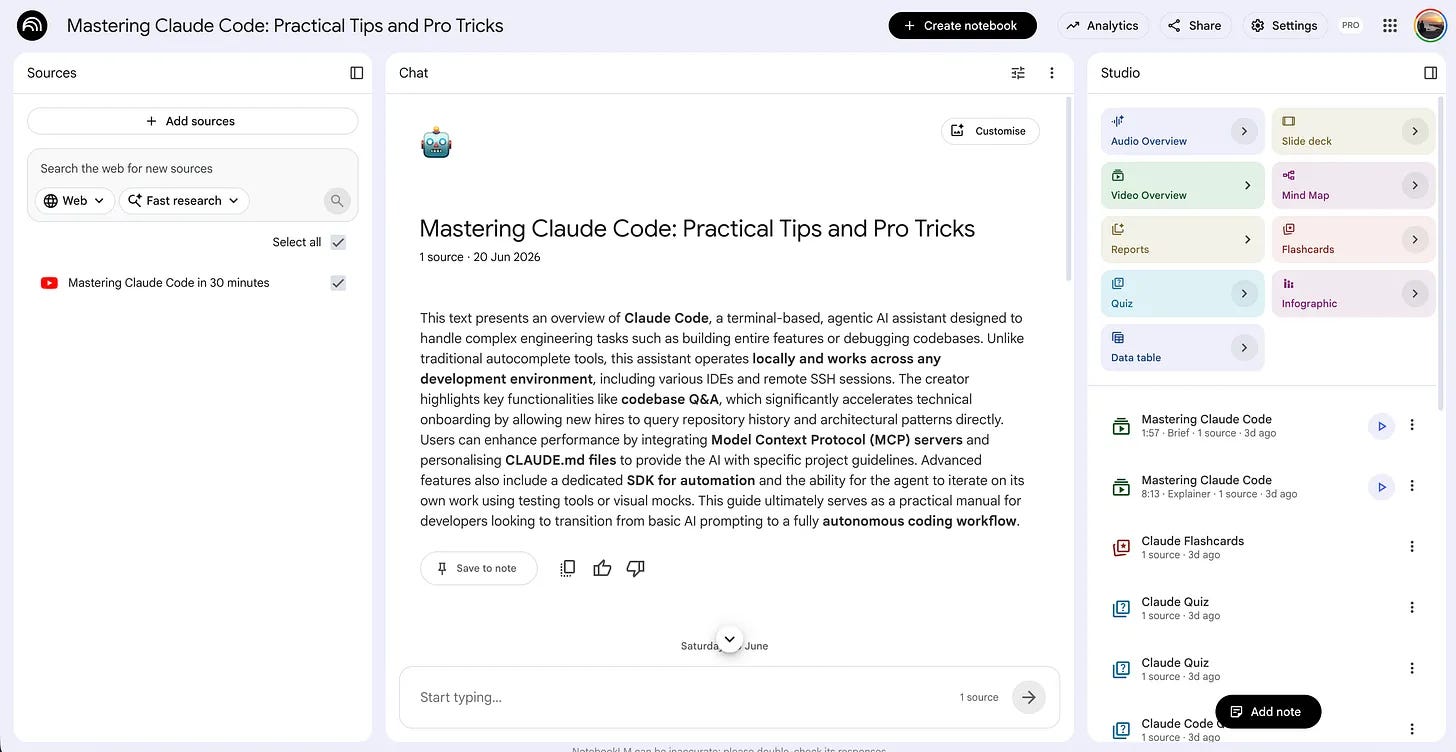
Good, now you have NotebookLM.
It is time to connect it with Claude Cowork.
2. Connect NotebookLM with Claude Cowork
To do that, you first need to connect NotebookLM with Claude Code.
Most people don’t know this is even possible.
You can actually connect Claude Code to NotebookLM through a CLI setup.
I didn’t know it either until recently.
The best part? It takes just two prompts.
Just two steps, and you’re ready to go.