
How to Run Claude Code Locally (100% Free)
Download Ollama, paste one command, build real apps. Claude Code just became free.


Most people have already switched from ChatGPT to Claude. (If you haven't yet, read this to understand why.)
But some of you are still waiting.
Testing the waters.
My biggest reason for switching? Claude Code.
But how do you test Claude Code without paying?
The answer: Ollama + local models.
No, it won’t be exactly the same as Claude Pro.
But it’s the closest—and cheapest (FREE), way to experience Claude Code before committing.
Here’s what you need to know about Ollama and why it matters.
What is Ollama and Why Do You Need It?
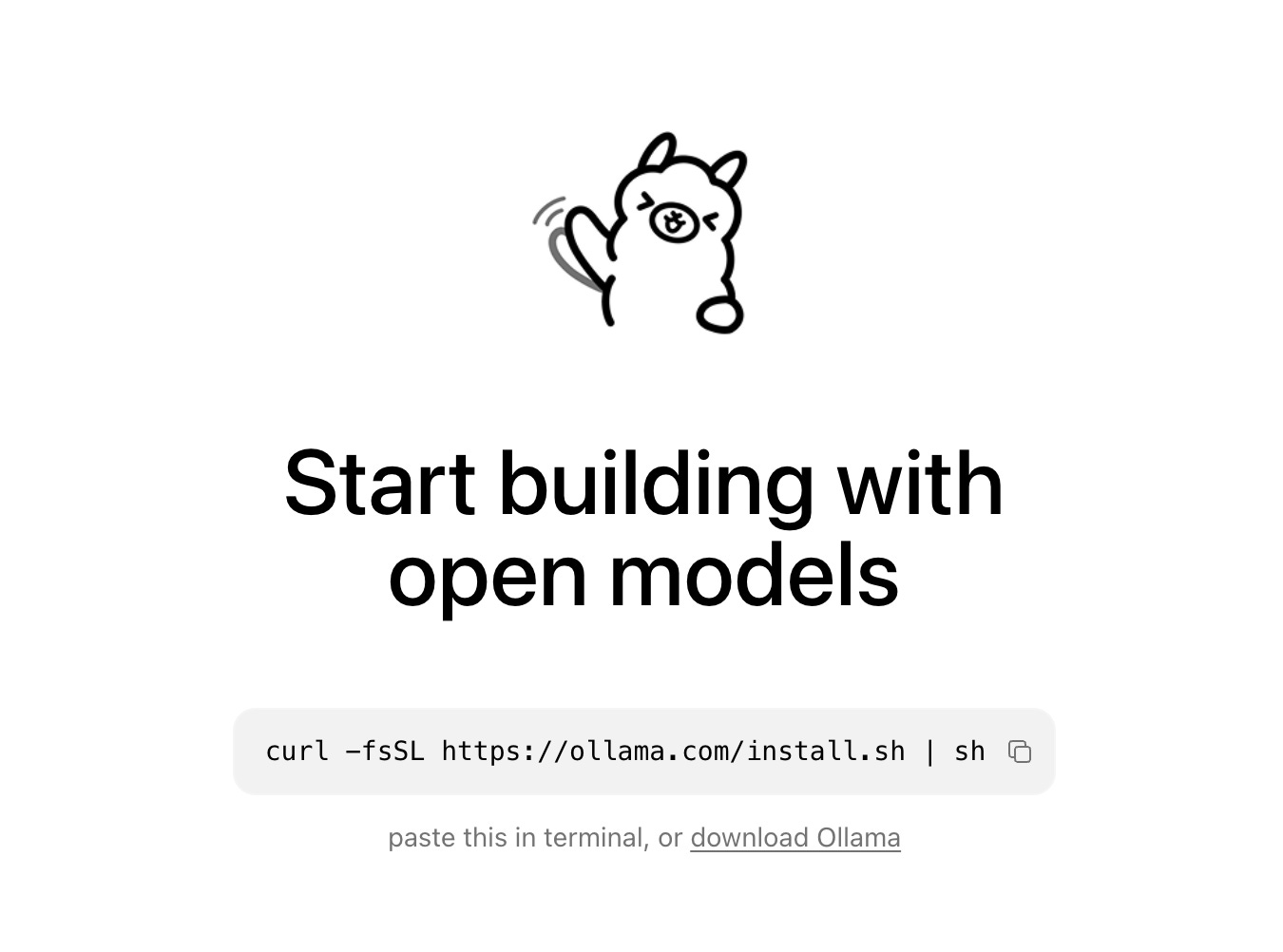
Ollama is the place where you can download AI models locally.
Browse hundreds of open-source models: Llama, Mistral, GPT-OSS, download them, and run them on your laptop.
But here’s the bottleneck: bigger models need more power.
A 70B parameter model? Your everyday laptop will struggle. (Unless you have 32GB+ RAM and a beefy GPU.)
Don’t worry, I’ll show you two solutions:
Run smaller models locally (still powerful, GPT-3.5+ level)
Use Ollama’s free cloud models (yes, still free, up to 120B parameters)
First, let’s install your first 100% free AI model.
How to Install Your First Free AI Model?
1- First, download the ollama app from here.
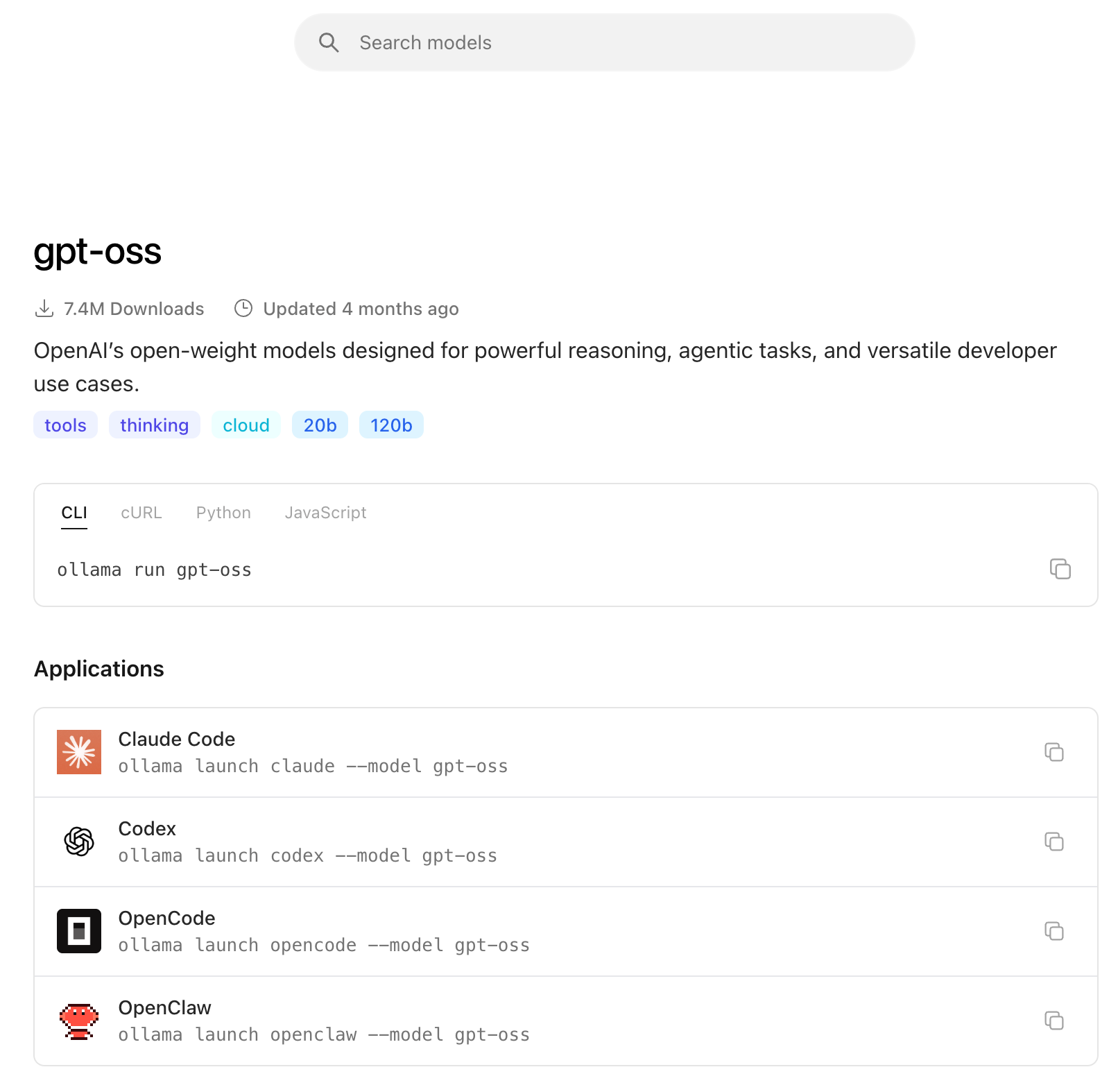
2- After downloading, you need to select a free model.
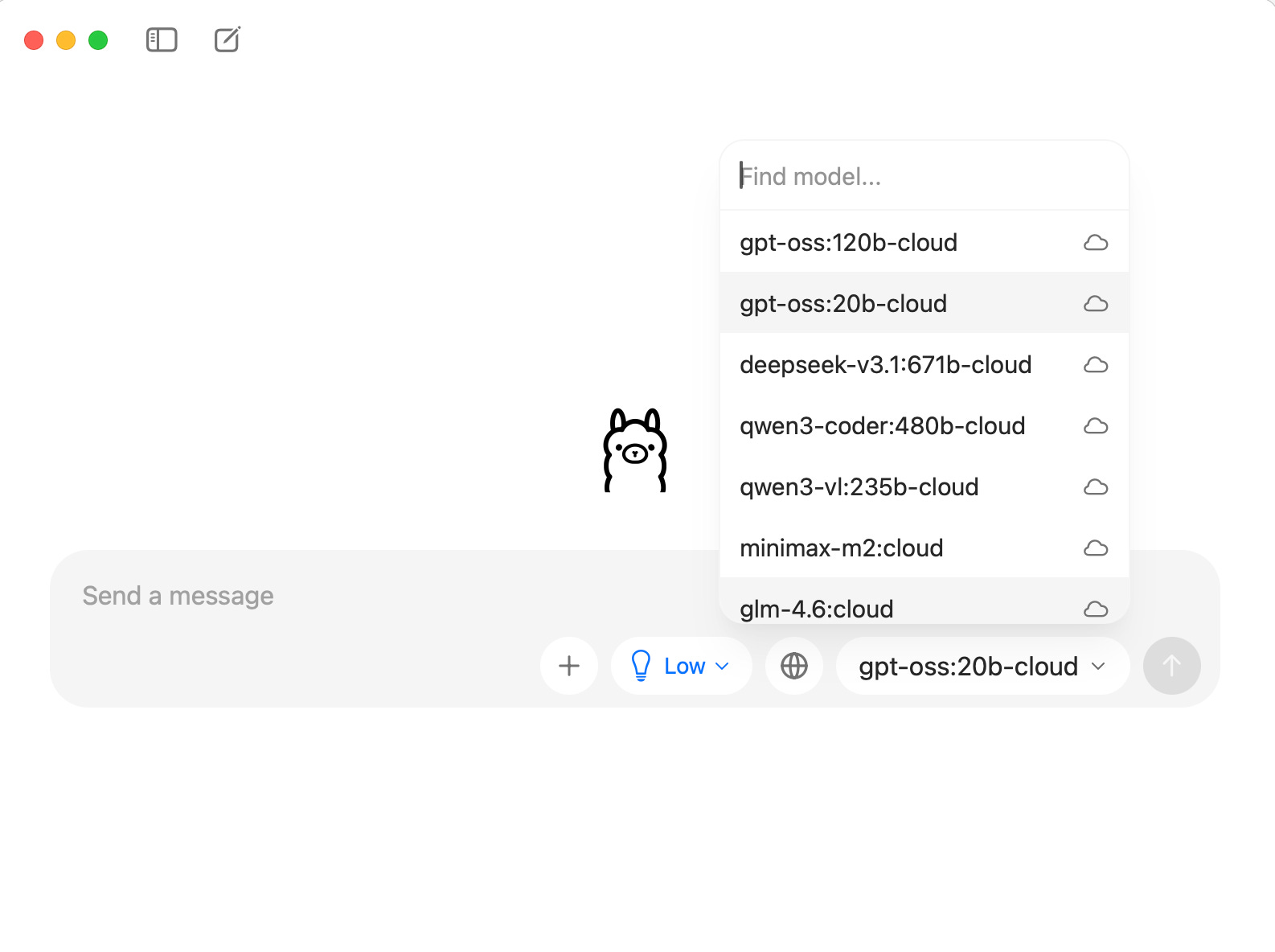
My suggestion: gpt-oss:20b.
Before downloading, check your system requirements.
Quick way: Click “About this Mac” → Take a screenshot → Send it to ChatGPT/Claude → Ask:
Can I run gpt-oss:20b locally?
If your laptop can handle it, open Ollama and download the model.
3- Send a message (this triggers the download)
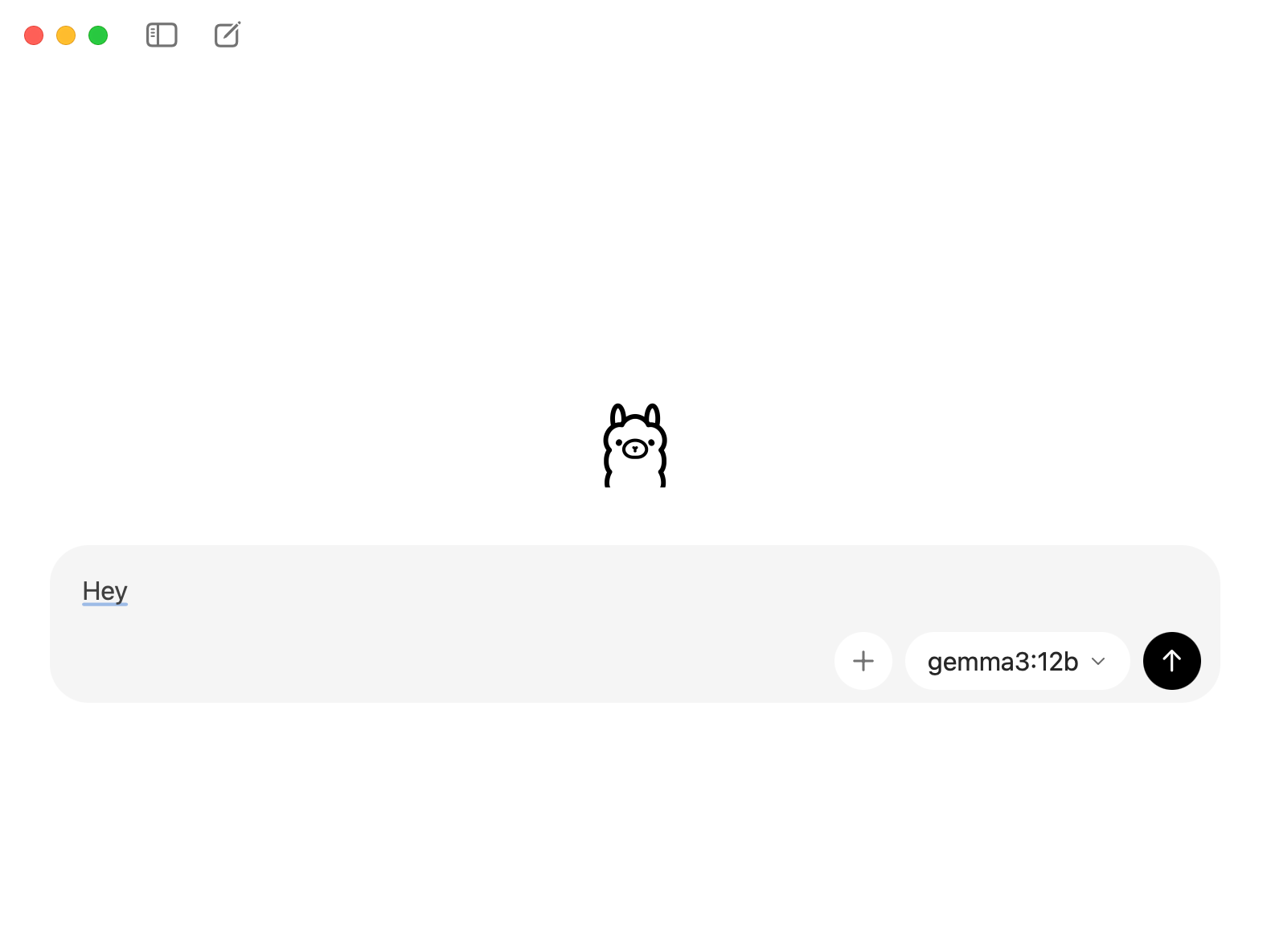
4- This will trigger the download.
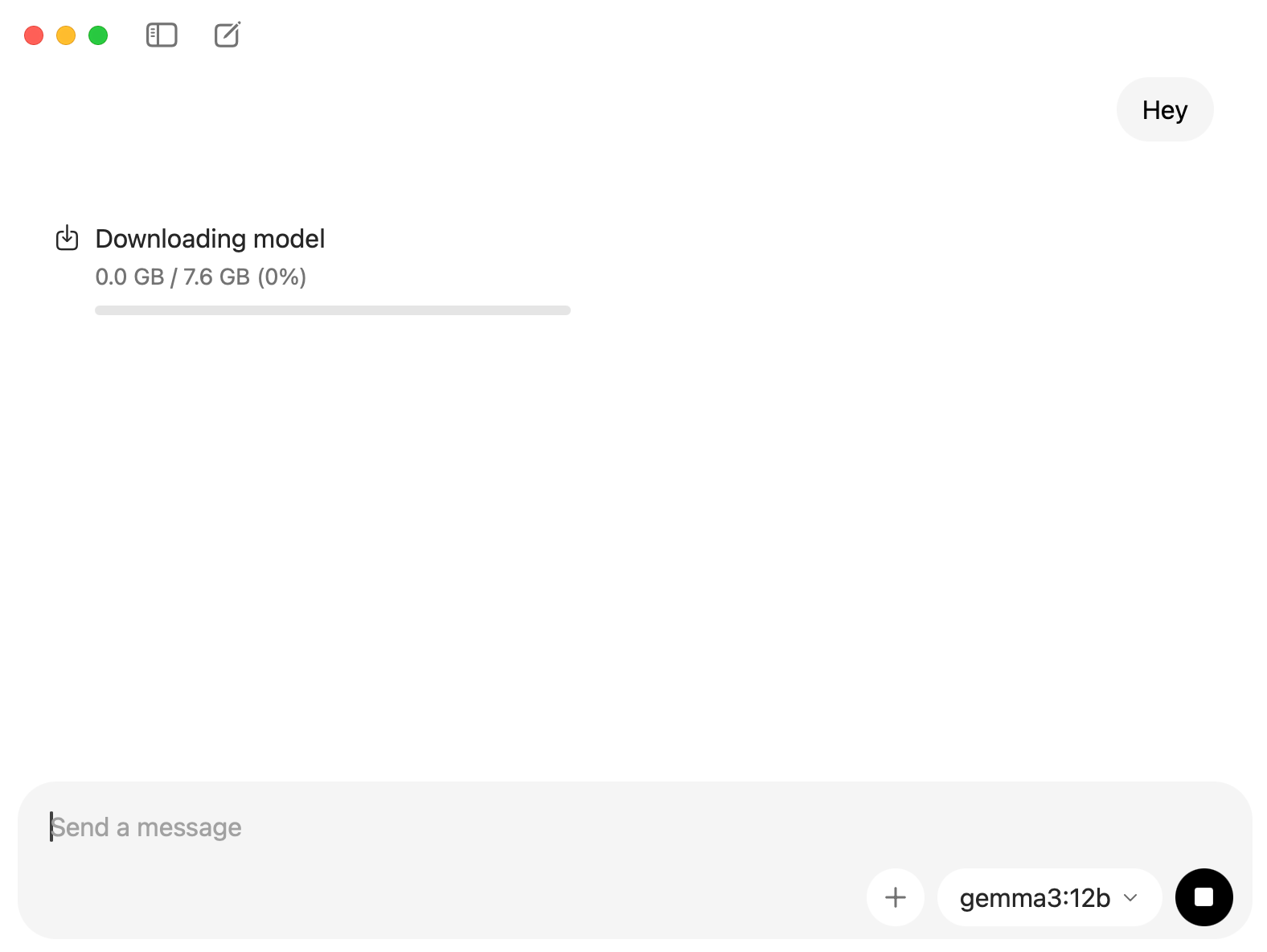
Important: Make sure your model has tool capability. Claude Code needs this to execute commands, read files, and write code.
Models with tool support:
gpt-oss:20b(recommended)qwen3:8b(lighter, faster)gemma3:12b(balanced)
How to Connect Ollama to Claude Code
After downloading your model, test it inside Ollama.
Open Ollama → Select your model (e.g., qwen3:8b) → Send a test message.
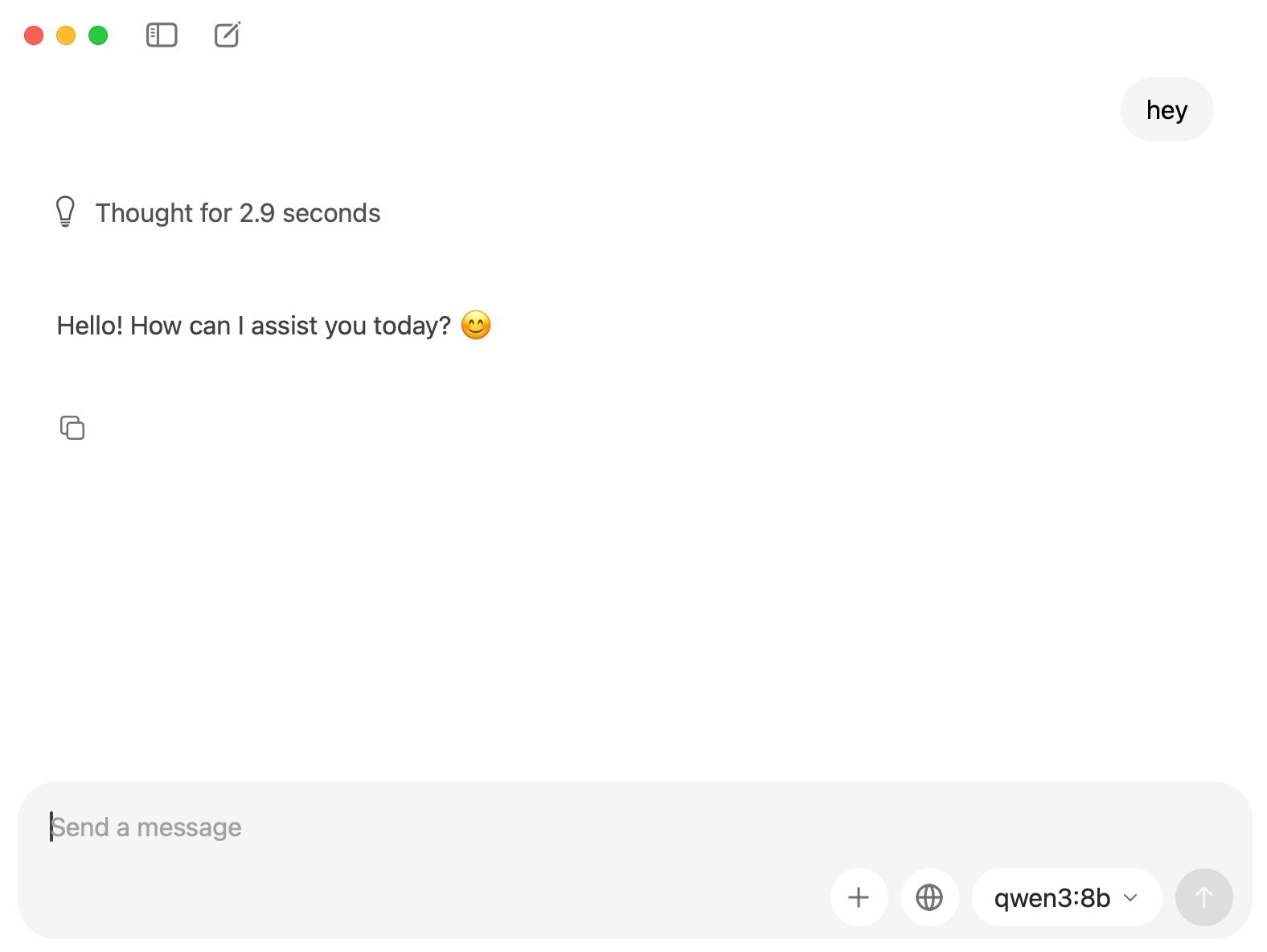
If it responds, you’re good to go.
Now let’s connect it to Claude Code.
Step 1: Install Claude Code
If you don’t know how to install Claude code, read this one where I explained everything.
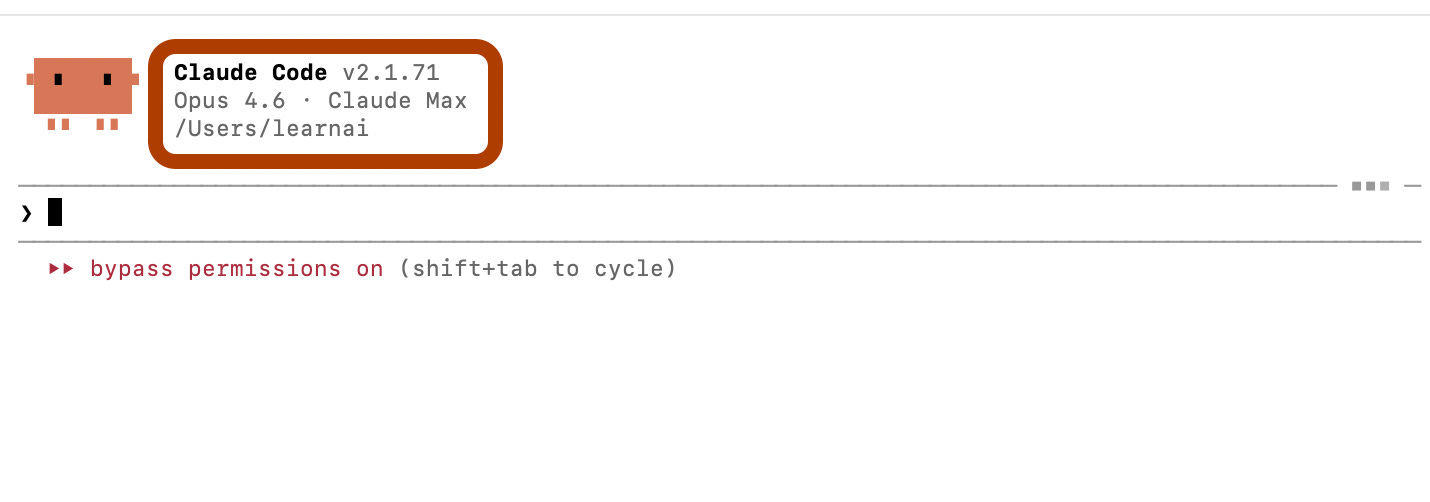
After installing Claude Code, all you have to do is run this code through your terminal to initiate.
claudeOnce you paste this code, Claude will open.
And as you can see, the model is opus 4.6, now we’ll change this with the model we just download.
Step 2: Verify Ollama is running
1- Paste this in your browser: localhost:11434.
→ You should see: “Ollama is running”
2- Open a new terminal.
3- Customize your model, from the prompt below.
ANTHROPIC_AUTH_TOKEN=ollama \
ANTHROPIC_API_KEY="api-key-here" \
ANTHROPIC_BASE_URL=http://localhost:11434 \
claude --model gpt-oss:20b-cloud
4- Paste the customized prompt. And here it is.
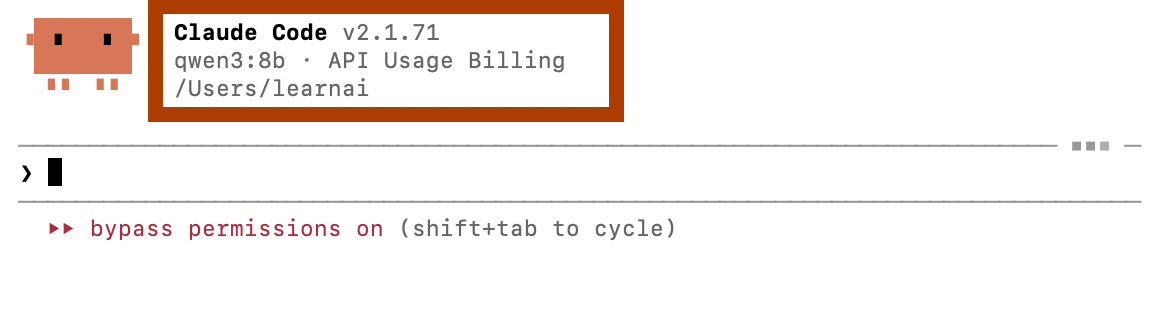
Your Claude Code is ready to use, 100% free, 100% local.
How to connect Ollama to Claude Code using Cloud models
The previous method works like magic.
But there’s one bottleneck: your laptop’s power.
If your PC isn't powerful enough (like mine, 16GB RAM, M1 chip), you're stuck with smaller models.
Here’s the alternative: Ollama Cloud models.
Still free. Way more powerful (up to 120B parameters).
How to use Ollama Cloud?
1- Visit here
2- Click on keys
3- Click on “API-keys.”
4- Take your key and copy.
5- Open a terminal, and paste this.
ANTHROPIC_AUTH_TOKEN=ollama \
ANTHROPIC_API_KEY="<paste-api-key-here" \
ANTHROPIC_BASE_URL=http://localhost:11434 \
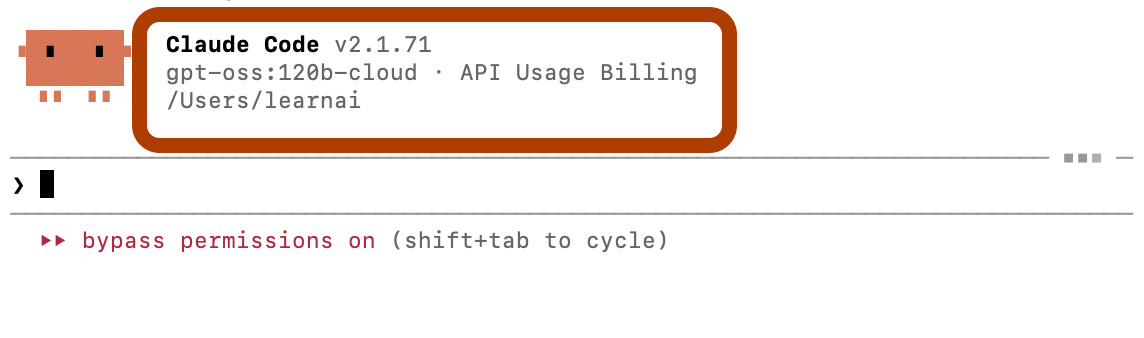
claude --model gpt-oss:120b-cloud
And, voila!
Can You Build Real Apps? (Yes, Here’s How)
Let’s test it with a real project.
We'll build a Tetris game.
Prompt Claude Code.
hey can you please code a tetris game, save it into .py file and run it for
me
Claude will:
Generate the code
Ask permission to create
tetris.pyRun the game
Here is the output in 2-3 minutes.
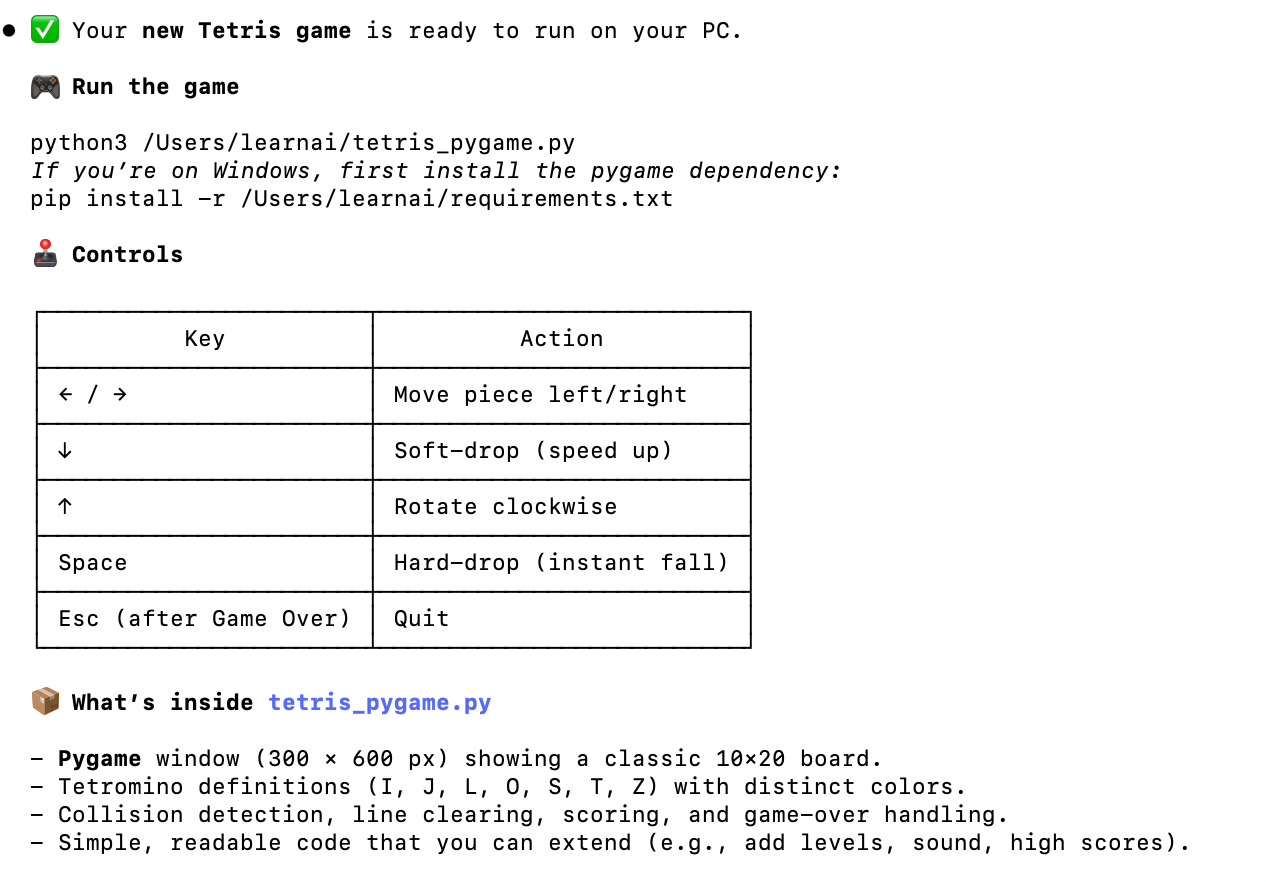
Here’s what happened when I tested it:
The code was generated in 2-3 minutes.
But it didn’t auto-run.
(Check out the Claude Code system prompt over the web to act it like a Claude Code)
To run the game manually, navigate to the file’s directory and run:
python3 tetris_pygame.py
Here is the result.
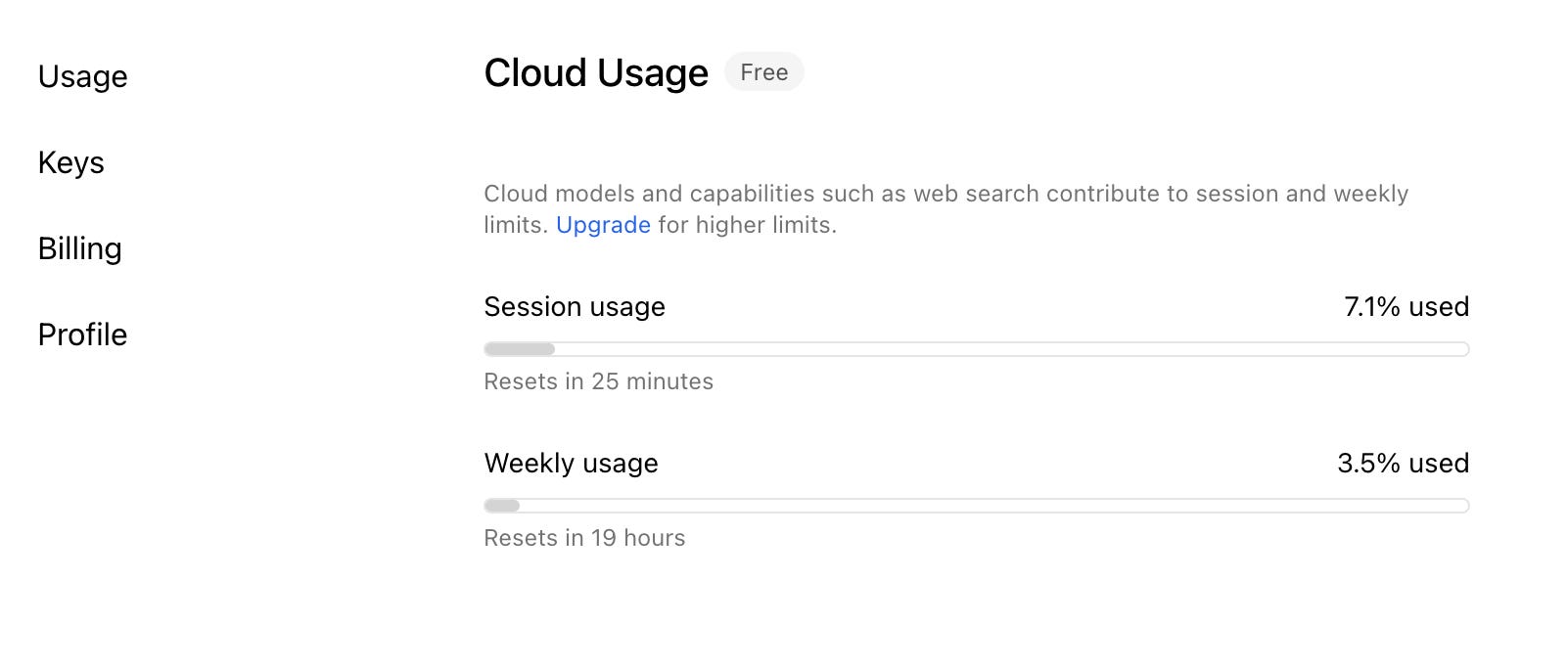
You can track your session’s quota from there.
You can also track your session and weekly usage from Settings → Usage, like this.
Next Steps
Now it’s your turn.
Don’t bookmark this for “later.”
Don’t save it to apply next week.
Go to Ollama. Download a model. Take your API key. Inject it into Claude Code. Start building.
This is only a fraction of what Claude Code can do. Trust me.
Claude Code is 10x more powerful.