
The Claude Loops Nobody Builds: NotebookLM Audits My AI Chip Portfolio
A Claude loop with five NotebookLM notebooks and five agents, auditing AI chip stocks from verified sources only.

Boris Cherny, the creator of Claude Code, said he no longer writes prompts.
Then everyone talked about loops.
New terms showed up overnight.
Loop Engineering. Harness Engineering.
That is how this field moves. Before 2022, we did not know what prompting was. Prompt engineering came later.
A trend is forming. We dig deeper.
I explained what a Claude loop is in this one, and I turned 3 of my own automation skills into loops.
Then this morning, on a walk, I asked a different question.
How do I put NotebookLM inside one?
I went back through my old articles.
I had been building loops for a year using NotebookLM and Claude Code.
Nobody called them loops back then.
So let’s build a new loop using NotebookLM and Claude Agents.
A loop that audits my AI investment.
Those companies have been racing for years.
What will we build with Claude loops?
We will have a system where Claude agents ask NotebookLM questions about AI chips.
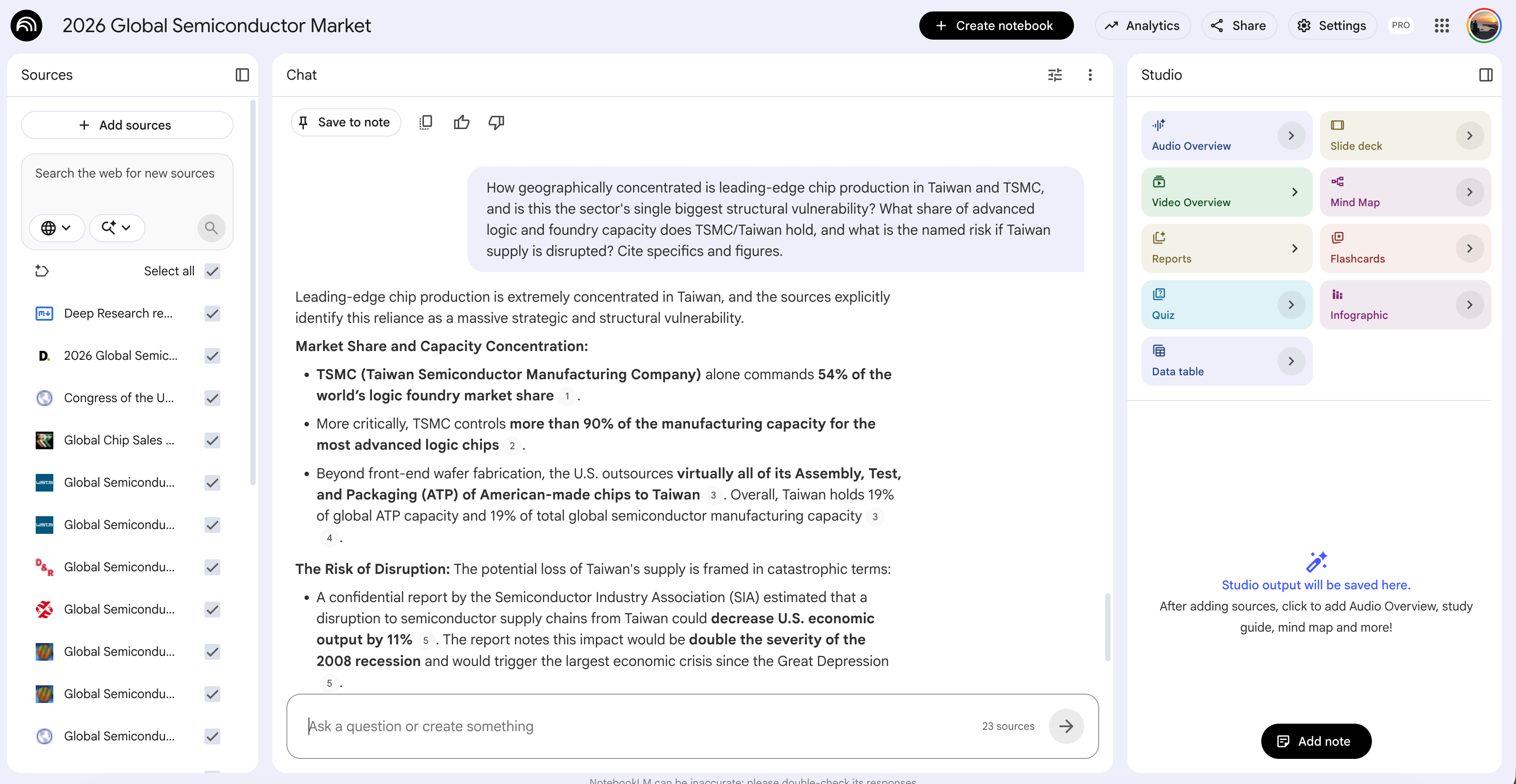
Here we’ll set the Claude agents, which will be the goal of this automation, making the entire system a loop.
Those notebooks are trained on verified sources only, mostly government filings.

After the agents query them, they move to the second layer, one notebook for the industry, and a third for the global economy.
Why NotebookLM?
We cannot afford hallucination. NotebookLM hallucinates far less.
We also customize each notebook to stay silent when the answer is not in its source.
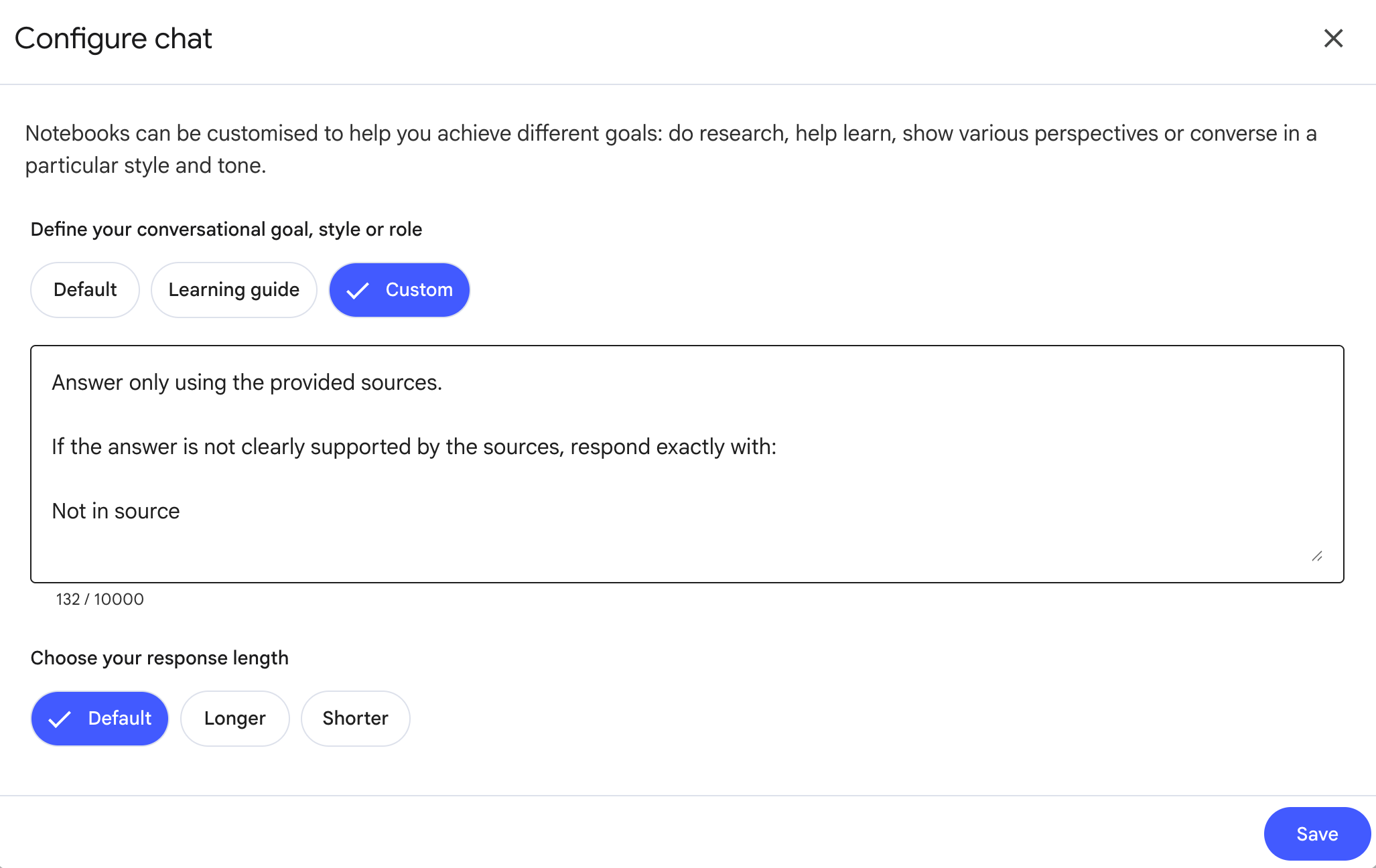
Two layers of protection against a made-up number.
The end result is one website.
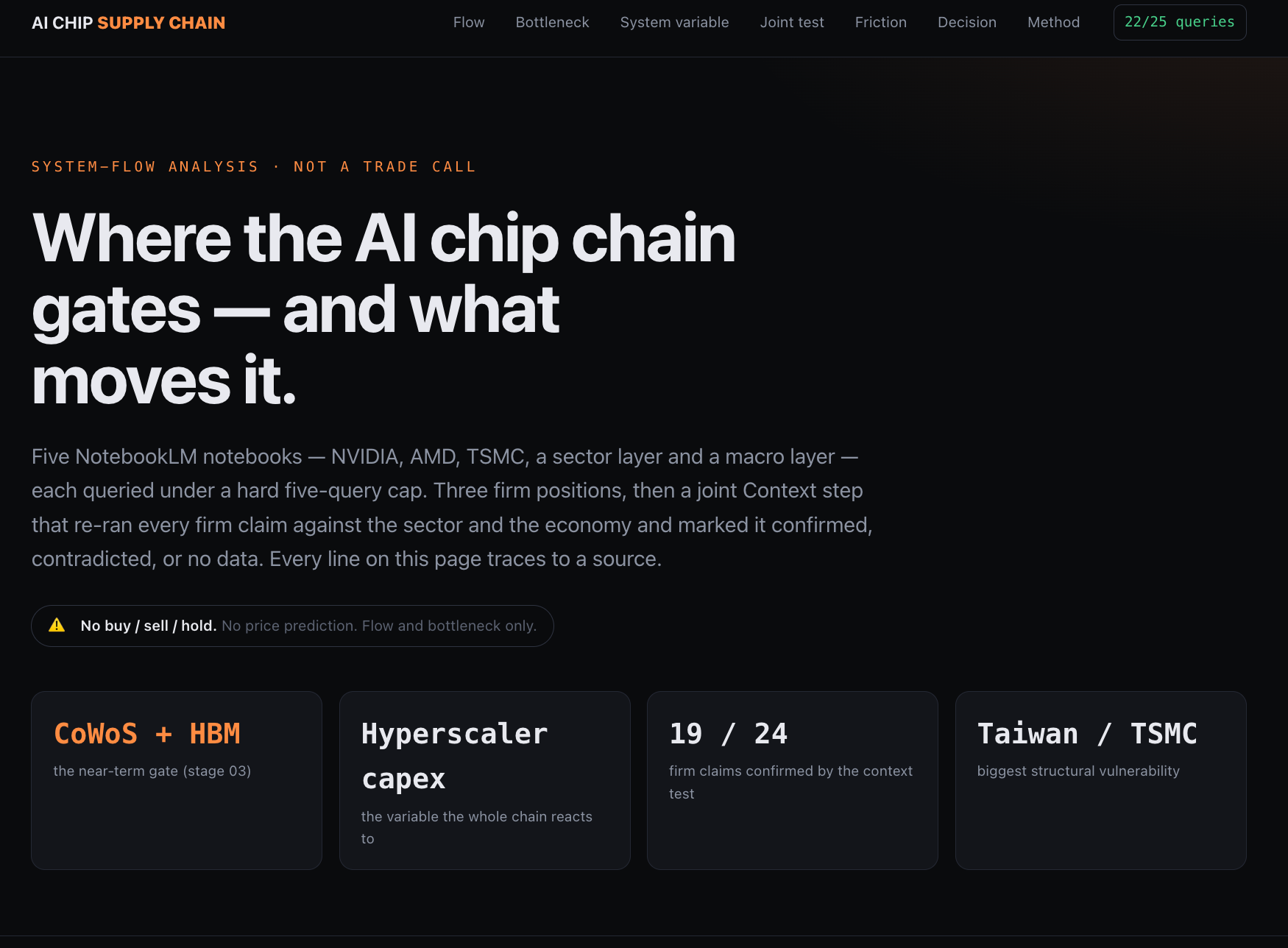
Everything in one place, sourced.
Let me explain the technical structure.
How is the Claude loop structured?
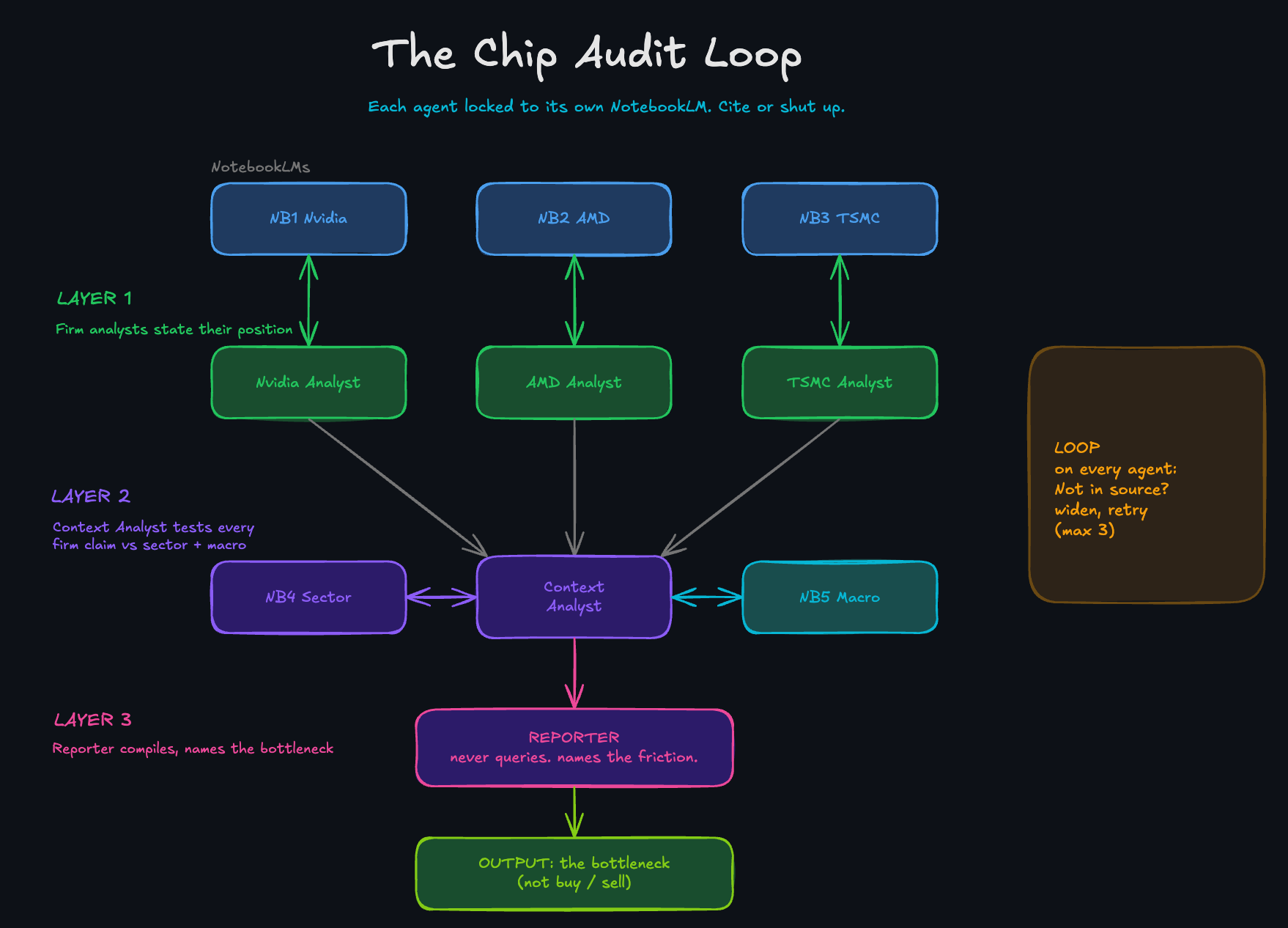
I did this for AI chips. You can do it for any industry you want to invest in.
Three layers.
Layer 1, the companies. One NotebookLM per company, built from verified sources only. Mine: Nvidia, AMD, TSMC.
Layer 2, the industry. One NotebookLM for the sector those companies sit in. Mine: the 2026 global semiconductor market.
Layer 3, the global economy. One NotebookLM for the macro backdrop. Rates, inflation, demand.
Each layer gets its own agents.
Every company has a sub-agent that questions only its own notebook.
The Context Analyst takes those answers and tests them against Layer 2 and Layer 3.
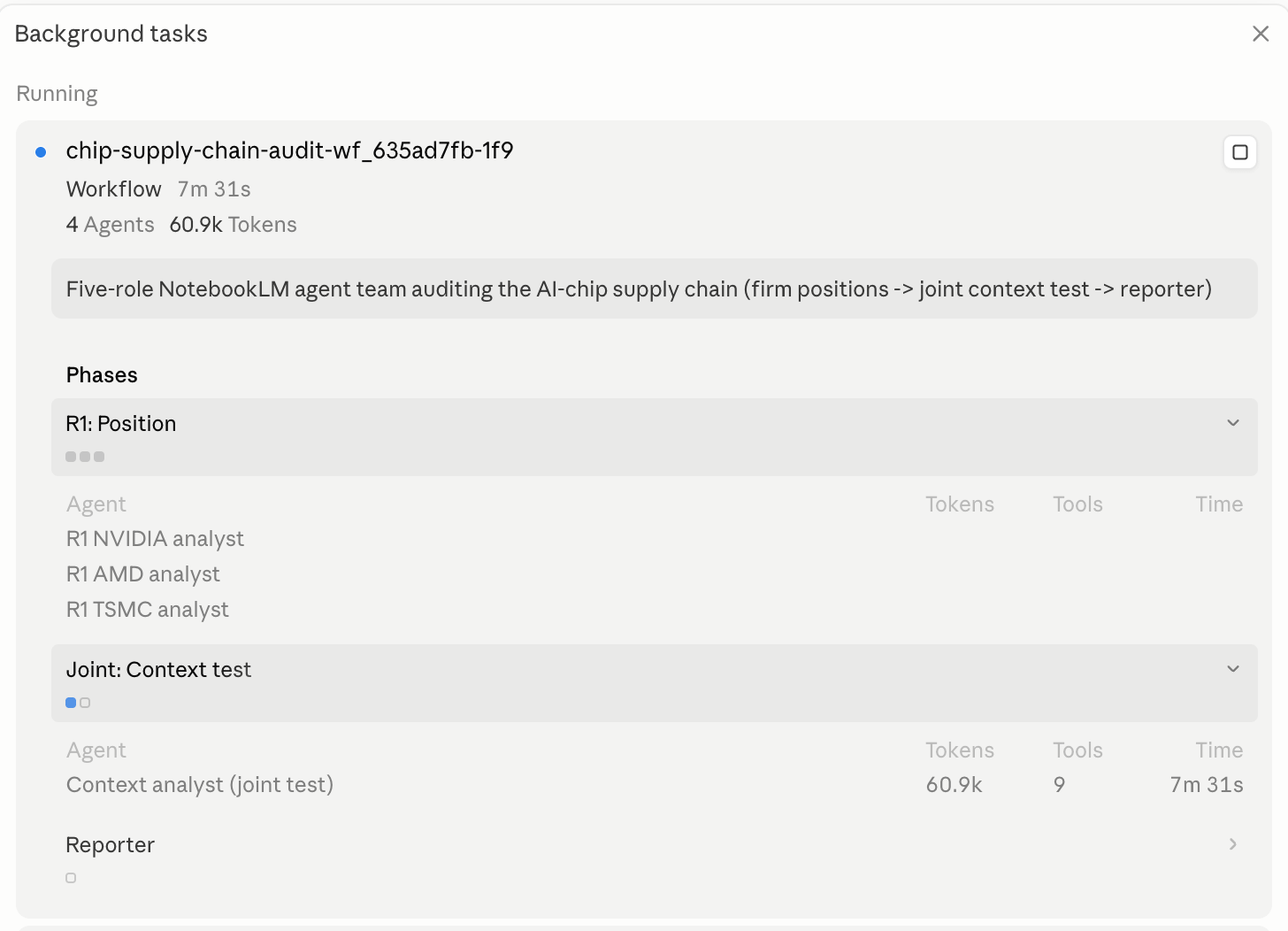
They question everything. Nothing passes without a source.
The output comes back as a website.
I wrapped the whole thing in a skill. It asks which industry you want to invest in, builds the system, and installs the NotebookLM CLI if your environment does not have it.
Here is how it works.
How do you set up the Claude loop?
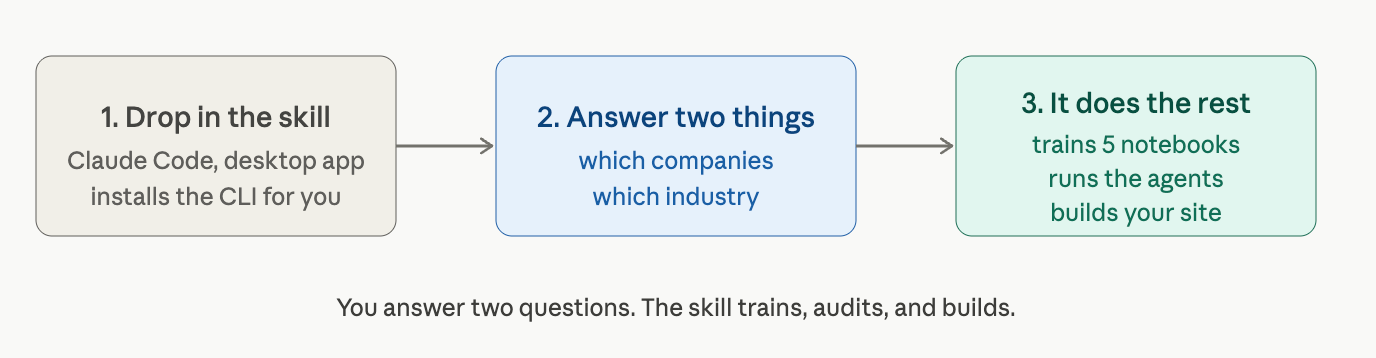
Drop the skill into Claude Code, a desktop app. Agent orchestration does not run in VS Code yet.
It asks two things. Which companies, which industry?
The rest is the skill’s job. It trains a notebook per layer from verified sources, wires the agents, and runs the three steps.
The last step hands you a site.
You answer two questions. It builds the analysis.
Next Step: A Claude skill that ships the loop for you
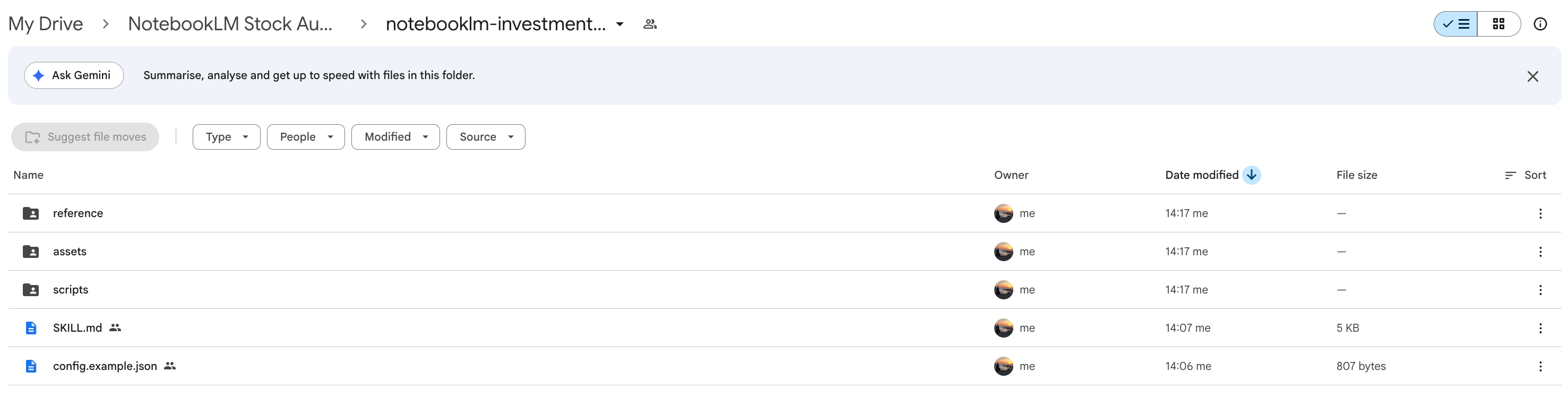
I wrapped this whole Claude agent loop into one skill so you do not rebuild it by hand.
Download the folder. Drop it into Claude Code.
Then paste one prompt, and it installs itself.
It sets up the NotebookLM CLI, trains a notebook for each layer, wires the agents, and ships the analysis as a site.
You point it at an industry and answer two questions. The same skill works for any sector you want to audit, not just AI chips.
Everything below the line is yours. The skill files, the five notebook prompts, the orchestration prompt, and the layer-by-layer setup.
Here are the links.