
10 NotebookLM Prompts That Save You 10 Hours a Week
10 tested NotebookLM prompts that save 10 hours a week. Extract insights, create slides, generate quizzes, all from your documents. Copy-paste ready.


Most people use NotebookLM wrong.
They upload a PDF. Ask a basic question. Get a basic answer, maybe create a few cool infographics, that’s it.
That’s like buying a Ferrari to drive to the grocery store.
NotebookLM is Google’s most underrated tool.
It reads your documents, understands context, and generates insights, but only if you know how to ask.
How Do You Get Started with NotebookLM?
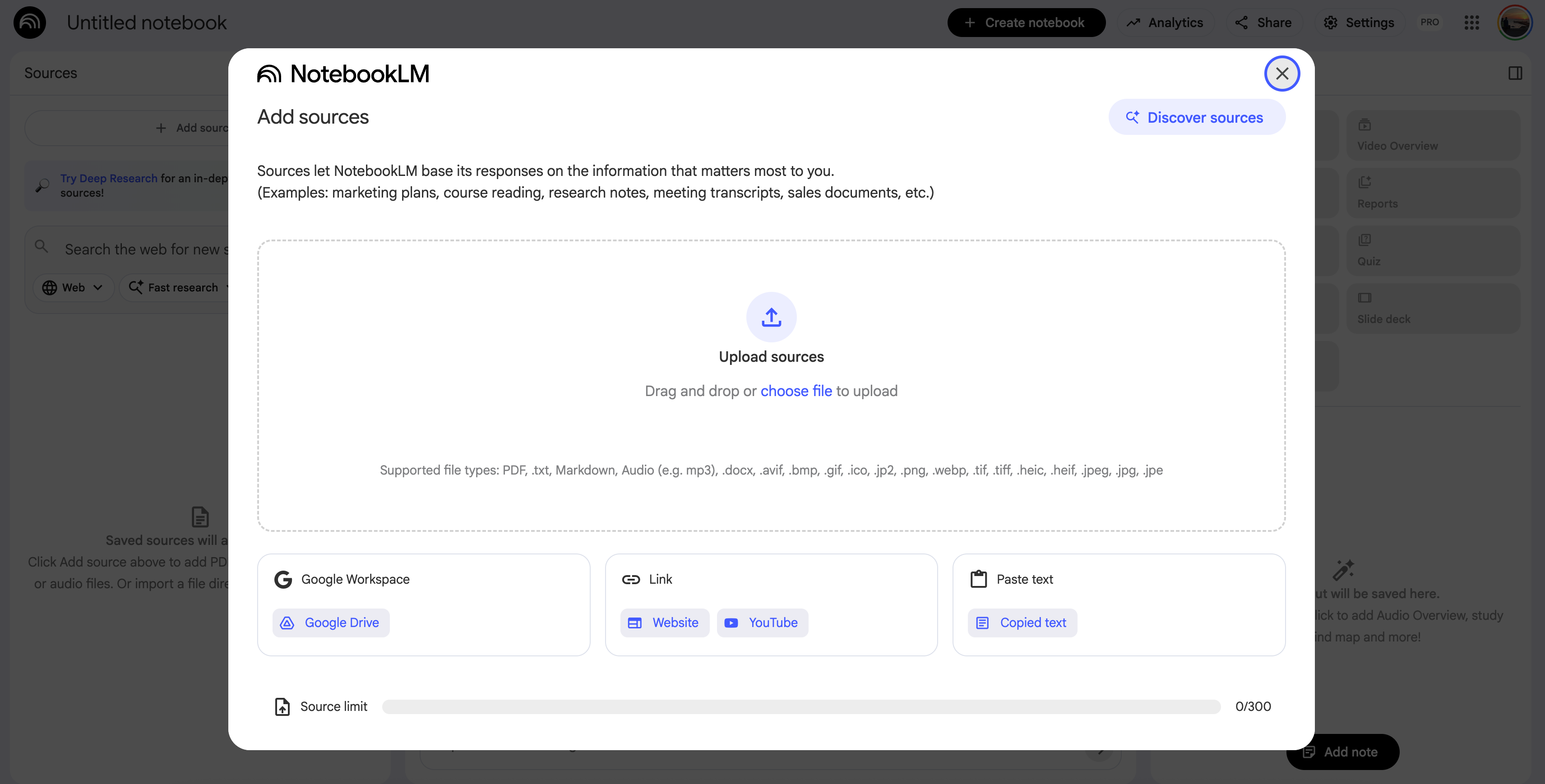
NotebookLM, for those who still don’t know what it is, is Google’s free tool to learn anything.
That was the idea first.
It analyzes your documents and answer your questions based only on what you upload.
It is an AI tool, that less hallucinate which I wrote my post that I explained how to avoid %90 of hallucination.
You can add PDF, Google Document, text, YT Videos or even do a deep research and add results.
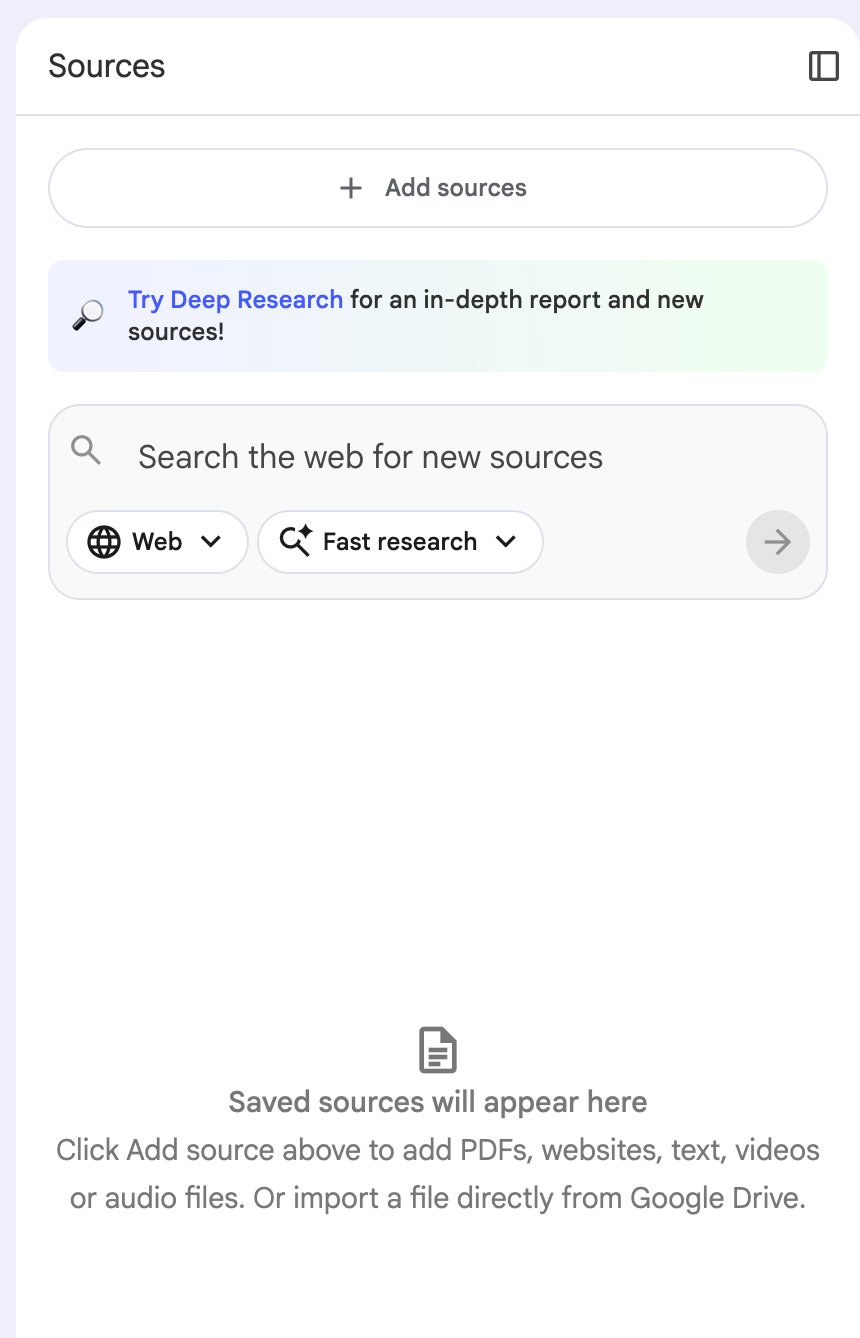
Setup takes 30 seconds. How?
Go to notebooklm.google.com.
Click on “Create new”
Upload your sources.
That’s it. You’re ready.
Pro tip: NotebookLM can connect to Gemini. I showed how to combine them in this one.
What Are the Best Simple NotebookLM Hacks?
The fastest way to get value from NotebookLM is with simple, direct prompts and simple hacks.
NotebookLM : MIT Deep Learning Course
To test this prompts and methods, let’s train a notebookLM from MIT’s deep learning course, here.

Quick overview: “Summarize this in 3 bullet points”
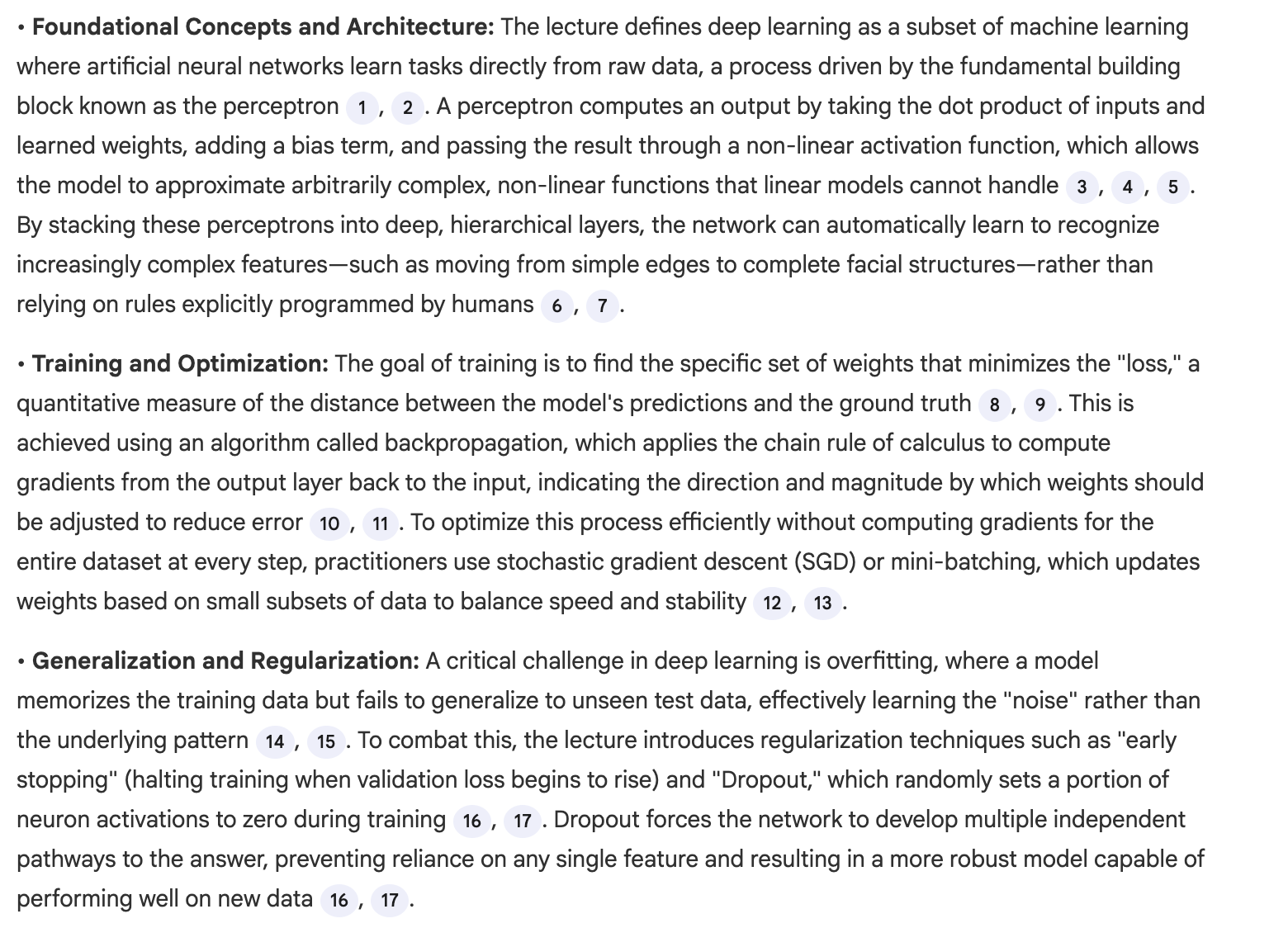
But these might be too complex, so let’s simplify this.
Simplify complex topics: “Explain this like I’m 12”
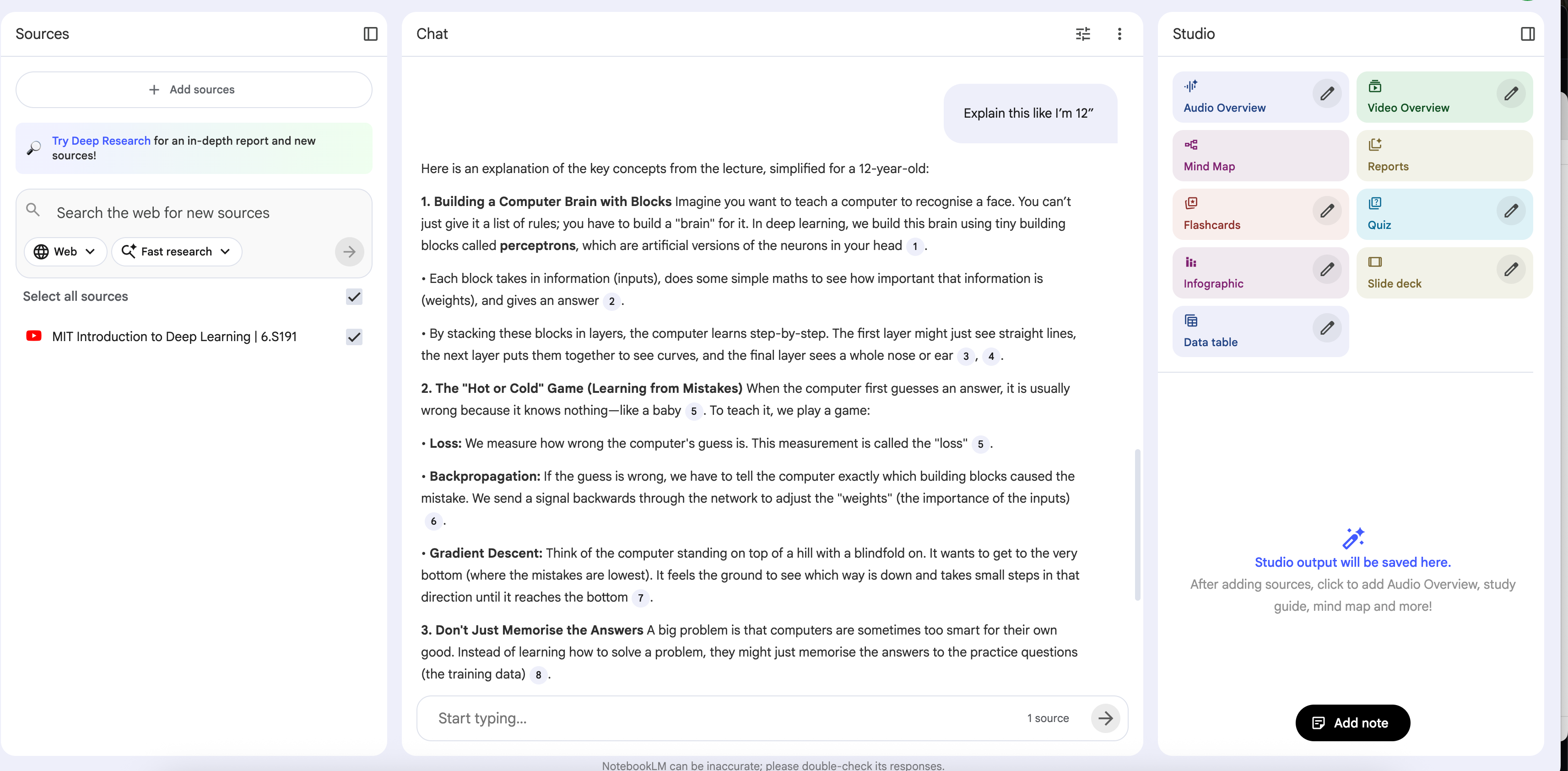
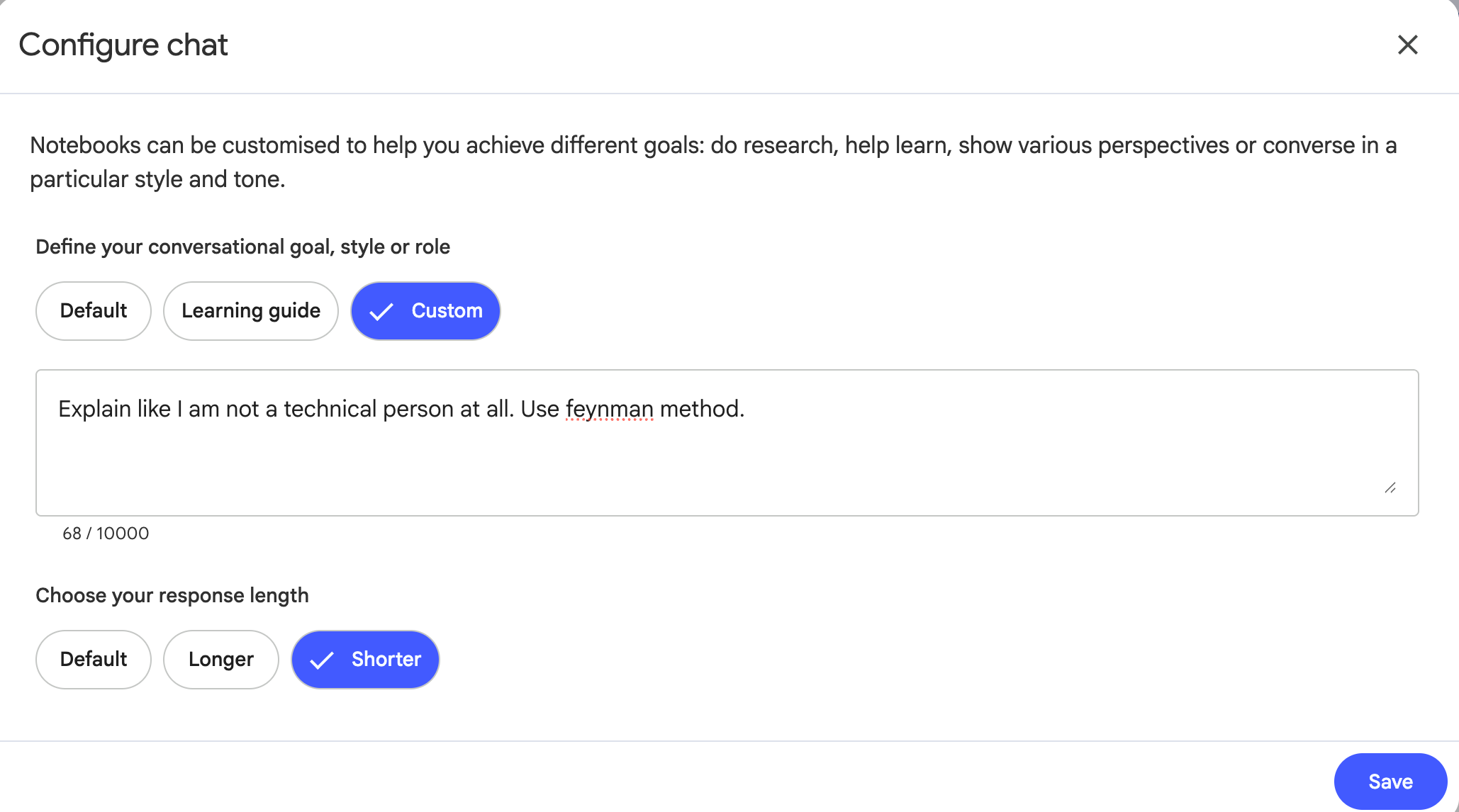
You understand how it works right? But let’s customize the NotebookLM a little bit more. Click on here.
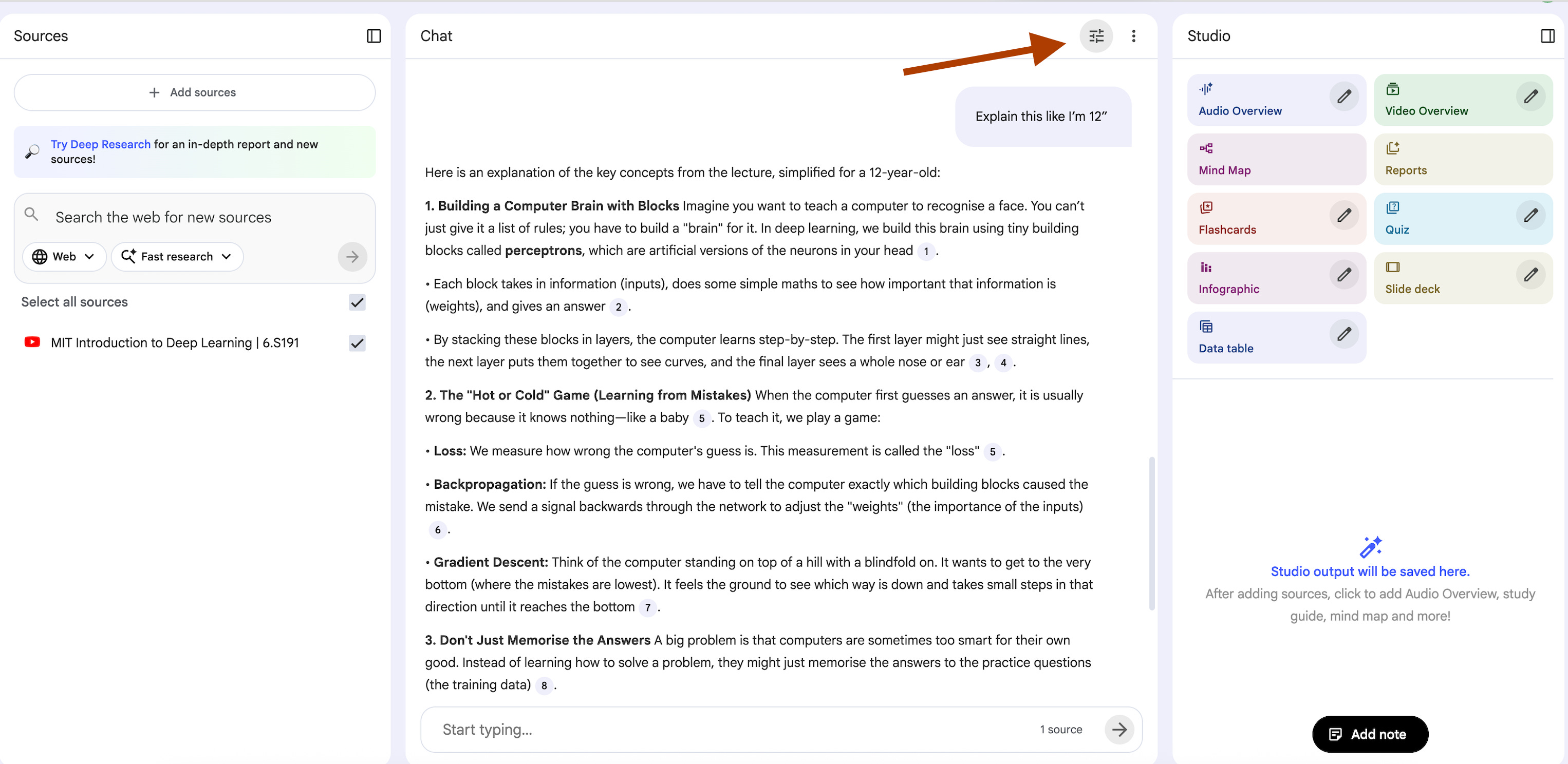
Select Custom and use this prompt:
Explain like I am not a technical person at all. Use feynman method.Here how it looks like.
Now let’s use this prompt.
Main insights: “What are the key takeaways?”
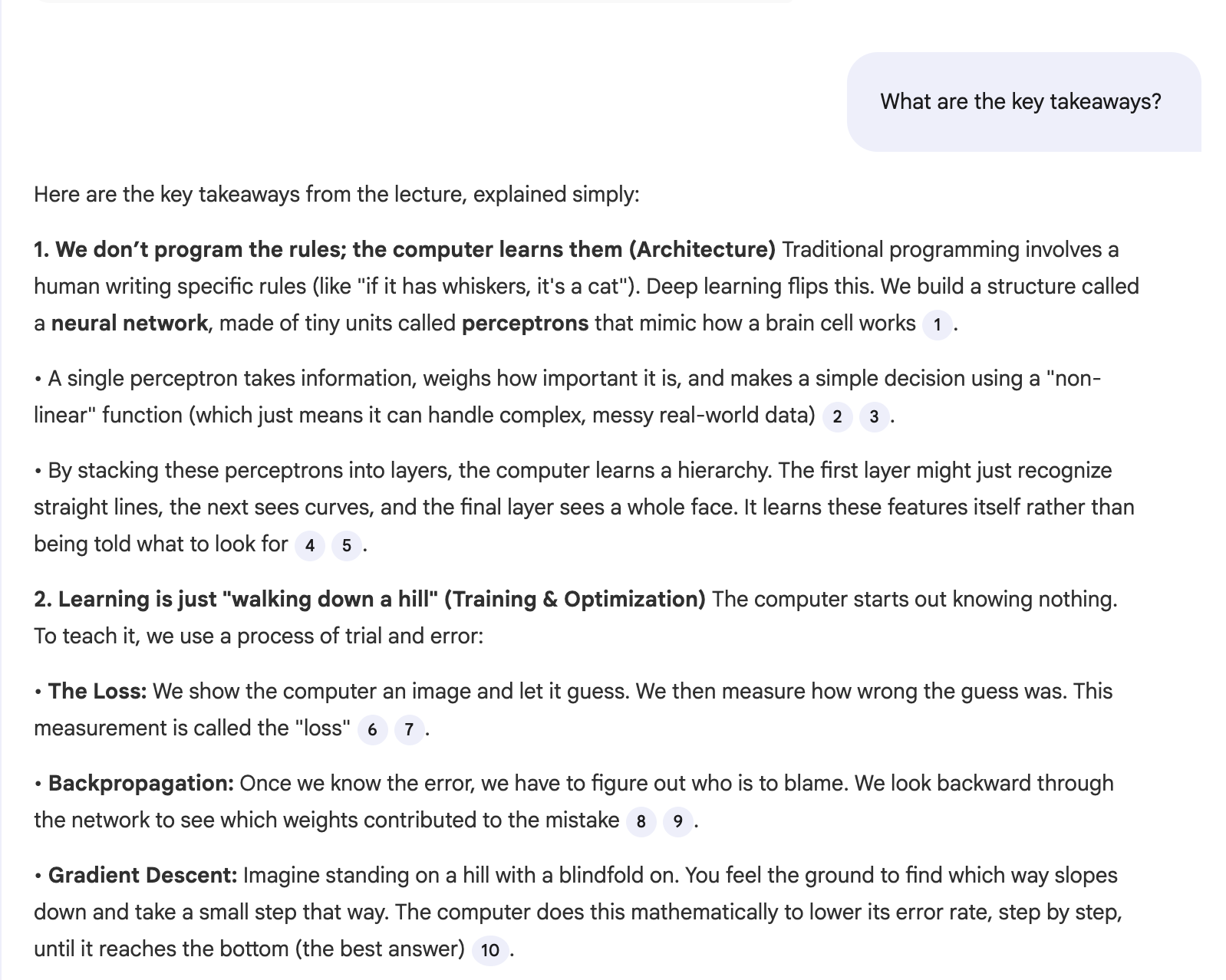
Did you see how the tone has changed?
But what if the source is not enough for you? Simple, add more sources.
Let me show you new way to do it. Use research and choose the source as web like this.
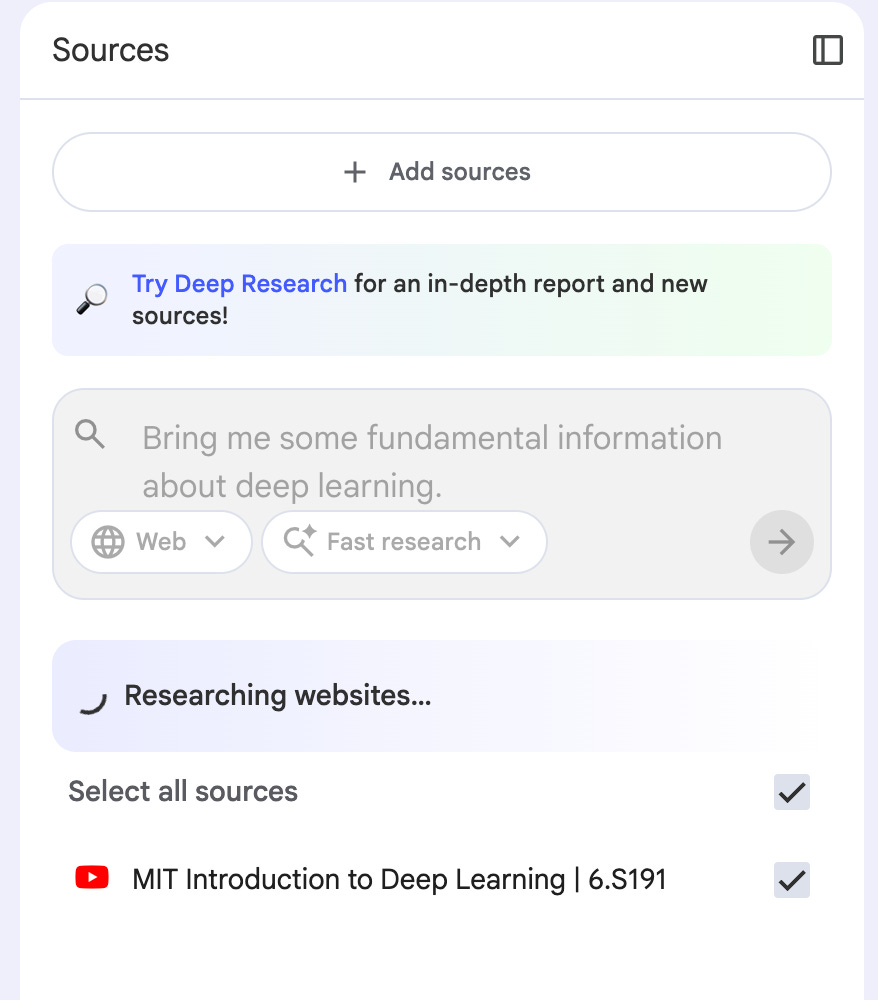
The research is completed. Now import them.
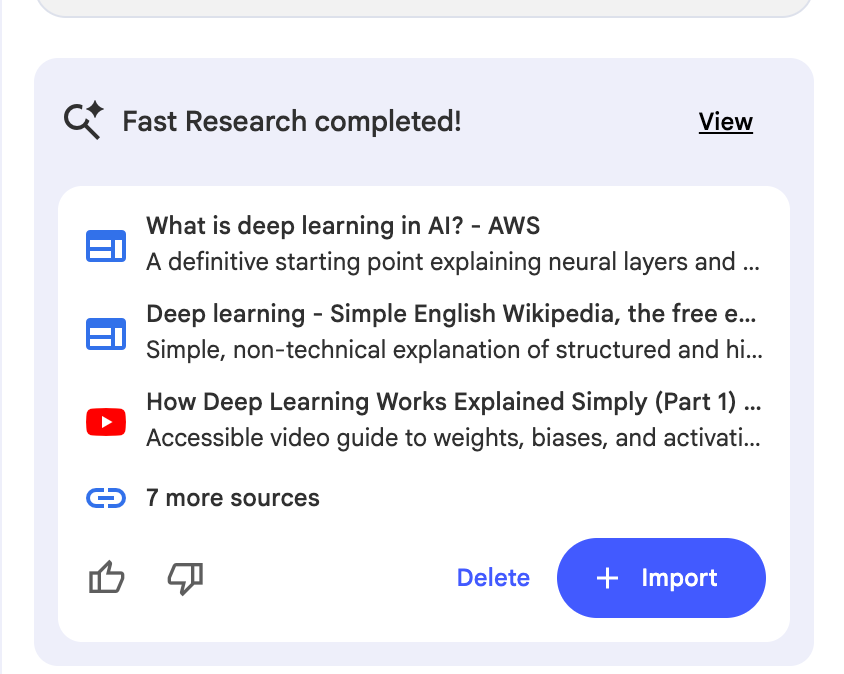
Let’s ask it to explain us Deep Learning one more time!
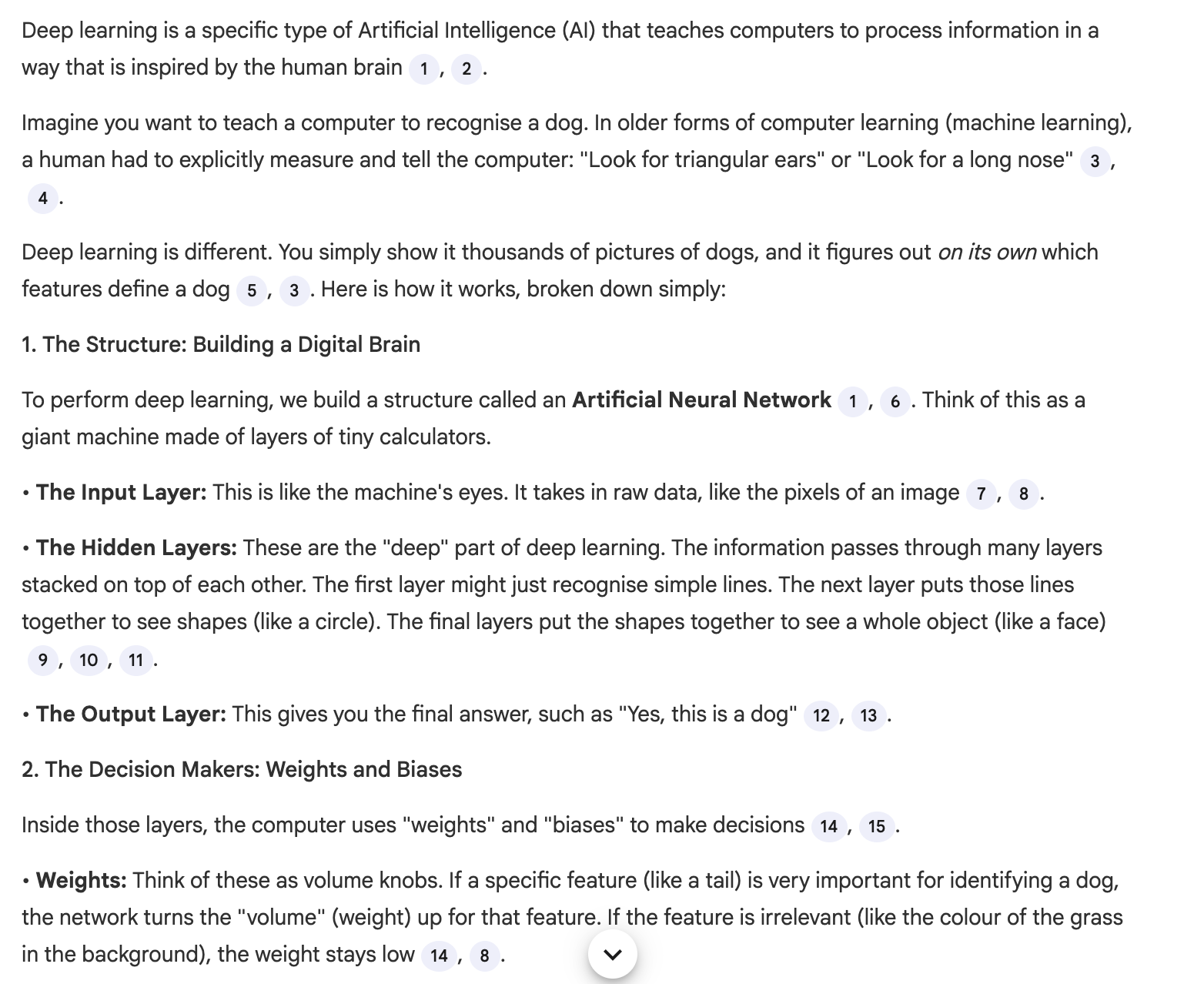
These alone will save you hours. For more simple prompts like these, see my research prompts.
All 6 prompts above are available in the Vault with advanced versions.
But the real power comes from structured prompts. I covered the basics in this one. This guide goes deeper.
Because, I spent my entire week testing 50+ well performed prompts across Reddit, X, and research communities.
These 10 consistently saved me the most time.