
Stop Writing for 3 Hours. Use This NotebookLM Framework.
Turn research into SEO-optimized blog posts using NotebookLM Reports and 4-step framework. No hallucinations, no writer's block.


You have to write an article.
Your idea is great, but you’re staring at a blank page.
Again.
Most people try two options:
Write everything manually by doing research
Let AI research for you.
But there is a third option.
Third, and a not well-known option.
In this one, we’ll discover how to write banger blog posts, SEO optimized and humanized.
We’ll not just copy/paste from NotebookLM.
We’ll use it wisely.
But let’s discover the tools we’ll use first.
Part 0: What is NotebookLM?
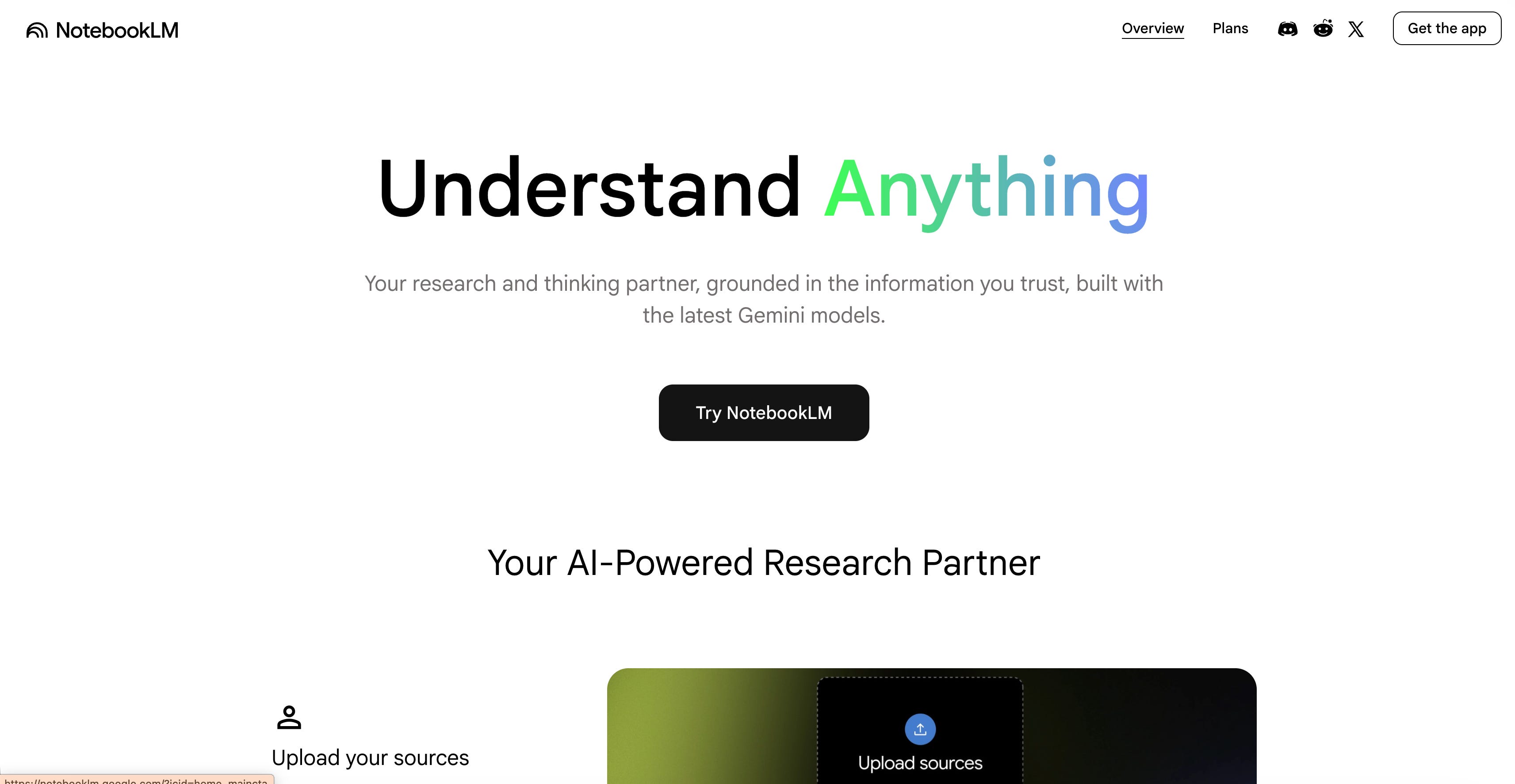
NotebookLM is my favorite AI tool.
People started using it for research and learning.
Google saw the opportunity and linked it with Gemini, and Gemini Gems next.
They introduced so many different features one after another that people can’t keep up with the pace.
But we will.
First, let’s start by discovering from the beginning.
Part 1: How to Train NotebookLM Using Deep Research
Let me show you the steps.
Visit notebooklm.google
Click on “Try NotebookLM”.
Click on “Create New”
Paste your Deep research Prompt
Name your Notebook
In just 5 steps, you have trained your first NotebookLM.
Here is a sample deep search prompt
Do a deep research on [TOPIC] and find all high-quality, relevant sources, prioritizing official documents, research papers, and authoritative publications.
For more prompts about NotebookLM and discover tips and tricks, check out this one.
Part 2: What are NotebookLM Reports?
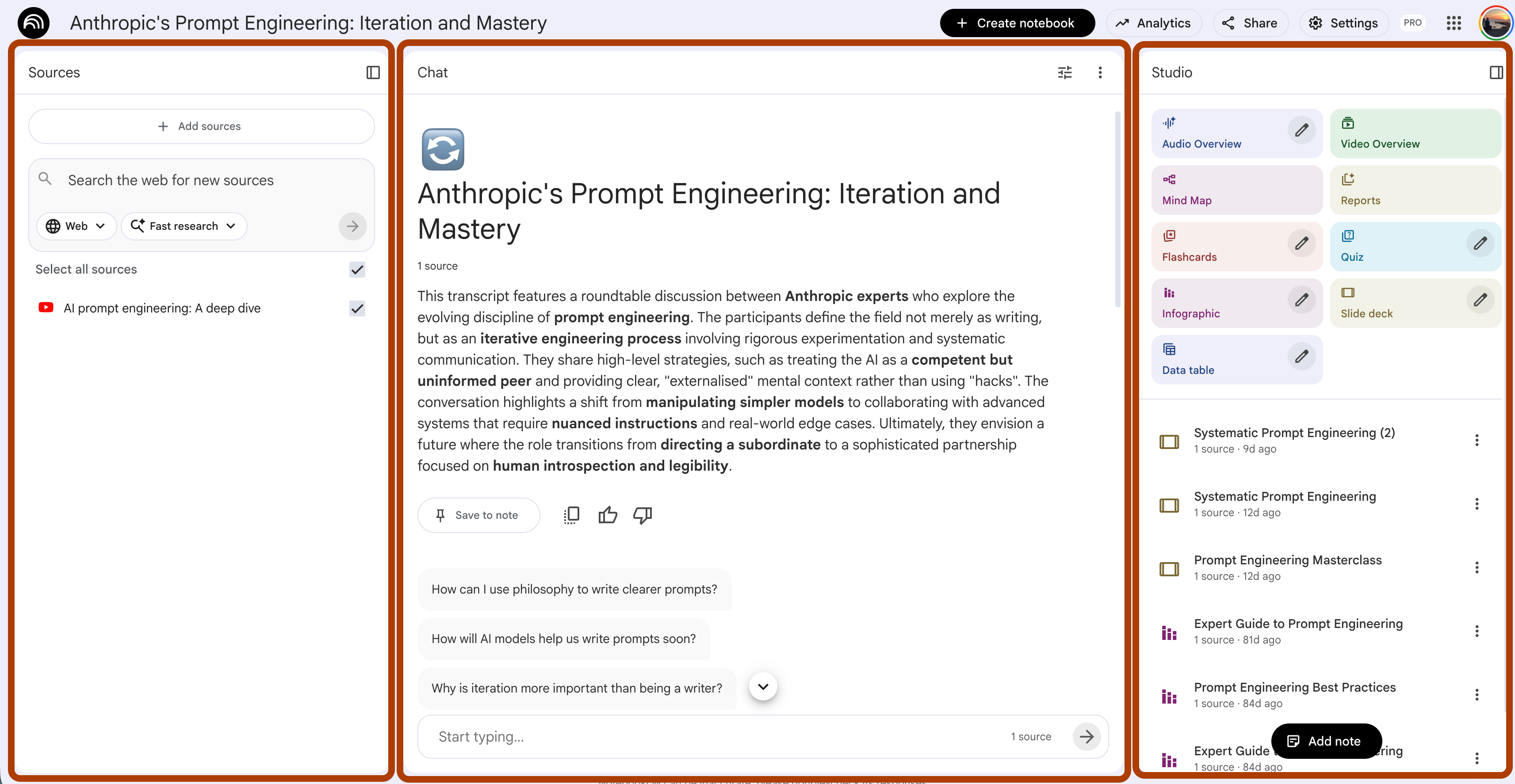
NotebookLM’s screen is split into three: Sources, chat, and Studio, like this.
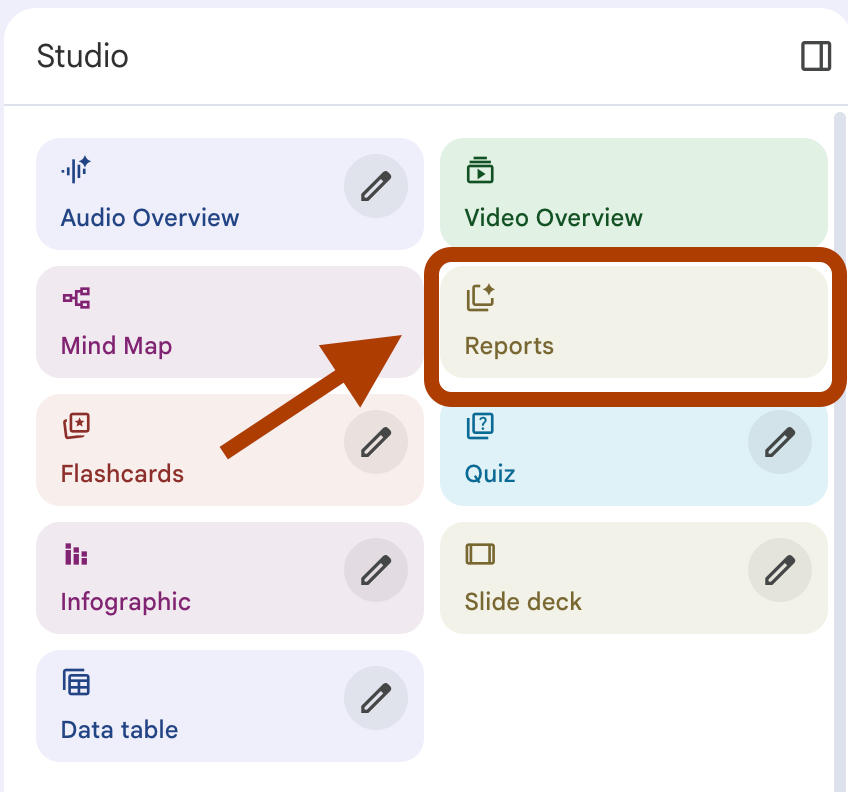
Today, we’ll discover Studio, specifically, reports.
After you click on it, here are the options;
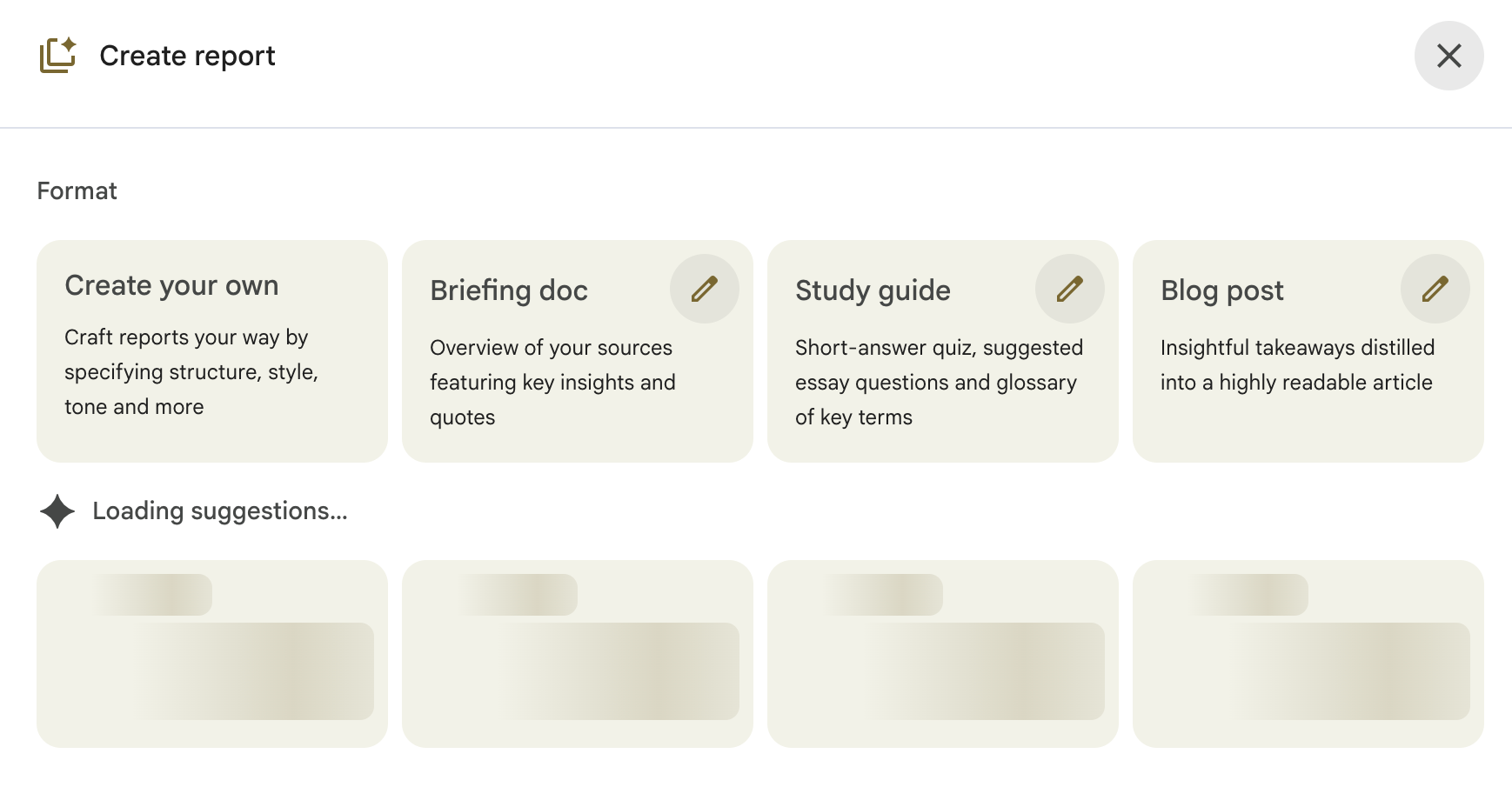
As you can see first 4 are defined, and the others change depending on suggestions, like this;
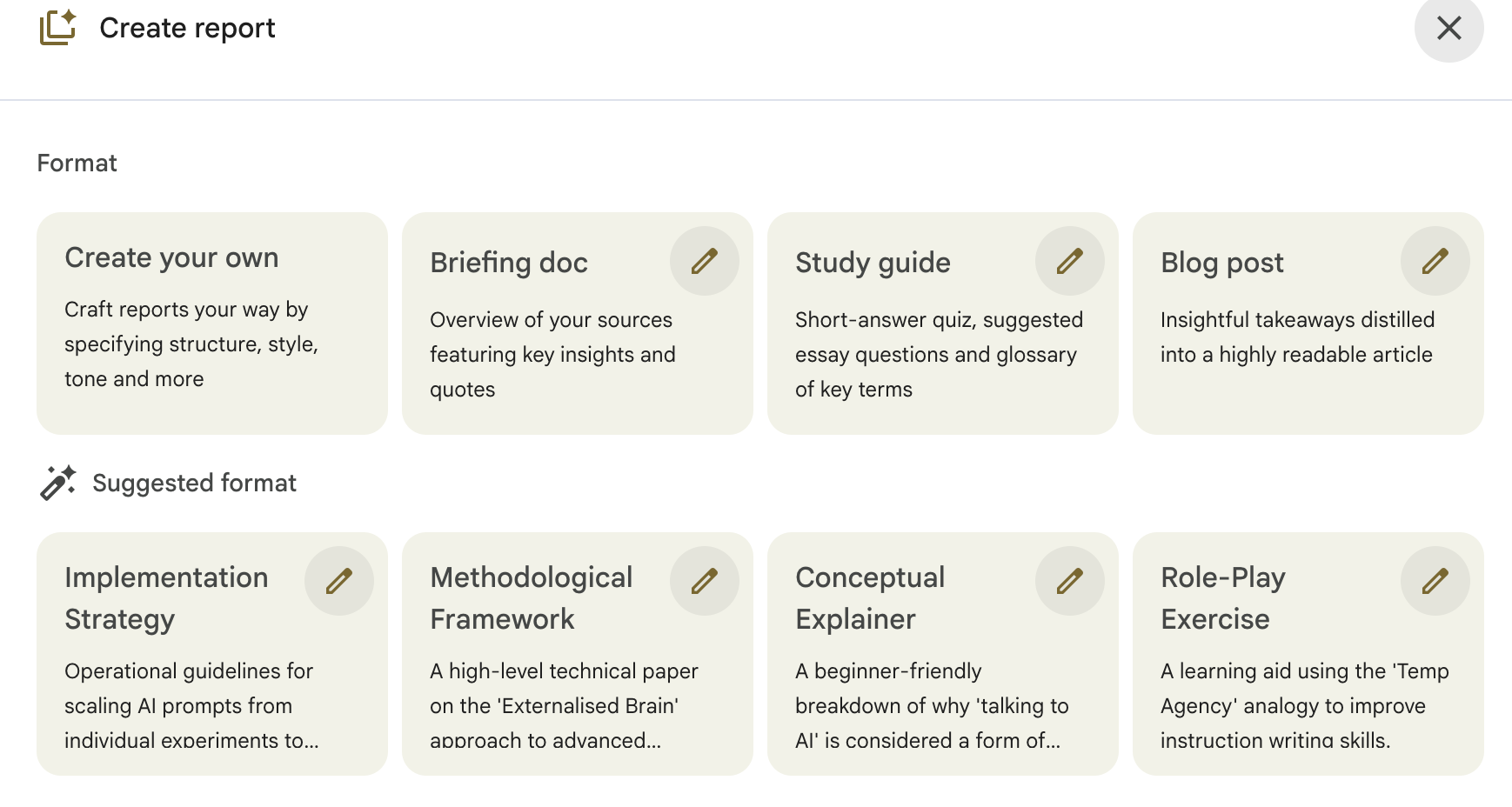
Let’s click on “Blog post”.
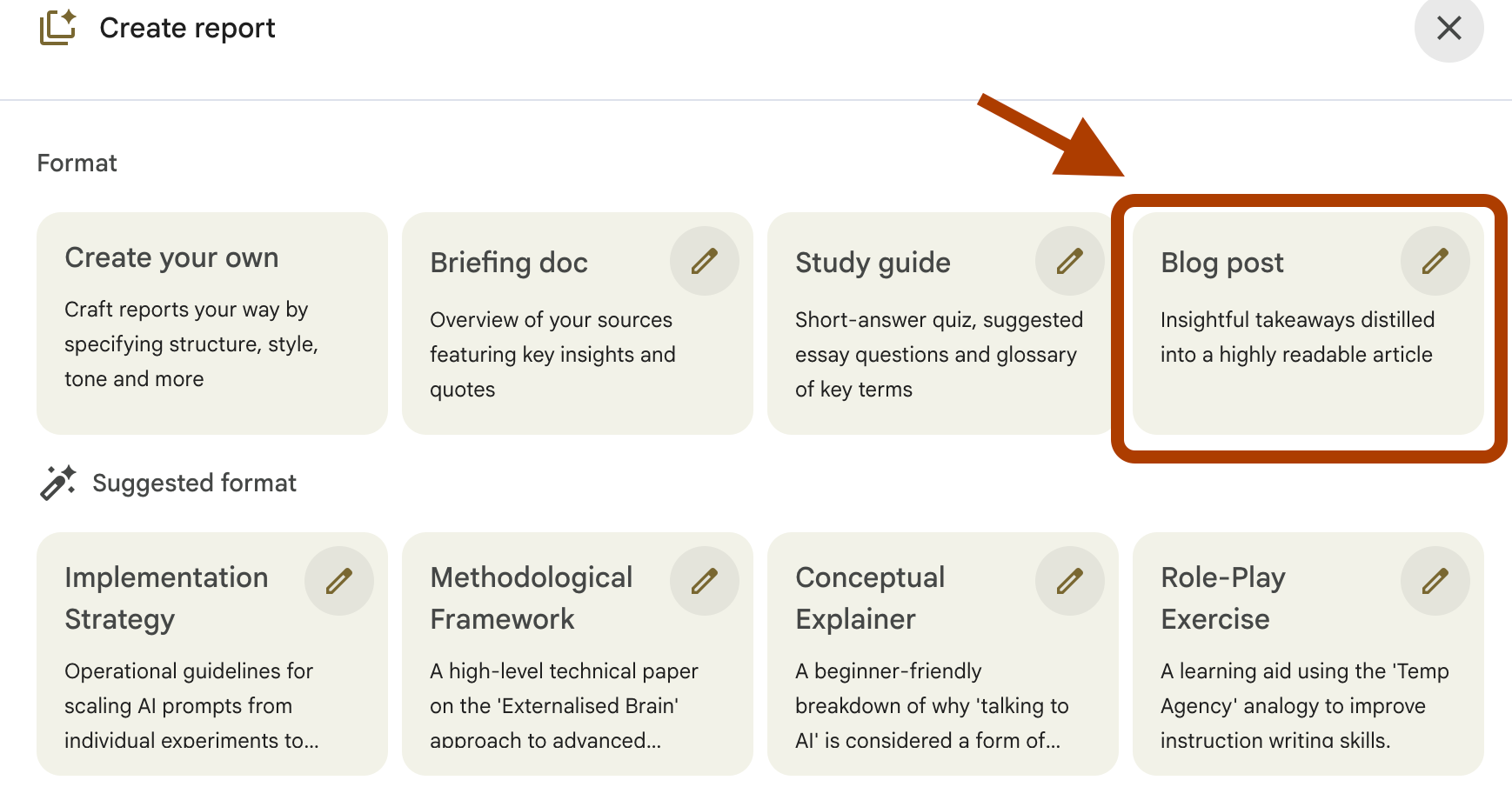
Here you have two options:
Choosing language
Describing the report.
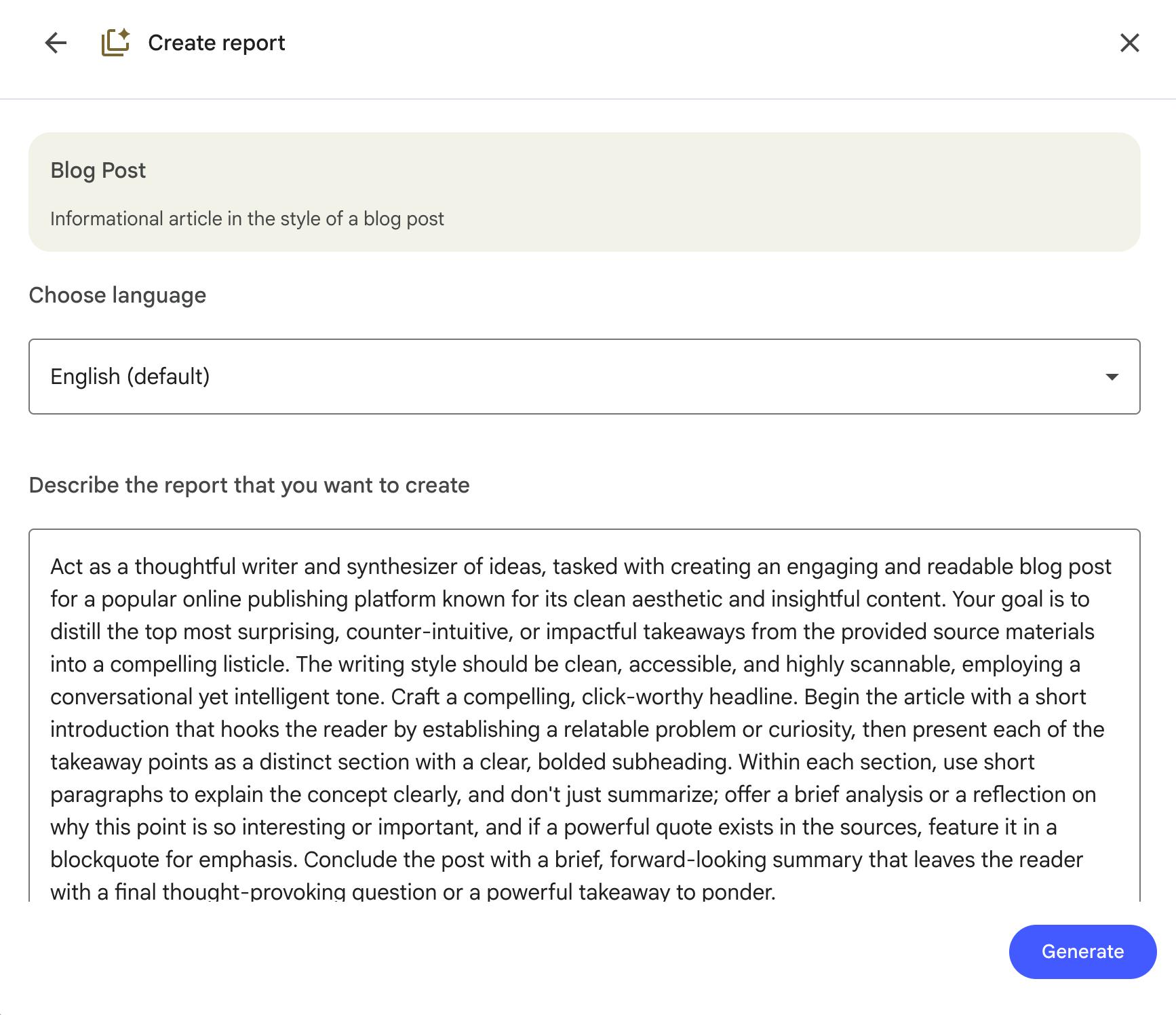
But my framework will let you do more.
Part 3: The Banger Article Framework
How did you do your research before writing articles?
I wrote 300+ articles.
For most of them, I didn’t get Semrush SEO reports that give me content tables, keywords, etc.
To collect that, I always use one prompt. We’ll do the same in this one, too.
Here’s the process:
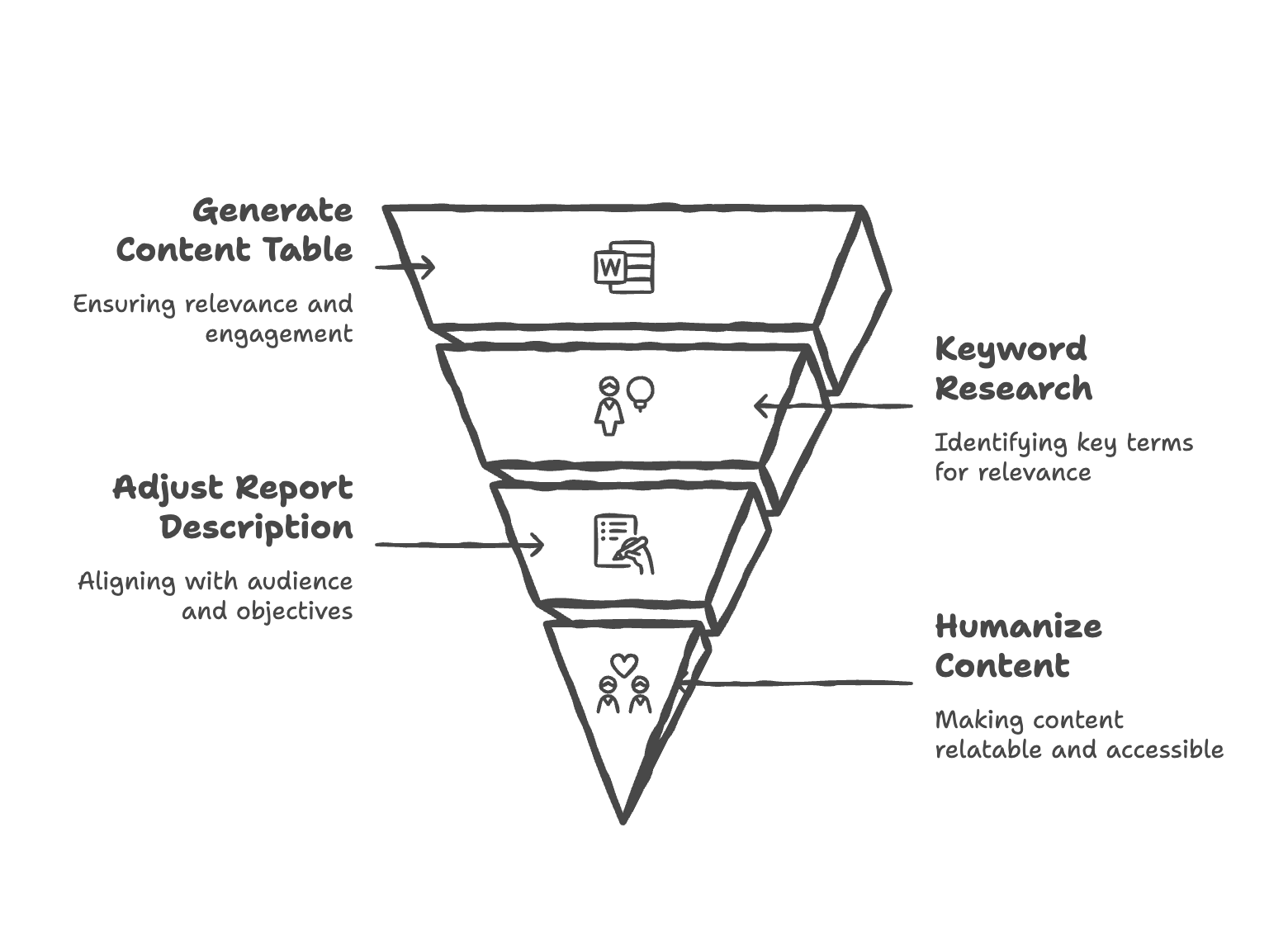
It won’t be the quickest thing we do.
But it will be resourceful, SEO-optimized, human, and ours.