Every day at 5 PM, millions of people open their fridge and ask the same question: “What should I cook today?”
You stare at 2 eggs, half an onion, and some stale bread.
Your options: spend another 20 bucks at the grocery store or order takeout and blow your budget.
There’s a third option I recently discovered.
Combine NotebookLM with Antigravity, and you get an AI that reads your fridge and generates recipes on demand.
This isn’t theory.
By the end of this article, you’ll build “Fridge Gourmet”, an AI that turns leftovers into meals without a single trip to the store.
Fridge Gourmet: Fast-forward to what Our App looks like
You can either quickly add the ingredients or upload a photo to find recipes.
1. Quickly Add Ingredients
You can quickly add the ingredients and select the cuisine.
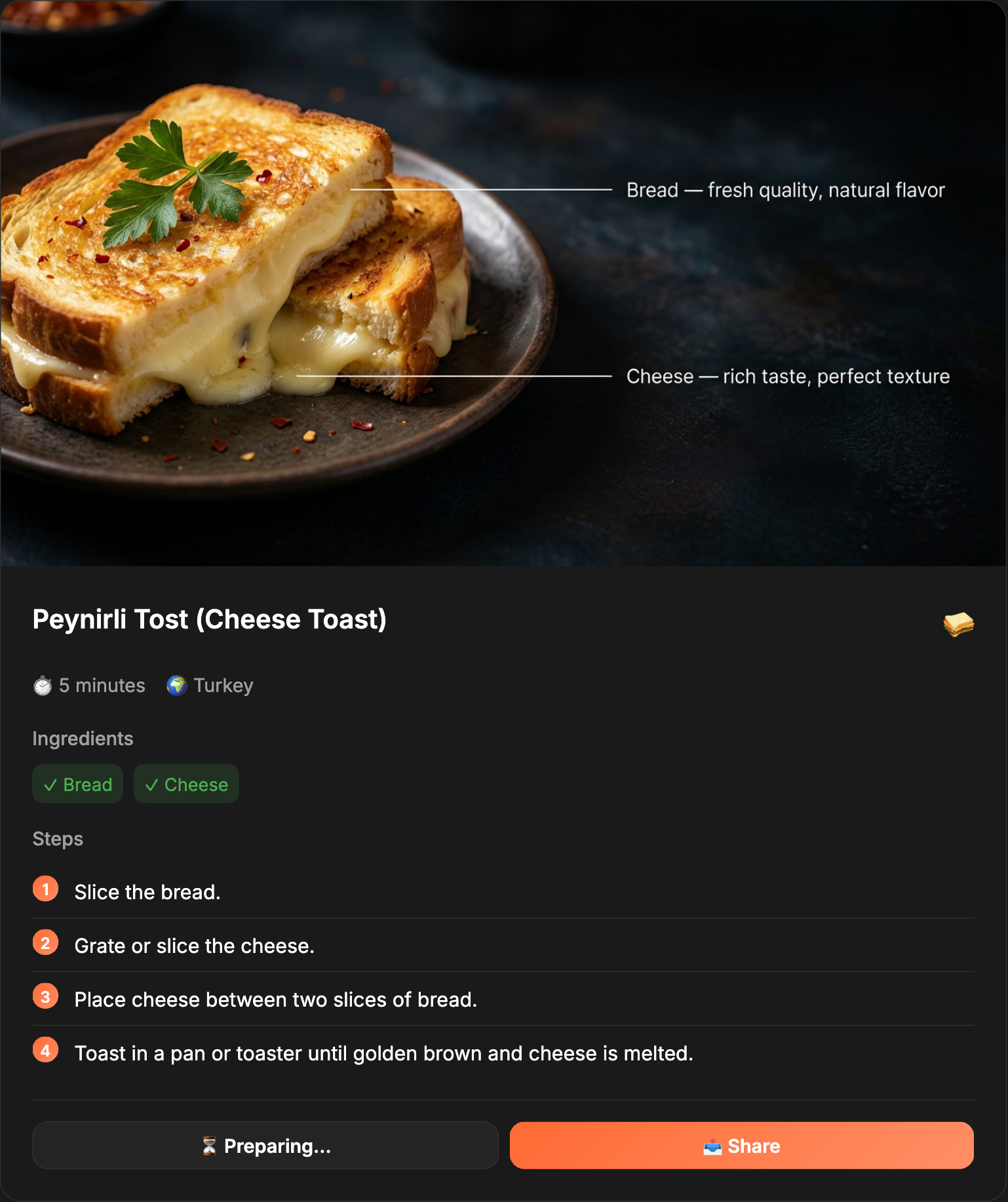
If you like any of these recipes, click "Download Card."
Your recipe gets saved as a PNG.
Here's a quick one if all you have is bread and cheese.
2. Upload a photo of Your Fridge
You can also upload a photo and get a recipe.
What This Integration Does?
NotebookLM builds a recipe brain.
From the cuisines you love.
You set it all up inside Antigravity.
Antigravity turns that brain into an app.
Snap your fridge.
Get recipes with what you already have.
However, for those who are unfamiliar with these apps, let’s explore how to use them.
Part 1: What is NotebookLM?
NotebookLM is Google’s AI tool that helps people learn using AI.
At least it used to be.
Because Google knows we love NotebookLM, they are evolving it.
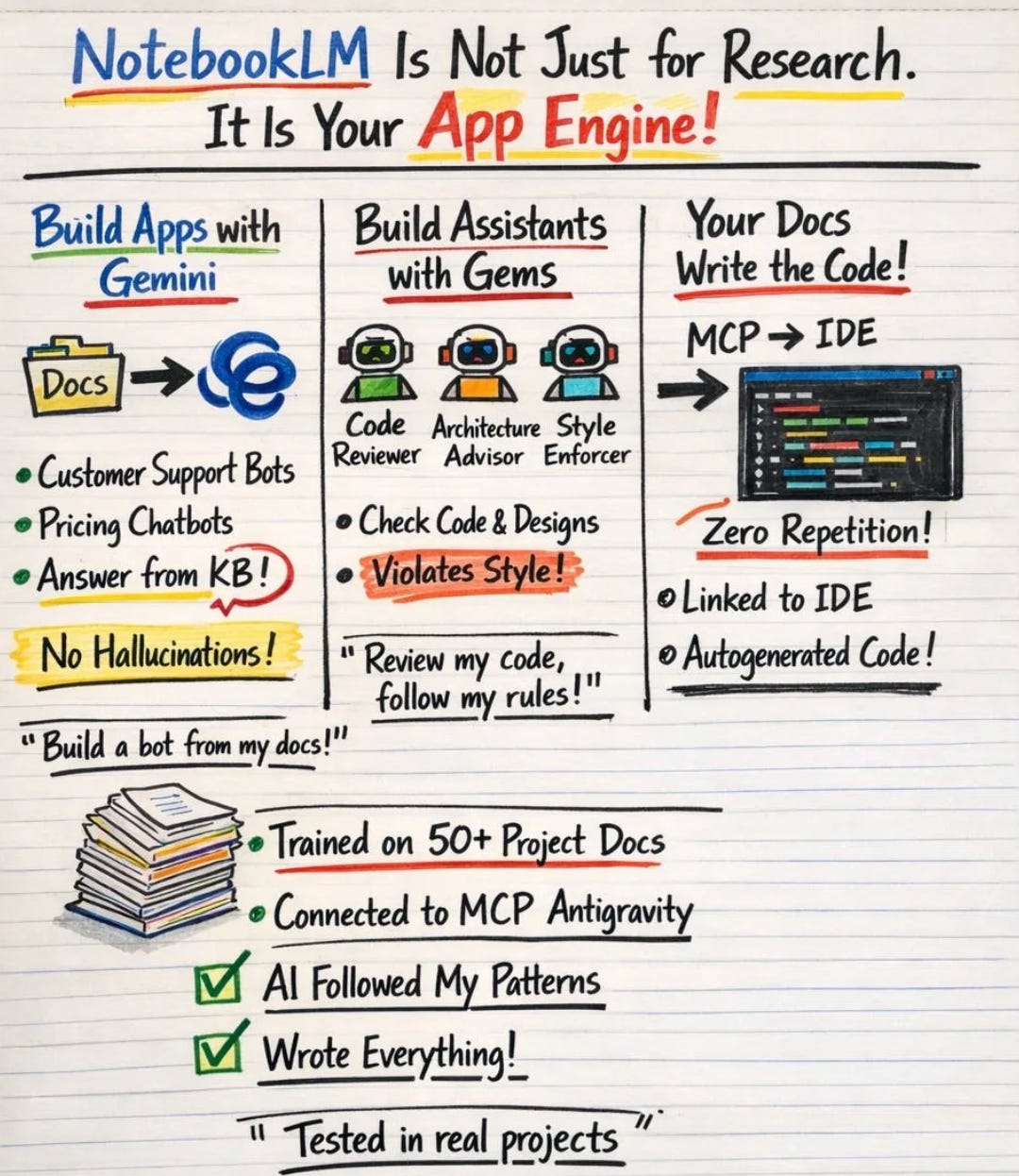
Now, you can build assistants or build apps.
How to train NotebookLM?
Let me show you how to train NotebookLM, step-by-step.
Let me also write how I trained NotebookLM, step by step;
Go here.
Click on “Try NotebookLM”.
Next, click on “Create new”.
Add any source you want, options
Deep search using Gemini
YT videos
Website
Drive
Copy/paste
And add your sources. Here is NotebookLM cheatsheet for you.
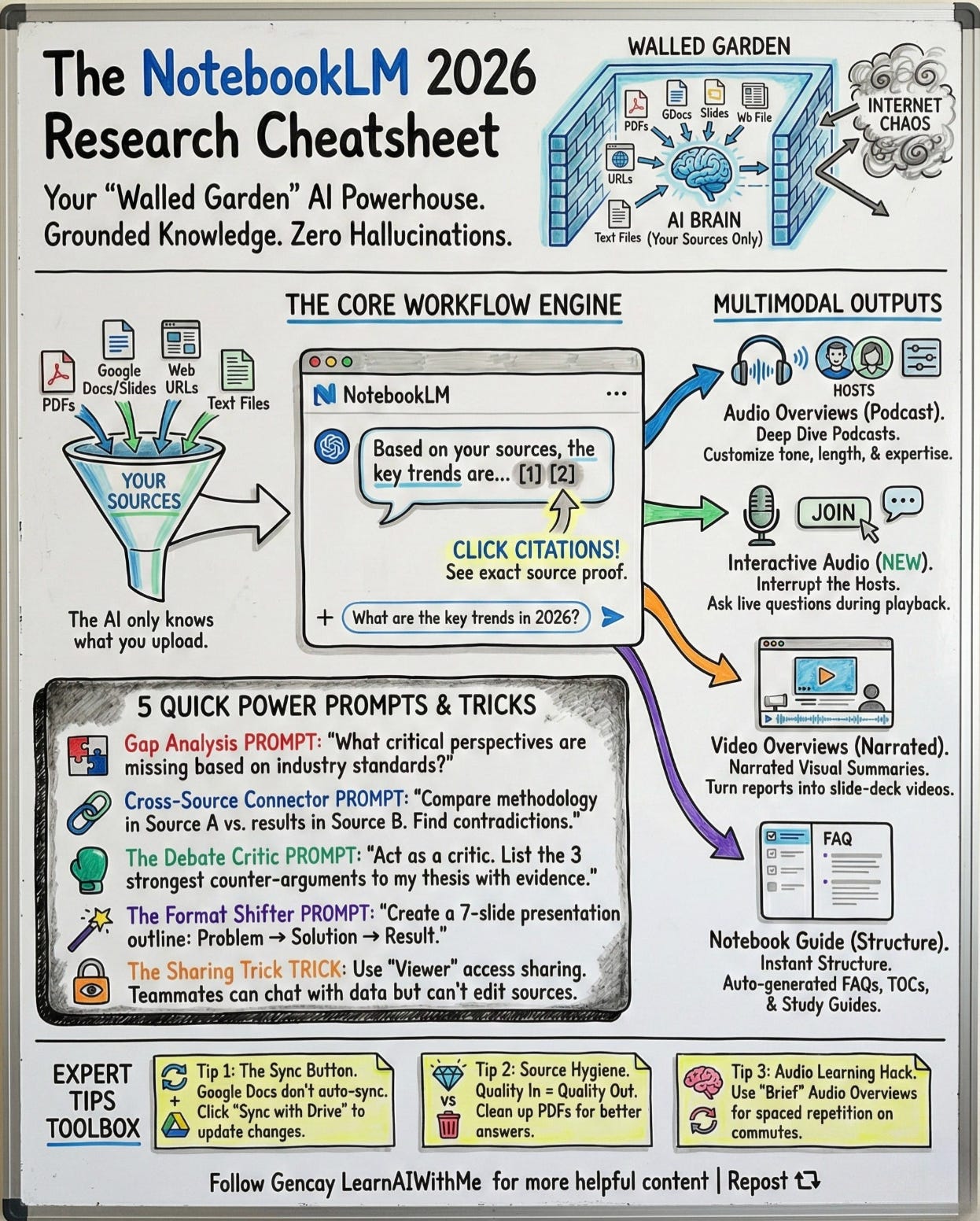
To discover more tips and tricks, read this one about NotebookLM.
Part 2: What is Antigravity?
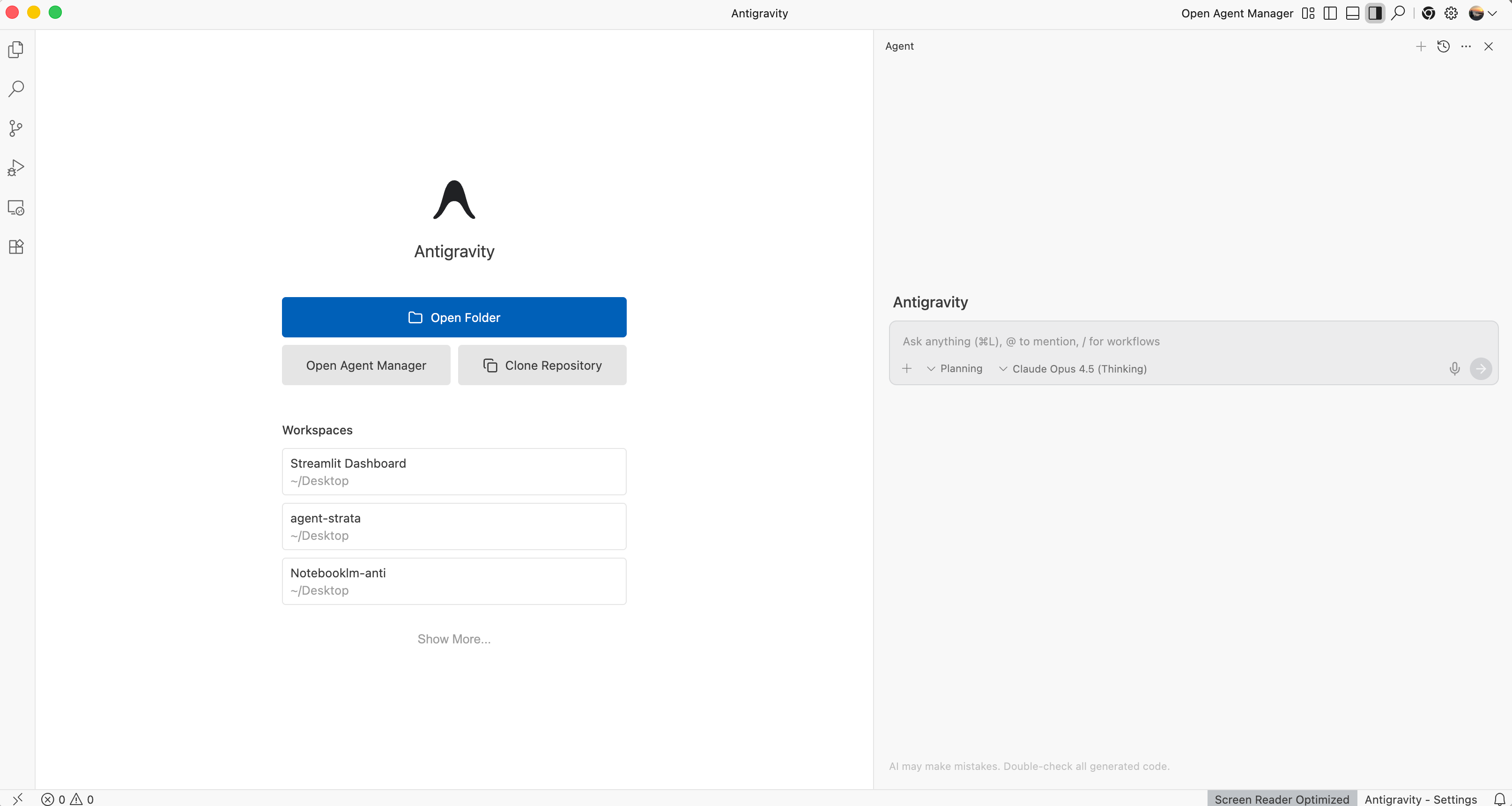
Antigravity, Google’s AI IDE.
It runs multiple AI agents in parallel.
One for frontend, one for backend, one for testing.
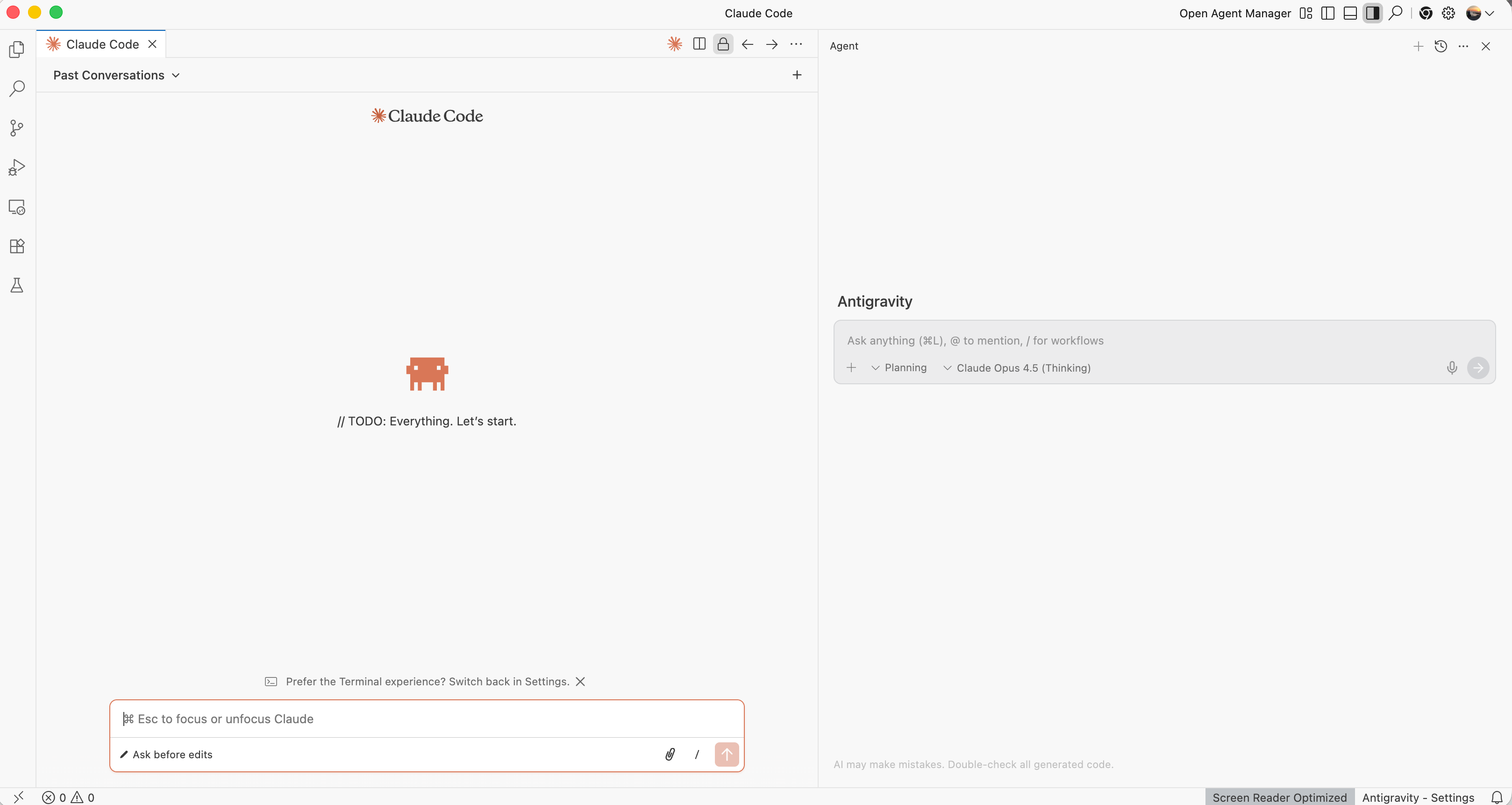
You can run Claude Code inside it with the extension.
All major models are available, not just Google AI Models.
How to download Antigravity?
Visit here.
→ Sign in with Google
→ Download for your OS (macOS/Windows/Linux)
→ Choose default model (Gemini 3 Pro for UI, Claude Sonnet 4.5 for backend).
It also have very huge free quota.
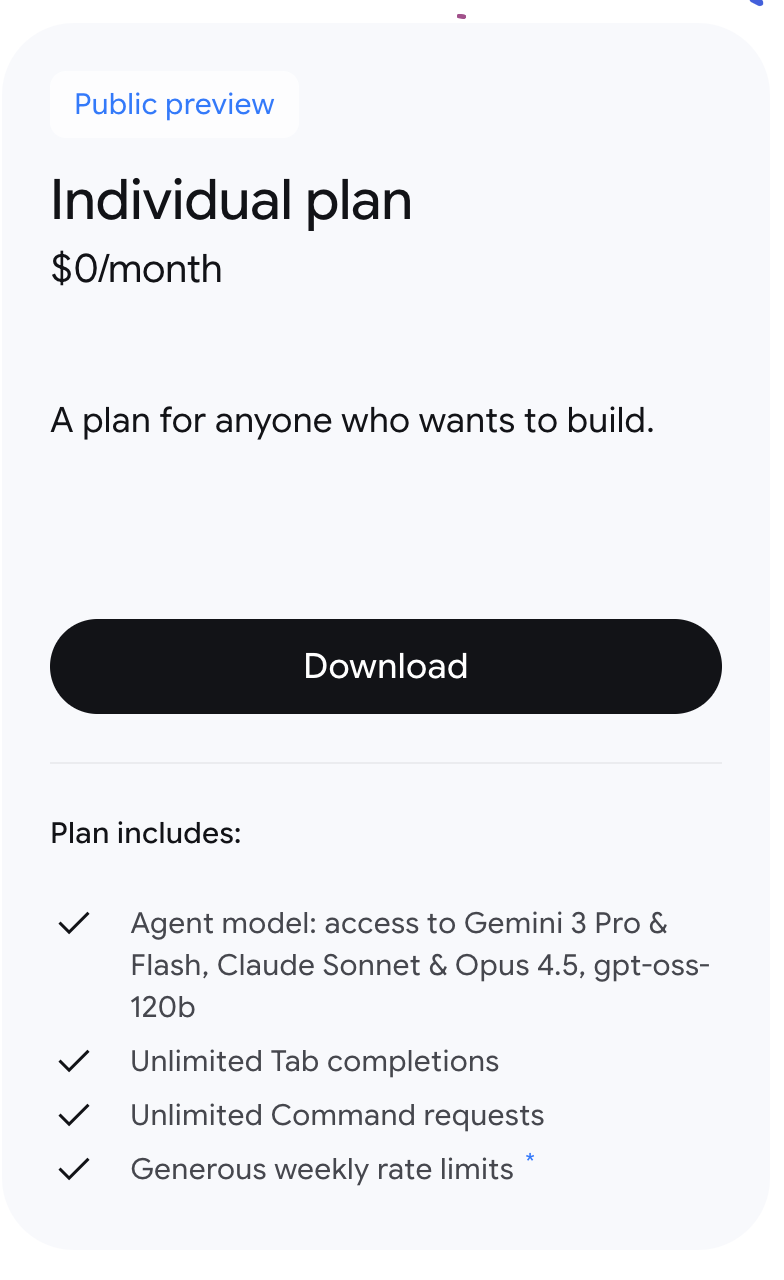
How to Use Antigravity?
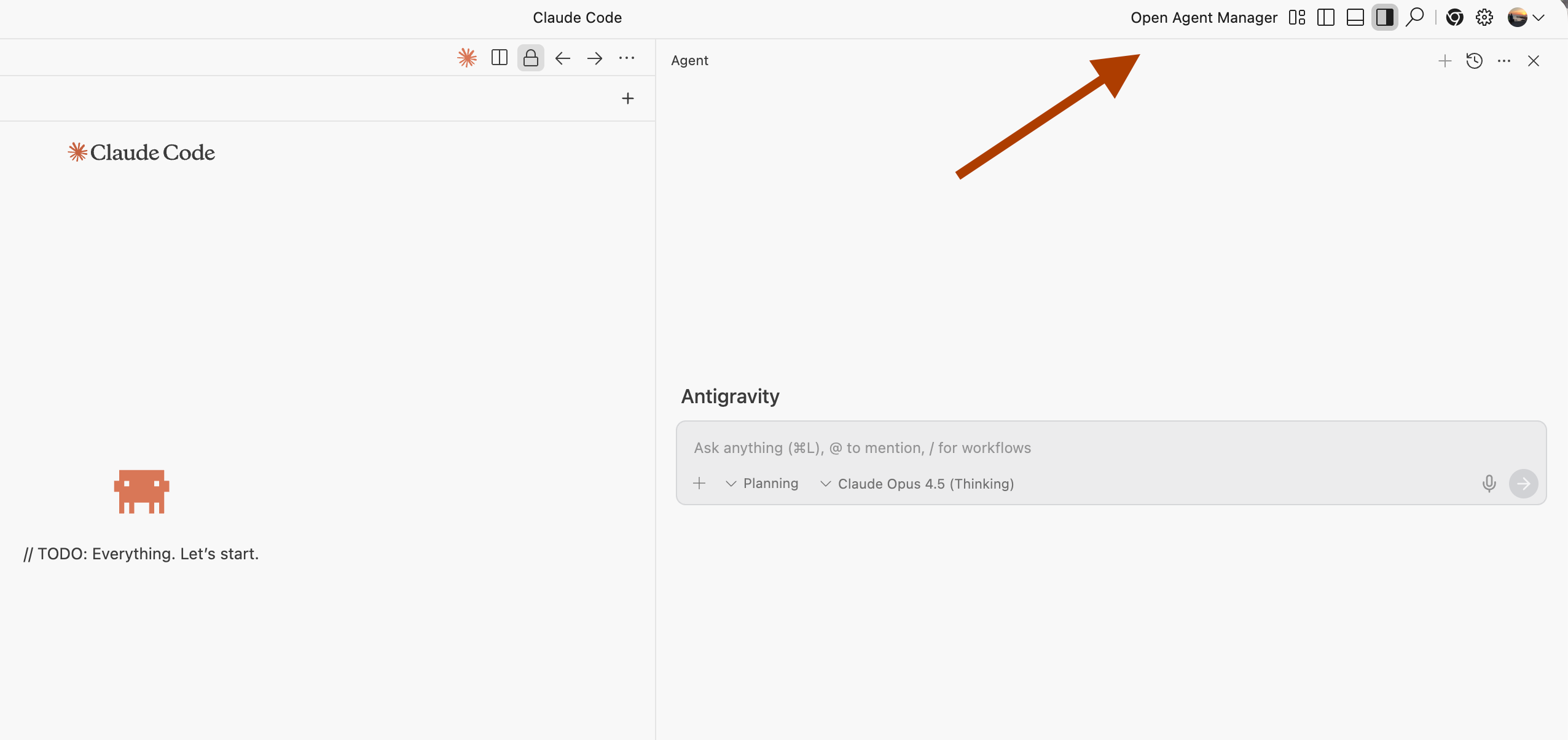
Top right, you see Antigravity Agents.
It works like other vibe-coding tools.
You can pick any model, not just Google's.
On the left, I installed the Claude Code extension. And I opened up Claude Code.
Agent Manager
Click on "Open Agent Manager."
As you can see in the screenshot below, a new window pops up.