
Codex Is My Jarvis Now. I Built a Fake News Scorer Pushing a Stroller
Codex Remote lets you control your computer by voice from anywhere. I built a Claude Skill that scores fake news on a stroller walk. Setup and files inside.

After my baby girl was born, I searched for new ways to use my time more effectively; every parent reading this would understand me.
And these days, I am testing ChatGPT’s new features like ChatGPT Work, GPT 5.6 Sol and Codex, so as not to stay behind.
And I must admit, some of them are really powerful.
If you recently switched from ChatGPT to Claude, you know Claude doesn’t have a voice feature as good as ChatGPT’s.
It looks like OpenAI realized this could be a point where they could differentiate themselves from Claude, and now ChatGPT Voice can be used within Codex.
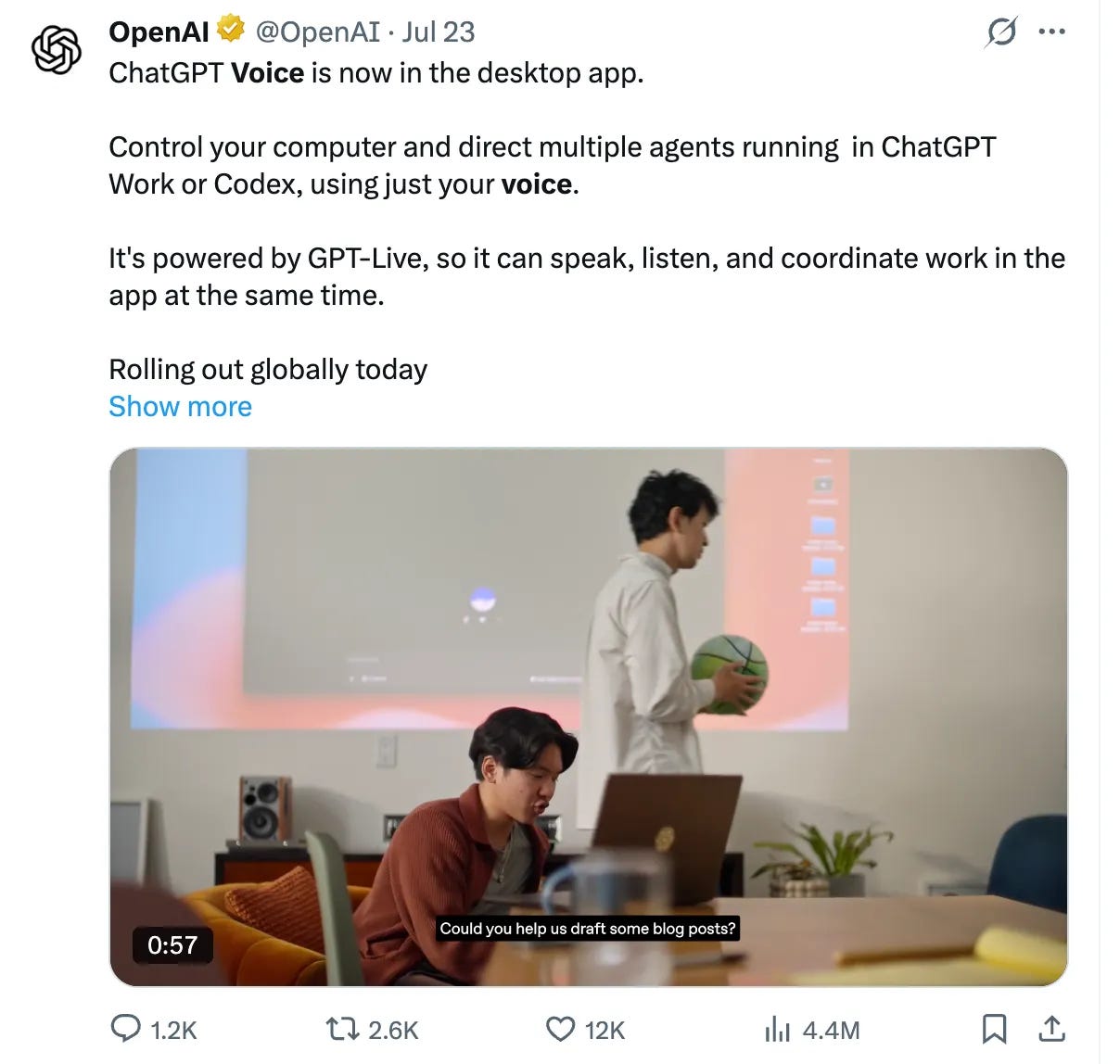
Meaning, if you give the Codex app computer access, you can do whatever Codex can do just by talking.
You can imagine what I felt when I read this. I must try immediately, because it looks like an opportunity for me as a new father.
While testing it, I came across a feature most people still don't know about, and I did not expect it to be this powerful.
If you connect your phone the Codex app, using “Remote”.
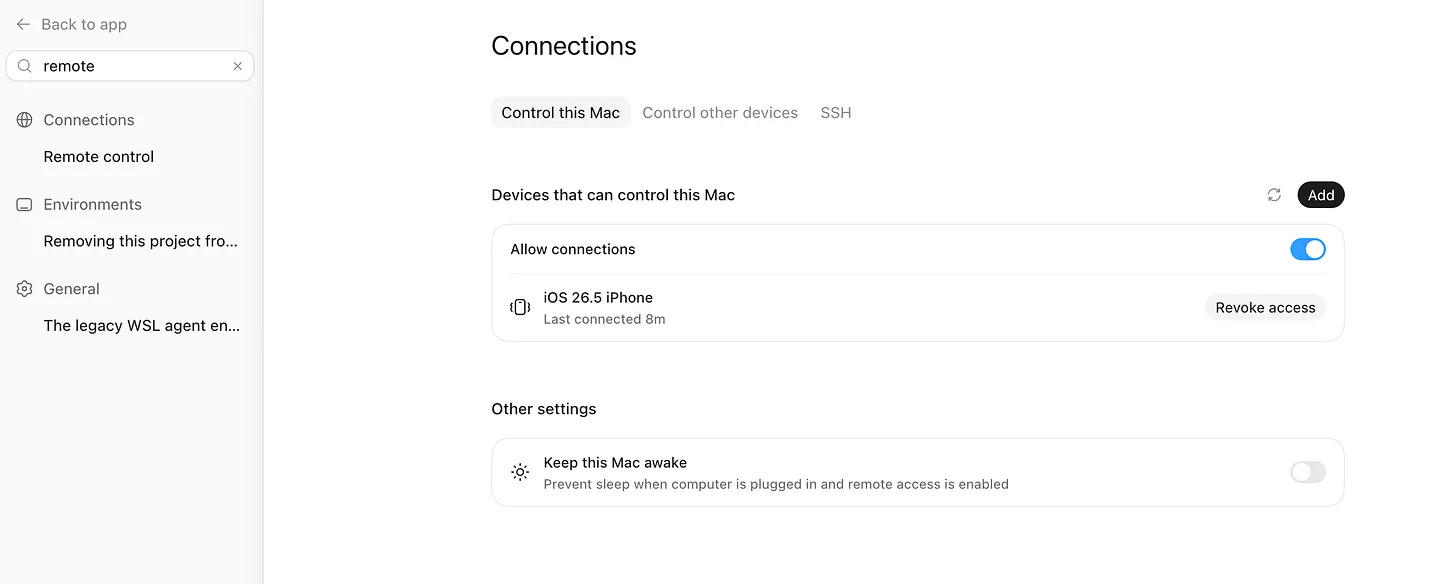
You can now control your computer from anywhere through your phone.
ANYWHERE.
And you don’t have to type like you have to while controlling your Claude via Dispatch, or control your OpenClaw/Hermes by typing via Telegram.
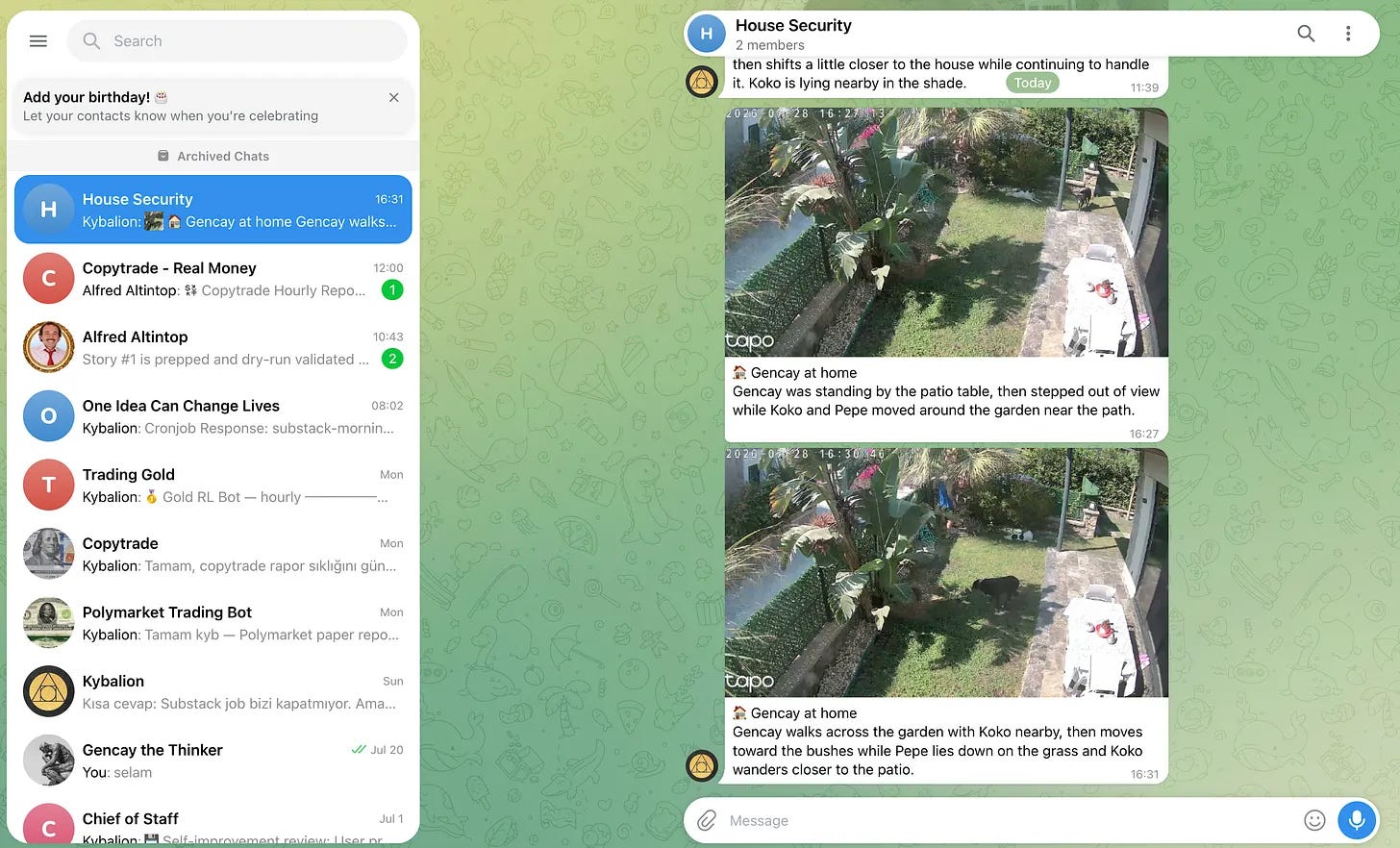
Now all I have to do is connect the AirPods to my phone, open the ChatGPT app, activate the remote, and convince my wife that I also might talk with Juniper, because I have to finish something.
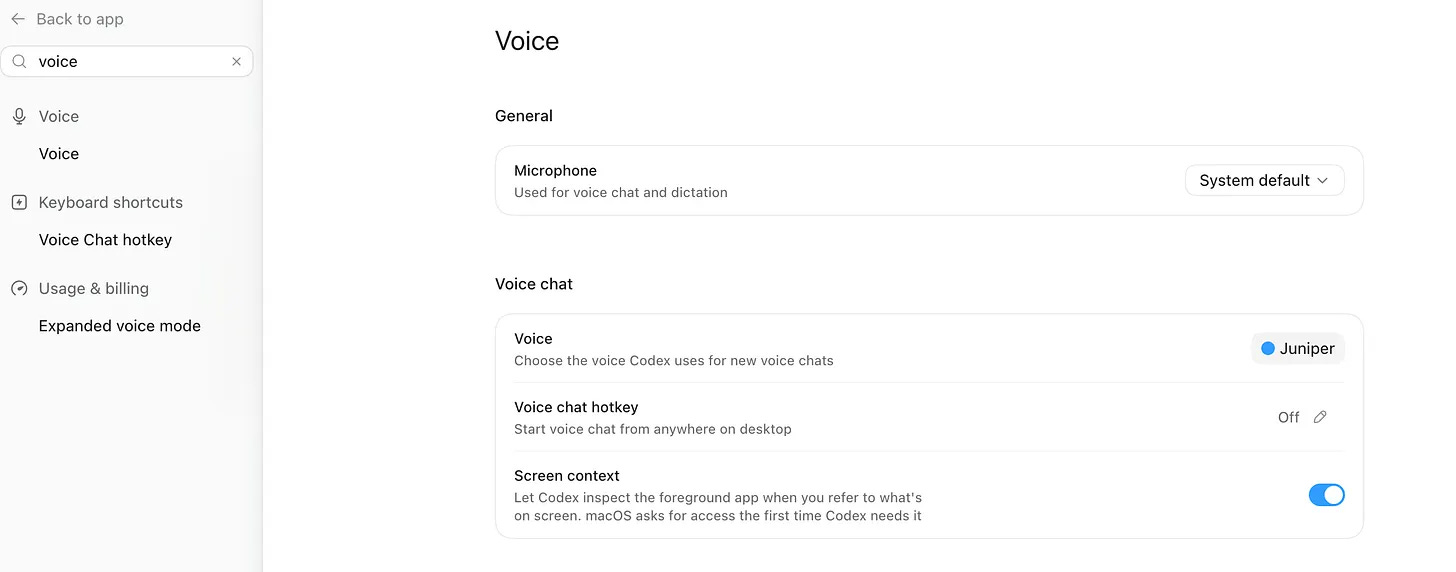
The only Juniper she wants is the Tesla one, but I convinced her.
I left the PC on at home (haven't tested my Mac mini yet).
While everyone is talking about prompts, loops, and graphs, I’ll be outside, near my newborn girl, my wife, and Juniper, who can access everything.
Amazing, right?
Today’s walk, I built a working Claude Skill this way.
It cost me 20% of my AirPods’ battery, 5% of my iPhone’s battery, and 10% of my Max plan’s limit.
When I got home, this skill was sitting on my computer, finished.
Before showing you, let me explain to you how I decided to build this.
Why I Built the News Truth Barometer With Codex
Yesterday, while walking with my wife, we started talking about an AI news story I had seen on Twitter.
I told her Sam Altman was going to Washington to meet with government officials because GPT-6 was about to be released.
I did not remember the exact X post I read, but she told me this is not the story.
The Washington visit was real, but the GPT-6 part was still speculation.
We talked about it for a while and checked the story when we got home.
She was right.
How much can we trust the news we read online?
Today, after planning to build something to show in my post, I remembered this.
Maybe I can build something that detects the credibility of any news given.
Also, I have to go out for a walk with my wife, baby girl, and my dog, and I love this Codex Voice mode.
So I built a Skill that scores news.
What I Built With Codex
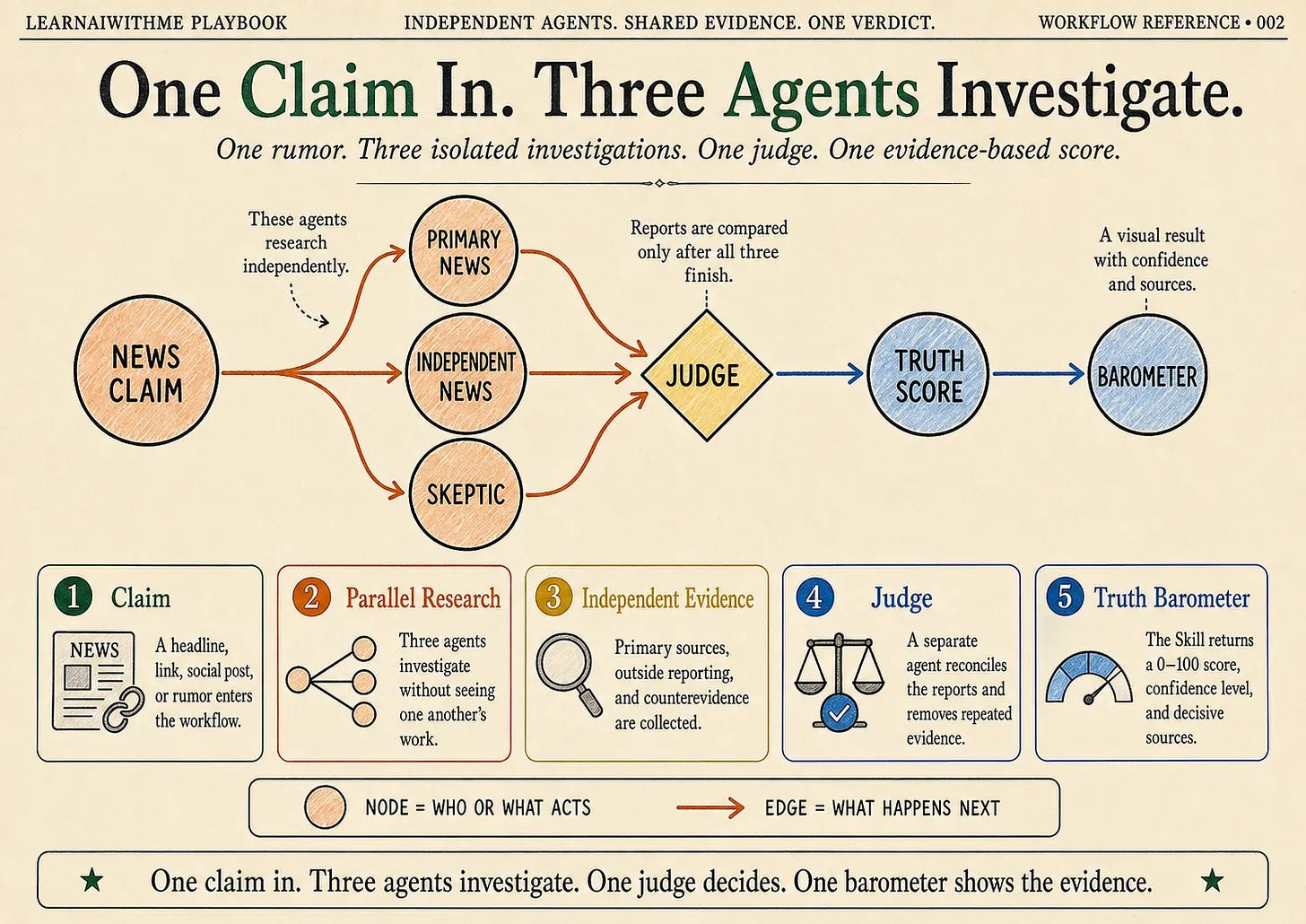
The skill I built can take a headline, a link, or even a rumor. (NEWS CLAIM)
It gives the same claim to three agents.
One checks Primary News, one checks Independent News, and Skeptic tries to find everything that might be wrong with it.
Then, a separate Judge compares their findings and gives the story a truth score.
While I was testing the Skill, Codex also built a small barometer app that turns the result into a visual.
After a few attempts, Codex built the skill and tested it with mock data.
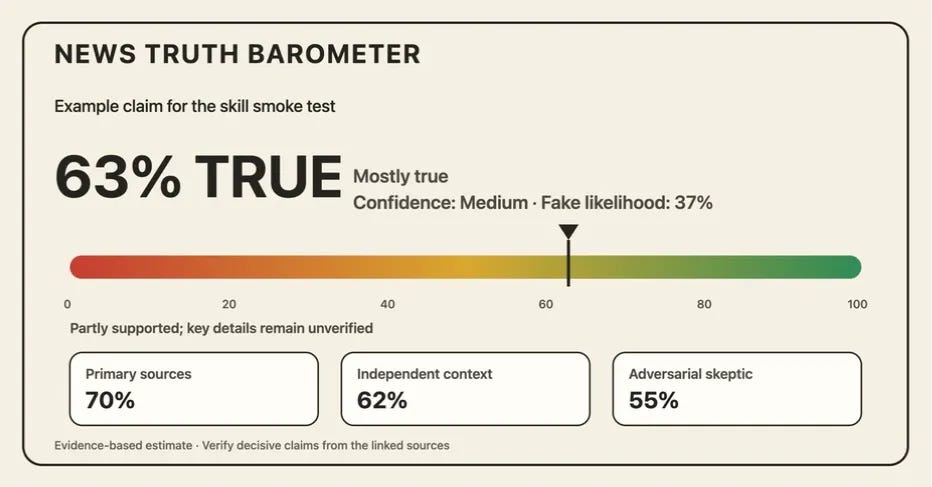
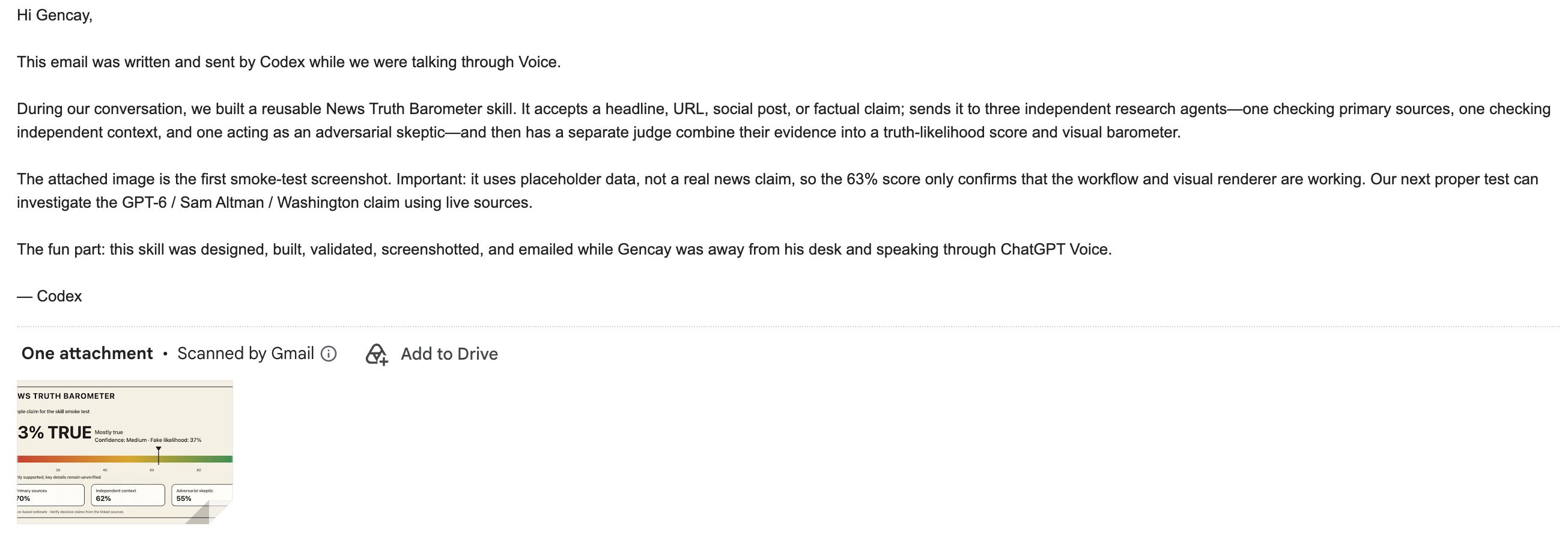
But the issue was that it could not send the SS to me, so I told it to email it to me.
I had already given it computer use, so it did.
It opened Gmail on my computer, attached the image, wrote an email to me, and here it is.
I looked at the results and wanted a small change from Codex.
It then updated the Skill, tested it again, and it worked.
This time, I gave it the real story that my wife and I had discussed:
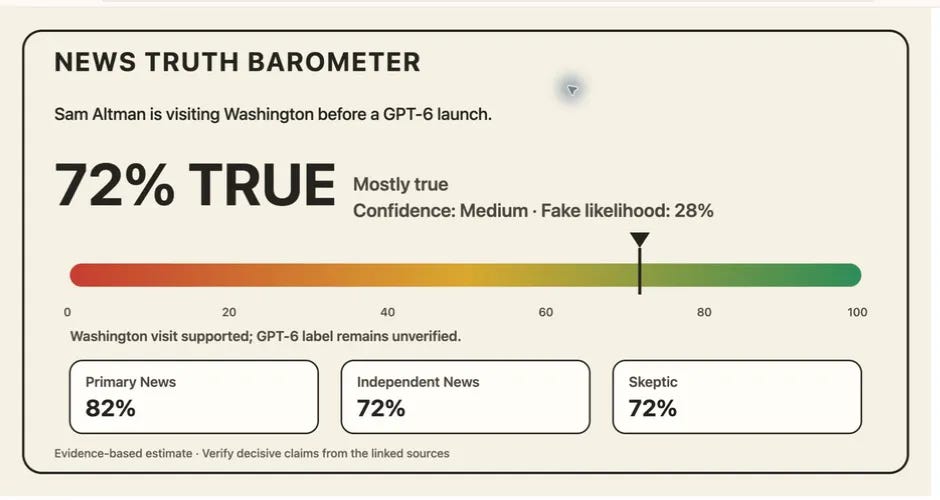
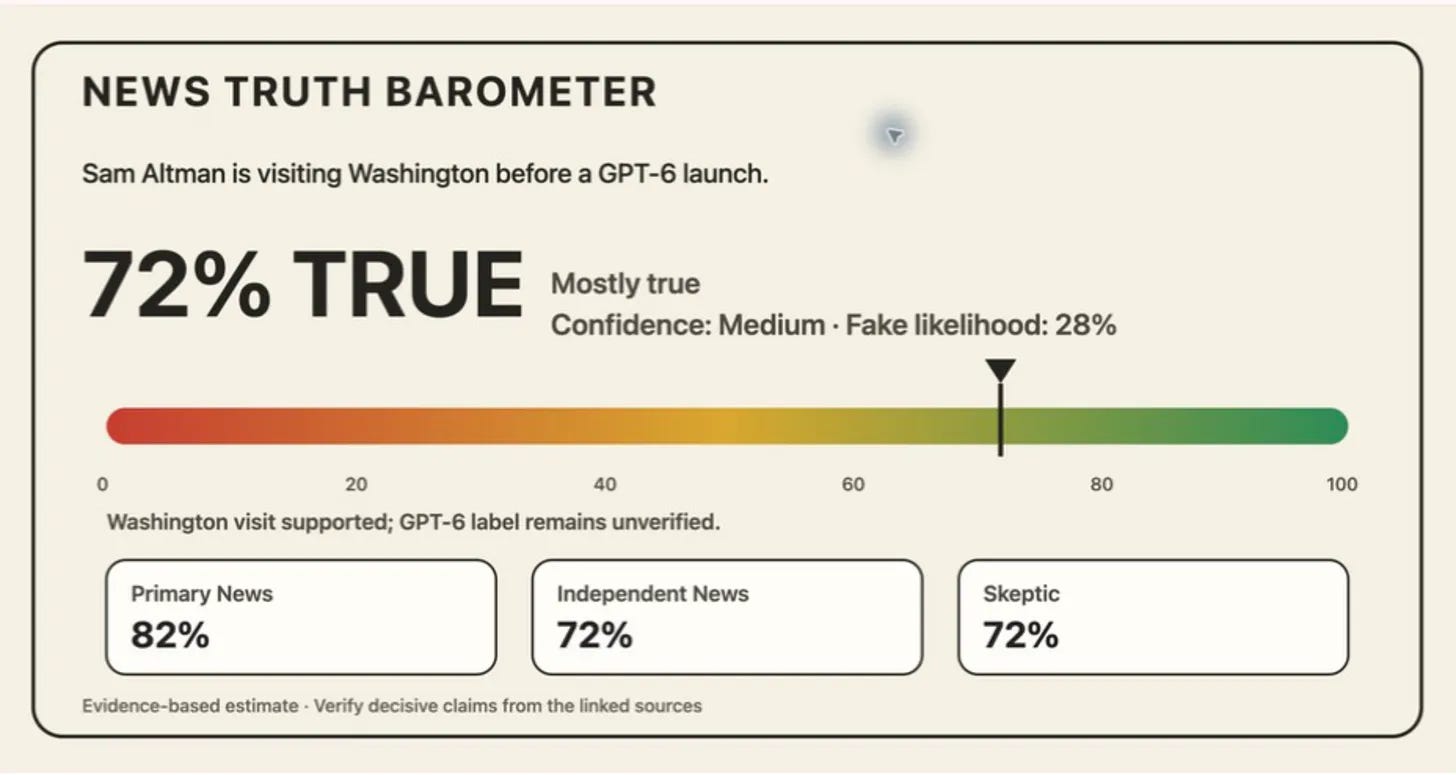
Sam Altman is visiting Washington before a GPT-6 launch.
The three agents researched it independently.
Primary News gave it 82%.
Independent News gave it 72%.
Skeptic gave it 72%.
Then the Judge agent reviewed all three reports and gave the final result:
72% TRUE.
The Washington visit and the meetings with US officials were supported by credible reports.
But the GPT-6 part was still unverified.
And this is the visual the Skill created:
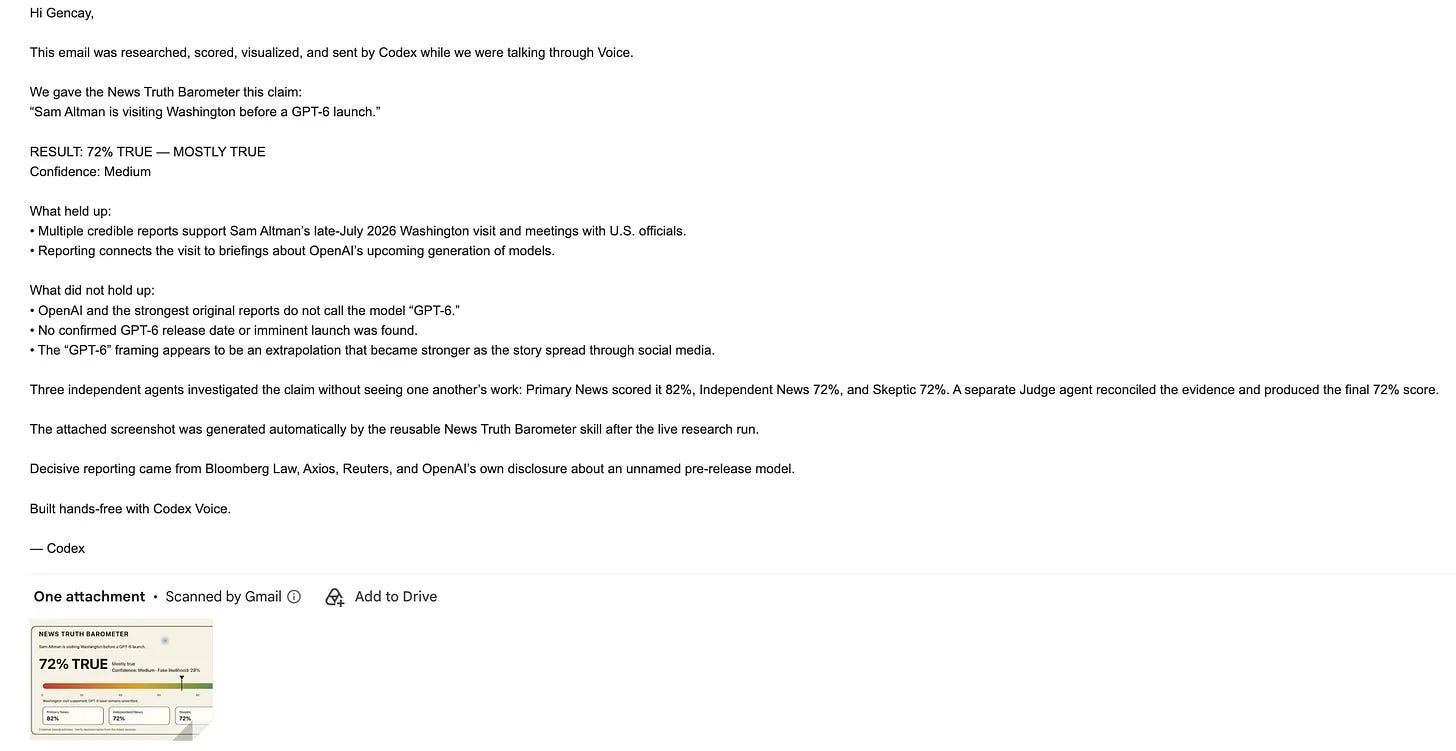
Then I asked Codex to email this result to me too.
It wrote another English explanation, attached the new screenshot, and sent it.
Now I am going to give you the exact Skill files and show you how to install them in less than five minutes.
But I will also show you how to install the Codex app on your computer, connect your phone using Remote, and enable Computer Use so Codex can actually use your computer while you are away.
Then I will give you one Terminal command that keeps your Mac awake, so you can leave home, connect your AirPods, and continue building from anywhere.
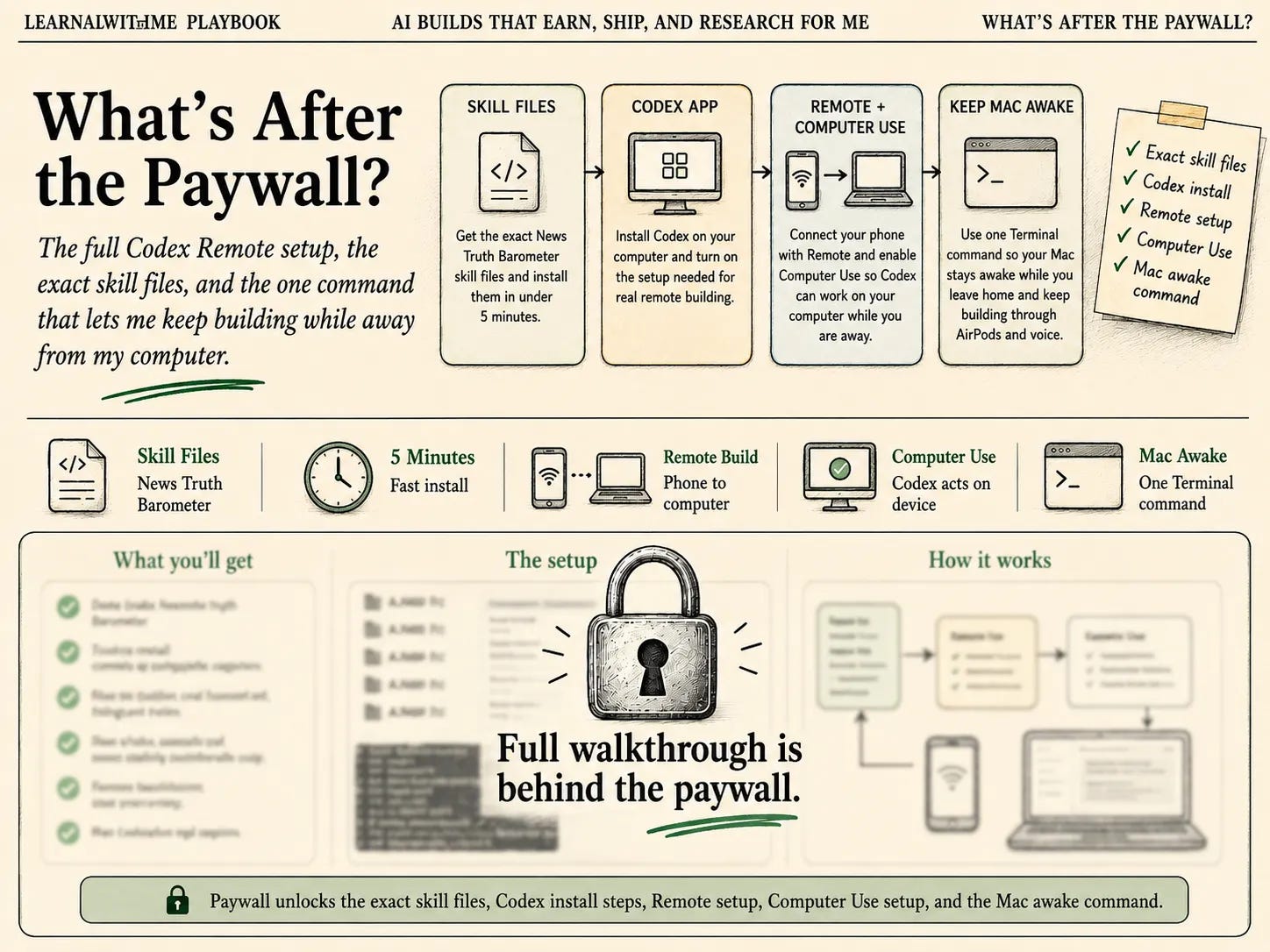
Here are the skill files.