
McKinsey Charges $500K for This. My Claude Skill Delivered the Same Report Free.
I built a Claude skill that writes McKinsey-grade market research reports and verifies every claim against its source. Four claims failed. Here is the full build.

Three years ago, I was creating a market research report for a client, and halfway through the contract, I realized almost the entire process could be automated using AI.
This sounds like a business opportunity, because at that time McKinsey and Deloitte sold these reports in six figures, $500K to $1M per commercial project.
I first got very excited and even bought a domain name, learndatalabs.

I bought the domain in 2023. Never built anything on it.But I could never find the time.
A few days ago, I came across a Y Combinator startup.
They are automating the kind of work that normally ends up in a $500K McKinsey consulting report, using AI.

Three people in New York, automating the report Private Equity pays $500K to $1M for.Then I found another company: Operand. Its YC launch title says it all: “An AI to Kill McKinsey.”
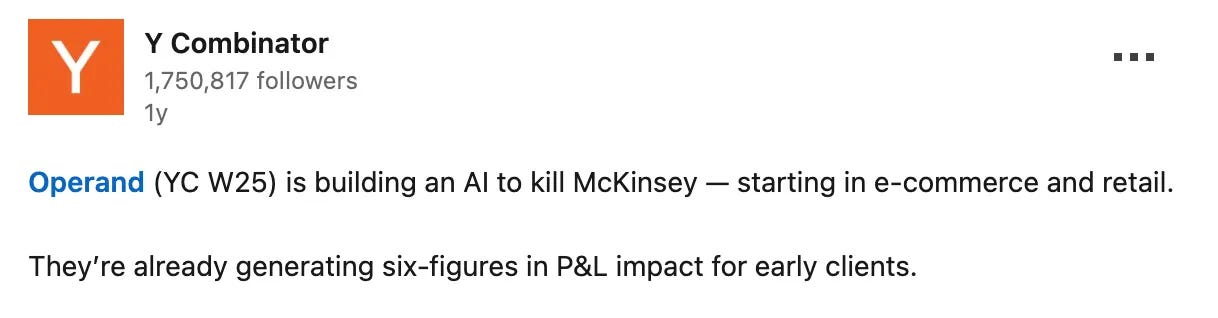
The launch title is the whole thesis.One drawback of these AI-generated reports is that they are obviously AI Slop.
And even the big firms like Deloitte can fall into this trap.
They shipped a 237-page report to the Australian government on a $440,000 contract, which carried a fabricated quote from a federal court judgment and citations to academic papers that do not exist.
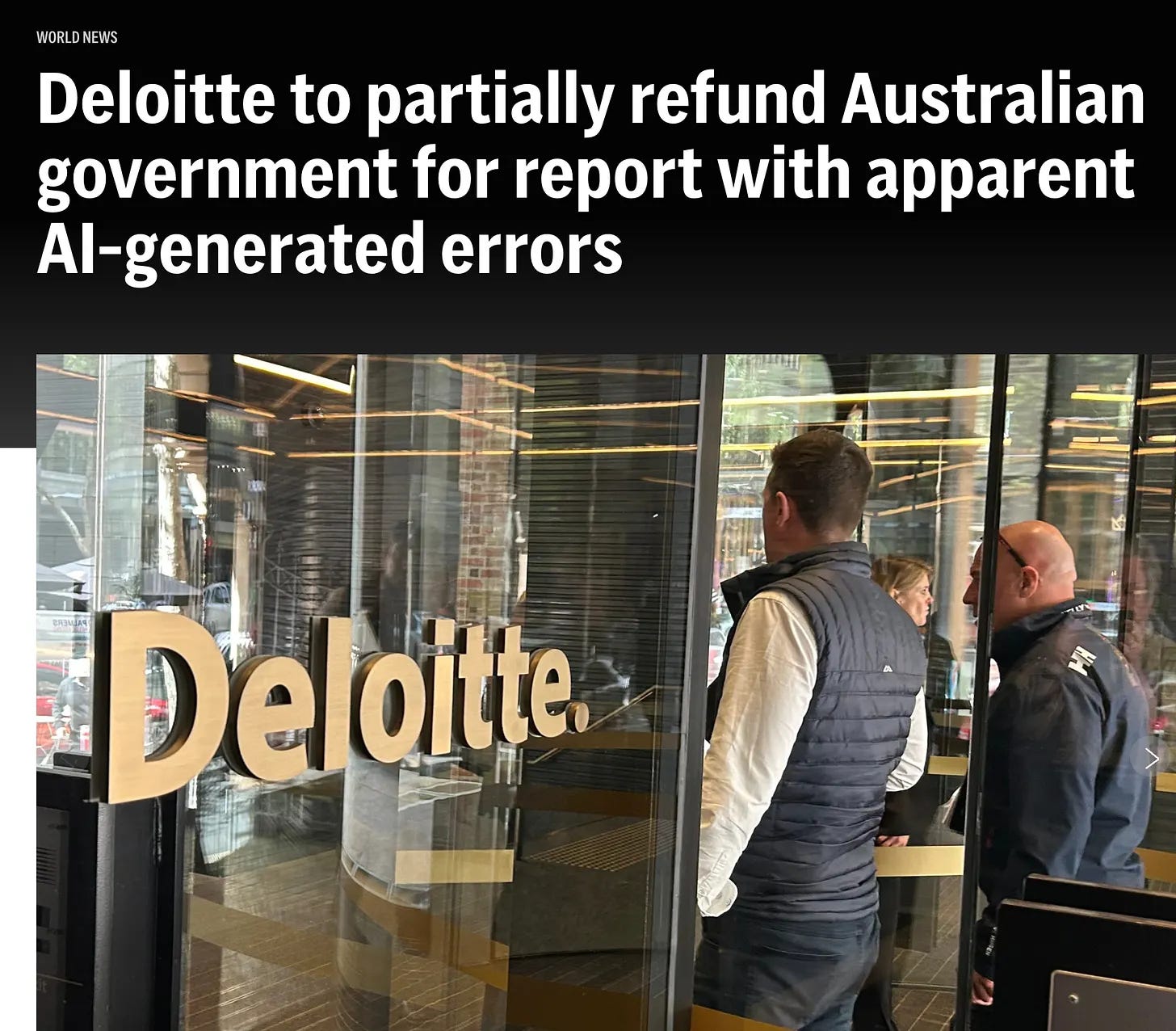
Partially refund. The word doing the work is partially.In the end, Deloitte refunded $97,000.
It looks like even the big companies are using AI in their reports. Why would you not?
You do not need a private equity fund to need a report, because the same thing happens when you dig into a market you are curious about, when someone asks you to look at their business, or when you plan a trip with real money behind it.
So I did what these firms do, then added the step they skip.
But this time, every claim gets verified against the source it cites, and anything that fails verification gets dropped.
I wrapped it into a Claude skill.
Let me show you what I built.
The Market Research Report I Built With a Claude Skill
Here is the cover of my Market research report.
The line under the date is very important.
Thirty-four claims made it into this report, and every one of them was checked against its source.
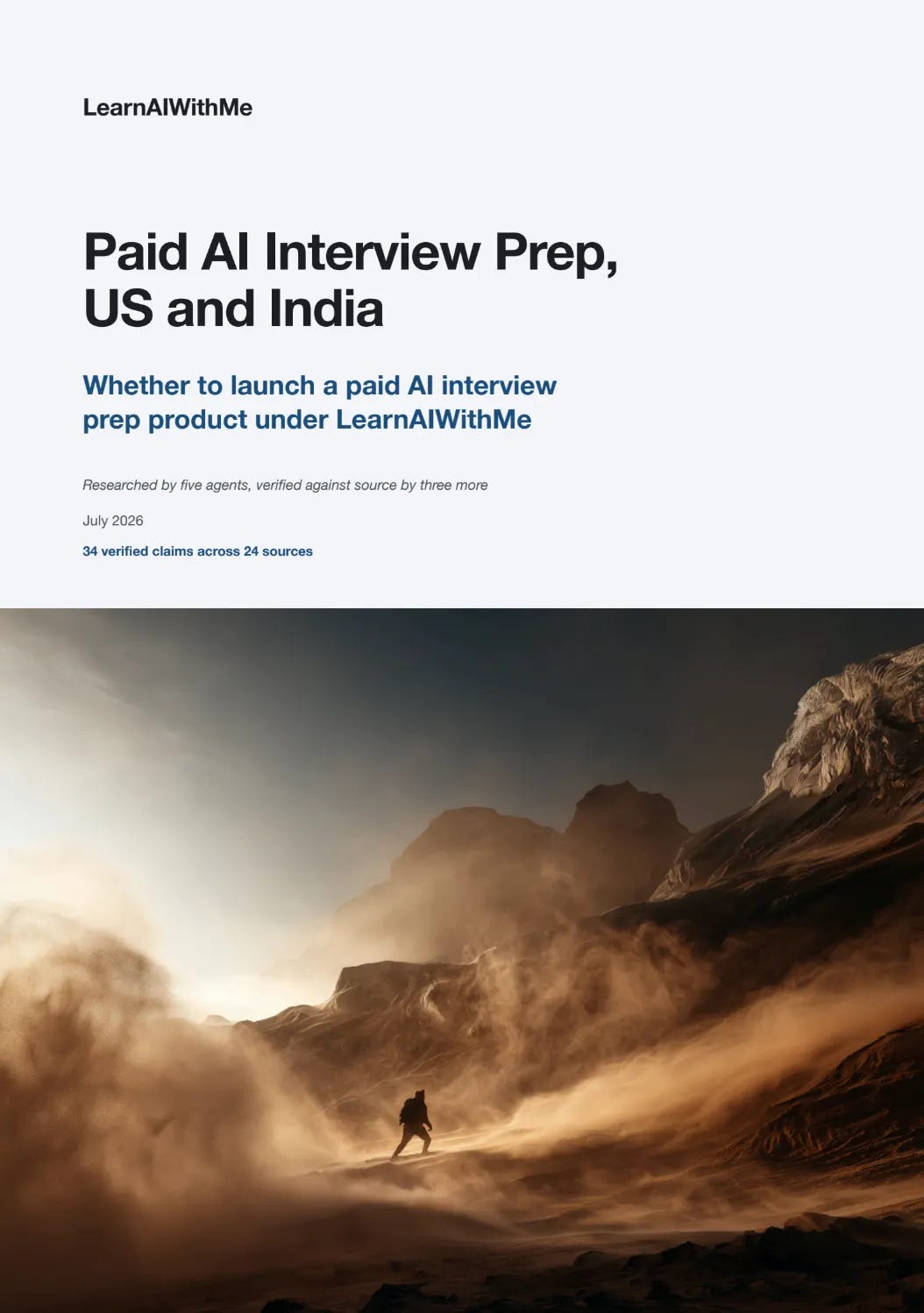
Thirty four claims made it in. Every one was checked against its source.It started with the answer instead of slowly building toward it. You already know the question because you gave the first instruction to create the market research report.
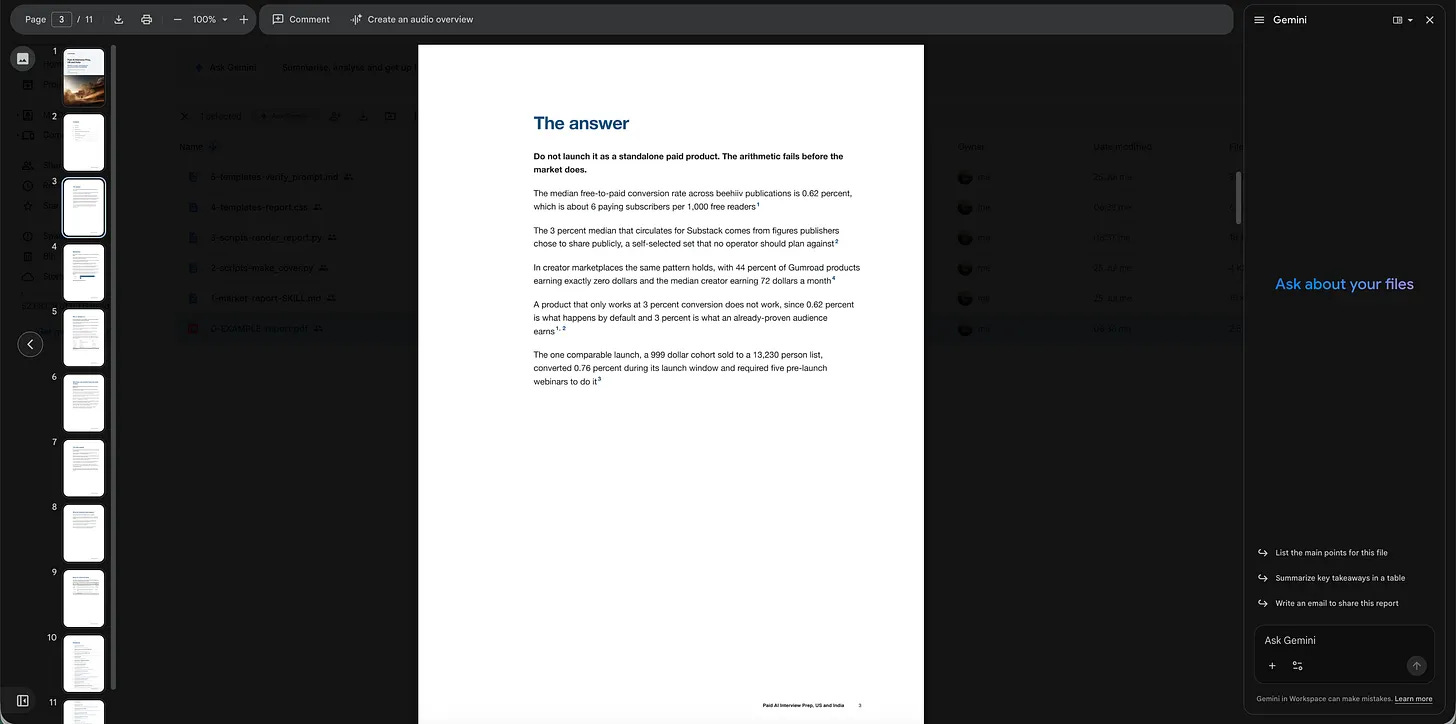
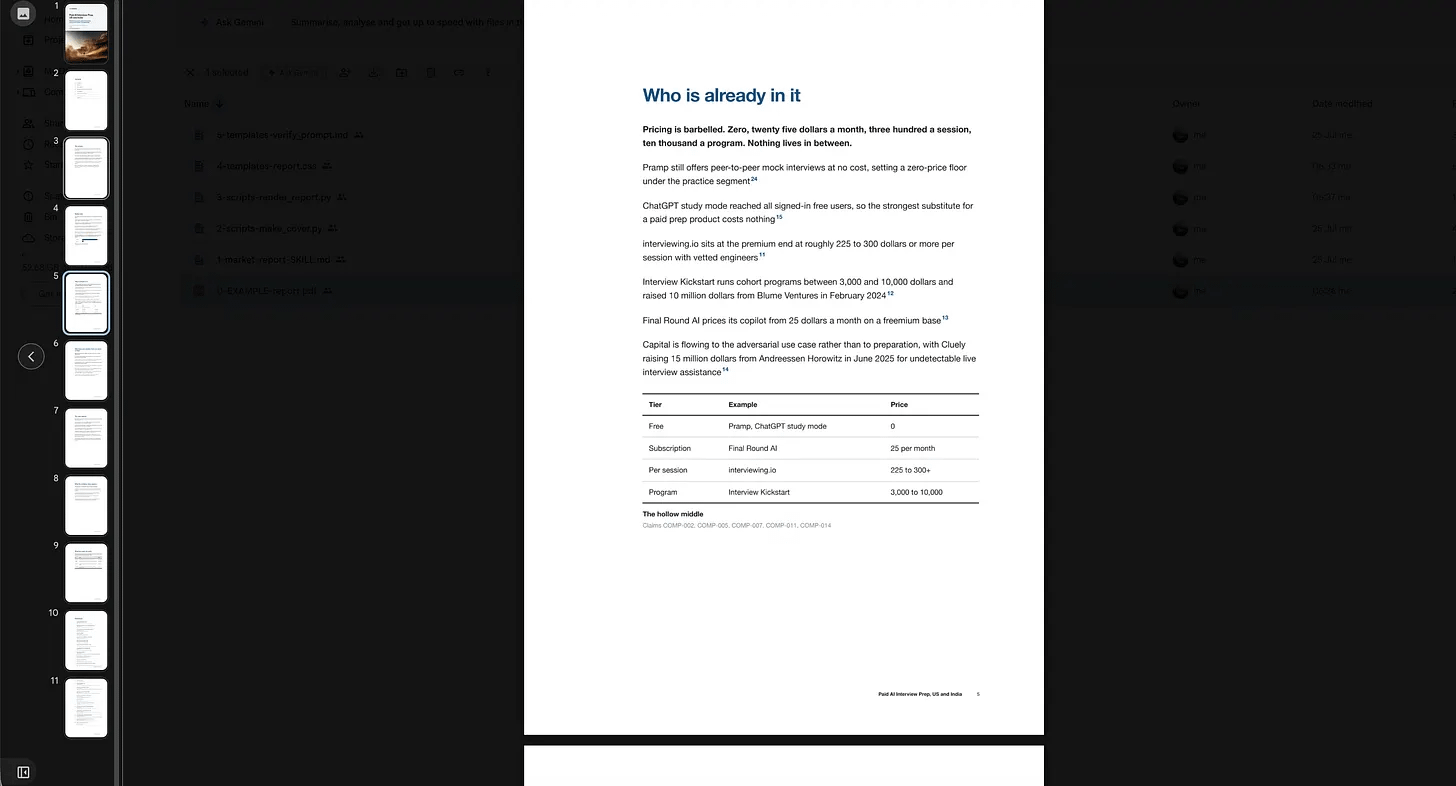
It starts with the answer. You already know the question.This section reports the players in your field and their pricing tiers. It can kill the idea or show you where to sit.
Every number in the report carries a superscript, and clicking it lands you here on the source it came from.
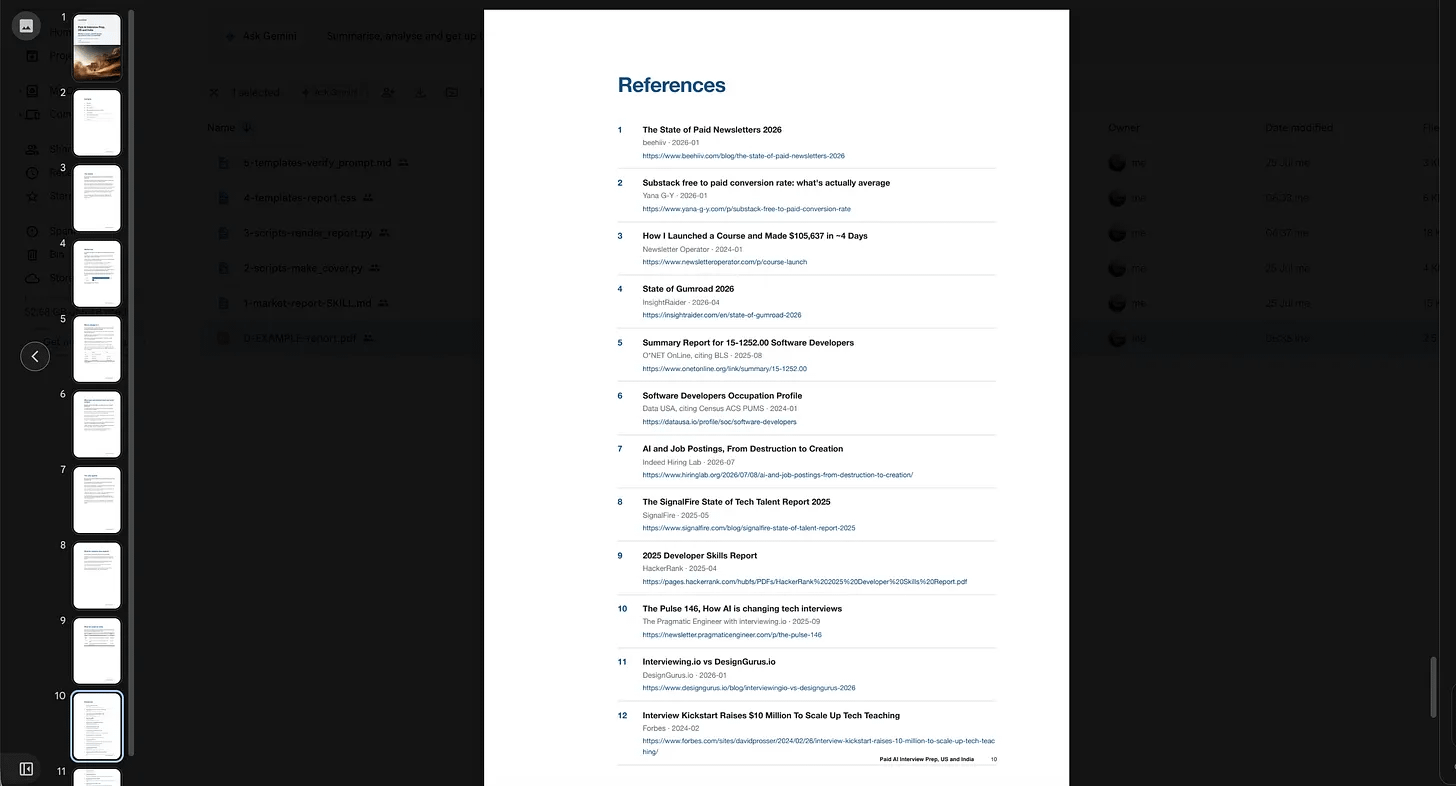
Every superscript in the report lands here.It sizes the market two different ways and reports the gap between them.
In this one, published research said $350 million, and the bottom-up build said $33 million.
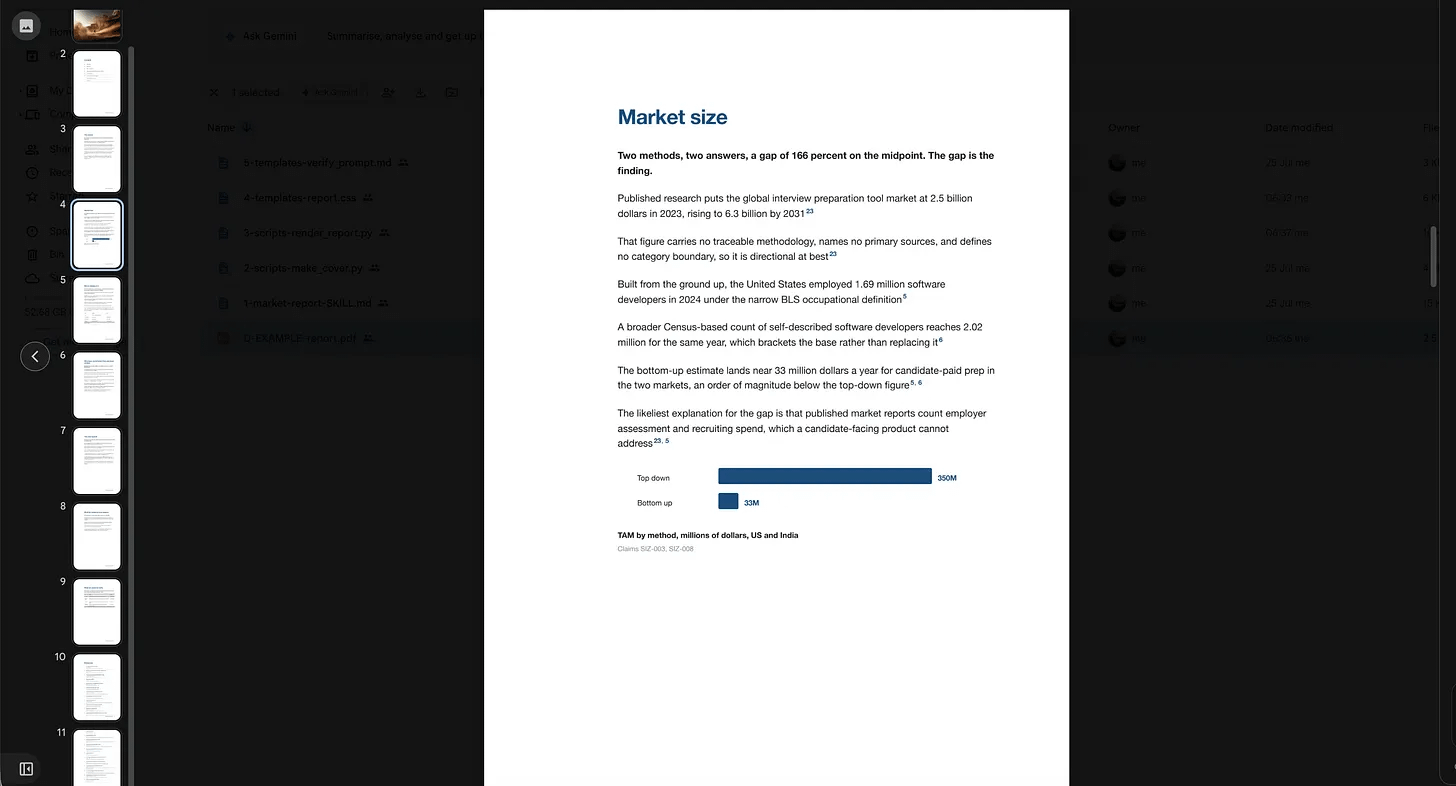
Two methods, and the gap between them is the finding.Not verified sources. I added this to the report to show how the sub-agents I give task for to double check, eliminate false claims.
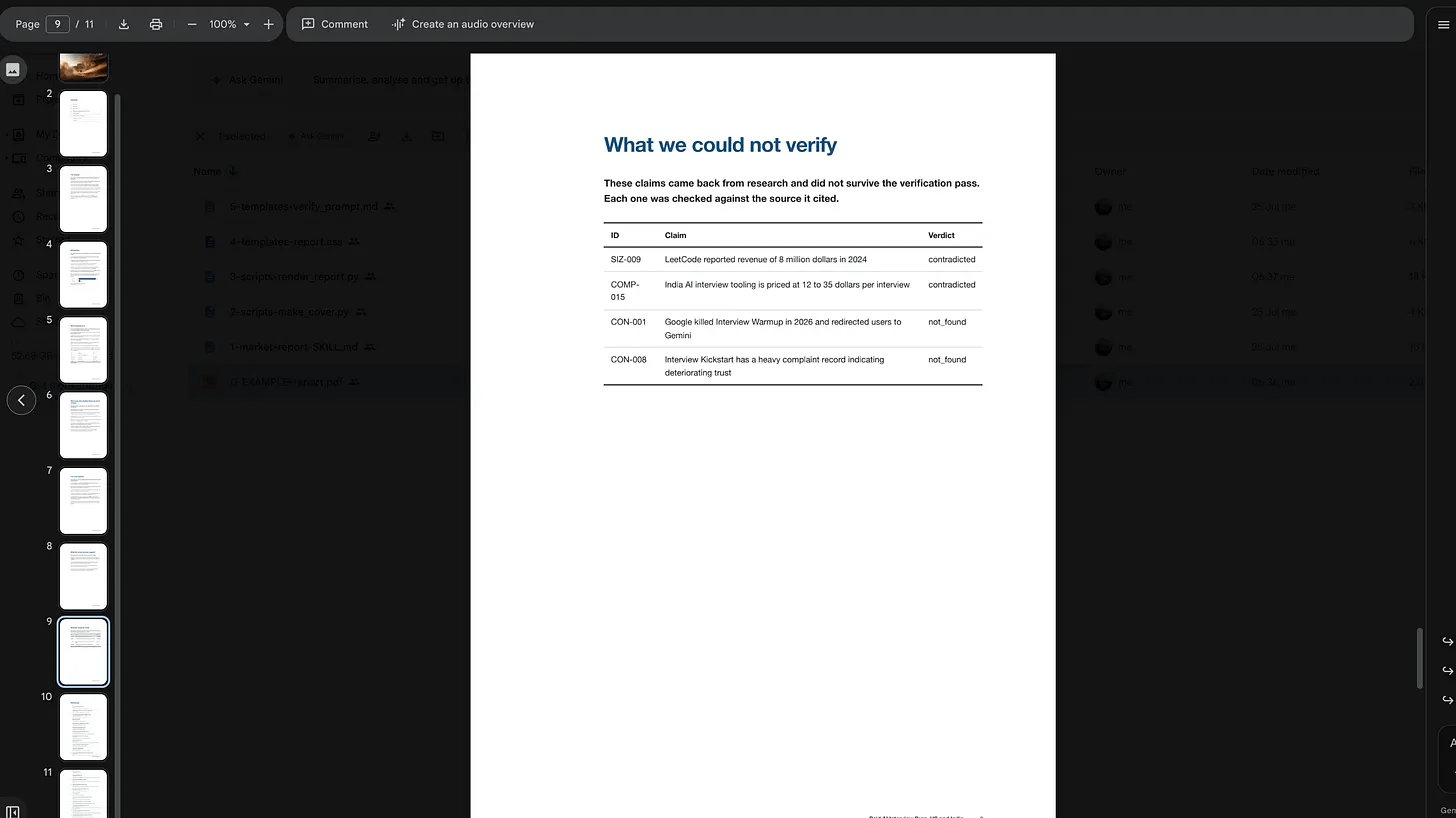
The page nobody else ships.It creates an 11-page report in just 15 minutes by launching multiple agents, validating every claim, and using several skills to produce the final PDF. Even the cover image is generated with AI.
How does this Claude Skill work?
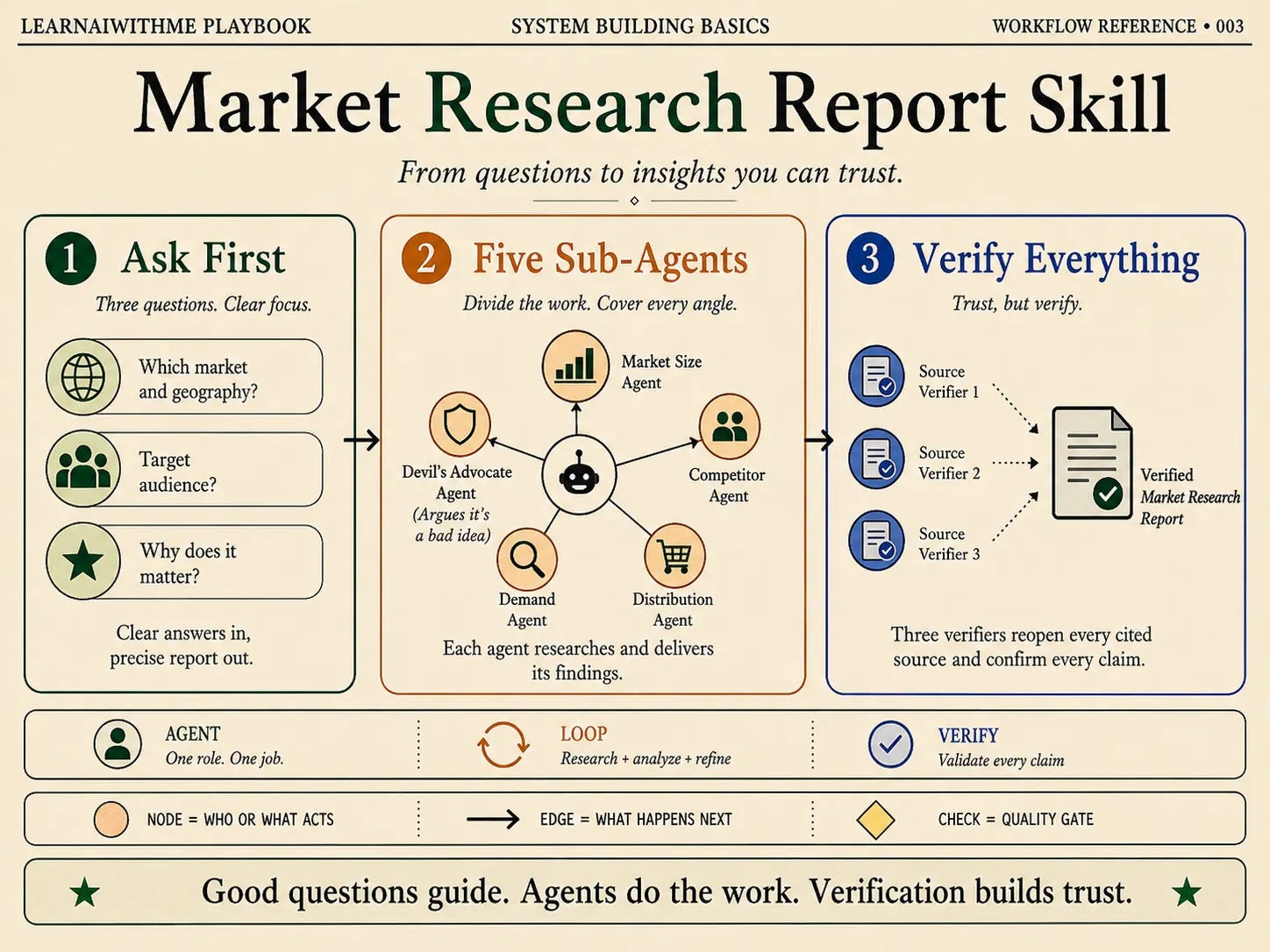
Three questions in. Five agents research it. Three more check the sources.The skill asks three questions before it starts.
Which market and geography
Target audience
Why it matters
Here are my answers;
Paid AI Interview prep product
Just me
AI interview prep in the US and India between 2024 and 2026
Next, the skill creates five sub-agents: one for market size, one for competitors, one for demand, one for distribution, and one whose only job is to argue that the entire idea is bad.
Once they finish, three more agents reopen every cited source to verify that every claim is actually supported by the source.
How to Install This in 5 Minutes
Everything I built sits in one folder.
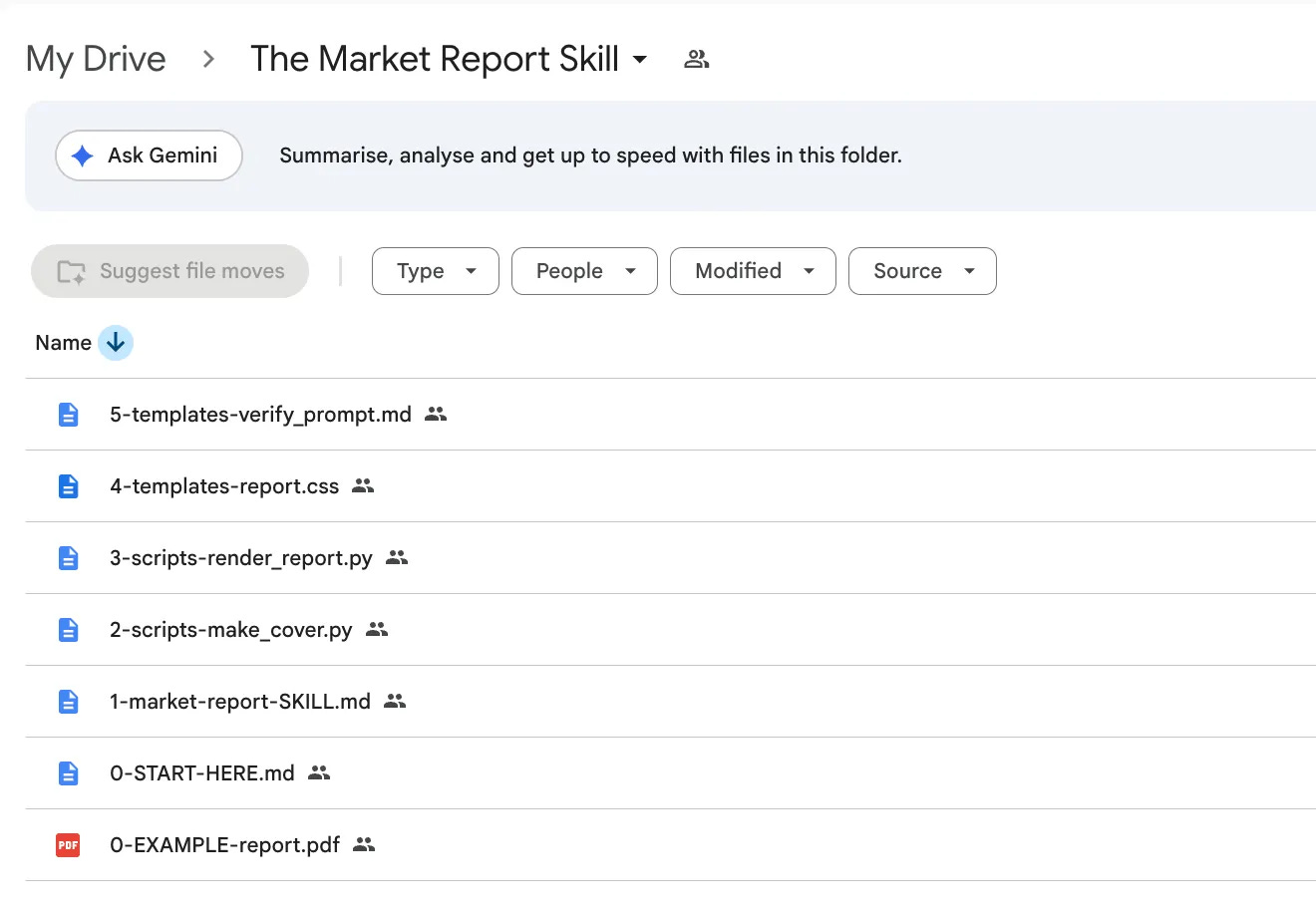
Seven files. One prompt installs all of them.And you can install everything, using only one prompt.
Here it is.
Set up the market report skill from this Google Drive folder.

[Paste-the link or Upload the file]

Download every file.
Read 0-START-HERE.md first, it says which file goes where.

Create skills/market-report/scripts and skills/market-report/templates, then put each
file in its place under the name that file says, dropping the number prefix.

Install what it runs on.

  pip install playwright openai pypdf && playwright install chromium

Then prove the renderer works before we do any research.

  python3 skills/market-report/scripts/render_report.py --fixture sample.pdf

Open that PDF and show me it came out.
If it did, tell me the skill is ready and stop
there.
Do not start a report until I give you a topic.
Now here is the link to this skill.
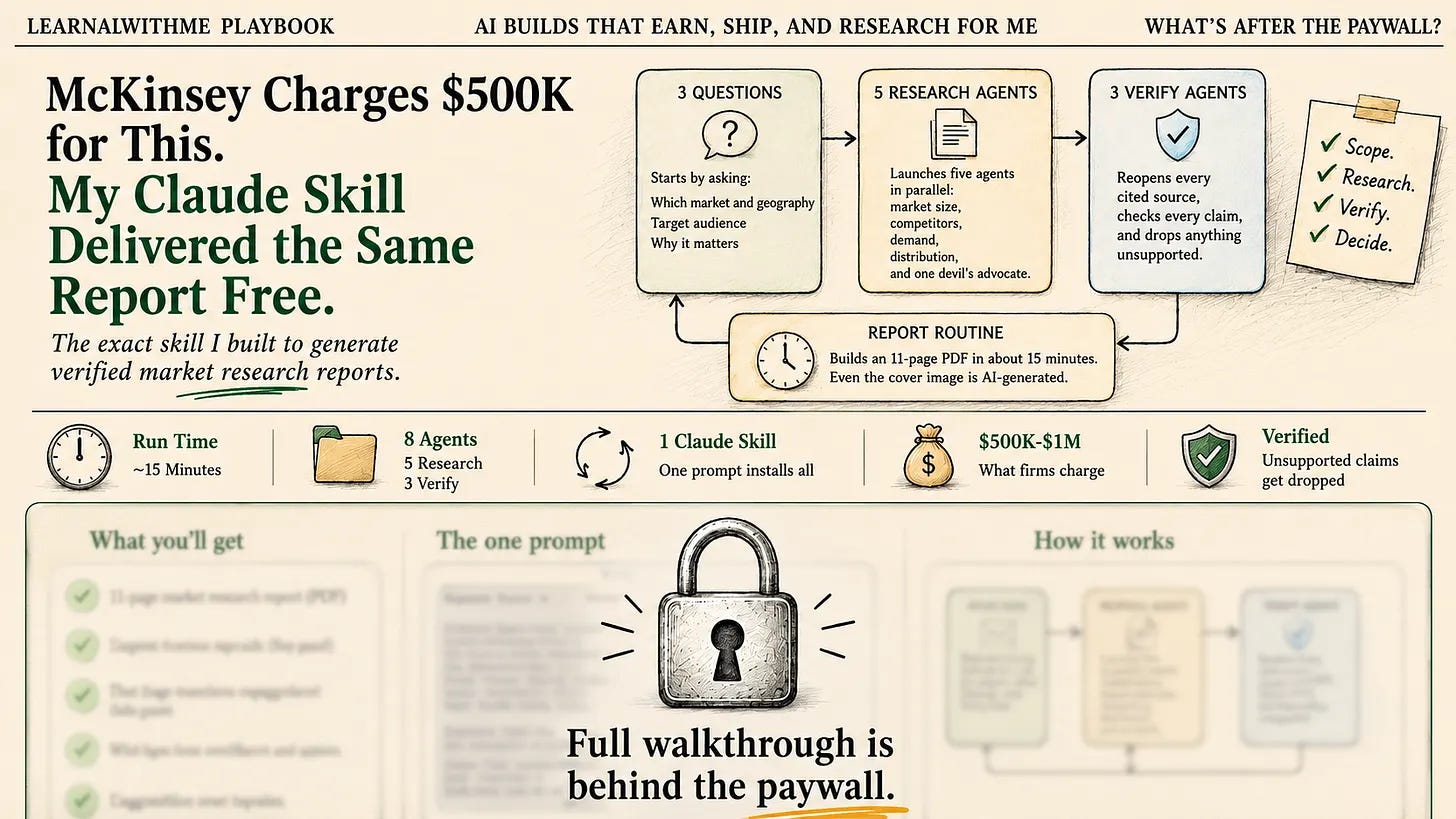
Eight agents, one prompt. The walkthrough is below.