


Let me start by saying that I love reading books, novels, self-help books, and philosophical novels. I love stoic philosophy, Seneca or Marcus Aurelius books, and sometimes machine learning articles.
But I don’t like reading a book or article cover to cover to find related information. Of course, I know that searching through books by keywords takes time, but combining different information simultaneously still takes time.
I admit I’m lazy, but only for tasks that could be done in a shorter period. With this Google feature, you simply wait for your book to upload; from there, your imagination only limits the options. Let’s see this unique feature!
Notebook lm

Google NotebookLM is an AI-powered tool designed to help you make sense of complex information, whether it’s personal documents, web content, or notes.
You can upload PDFs or Google Docs, and it will organize, summarize, and even answer questions about your content. Let’s load a technical book.
Here is the link to reach their notebook LM.
Machine Learning With Python
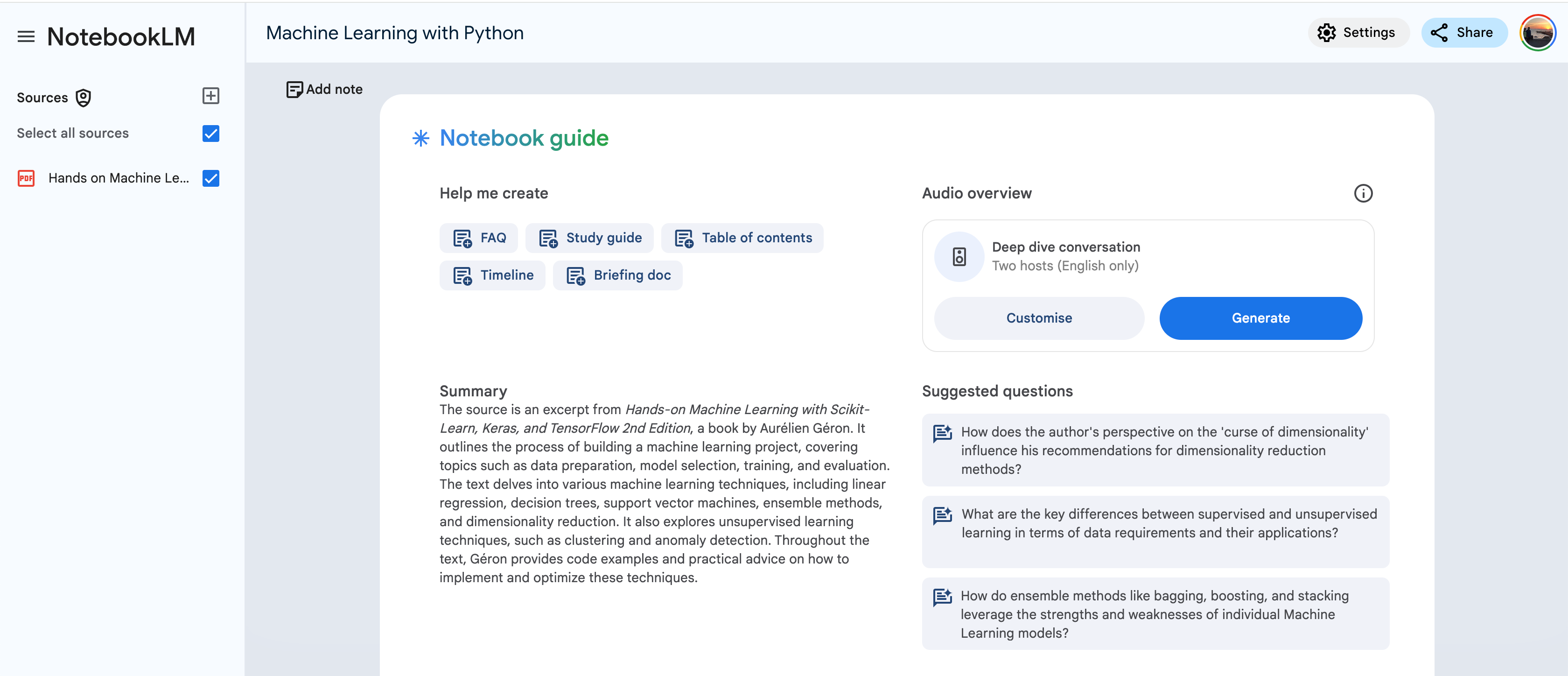
Here is the prompt that we’ll use.
Tell me classification evaluation metricsLet’s see the output.
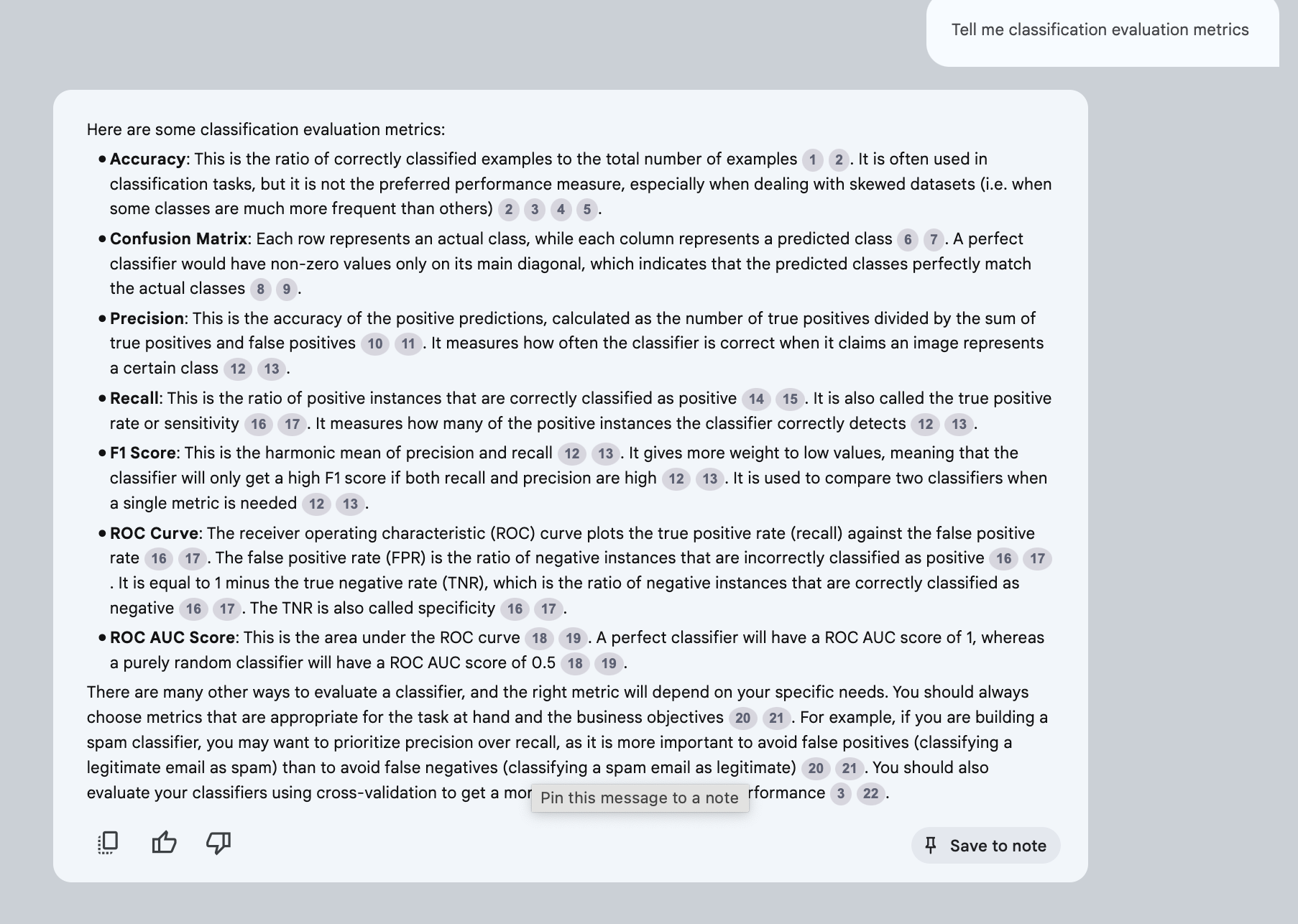
As you can see, it also gives the reference, which shows where this information is referenced.
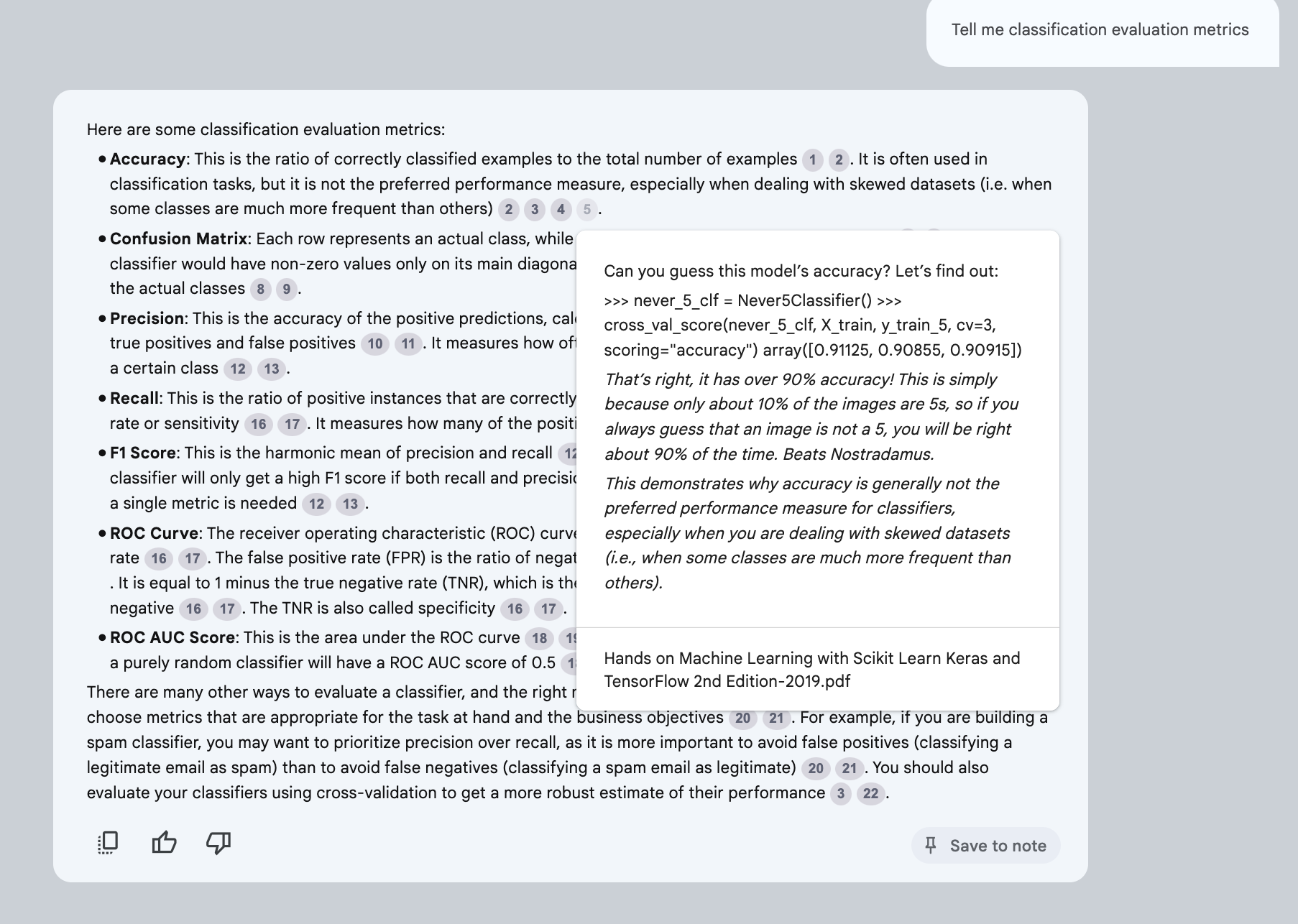
So this will eliminate the possibility of hallucination.
How to think like a Roman emperor?
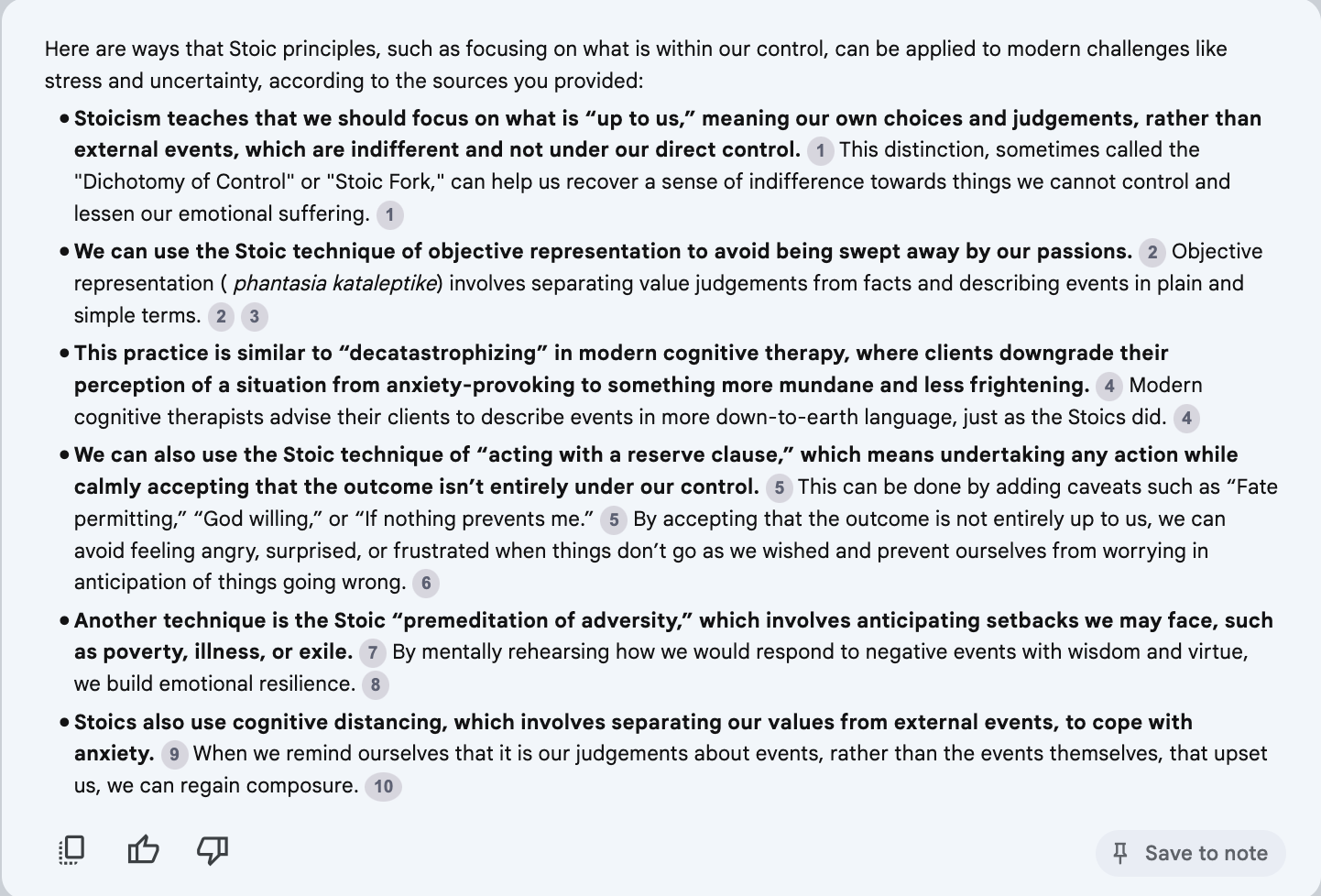
Let's use a book related to philosophy. As usual, I’ll ask questions about Stoic philosophy. Let's see how Stoic philosophy can address today’s challenges, like stress and uncertainty. This time, here is my question;
How can Stoic principles like focusing on what’s within our control be applied to today’s challenges, such as stress or uncertainty?
Here is the output.
Practical guidelines for the use of gradient boosting for molecular property prediction
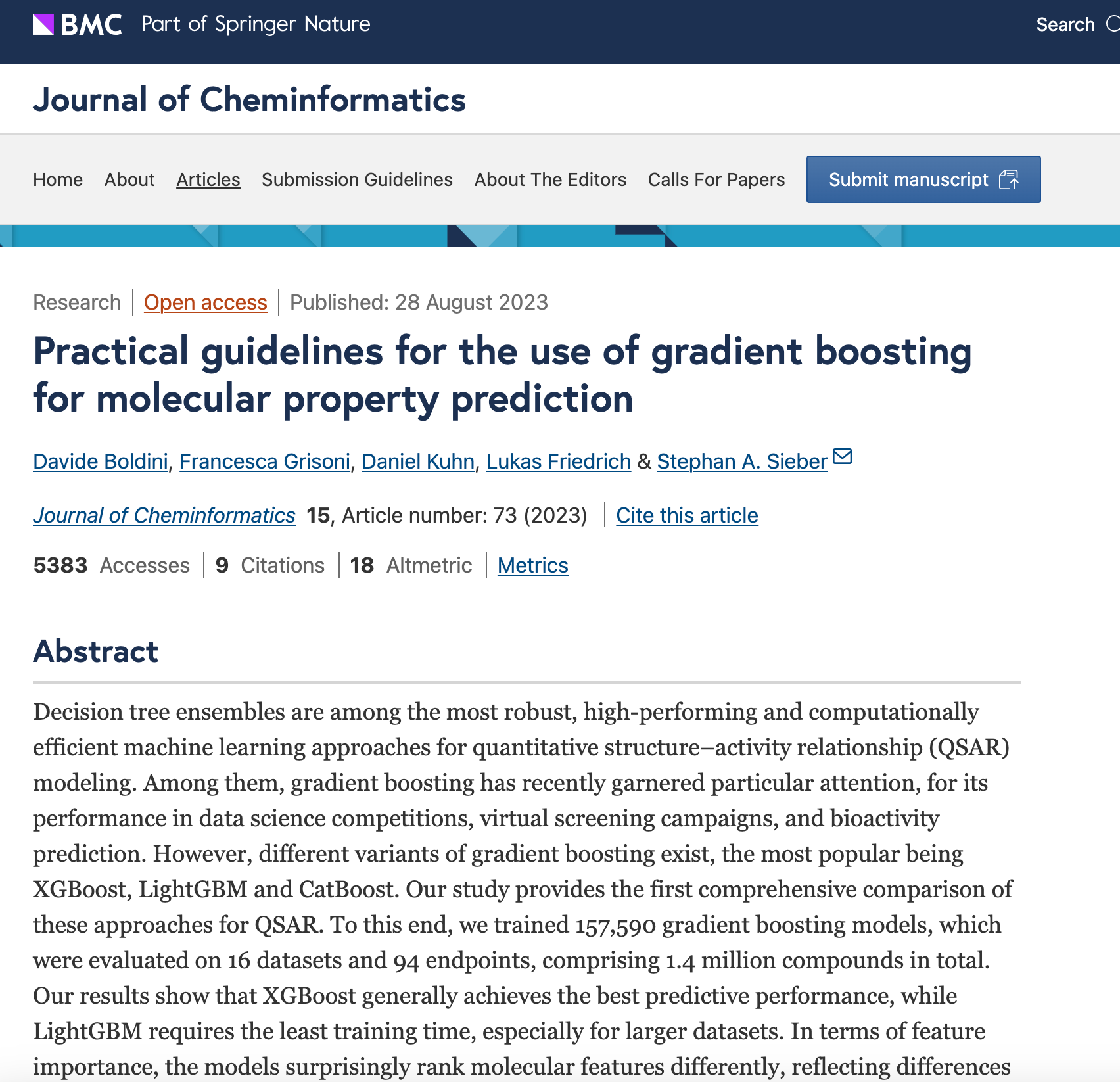
Here is the link to this academic article. After downloading and uploading this dataset, here is the overview. Now you know how to talk with it. But this time, let’s test the audio feature.
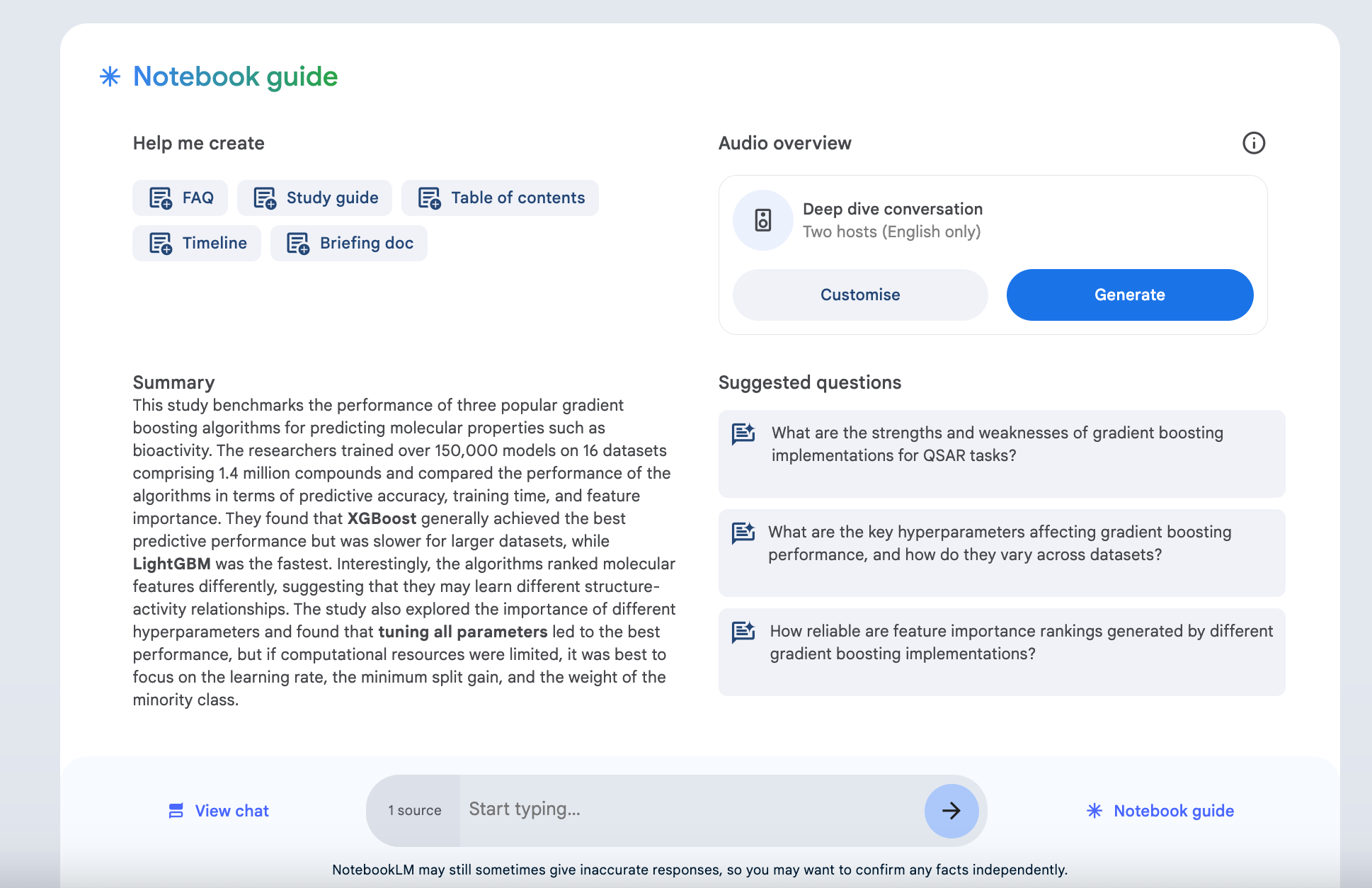
Here is part of this file. It generates a 10-minute summary, but I split it and checked this 2-plus-minute version.
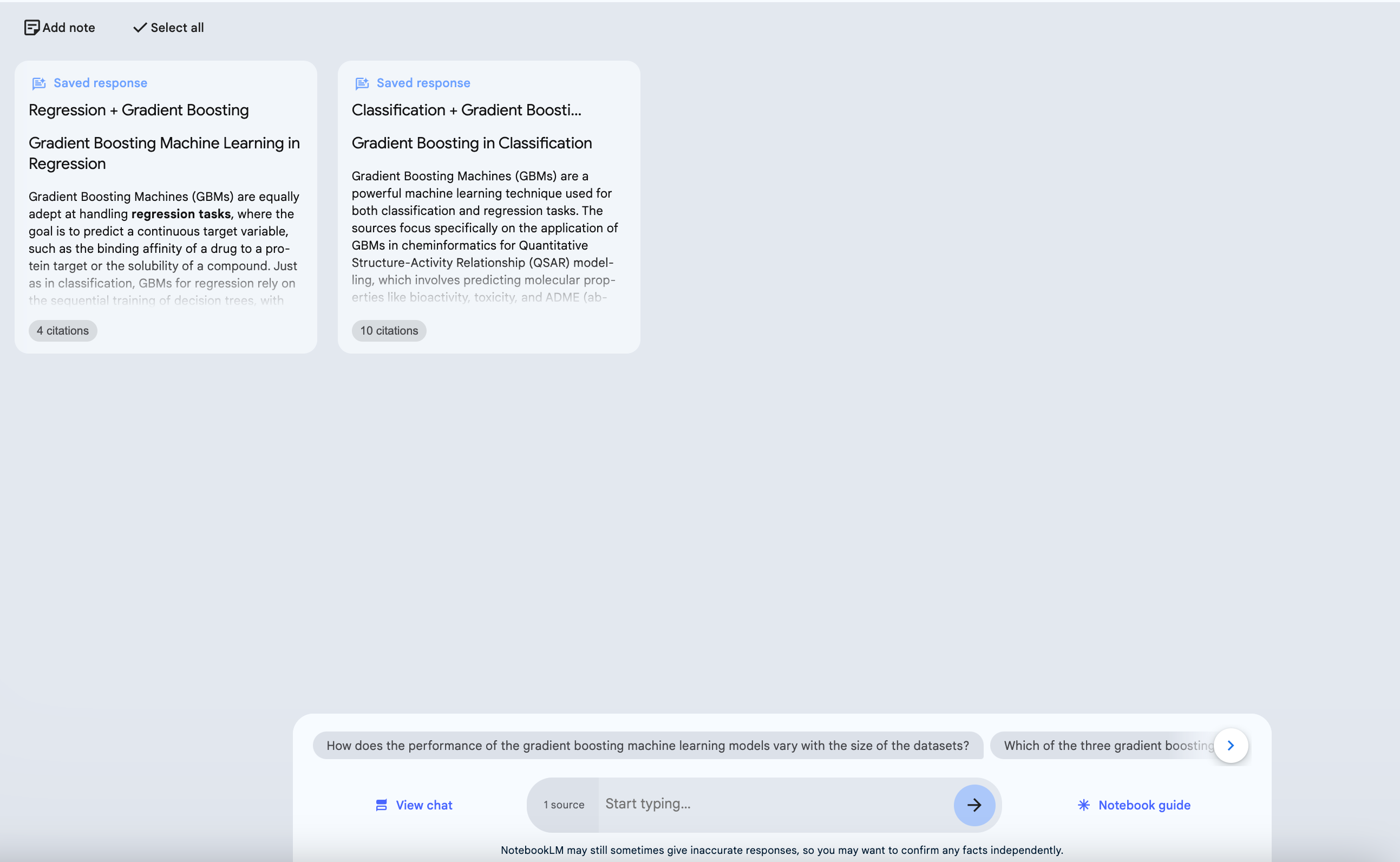
Notes
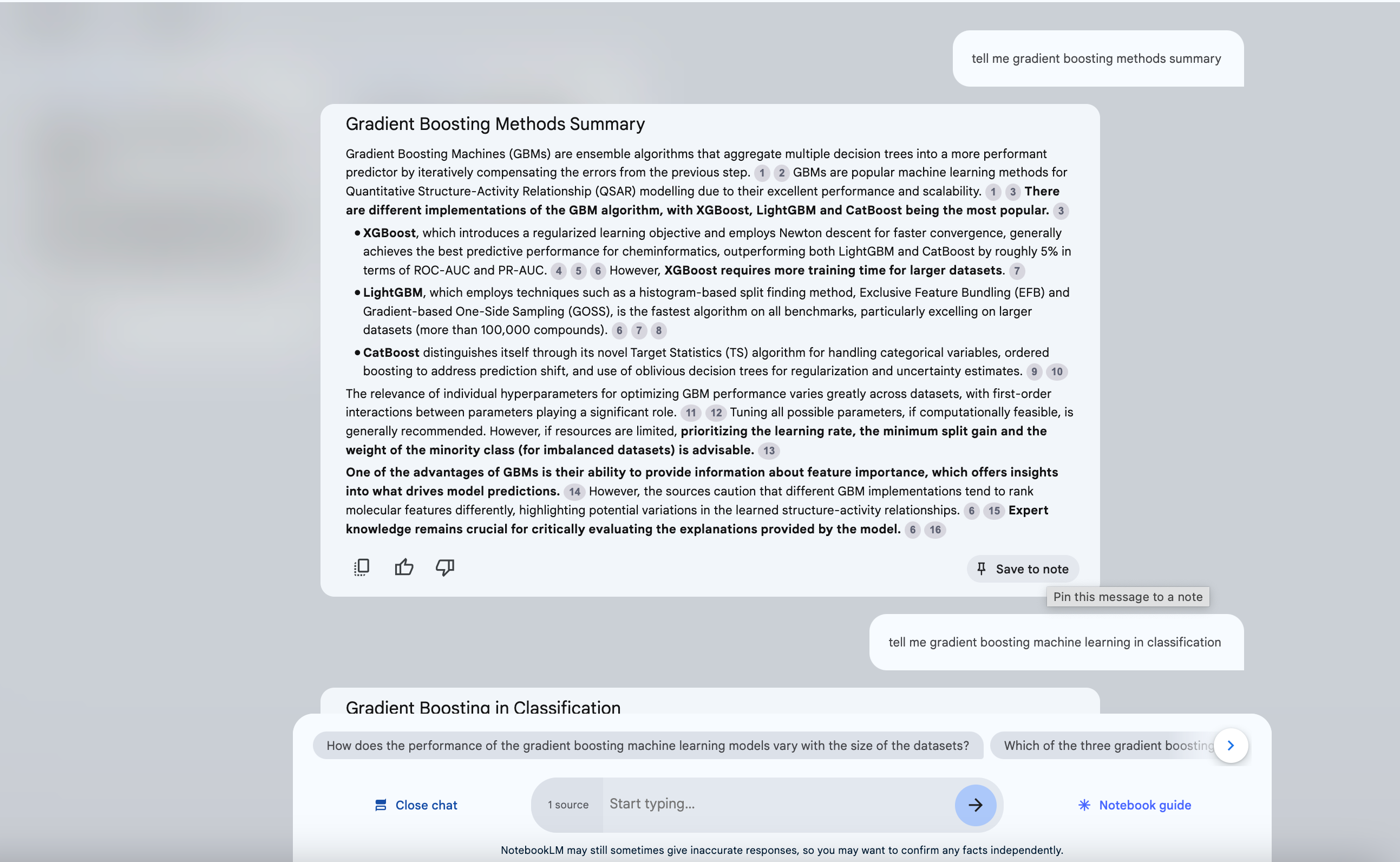
After clicking “Save to note”, this section of these conversations will be saved. And they can be seen at the start of this Notebook, check below;
Final Thoughts
In this one, we have discovered different features of Notebook LM that will help you read any type of document in seconds, find related information, take notes, or listen.
Thanks for reading! Please send a like if you enjoyed this one!