
NotebookLM Slides Are Static. Here's How I Make Them Editable in 5 Minutes (Zero Code)
Turn static NotebookLM presentations into fully customizable decks. No formatting headaches.


It’s 5 PM. Client meeting at 9 AM. You need a professional PowerPoint deck from that 50-page research report.
Traditional methods? 4+ hours of manual copying, formatting, and structuring. Most people resign to all-nighters or embarrassing bullet-point dumps.
What if you could turn any PDF into editable PowerPoint slides in 5 minutes?
No code. No design skills. No formatting headaches.
This isn’t theory. This is the exact 5-minute process I use.
Here’s what you’ll get
NotebookLM slide generation
Canva conversion to editable PowerPoint
Free tools only
Fully customizable results
Let’s build.
What Is NotebookLM?
NotebookLM, Google’s research partner.
I think it is Google’s best AI tool.
Simply upload files(check out supported files below), or do a deep search & fast research to generate NotebookLM.
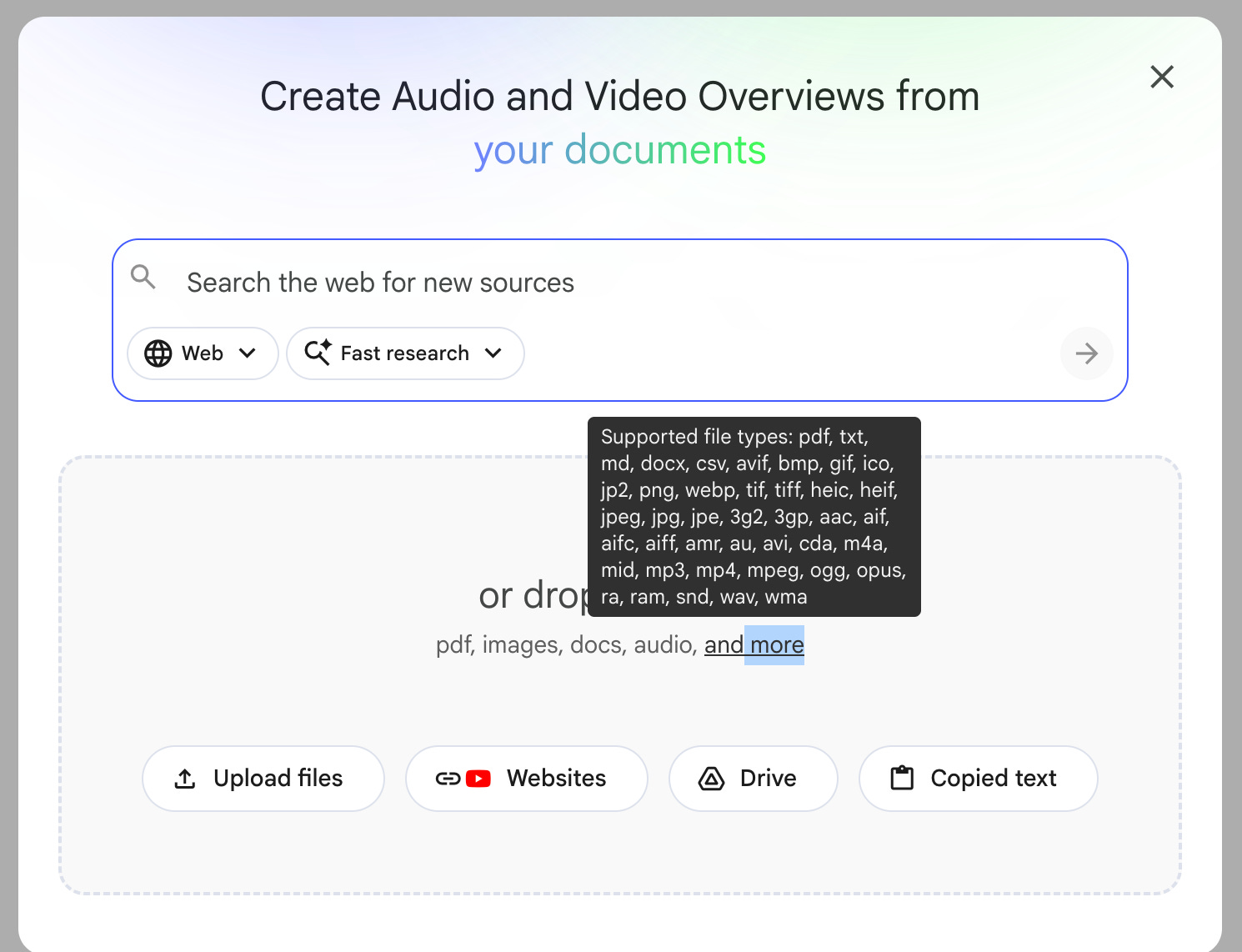
Unlike ChatGPT, it is less prone to hallucination because it is trained on the document you uploaded.
How to Create a Notebook?
Visit notebooklm.google.com.
Click “Try”
Next, click on “Create New.”
Add your sources: PDFs, Google Docs, URLs, or YouTube videos
Name your notebook
That’s it.
NotebookLM now understands your content.
For NotebookLM tips and tricks, read this one.
How Do I Generate Slides from a PDF Using NotebookLM?
Now, upload your document, YT video, or any supported kind of document to it.
Click on “Slide Deck”
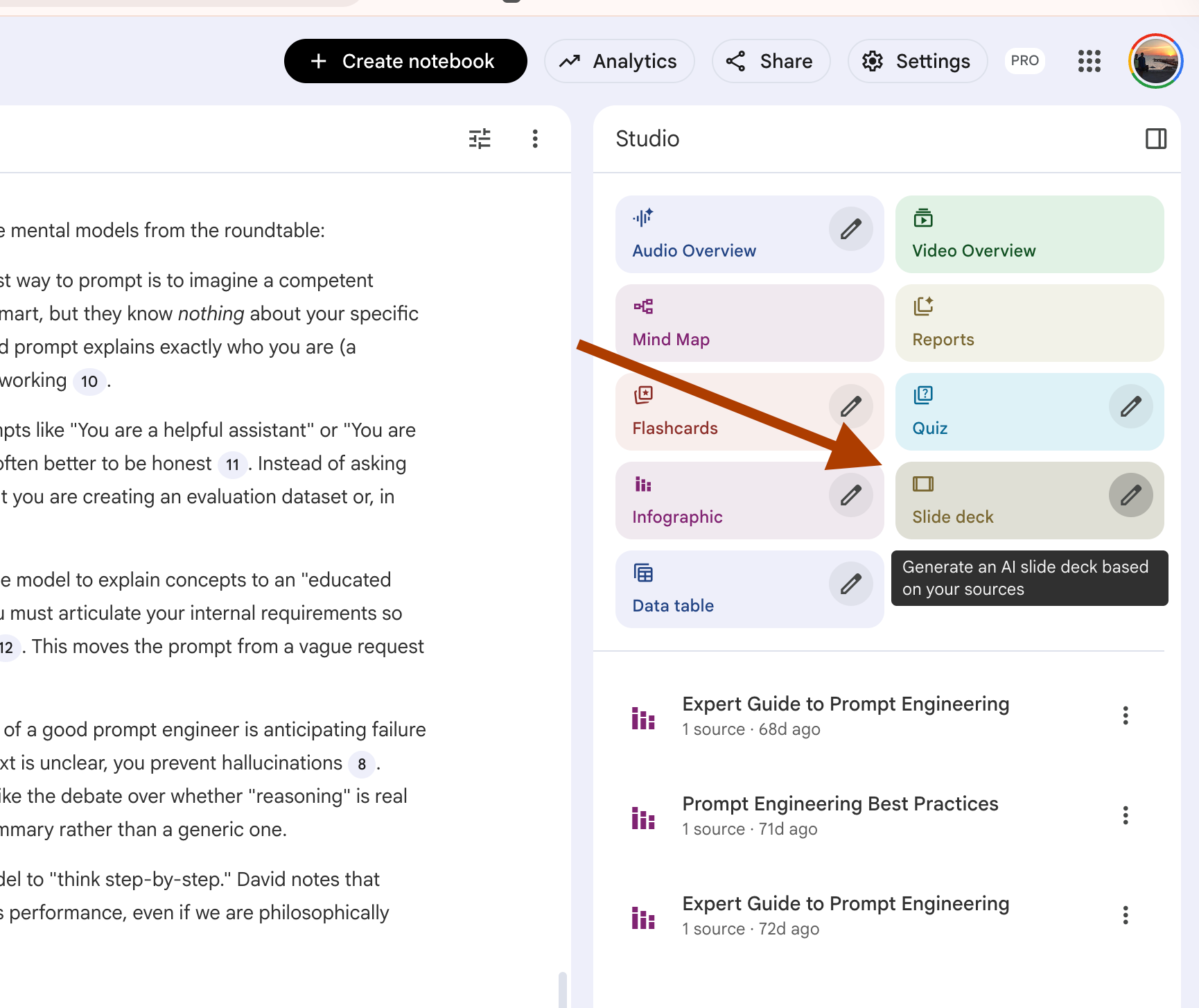
And your slide will be available in a couple of minutes.
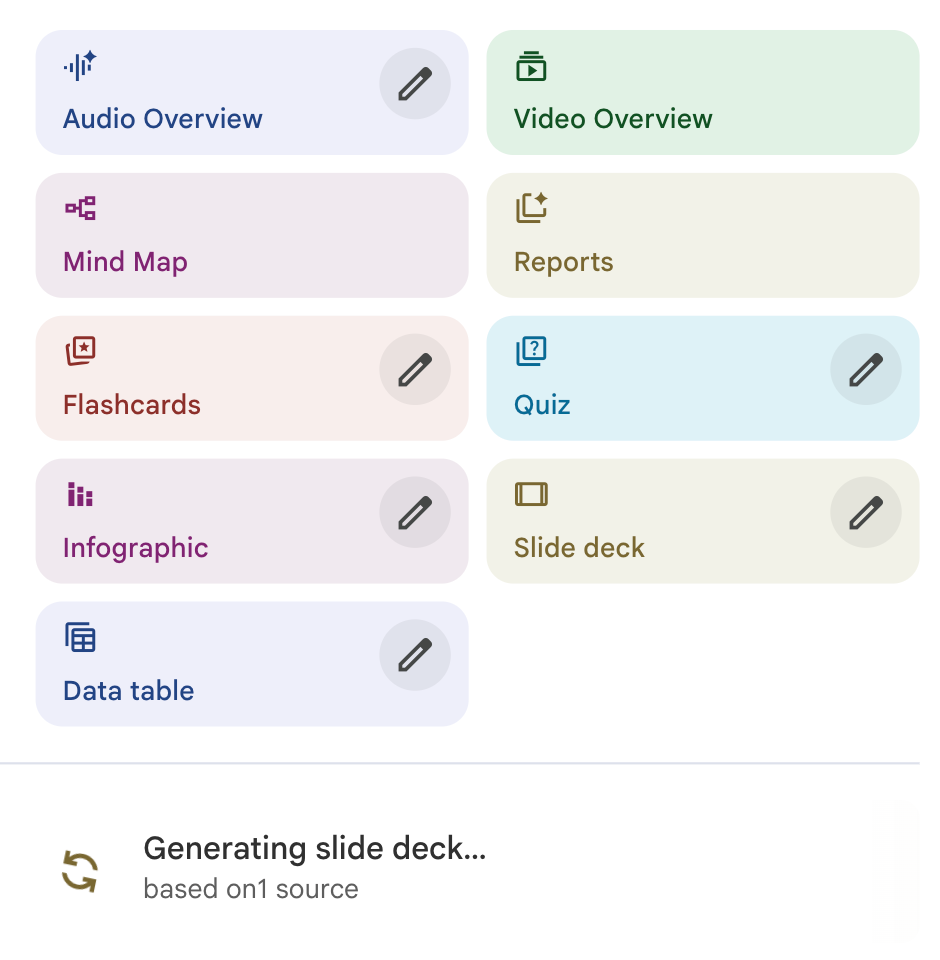
Slides generated.
But if you stop here, you’ve only done 40% of the work.
NotebookLM gives you locked PDFs.
You can’t customize them. You can’t match your brand. You can’t edit a single word.
There is a 2-step method.
It will allow you to edit these slides.
Free tools. 5 minutes max.
Let me show you.