Your Problem Isn't Hard. It's Badly Asked. Here's the Claude Skill That Asks It Properly
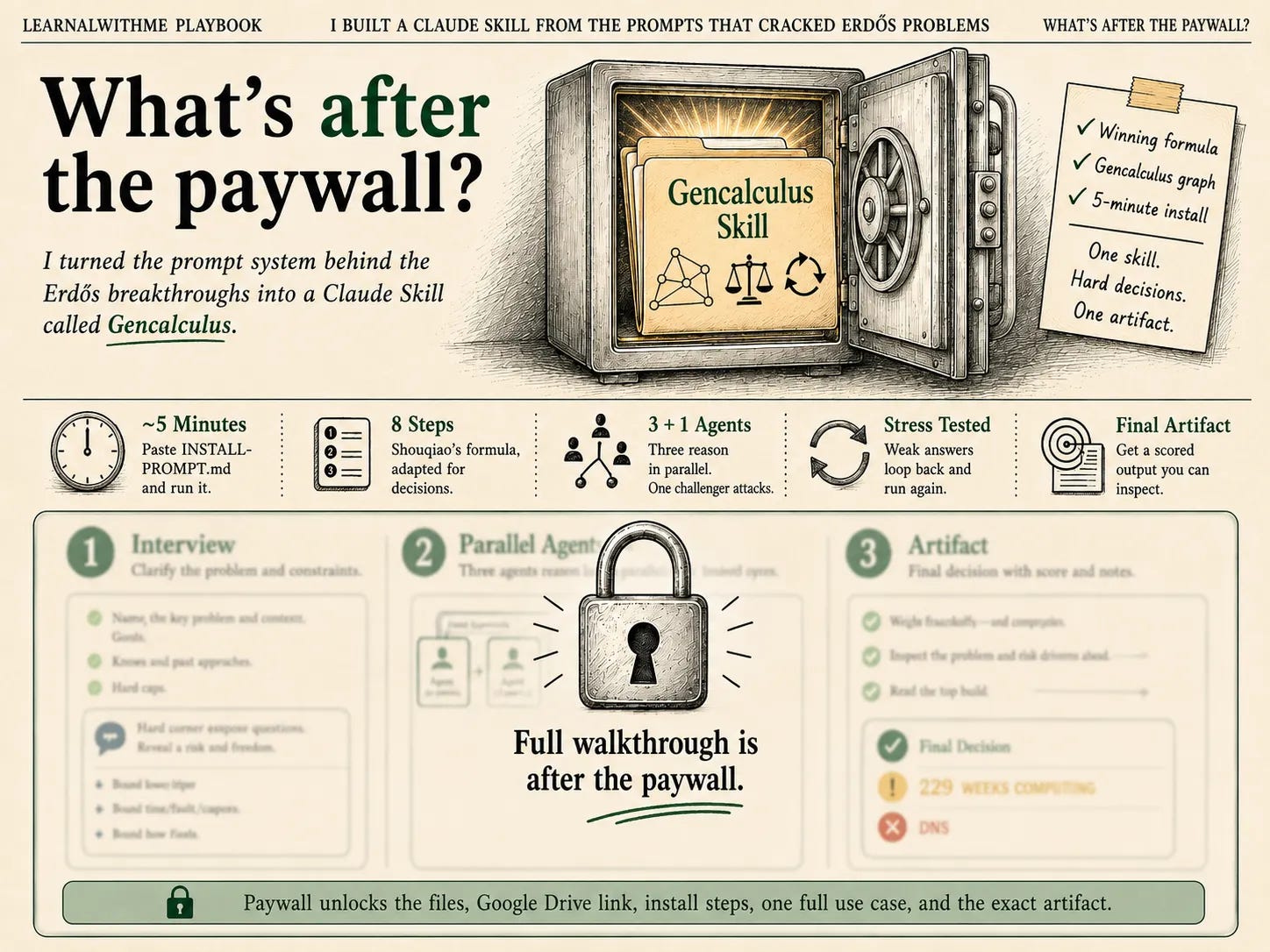
I turned the prompts that solved six Erdős problems into a Claude Skill for hard decisions. Three agents, one challenger, five-minute install. See the build.

Paul Erdős is the mathematician who created thousands of unsolved mathematical problems.
Most of them are still unsolved.
But a couple of days ago, a PhD candidate from Columbia University claimed that he solved six Erdős problems in five days using GPT-5.6 Sol.
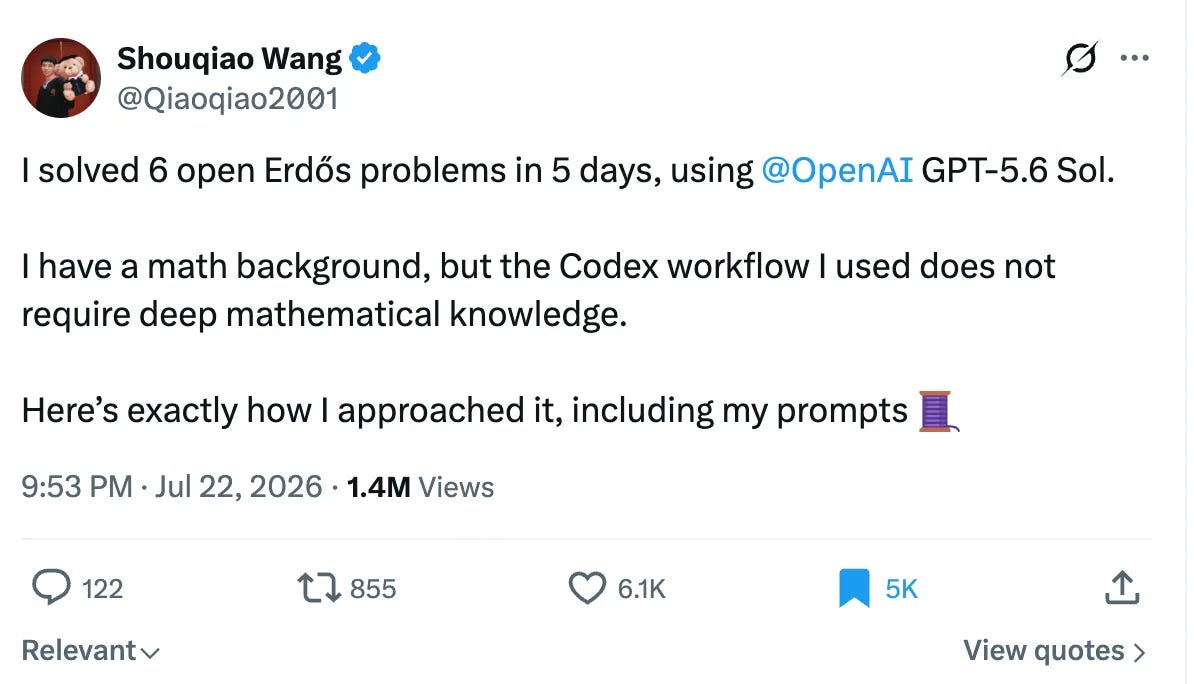
And he shared the methodology, including his prompts.
If these prompts are powerful enough to solve decades-old unsolved mathematical problems, I wonder if this system can be applied to other problems.
Because essentially, you can turn everything into a math equation.
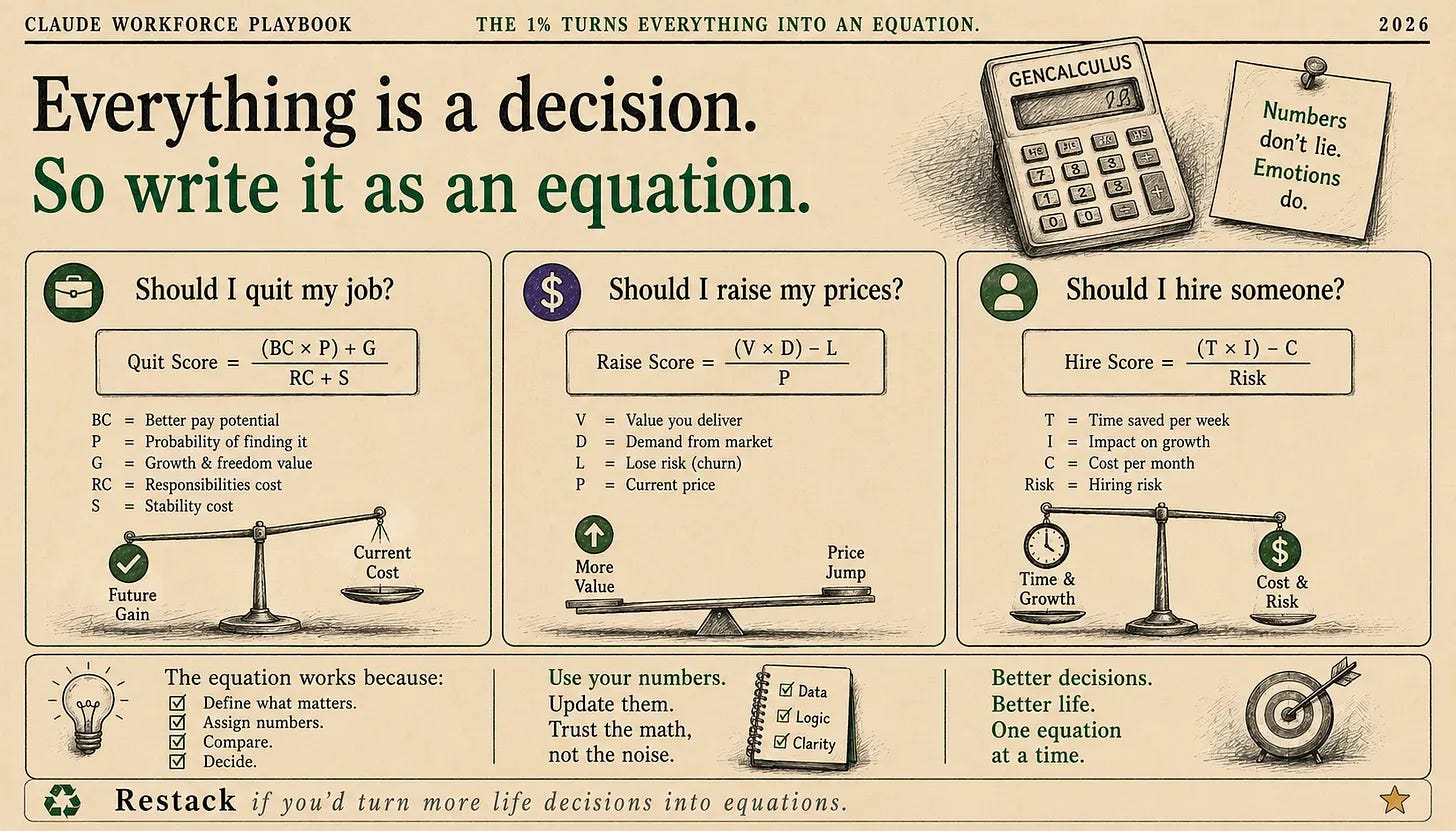
Let’s be honest: if you found a better-paying job with twice the salary, would not you quit?
We both know the answer.
But the questions ahead of us may not have such clear answers.
That’s why I needed his system to guide me.
So I turned it into a Claude Skill that I could use whenever I had to make a hard call.
I called it the Gencalculus.
(In middle school, my friends called me that. I solved math problems in my head faster than they could write them down. Gen + calculus.
The name stuck for years.)
I’ll show you what I built, but first, let me show you the winning formula of Shouqiao.
The Winning Formula
Shouqiao wrote six prompts to solve these questions, and all six follow the same eight steps.
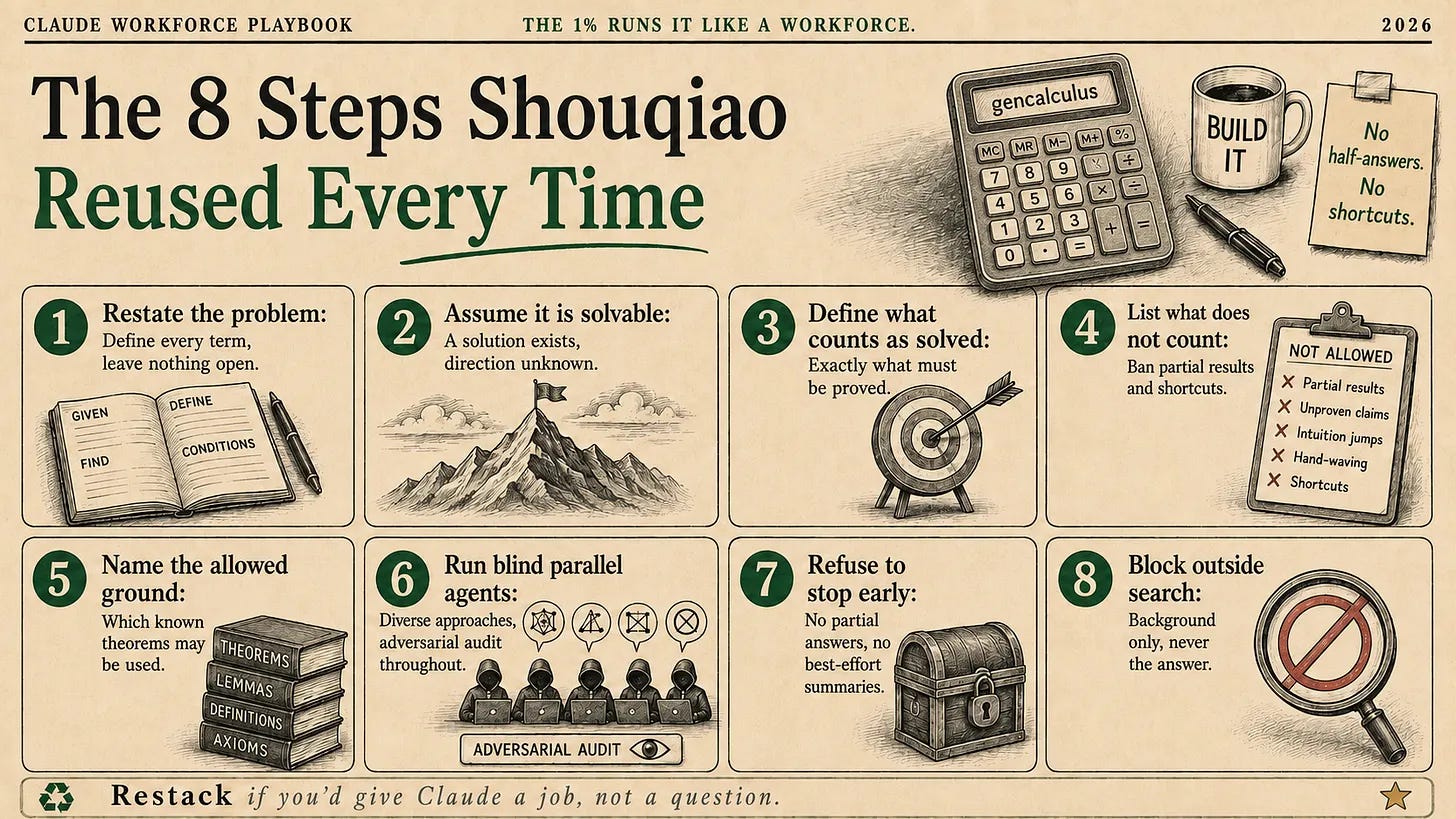
I read every prompt he wrote; their structure looks almost identical.
That’s why I followed the same eight steps and added an interview in front of them.
Because your problem is probably not a math problem.
Should I quit my job?
Should I raise my prices?
Should I hire someone?
So the interview turns them into options with a deadline and numbers attached.
Let me show you what I built.
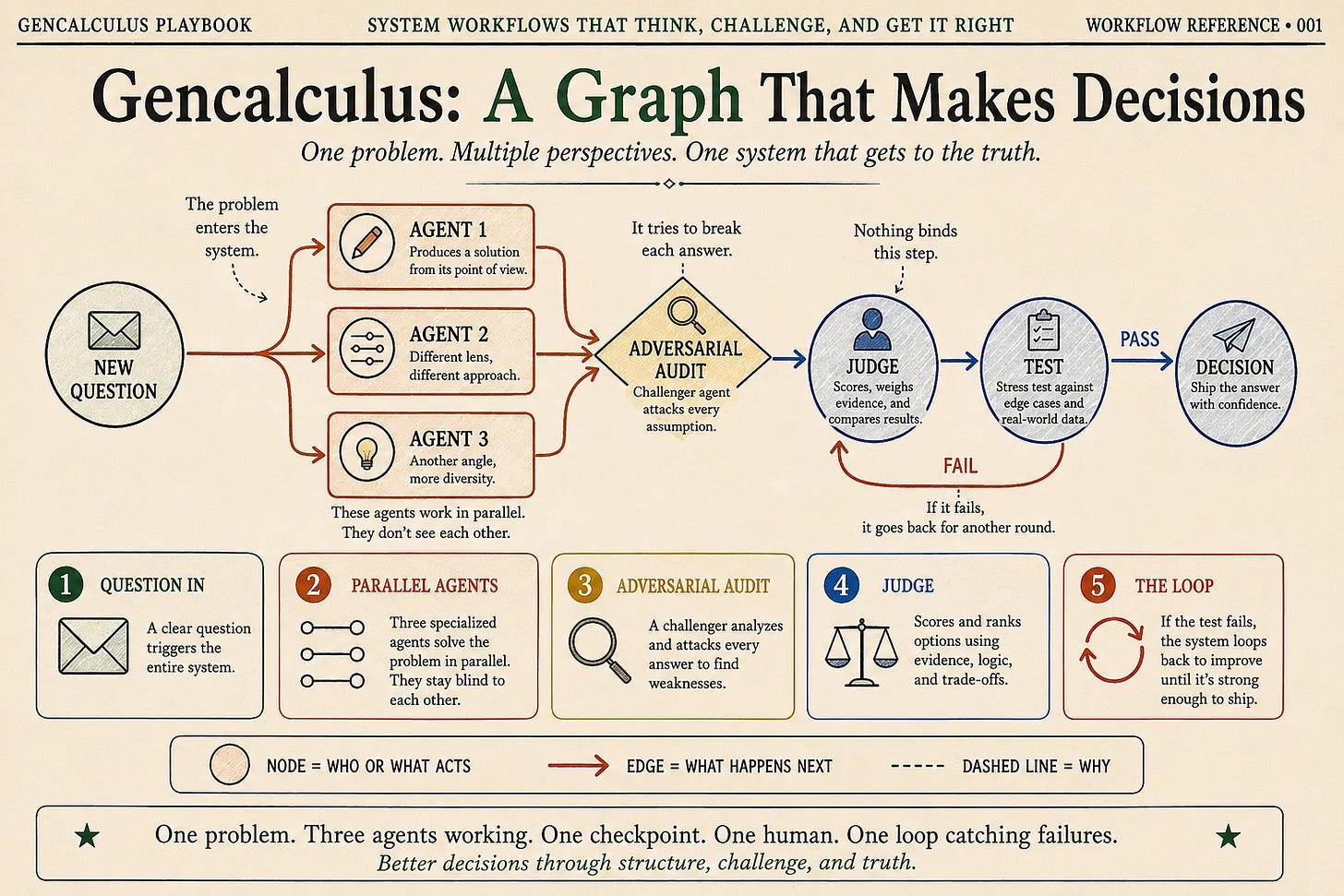
Gencalculus Skill: A Graph That Makes Decisions
Now, let me show you how this Claude skill works as a graph.
When you ask a question, it creates three agents and a challenger that tries to break every answer.
The three agents work in parallel and never see each other, so they cannot all land on the same wrong idea.
Whatever survives the challenger gets scored and stress tested. If it fails, the whole thing loops back and runs again.
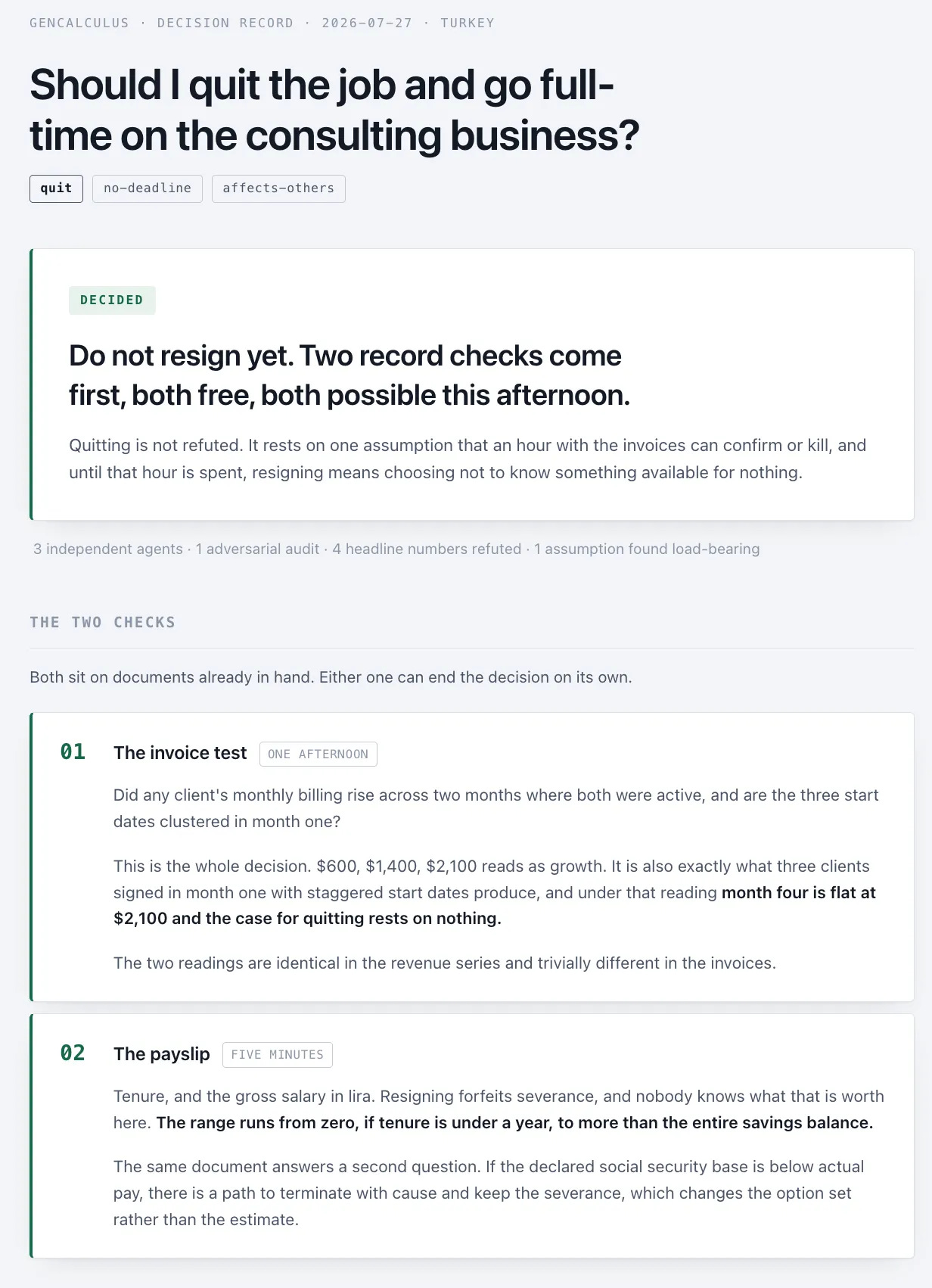
And the Gencalculus skill builds a Claude Code artifact at the end, so you can see the results, like this.
How to install everything in 5 minutes?
I give you a link to the GDrive, which includes all files.
After downloading this skill, open your Claude App and paste the “INSTALL-PROMPT.md” prompt.
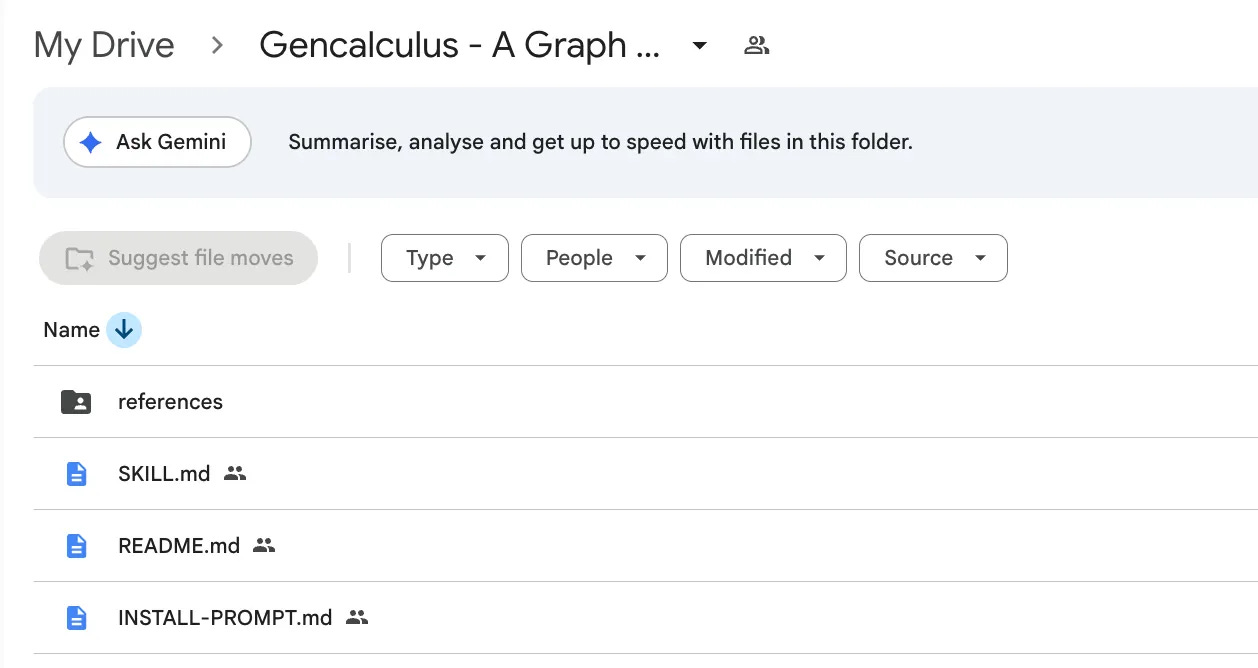
And you will be done in 5 minutes.
After the paywall, I’ll walk through one of my own use cases, show the complete artifact, and explain how it works so you can adapt it to your own use case.
But first, here’s the Google Drive link.