
Y Combinator Pays $500K to Build These 13 Apps. I Built #1 With Claude Code and NotebookLM
The Moat Breaker skill researches rivals, trains a NotebookLM, then three agents build your app in Claude Code. 5-minute install, files and demo app included.

While scrolling through X, I came across a post called “YC Requests for Startups.” It listed 13 startup ideas.
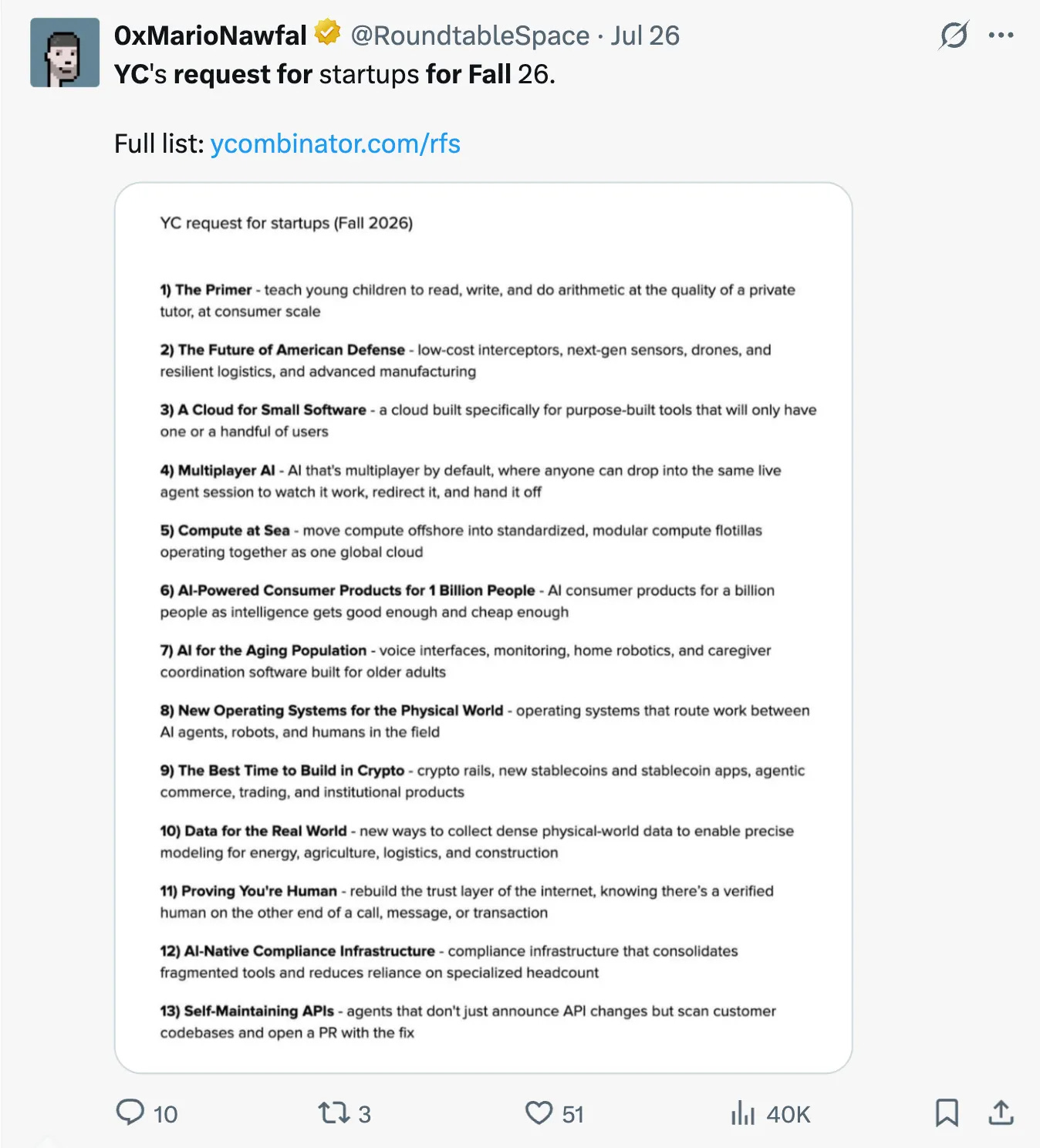
As someone who enjoys building things with AI, it immediately caught my attention. But I did not know about Y Combinator.
It turns out Y Combinator (YC) is one of the world’s best-known startup accelerators.
They invest in early-stage startups, typically $500,000 per company.
And they often share lists showing expectations from developers.
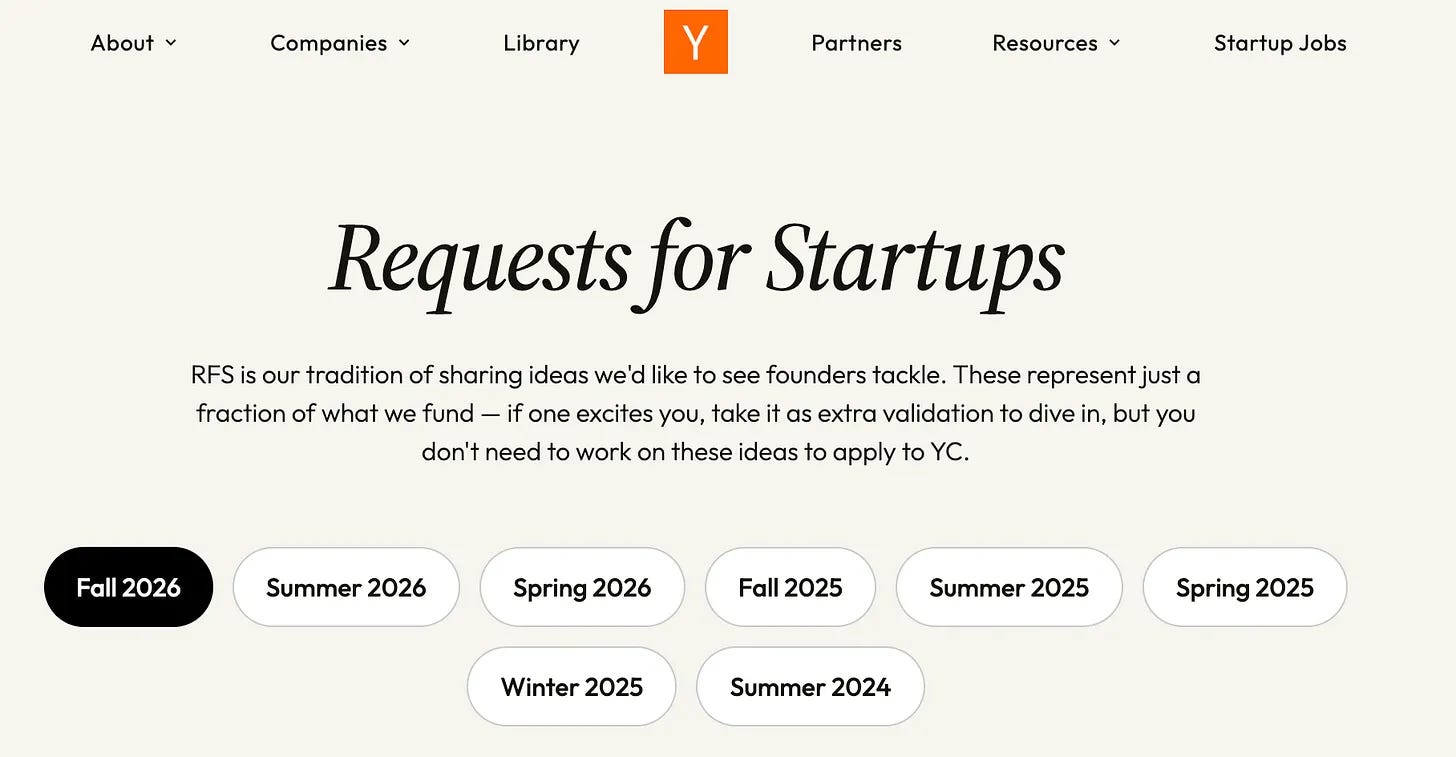
So, I picked one of the ideas and built it.
But there is more for you.
I also created a skill for you.
So you can build anything you want.
One sentence enough.
But why should you use this skill instead of telling Claude what to build?
Because this skill first researches the industry, finds gaps, and builds.
So the app will be better than your rivals.
Let me show you the skill first.
The Moat Breaker
This Claude Skill first searches the web and finds your rivals.
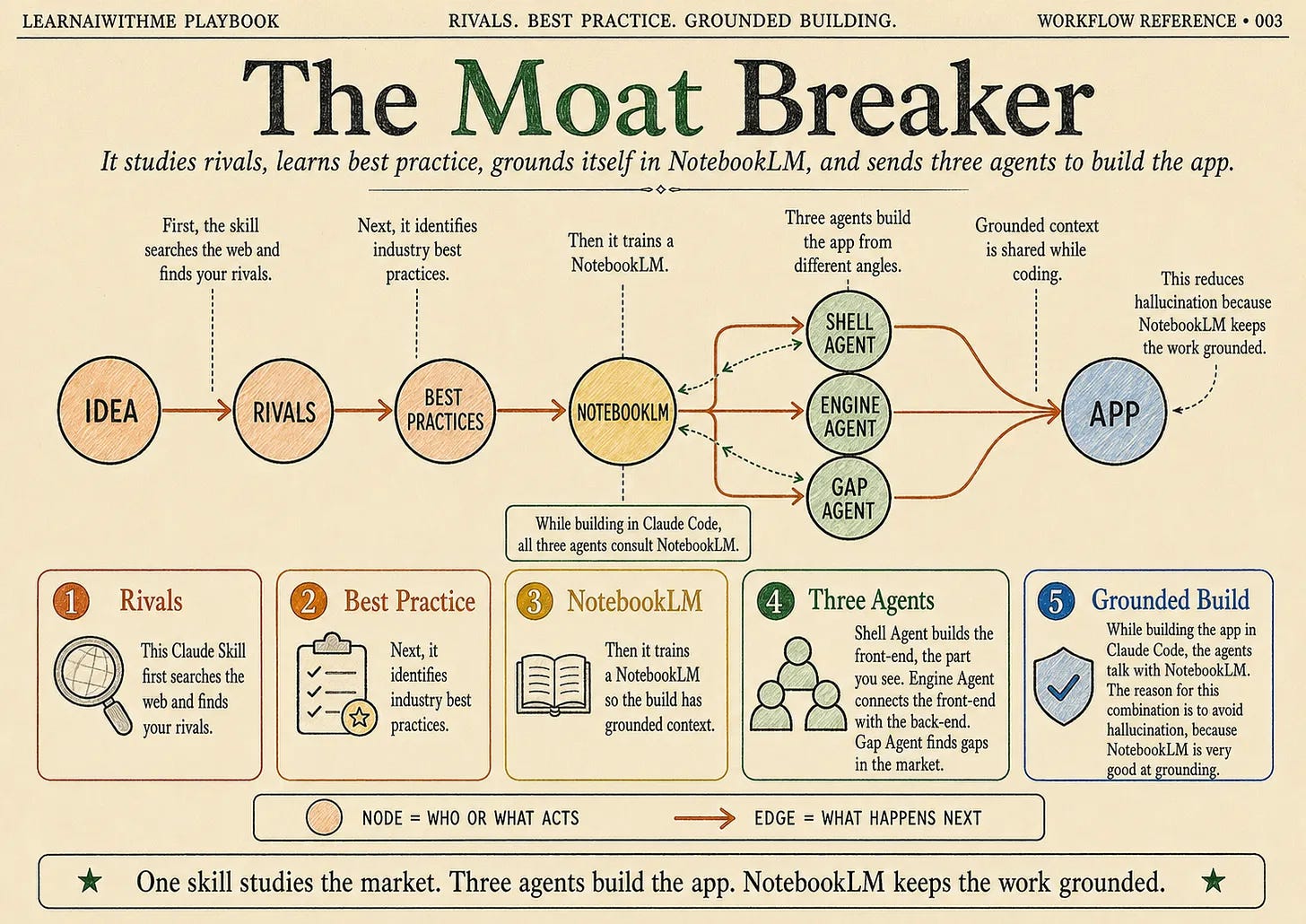
Next, it identifies industry best practices.
And trains a notebookLM.
Next, it creates 3 agents, dedicated to building this app.
Shell Agent: Build the front-end of the page, the part you see.
Engine Agent: Connects the front-end with the back-end, works like an engine.
Gap Agent: Find gaps in the market.
And while building an app on Claude Code, these agents talk with NotebookLM.
The reason for this Claude Code and NotebookLM combination is to avoid hallucination.
Because NotebookLM is very good at grounding.
And I’ll show you what I built next.
The Primer
I gamify the entire process.
To join the game and start learning, you will need to answer a few questions.
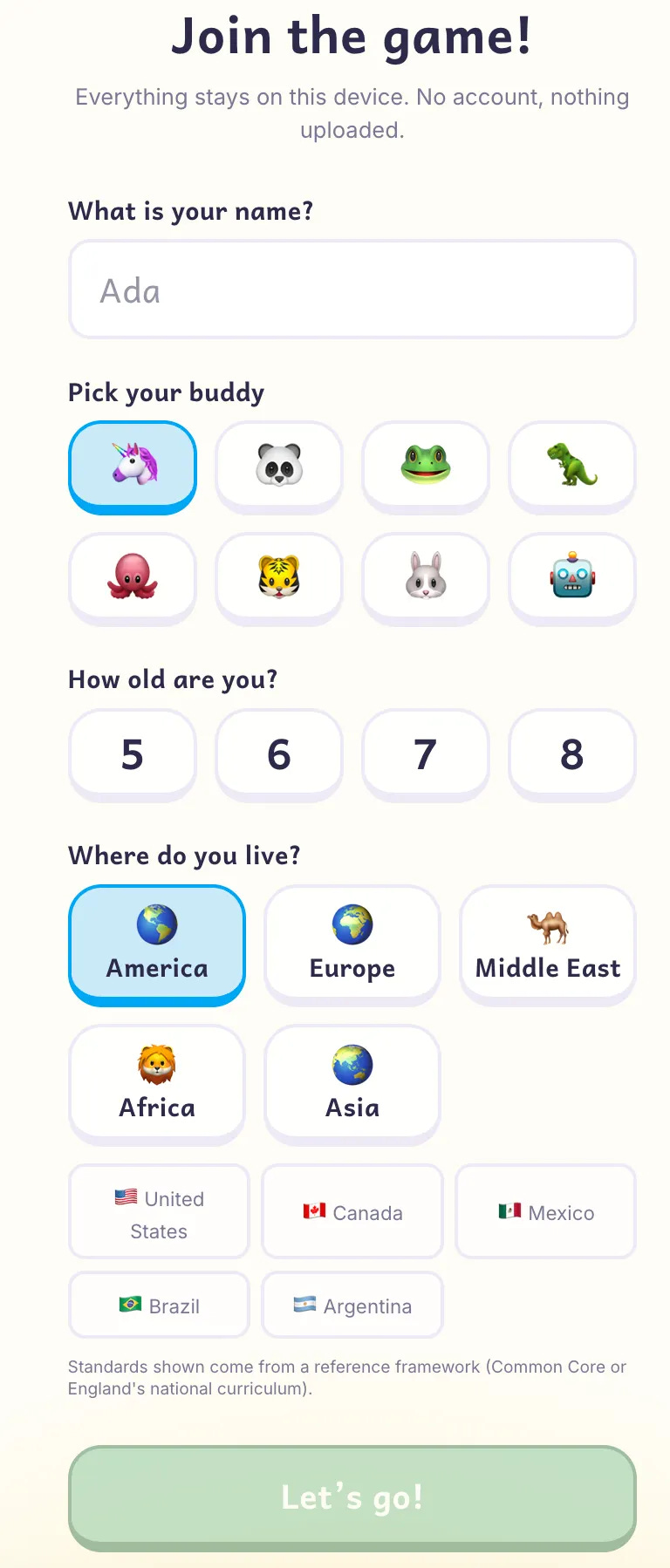
Once you fill in the information, your profile is ready.
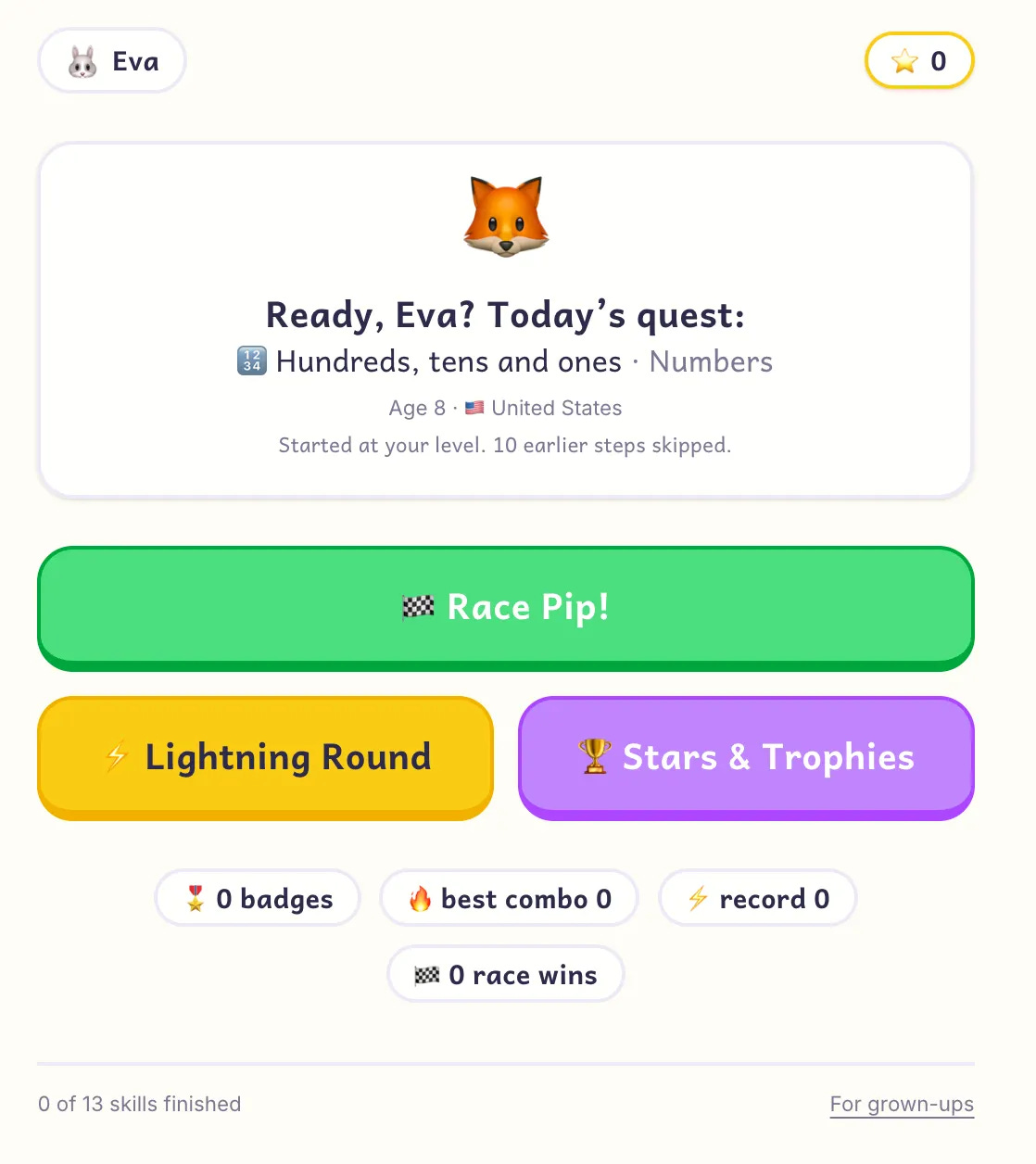
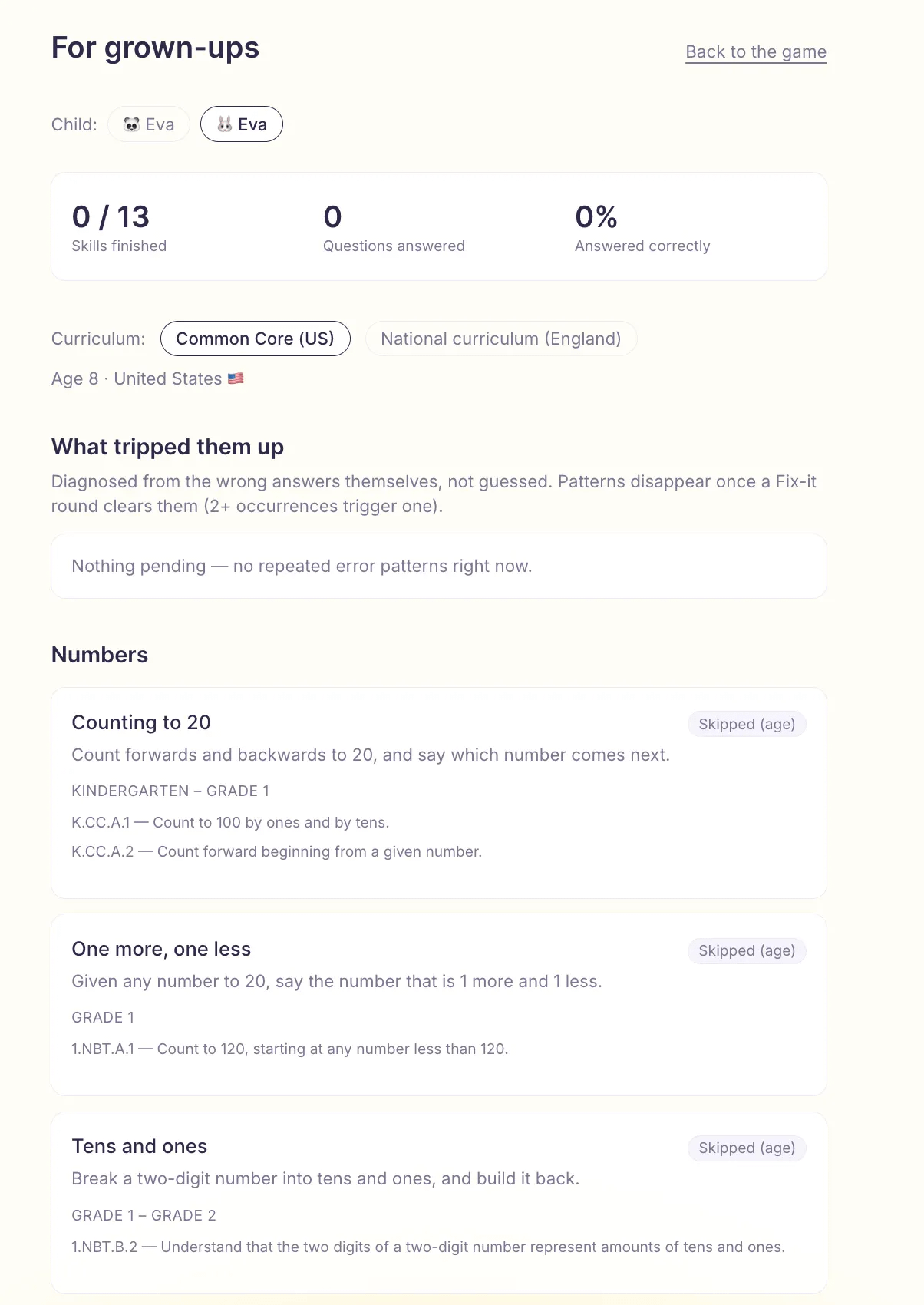
When you click on “For grown-ups”, you see the progress, the exact curriculum standard behind every skill, and what actually tripped your child up.
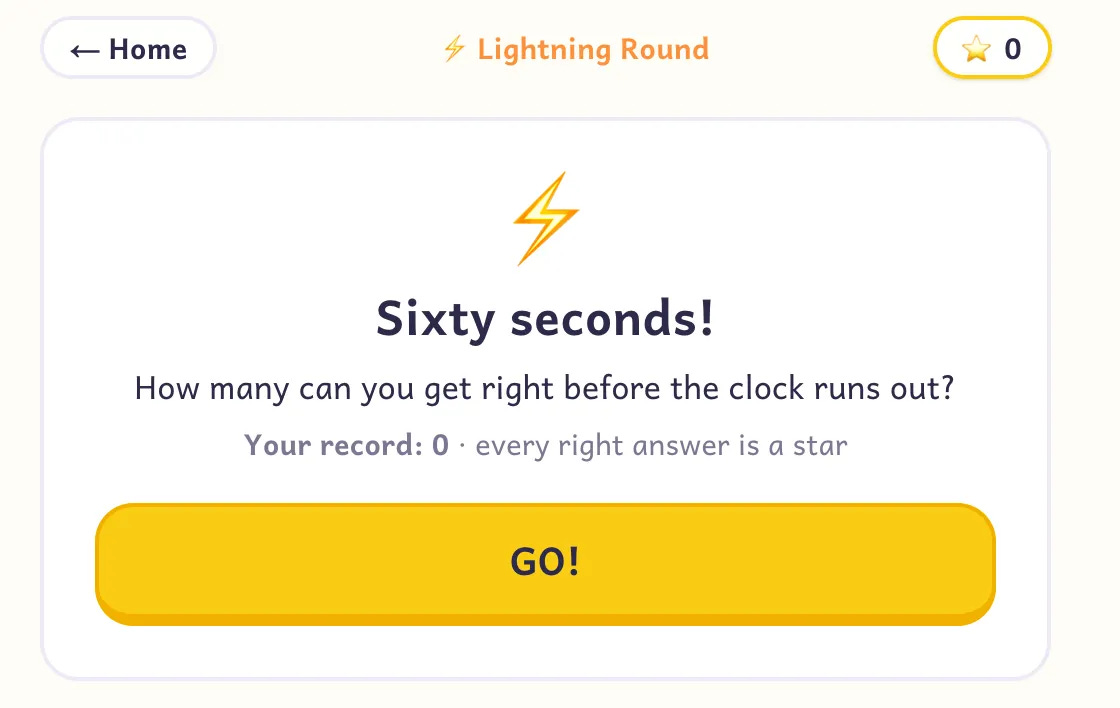
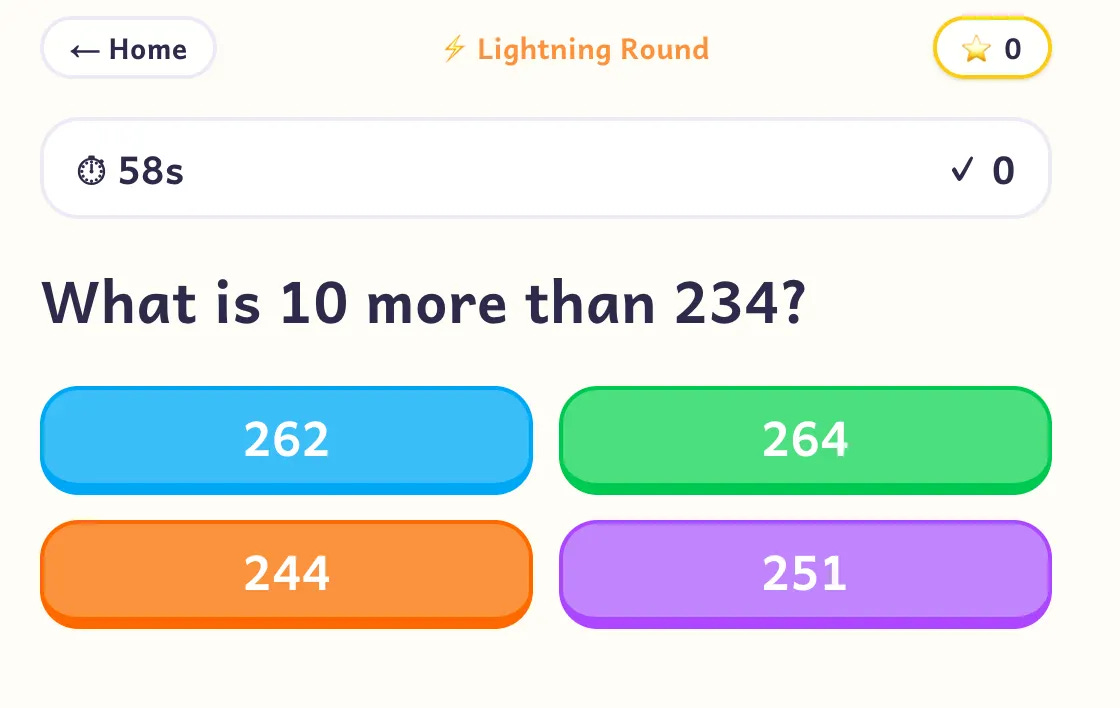
You get sixty seconds, and every right answer earns a star, in the lightning mode.
Questions come one after another with four big colorful buttons, no typing, just tap and go.
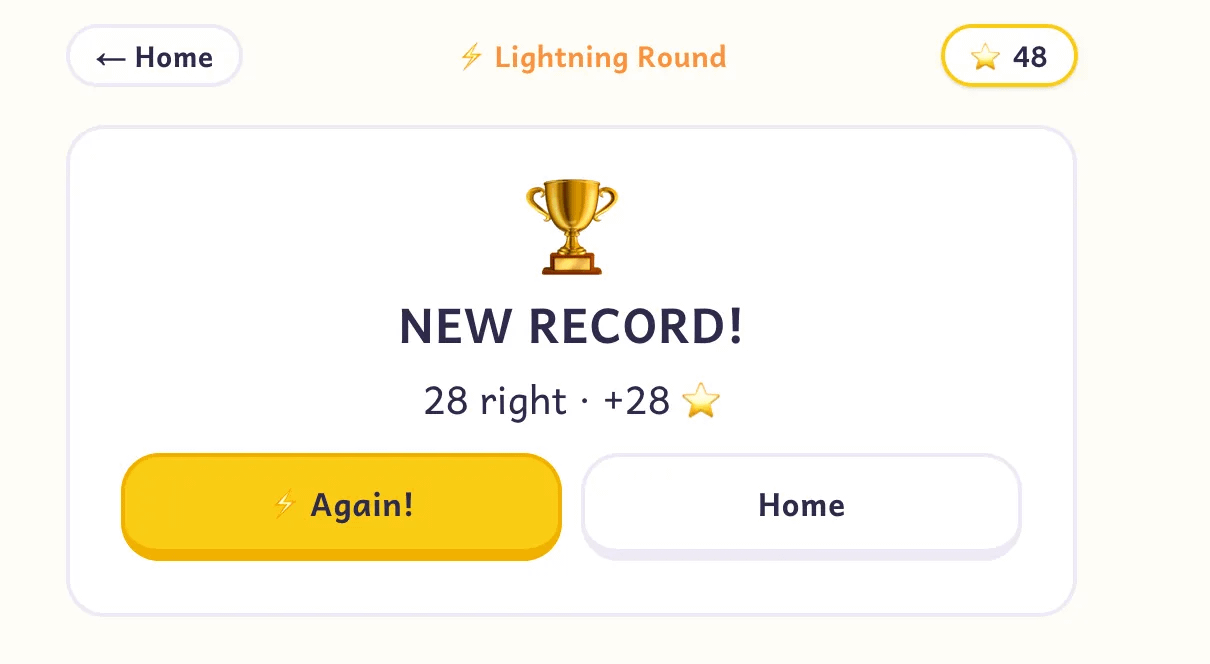
Eva got 28 correct answers in one minute (I did it for her; she is only 2 months old 🙂), setting a new record and earning 28 stars for the bank.
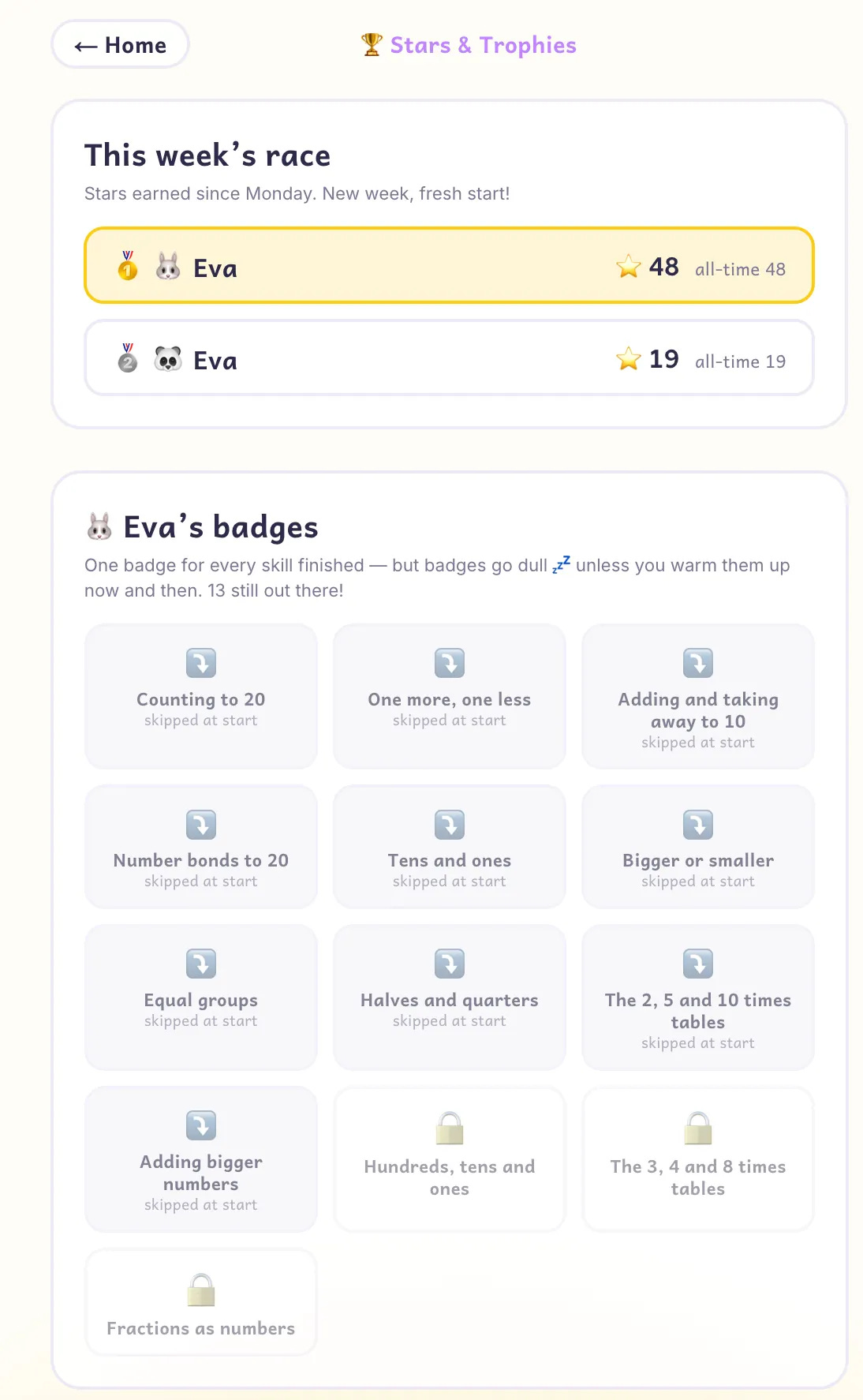
And Eva has badges, which makes the entire process more exciting.
Another mode is racing Pip the fox, where every right answer moves you one step closer to the flag.
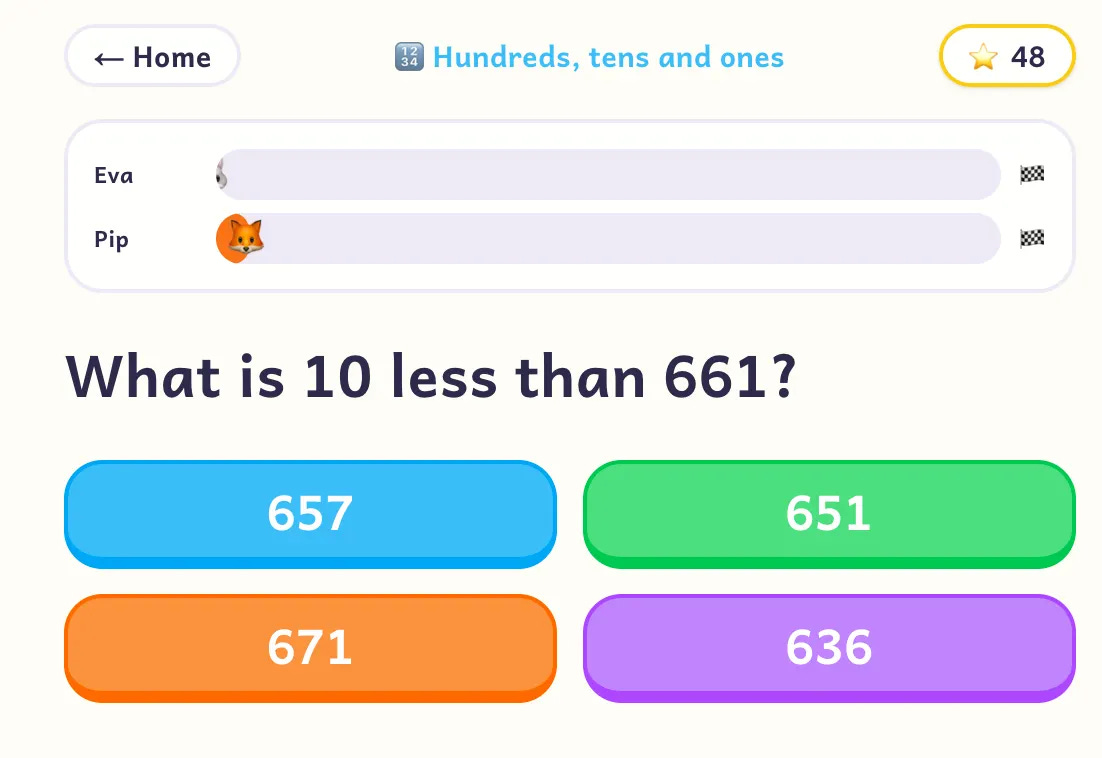
After each answer, the tutor explains the why in one kid-sized sentence, like a private teacher sitting next to you.

Win the race and everything lands at once, bonus stars, a new badge, and Pip asking for a rematch.
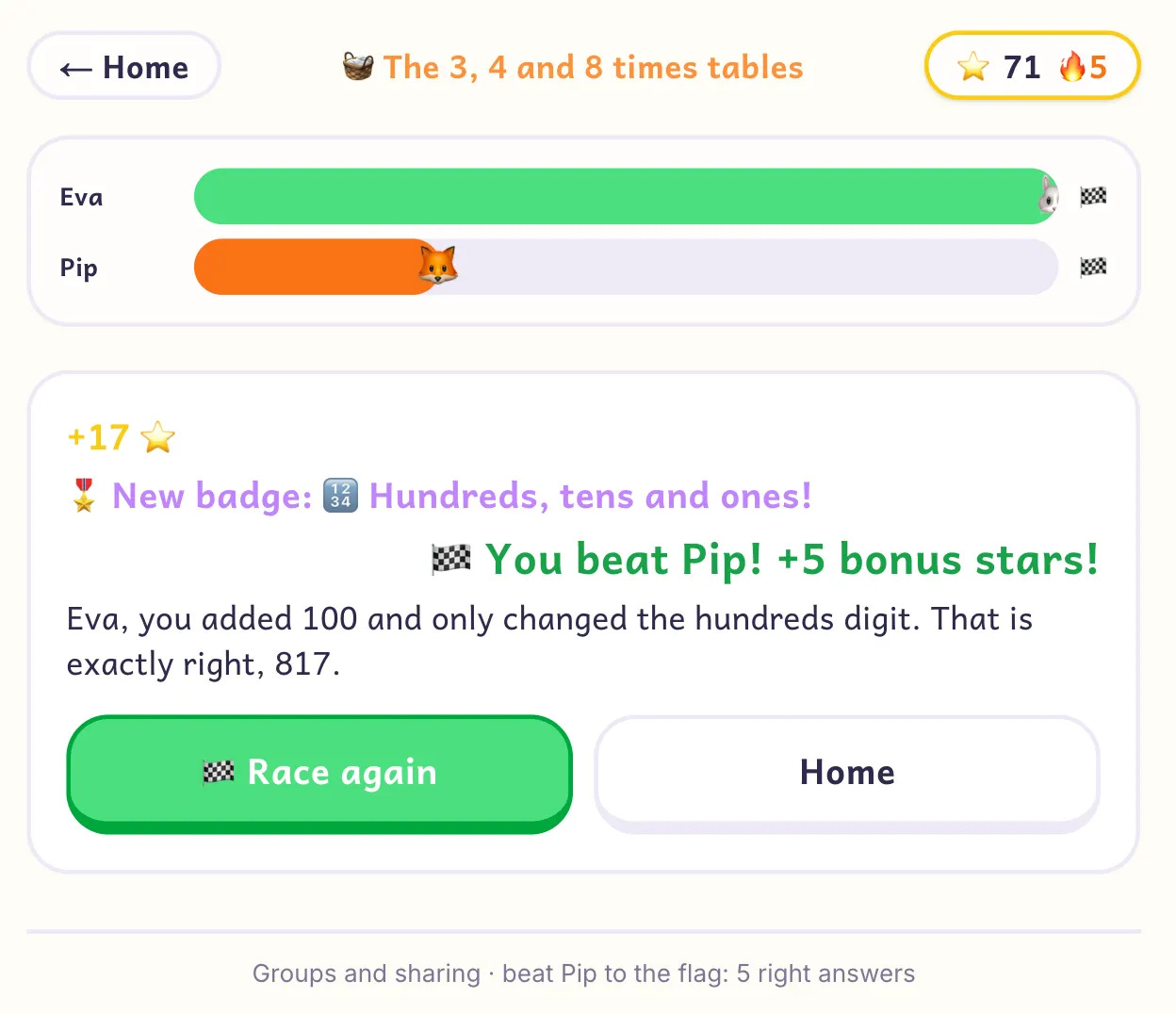
Now, this is the app I built with it. But you can build any app you want.
I also added this app’s files to the Vault, so you can download them, submit the app to YC, turn it into a product, or let your son or daughter use it. Your choice.
The Installation of The Moat Breaker in 5 Minutes
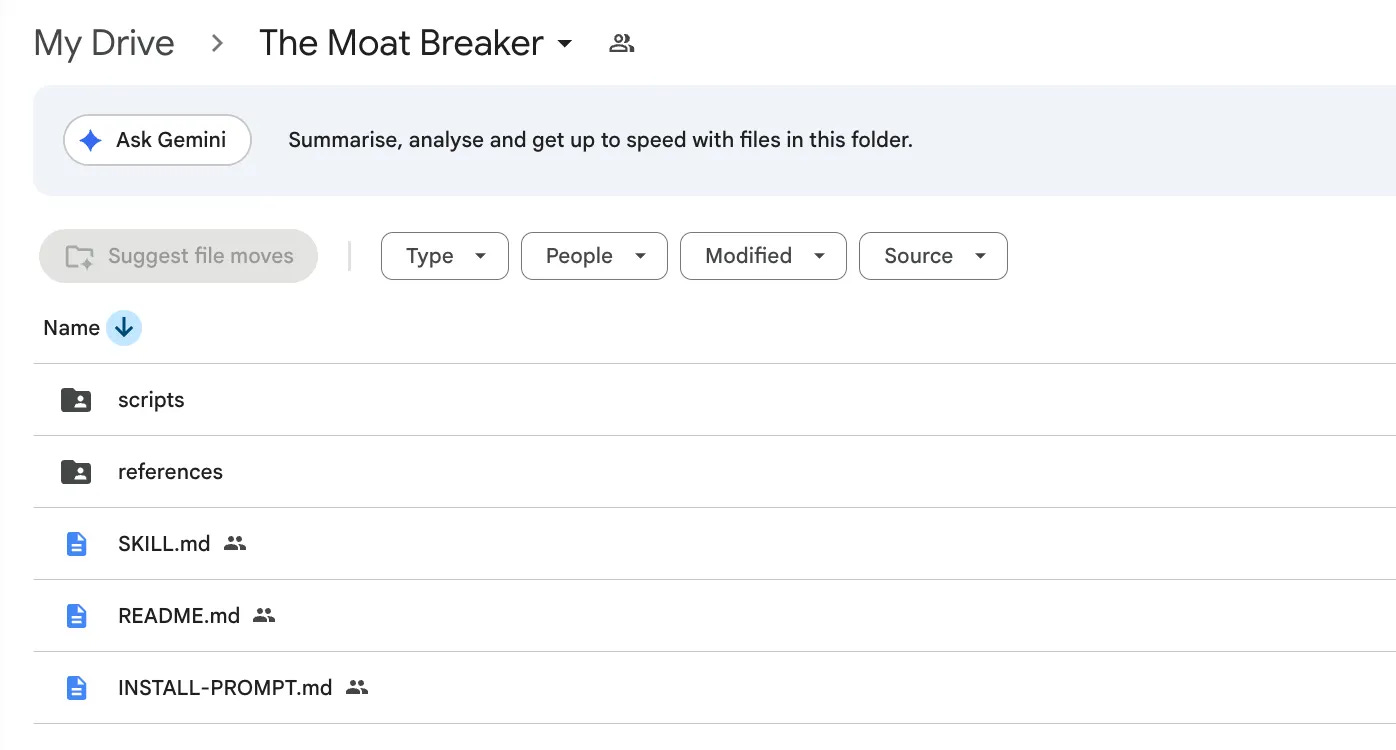
Here are the everything inside the Google Drive, including the single prompt that will install everything for you.
Download the folder, paste the prompt, and let it install everything on your PC.
Next, describe any app you want in one sentence, build it, and apply to YC. If you get accepted, definitely let me know.
Here is the Google Drive link.