


You use ChatGPT every day.
But you’ve barely scratched the surface.
OpenAI added dozens of features you won’t find on the main screen. Scheduled tasks that run while you sleep. Group chats where you and your friends can talk to the same AI. Codex, which builds AI agents without writing a single line of code. A memory system that knows you and remembers your preferences. Even a hidden app store.
These features aren’t secret. But nobody talks about them.
I picked 7. I’ll walk you through each one.
Let’s go.
1. Scheduling: AI Works Overnight?
This is hands down the most overlooked feature in ChatGPT, yet one of the most powerful.
Let’s say you wake up, open your computer, and your personalized AI briefing is waiting for you. No searching, no prompting, just ready-to-read insights.
How does it work?
Simply tell ChatGPT what you want and when. For example:
Send me AI news each morning
That’s it. ChatGPT automatically detects this as a scheduled task. You’ll see a confirmation where you can customize the time, edit the request, or delete it entirely.
At 9:00 AM the next day, your AI news summary will be waiting for you: no action required on your part.
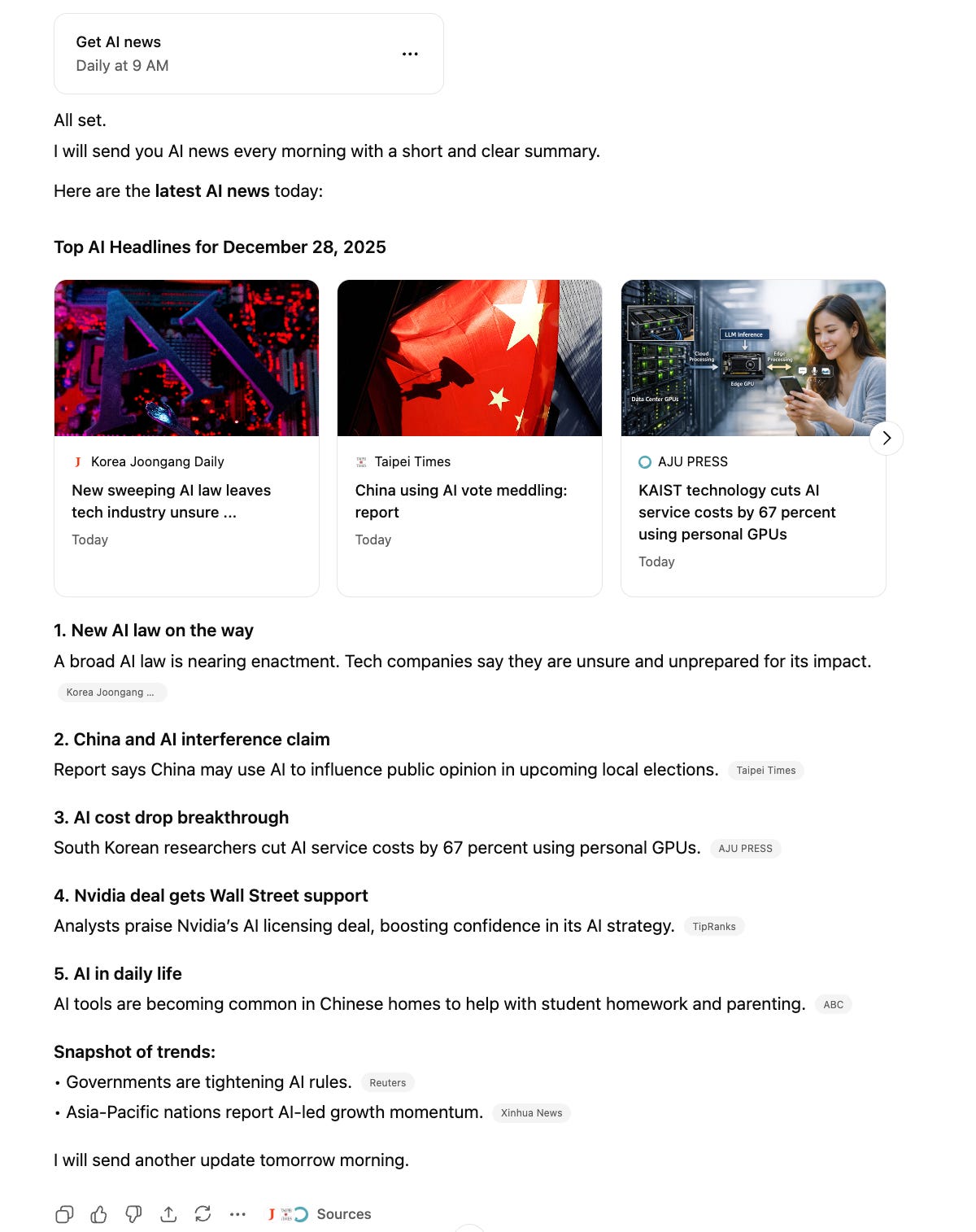
Why This Is a Game-Changer?
Think beyond news. Here’s what you can automate:
Daily motivation – “Send me an inspiring quote every morning.”
Learning habits – “Teach me one new Spanish phrase each day.”
Market updates – “Summarize crypto news every evening.”
Any feedback? Fill out this form, and each month, I’ll send a free subscription to those who contribute the most.
2- Group chat: Invite your friends or colleagues
Want to brainstorm with your team?
Get feedback from a friend? Now you can invite anyone into your ChatGPT conversation in real-time.
How to Start a Group Chat?
Step 1: Click on Start a group chat in the top right corner of your screen.

Step 2: Copy the shareable link and send it to whoever you want to invite: colleagues, friends, classmates, or anyone.
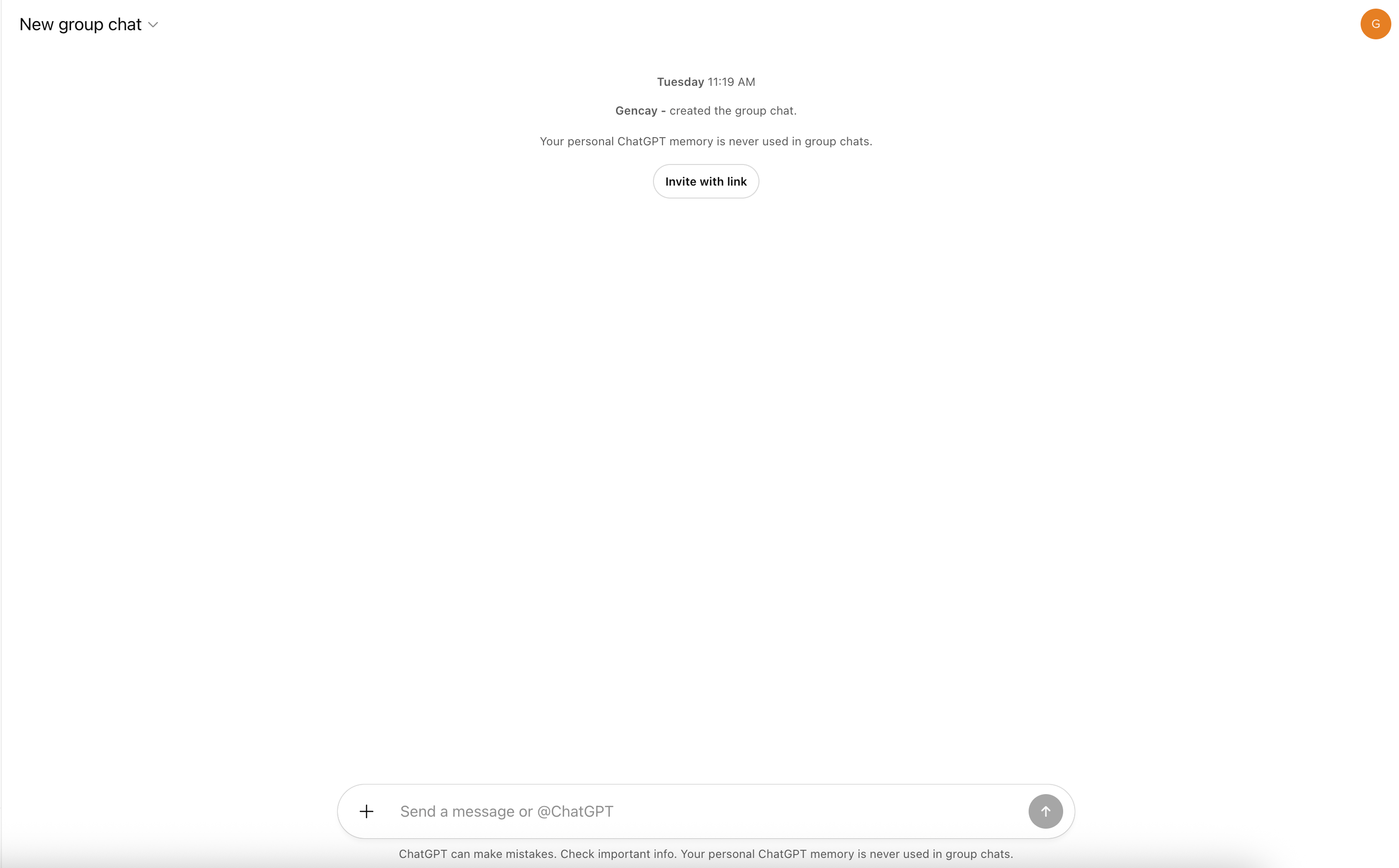
Step 3: Start chatting. In my example, I asked ChatGPT to catch me up on the latest AI news.
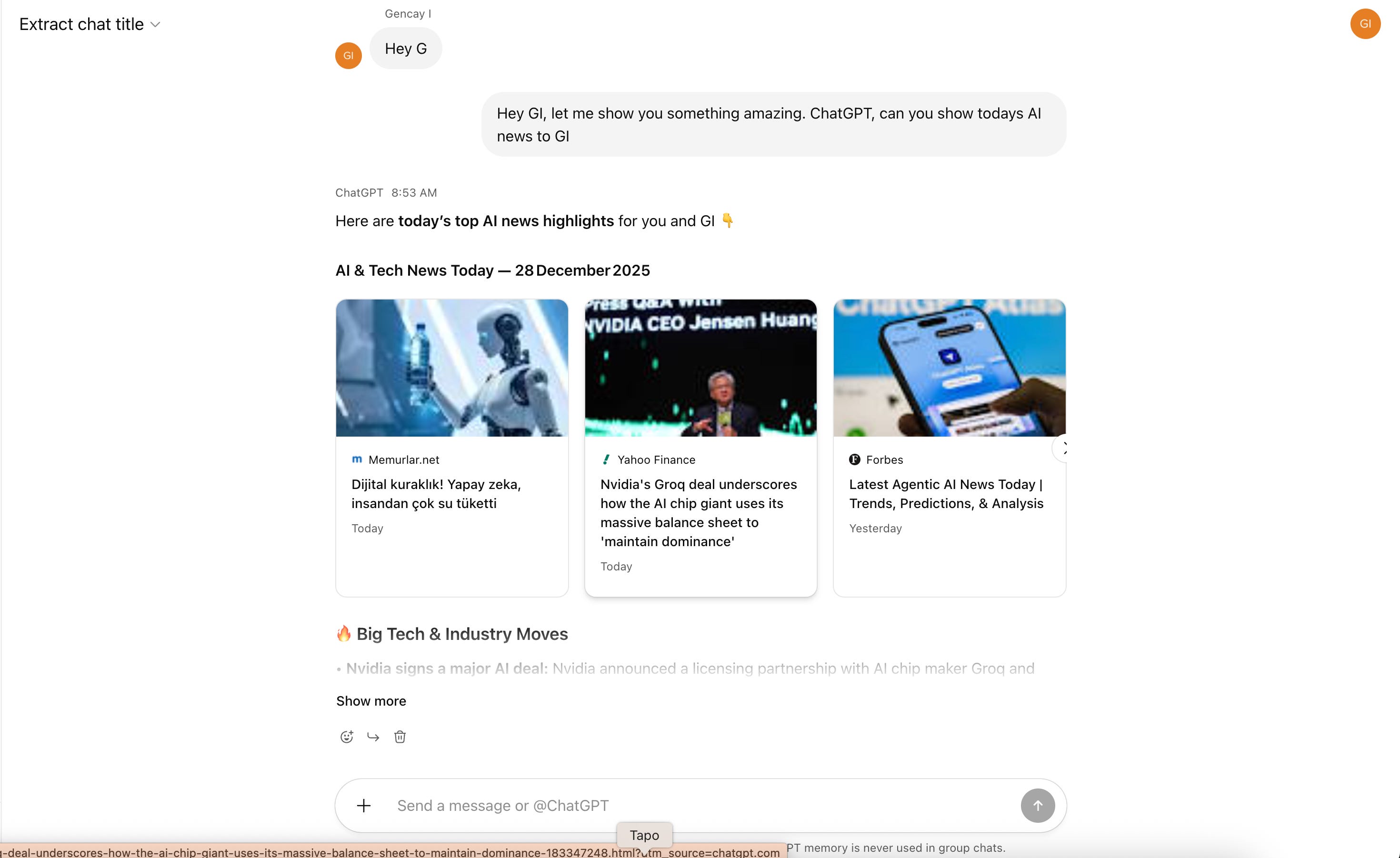
Once your friend joins, both of you can interact with ChatGPT in the same conversation. Ask follow-up questions, build on each other’s ideas, or just explore a topic together.

Why This Matters?
Think about the possibilities:
Team meetings – Everyone can query ChatGPT together and see responses instantly
Study groups – Learn and explore topics as a group
Client calls – Walk through ideas with clients in real-time
3- Codex: Zero Code Agents
Claude Code is everywhere right now. I use it daily. But can you do the same thing with ChatGPT? Absolutely. Meet Codex.
How to install Codex?
It’s surprisingly simple. Open your terminal and follow these steps:
1- Install Codex.
npm i -g @openai/codex2 - Initiate Claude using the following code.
codex3 - Sign in to your ChatGPT account.
That’s it. You’re ready to build.
What’s next?
Let me walk you through creating a fully functional AI agent, no coding required.